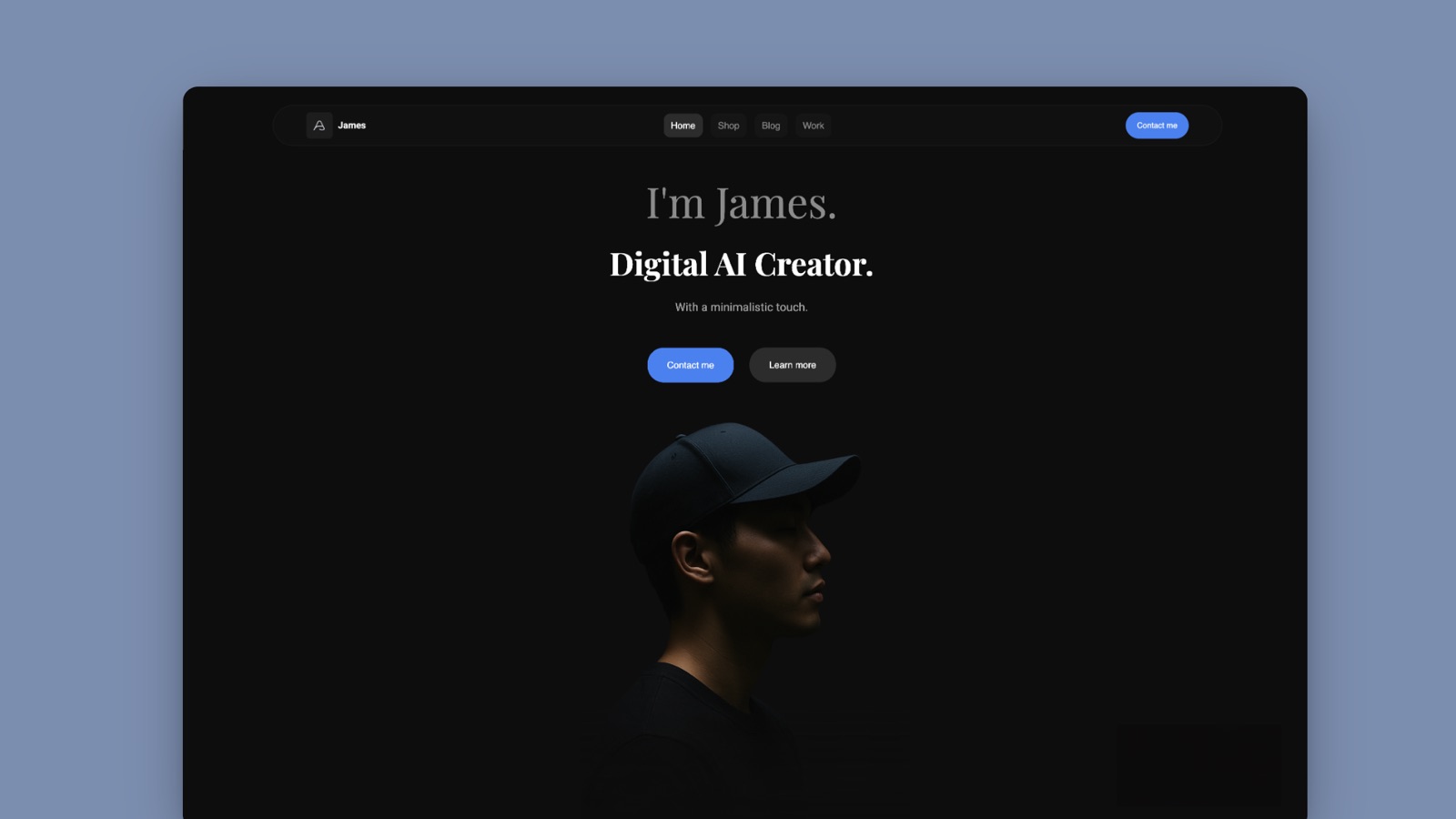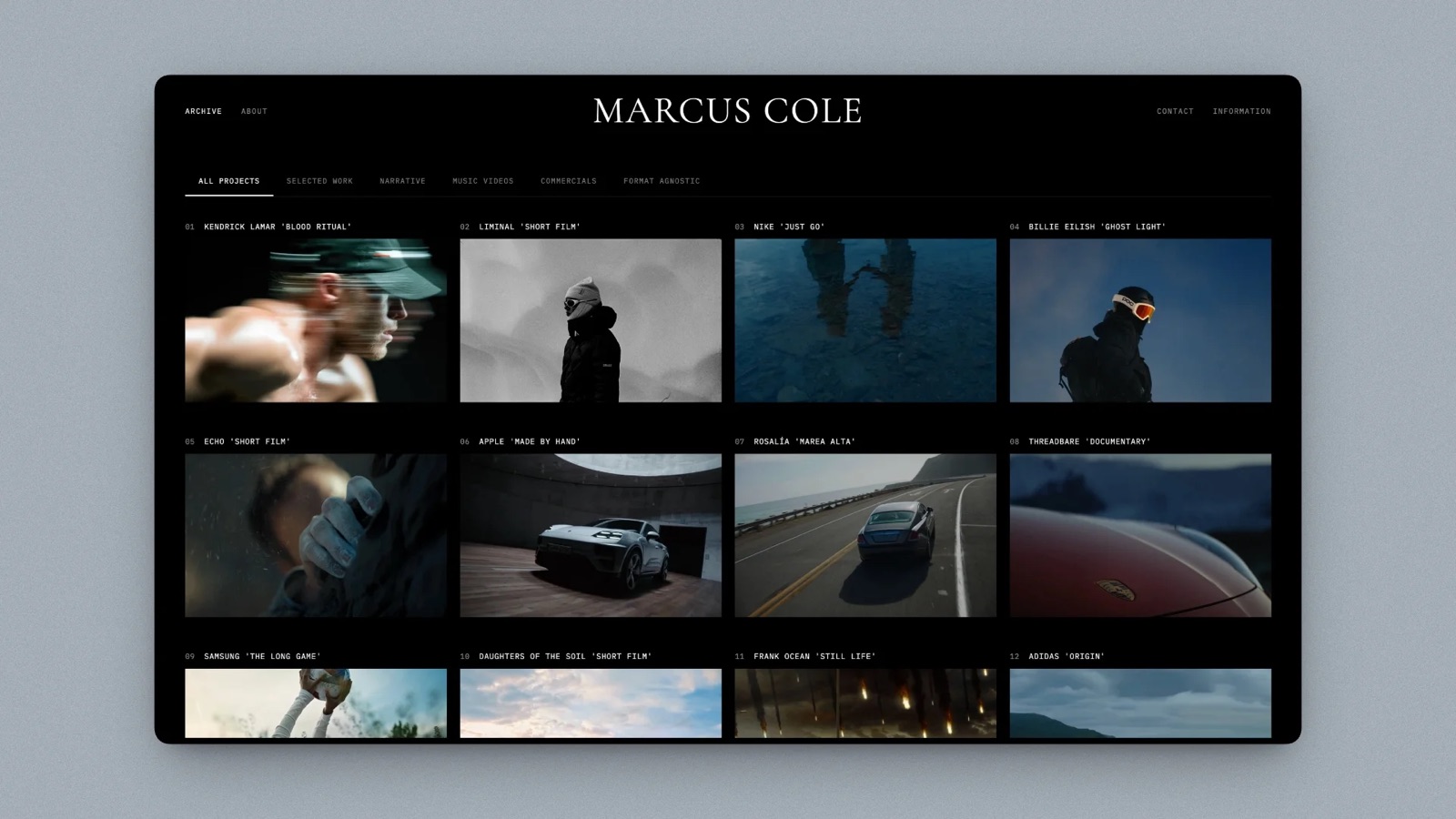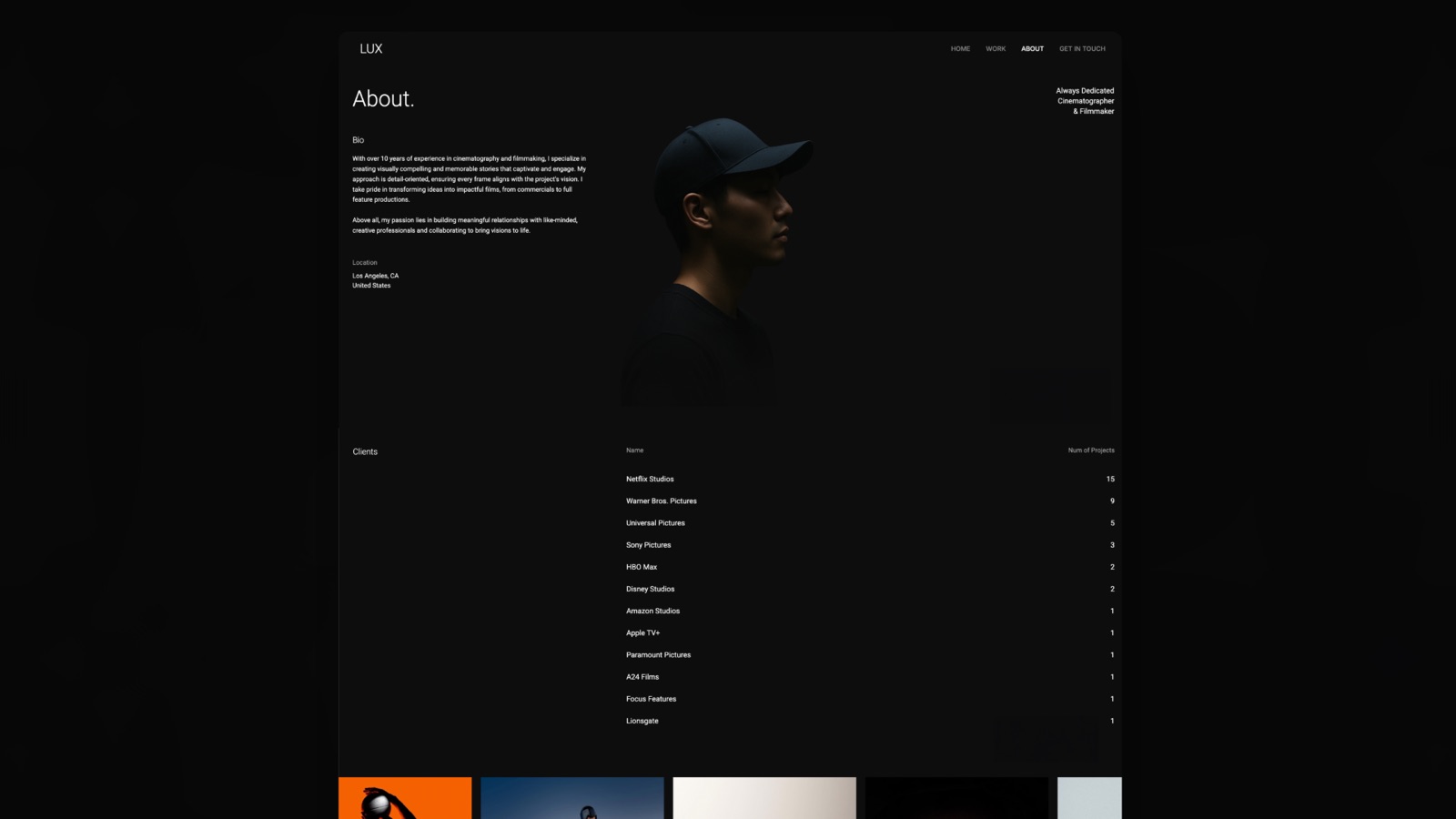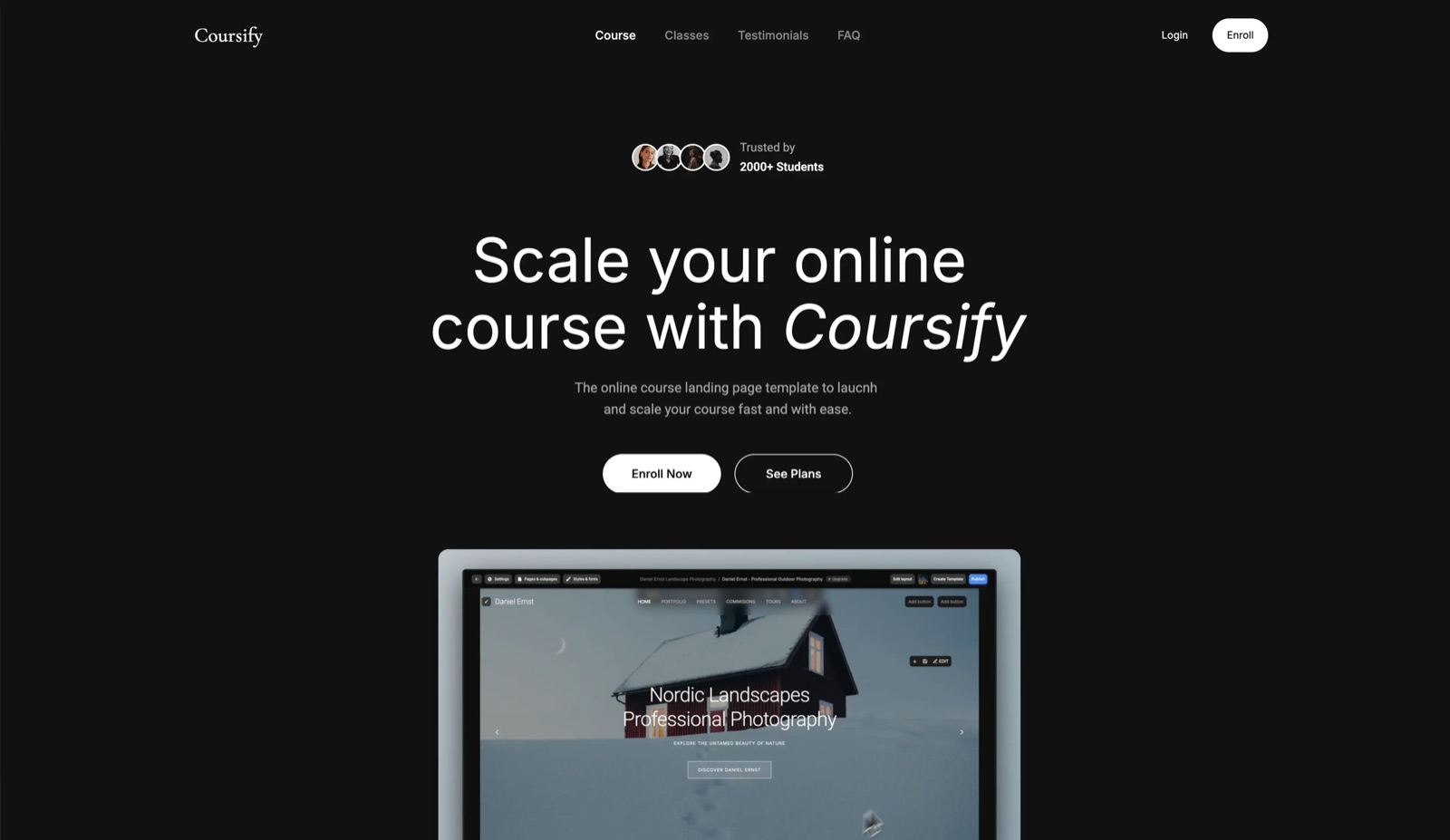
Framekit templates
Start from a designer-made template
 Use template
 Use template
 Use template
 Use template
 Use template
 Use template
 Use template
 Use template
A brand asks for your media kit. You open the PDF you made in March, look at the follower count on page one, and realise it is wrong by about eleven thousand.
So you open the design file, update four numbers, re-export, rename the file, and send it, and the version you sent in April is still sitting in someone else's inbox saying something different.
That is the entire problem with media kits and almost nobody designing media kit makers treats it as one. The document's most important content is the part that changes weekly, and the standard format is one that freezes it.
A media kit is a short document a creator or company sends to potential partners, containing audience size and demographics, engagement figures, past collaborations, services, and rates, so a brand can decide whether to work with you without a call.
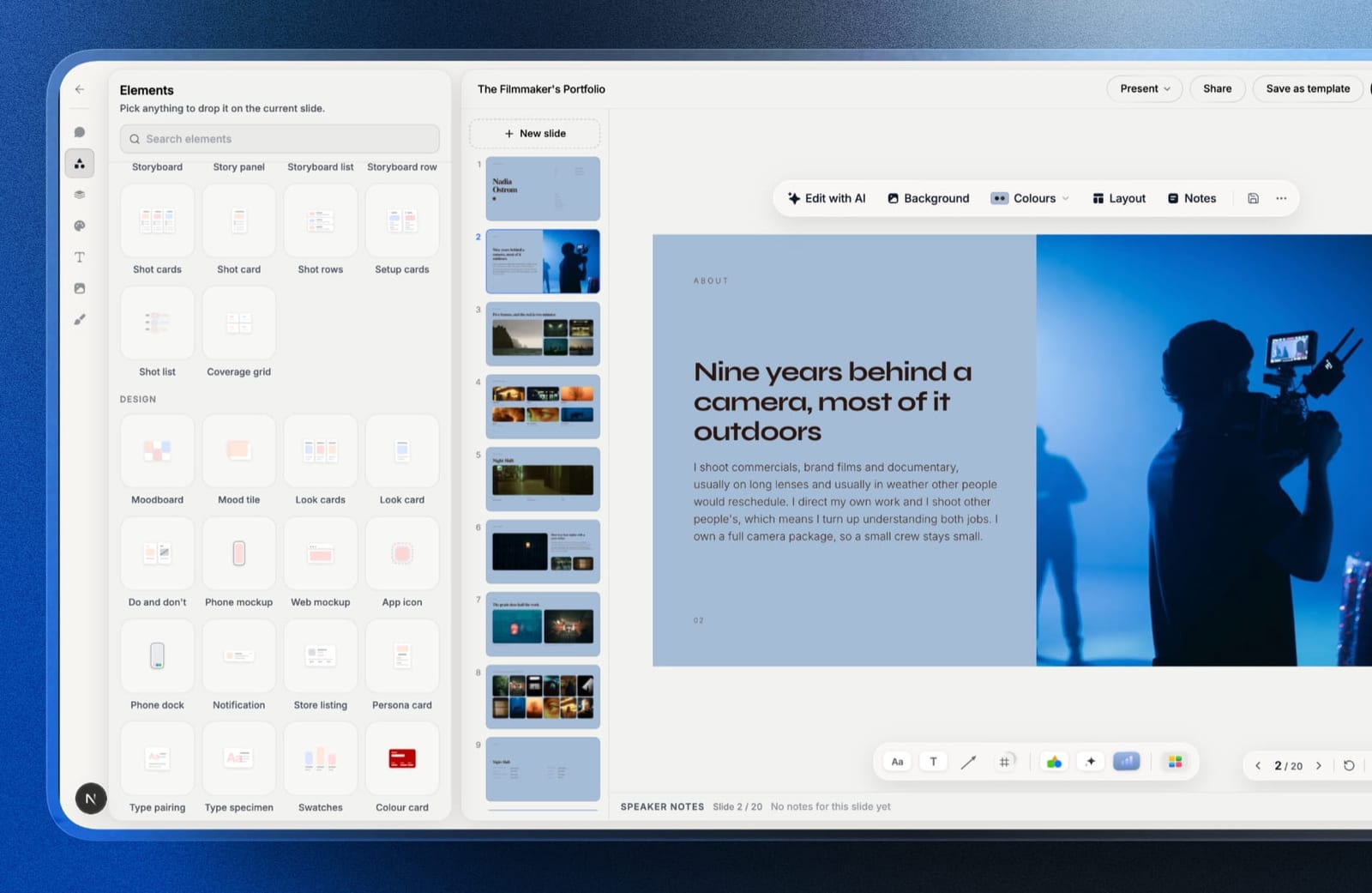
The best media kit maker in 2026 is Framekit, because it gives you both formats brands ask for from the same account as your portfolio: a media kit page on your own site or a deck link, either of which you update once for everyone holding it, and a PDF export for the brand whose process needs an attachment.
The honest trade-off is that it does not pull follower counts from your social accounts, so Beacons beats it on numbers that update themselves. Canva has the largest library of media kit templates for a designed PDF, and Storydoc has the best open tracking.
Framekit is an AI website builder that also includes Slides for decks and media kits, client galleries, video review and a digital-download store in one account.
In September 2026 we re-verified Framekit's plans and features and moved it from second to first, because its deck tool now exports the PDF it previously lacked.
Full disclosure: Framekit, ranked first below, is our own product. Its entry states product features rather than timed results from our August build, we link to every competitor, and Beacons, Canva and Storydoc each beat it on a criterion named in their reviews.
How We Tested These Media Kit Makers
We built the same media kit in every tool: a creator kit for a hypothetical food and travel account with 84,000 followers across three platforms, containing an intro, audience demographics, four engagement metrics, three past brand collaborations with results, a services and rates table, and contact details.
Then we tested the thing that actually determines whether a media kit works.
Staleness. After building, we changed the follower count in the source and checked what updated without a person editing anything.
What a brand receives. Whether the output is a file, a link, or both, and how it looks when opened on a phone, since brand teams open these on phones constantly.
Rates. Whether the tool handles a rate card in a way you can update per prospect without rebuilding.
Tracking. Whether you learn that the brand opened it.
Cost, at published annual rates.
Three kinds of finding, kept separate.
Ours by hand in August 2026: the builds, the staleness tests, the phone opens, and a test send to five recipients; Framekit's Slides features, added since, are described from the product rather than from that build.
From published pricing: every figure below. From other people: recurring complaints in public reviews, always labelled as sentiment rather than as measurement.
What Building the Same Media Kit Eleven Times Showed
The differences that mattered were almost entirely about what happens to the document after you send it, which is the part every media kit template article skips in favour of discussing layout and colour.
- 2 of 11 update audience numbers without a person editing them. Both do it by connecting to your accounts.
- 9 of 11 produce a PDF, which is what brand teams most often ask for and the format that goes stale fastest.
- 4 of 11 tell you whether the brand opened it.
- 10 of 11 rendered acceptably on a phone. The exception was a fixed-ratio slide deck.
- Cost ranged from $0 to $300 a year.
- Building the first version took between 18 and 55 minutes, and updating it took between 0 and 12 minutes, which is the number that actually matters over a year.
Media Kit Makers Compared
The weighting: staying current 25%, output quality 20%, what a brand receives 20%, cost 20%, tracking 15%.
Staying current carries the most because a media kit is a document about numbers that change, and every tool that freezes them creates recurring work you will eventually stop doing.
Framekit wins on what a brand receives and on one edit reaching everyone, and it scores zero on tracking and below Beacons on staying current, as its row shows.
| Tool | Auto-updating stats | Output | Tracking | Cost per year |
|---|---|---|---|---|
| Framekit | No, one manual edit for everyone | Site page, deck link, PDF | No | $0 to $228 |
| Canva | No | PDF, link, image | Views only | $0 or $144 |
| Beacons | Yes, connected accounts | Page and PDF | Yes | $0 or $300 |
| Notion | No | Published page and PDF | No | $0 or $120 |
| Adobe Express | No | PDF, image | No | $0 or $119.88 |
| Visme | No | PDF, HTML5 | Yes, on Pro | $147 or $297 |
| Storydoc | No | Web document | Yes, detailed | $237.60 |
| Gamma | No | Web deck and PDF | Yes | $0 or $108 |
| Pitch | No | Deck and tracked link | Yes, Team tier | Free or ~EUR 120/seat |
| Google Slides | No | PDF and link | No | $0 |
| Affinity Publisher | No | Print-grade PDF | No | $0 |
1. Framekit: The Best Media Kit Maker Overall

Best forcreators, photographers, filmmakers and studios who send a media kit more than once a month and are tired of the version problem.
Framekit is first because it covers both halves of how a media kit is actually used, from the same account as your portfolio. The first half is the live version.
Publish the kit as a page on your Framekit site, or as a deck from Framekit Slides shared as a link, and update the follower count once: every brand holding that link sees the new number, including the one who saved it in March.
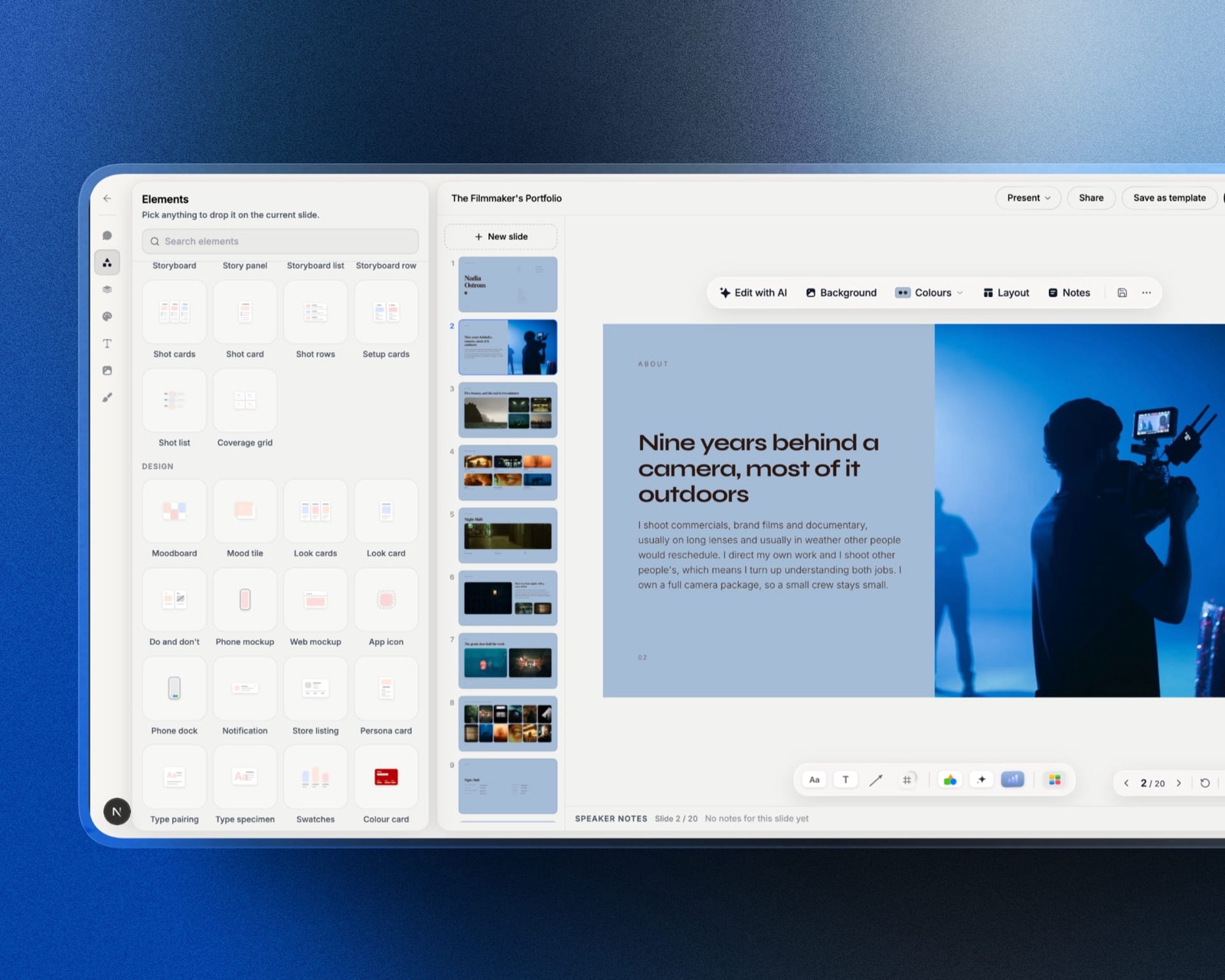
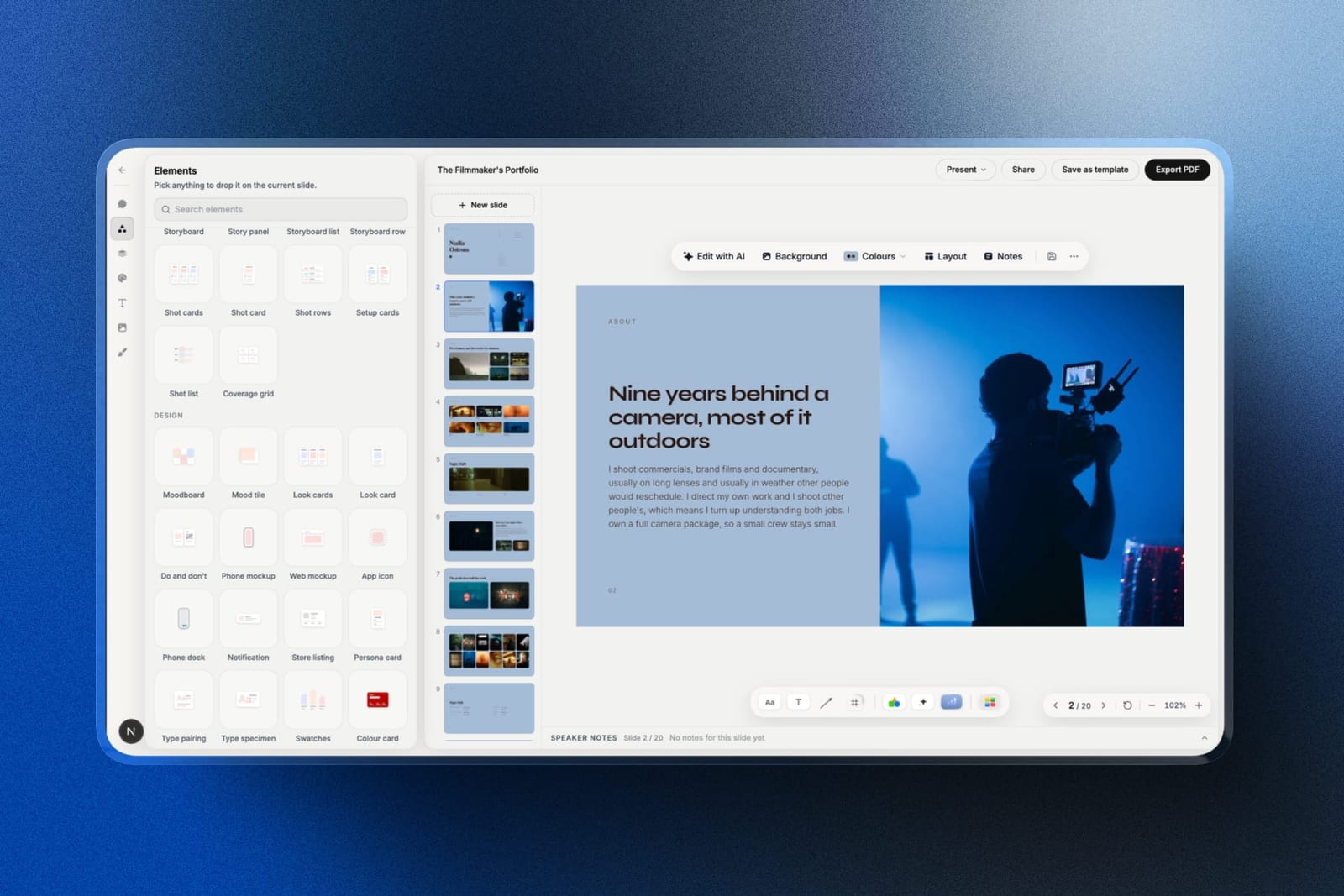
The second half is the attachment. When a procurement team insists on a file, the same Slides deck exports a PDF on every plan, including free, so you are not rebuilding the kit in a second tool.
Slides has a media kit starting prompt and a content creator media kit among its templates, so you describe your audience, collaborations and rates and the AI writes and lays out each slide, then everything stays editable by hand.
Charts for demographics, phone mockups for your content, and your own fonts and colours carry across every slide.
The real number$0. The website, a Slides deck, the share link and PDF export are all on the free plan. Starter at $9 a month adds a custom domain, the full template library, and removes the Framekit byline from a shared deck, which you will want before sending it to a brand.
The standout detailthe kit sits in the same account as the work a brand clicks to next: your portfolio site, client galleries of past shoots, and a store if you sell presets or LUTs.
A deck link can also be reset, so a kit forwarded somewhere it should not be stops working without affecting your site.
The gotchait does not connect to your social accounts, so every number is a manual edit, once, rather than an automatic refresh, and Beacons beats us outright on that.
There is no record of whether the brand opened it, no password on a deck link, and a PDF you exported is frozen the moment it leaves, like anyone else's.
Skip it ifyou want demographics pulled from Instagram and TikTok without typing them, or you need open tracking to time your follow-up. Beacons and Storydoc are built for exactly those.
Verdict: the best media kit maker for anyone who pitches regularly, because it gives you a link that stays true and a PDF when a brand demands one, sitting beside the portfolio the brand looks at next. Pair it with Beacons only if automated stats are the whole pitch.
2. Canva: Best Media Kit Templates for a Designed PDF
Best forcreators who want the best-looking media kit with the least effort.
Canva has more media kit templates than any other tool here by a wide margin, and unlike most of its libraries these are genuinely fit for purpose: they assume audience stats, a rate card, and brand logos rather than being a generic one-pager you adapt.
Our build took eighteen minutes, the fastest of the ten.
The output flexibility is the other reason it wins. The same kit exported as a PDF for the brand's procurement process, as a link for the initial email, and as an image for a direct message, without rebuilding anything.
The real numberCanva Pro is $18 a month or $144 a year, and the free tier includes enough media kit templates and exports without a watermark. For this specific document, the free plan is genuinely sufficient for most creators.
The standout detailCanva's brand kit means your media kit, your pitch deck, and your Instagram carousel all use the same fonts and colours without you managing that. For a creator whose personal brand is the product, that consistency is the point.
The gotchaevery number is frozen. Updating a follower count means opening the file, editing four figures, re-exporting, and re-sending, which took twelve minutes in our test and is a task most people will do twice and then stop doing.
Skip it ifyour audience is growing quickly and you send media kits regularly. You will be sending stale numbers within a month.
What reviewers say elsewhereCanva holds a 4.7 out of 5 across more than 6,000 reviews on Capterra, with template range the dominant strength cited.
Verdict: the best artefact and the worst maintenance story. Correct for creators who send a handful of kits a year, and a treadmill for anyone pitching weekly.
3. Beacons: The Only One That Updates Your Stats
Best forcreators who want the numbers to look after themselves.
Beacons is the only tool in this comparison that connects to your social accounts and populates the media kit's audience figures automatically.
Follower counts, engagement rates, and audience demographics refresh without you touching them, which solves the core problem of this document outright.
The real numberBeacons has a free tier that includes a media kit, and Creator Plus is $25 a month billed annually, which is $300 a year. For the media kit alone the free tier is usually enough, and the paid tier is really about the store and email features around it.
The standout detailthe auto-populated demographics are the part brands actually scrutinise, and the part creators most often estimate. Having them pulled from the platform rather than typed from memory changes how defensible the document is.
The gotchadesign control is limited. Your media kit looks like a Beacons media kit, and for a creator whose visual identity is part of the pitch that is a real cost. It is also a creator-focused product, so a studio or agency kit fits awkwardly.
Skip it ifyour visual identity is the thing you are selling.
Verdict: the only tool here that solves the staleness problem automatically, at the price of looking like everyone else's. For data-led pitches it is the strongest option on this page.
4. Notion: Best Free Customisable Option
Best forcreators who want a shareable link, full control, and no subscription.
A published Notion page makes a perfectly serviceable media kit: clean typography, works on any device, embeds video, and can be updated in seconds. Our build took twenty-six minutes and looked considered rather than designed.
The real numberNotion is free for personal use, including public page publishing, with Plus at $10 per user a month billed annually.
The gotchait looks like Notion. Anyone who uses Notion recognises a published Notion page instantly, and for a media kit that is competing with other creators' designed documents, that is a signal about how much effort went in.
Skip it ifthe brand you are pitching is a design-led one.
Verdict: free, fast to update, and visually anonymous. A good default for creators who pitch on numbers rather than aesthetics.
5. Adobe Express: Best Free Design App
Best forcreators on a free plan who need clean exports and a decent template.
Adobe Express's free plan exports without a watermark, which several competitors do not, and its media kit templates are fewer than Canva's but higher in average quality.
Our build took twenty-two minutes.
The real numberfree, with Premium at $9.99 a month, or $119.88 a year, and no annual-versus-monthly penalty.
The gotchathe template library for this specific document is much smaller than Canva's, so you are adapting a general one-pager more often than starting from a real media kit.
Skip it ifyou want to start from something purpose-built.
Verdict: the best free design app for this job after Canva's free tier, and worth choosing specifically if you want a kit that does not look like the most-used Canva template.
6. Visme: Best for Data-Heavy Kits
Best forcreators and agencies whose pitch is built on charts rather than photographs.
Visme's chart engine is the strongest here, so an audience-demographics breakdown, a growth curve, and an engagement comparison can all be real interactive charts rather than images. Its Pro tier also exports interactive HTML5 you can host yourself, which is unusual.
The real numberVisme Starter is $12.25 a month billed annually, which is $147 a year, and Pro is $24.75 a month, or $297. The free plan watermarks every export, which rules it out for this document.
The gotchathe free tier's watermark makes the entry price effectively $147, which is the highest starting cost here apart from Storydoc.
Skip it ifyour media kit is two numbers and three photographs.
Verdict: overkill for most creators and genuinely useful for agencies pitching on performance data. The HTML5 export is the underrated feature.
7. Storydoc: Best for Tracked Brand Pitches
Best forcreators pitching brands cold who want to know what happened next.
Storydoc produces a responsive web document with section-level analytics, so you can see that a brand's marketing manager read the rates section twice and never reached the case studies. For cold outreach that is directly actionable.
The real numberStarter is $19 a month or $237.60 billed annually, with no free plan, only a trial. That is the most expensive entry point in this comparison.
The gotchathere is no slide or PDF export at any tier, so if the brand's process requires an attachment you cannot provide one.
Skip it ifyou pitch fewer than a few brands a month. The cost per pitch gets high quickly.
Verdict: the best analytics for a media kit and priced for people doing this professionally rather than occasionally.
8. Gamma: Best AI-Generated Starting Point
Best forcreators who have the numbers and cannot face laying them out.
Gamma turned a paragraph of context and a list of stats into a structured media kit in about two minutes, and its output reads well on a phone, which matters given where these documents are opened. It also reports per-card engagement.
The real numberGamma Plus is $108 a year, with a credit-limited free plan that lets you build and send a real kit.
The gotchathe PDF export is weak, with text overflowing frames, and the visual identity is Gamma's rather than yours.
Skip it ifthe brand wants a file.
Verdict: the fastest route from data to a sendable document, with a portability weakness that only matters if someone asks for an attachment.
9. Pitch: Best for Agency and Studio Kits
Best forproduction companies and studios whose media kit is really a capabilities deck.
For a studio rather than a solo creator, a media kit is closer to a capabilities deck, and Pitch handles that well with real components so a client-logo wall or a services grid updates across every version at once.
Advanced links show which of five recipients at a brand opened it.
The real numberPitch's free plan covers one to five seats, with paid tiers from EUR 10 per seat a month. Advanced links, and therefore analytics, start on the Team tier.
The gotchait is slide-shaped, and it was the one tool in our test that read poorly on a phone. For a document opened on mobile more often than not, that is a real cost.
Skip it ifyou are a solo creator. This is built for teams.
Verdict: the right shape for a studio media kit and the wrong shape for a creator one.
10. Google Slides: The Free Fallback
Best forcreators who need a media kit today and have no budget at all.
Google Slides will make a media kit, it costs nothing, it exports a PDF, and it will look exactly like a Google Slides document. Our build took thirty-one minutes and produced the plainest result of the eleven.
The gotchano font embedding, so any typeface you use outside Google Fonts substitutes on the brand's machine, and no analytics of any kind.
Verdict: the honest floor. Better than not having a media kit, and visibly the cheapest option on the page.
11. Affinity Publisher: Best Free Print-Grade PDF
Best forcreators and studios whose media kit is a designed one-pager that gets printed or attached.
This is the entry most creators do not know exists, and it is now free. Affinity's applications are free following Canva's acquisition of Serif, which puts a professional page-layout application with real typographic control and controlled PDF export at zero cost.
Our media kit was the best-typeset of the eleven, and the exported PDF was the only one where we chose the image compression rather than having it chosen for us.
The real numberfree, with no subscription, no account requirement, and no watermark of any kind.
The gotchait is a desktop application with a genuine learning curve, no templates worth speaking of, and no link output at all. Every update means opening the file, editing, re-exporting, and re-sending, which is the slowest maintenance loop in this comparison.
Skip it ifyou want a link, or you want to be finished in twenty minutes.
Verdict: the best free tool here for a media kit that is genuinely designed, and the worst for one that changes often. Correct for a studio capabilities one-pager, wrong for a creator whose follower count moves weekly.
Why Most Media Kits Are Wrong By the Time They Are Read
Four things go wrong with a media kit between the moment you finish it and the moment a brand reads it, and all four are properties of the document format rather than of any particular tool, which is why the choice of format matters more than the choice of template.
The numbers age immediately. A media kit's headline figures are follower counts and engagement rates, which change weekly. A PDF exported in March states March's numbers forever, including in the inbox of the brand who asked for it in July.
Old versions never die. Every export creates a copy that circulates independently. Brands forward media kits internally, so the version a marketing manager saw and the version their director saw may be three months apart, and neither of you will ever know.
Updating is a chore people abandon. Editing four numbers, re-exporting, renaming, and re-sending took twelve minutes in our test. That is small enough to do once and large enough to skip when busy, which is why most creators' media kits are months out of date.
Only two tools solve it properly. Beacons updates the numbers from your accounts. A published page means updating once rather than per recipient. Everything else asks you to remember.
In one lineif you send more than one media kit a month, the format matters more than the design, because a beautiful document with wrong numbers is worse than a plain page with right ones.
What a Media Kit Costs to Make and Maintain
Priced over a year for a creator who updates their numbers quarterly and sends roughly two kits a month, with the column that usually decides this in practice being the third one rather than the first.
| Tool | Cost per year | Minutes to update | Numbers stay right |
|---|---|---|---|
| Beacons, free tier | $0 | 0 | Yes, automatically |
| Affinity Publisher | $0 | ~15 | No |
| Google Slides | $0 | ~10 | No |
| Notion | $0 | ~2 | Only for new recipients |
| Framekit, free plan | $0 | ~2 | Yes, for everyone holding the link |
| Canva, free tier | $0 | ~12 | No |
| Gamma Plus | $108 | ~5 | Only for new recipients |
| Adobe Express Premium | $119.88 | ~12 | No |
| Canva Pro | $144 | ~12 | No |
| Visme Starter | $147 | ~10 | No |
| Storydoc Starter | $237.60 | ~5 | Only for new recipients |
| Beacons Creator Plus | $300 | 0 | Yes, automatically |
A test worth running right now. Open the media kit you last sent and check the follower count against your actual current number.
If the gap is more than five percent, every brand holding that file has a wrong impression of your reach, and the fix is a format change rather than another export.
Which Media Kit Maker Should You Use?
The right tool depends on how often you pitch and whether your numbers or your visual identity is doing the persuading, so work down these questions in order and stop at the first yes.
1. Do you pitch brands weekly and hate updating numbers? Beacons, whose free tier pulls your stats automatically.
2. Do you send the same kit repeatedly and want one version that is always right, plus a PDF when asked? Framekit, as a site page or deck link you update once, with PDF export on the free plan.
3. Does a brand's process require a heavily designed PDF from a large template library? Canva, and accept that you will re-export when the numbers change.
4. Is your visual identity the thing you are selling? Canva Pro or Adobe Express, both of which give you real design control.
5. Is your pitch built on performance data and charts? Visme, going to Pro for the HTML5 export.
6. Do you pitch cold and need to know what landed? Storydoc, or Gamma for a much cheaper version of the same idea.
7. Are you a studio rather than a solo creator? Pitch, whose components suit a capabilities-style kit.
8. Do you need something free and functional in half an hour? Notion, or Google Slides if you need a PDF.
Frequently Asked Questions
What is the best media kit maker in 2026?
Framekit is the best media kit maker in 2026 for creators who pitch regularly, because one account gives you a media kit page or deck link you update once for every brand holding it, a PDF export for brands that need a file, and the portfolio site beside it, all free to start.
Canva has the largest library of media kit templates for a designed PDF, and Beacons is the better choice if you want audience numbers that update automatically, since it is the only tool here that connects to your social accounts.
Framekit vs Canva: which is better for a media kit?
Framekit is better for a media kit you send often, because a site page or deck link shows current numbers to everyone who already has it, and the same deck exports a PDF when a brand asks for one.
Canva is better when the kit is judged mainly on design and sent a few times a year, because its media kit template library is far larger and its free tier exports without a watermark.
Is there a free media kit maker?
Beacons, Canva, Adobe Express, Notion, and Google Slides all have free tiers capable of producing a complete media kit with no watermark.
Beacons is the only free option that populates your follower counts and demographics automatically, and Canva's free tier has by far the largest template selection.
Should a media kit be a PDF or a link?
A media kit works better as a link when you send it regularly, because a published page shows current numbers to everyone holding it including people who received it months ago, while a PDF freezes your audience figures at the moment of export.
Keep a PDF version for brands whose procurement process requires an attachment.
How often should you update a media kit?
A media kit should be updated whenever your audience figures move more than about five percent, which for a growing creator is roughly monthly.
Because updating a PDF takes around twelve minutes and updating a page takes around two, the format you choose largely determines whether you actually keep it current.
What should a media kit include?
A media kit should include a short introduction, audience size across each platform, audience demographics, engagement metrics, two or three past collaborations with concrete results, your services, your rates or a rate range, and contact details.
Brands scrutinise demographics and past results most closely, so those deserve the most specific numbers.
Can you track whether a brand opened your media kit?
Storydoc, Pitch, Gamma, and Beacons all report whether a recipient opened your media kit, with Storydoc offering the most detailed section-level engagement data.
Canva reports view counts only, and Notion, Google Slides, Adobe Express, and a self-hosted page offer no per-recipient tracking.
Does Beacons really update follower counts automatically?
Beacons connects to your social accounts and populates follower counts, engagement rates, and audience demographics in the media kit without manual editing, which makes it the only tool in this comparison that solves the staleness problem outright.
The cost is design control, since the kit looks recognisably like a Beacons page.
Should you put your rates in a media kit?
Putting rates in a media kit filters out brands who cannot afford you and saves a round of email, and it also means your pricing circulates in a document you cannot recall.
A common compromise is publishing a rate range in the kit and keeping the detailed rate card on a separate link you send to qualified prospects.
How much does a media kit maker cost?
Media kit tools range from free to $300 a year. Beacons, Canva, Adobe Express, Notion, and Google Slides all have usable free tiers, Gamma is $108 a year, Canva Pro is $144, Visme Starter is $147, Storydoc is $237.60, and Beacons Creator Plus is $25 a month billed annually.
Is a media kit the same as a website?
A media kit is a short focused document about your audience and rates, while a website is a broader home for your work, and many creators publish the media kit as one page within their site.
That arrangement gives you a permanent link that stays current, appears in search, and sits alongside the portfolio a brand will look at next.
Final Verdict
Framekit is our pick for most creators who pitch regularly: publish the kit as a page or a deck link, update the numbers once for everyone holding it, export a PDF when a brand asks for a file, and keep it beside the portfolio and galleries a brand clicks to next.
A creator sending three kits a year can use Canva's free tier and re-export when the numbers move, and a creator whose pitch is purely data should let Beacons update the figures automatically.
The most common mistake in this category is optimising the design of a document whose main content is out of date. Brands are checking whether your reach is real, and a beautiful PDF stating a follower count from four months ago answers that question badly.
Where Framekit losesFramekit does not connect to your social accounts, so its numbers need a manual edit rather than updating themselves, and Beacons is the better fit if automated demographics are the pitch.
It also does not track opens, so Storydoc is better for cold outreach where you time the follow-up, and Canva's template library for this exact document is much larger.
If you change one thing, check the follower count on the kit you last sent. Most people find a gap they did not expect.
Related reading: our guide to building a content creator media kit website, the best link in bio tools, our Beacons versus Stan Store comparison, and how to get clients from your website.
Competitor prices here were read from published vendor pricing in August 2026, and Framekit's were re-verified in September 2026. Creator-platform pricing changes frequently, so check the current figure before committing to an annual plan.