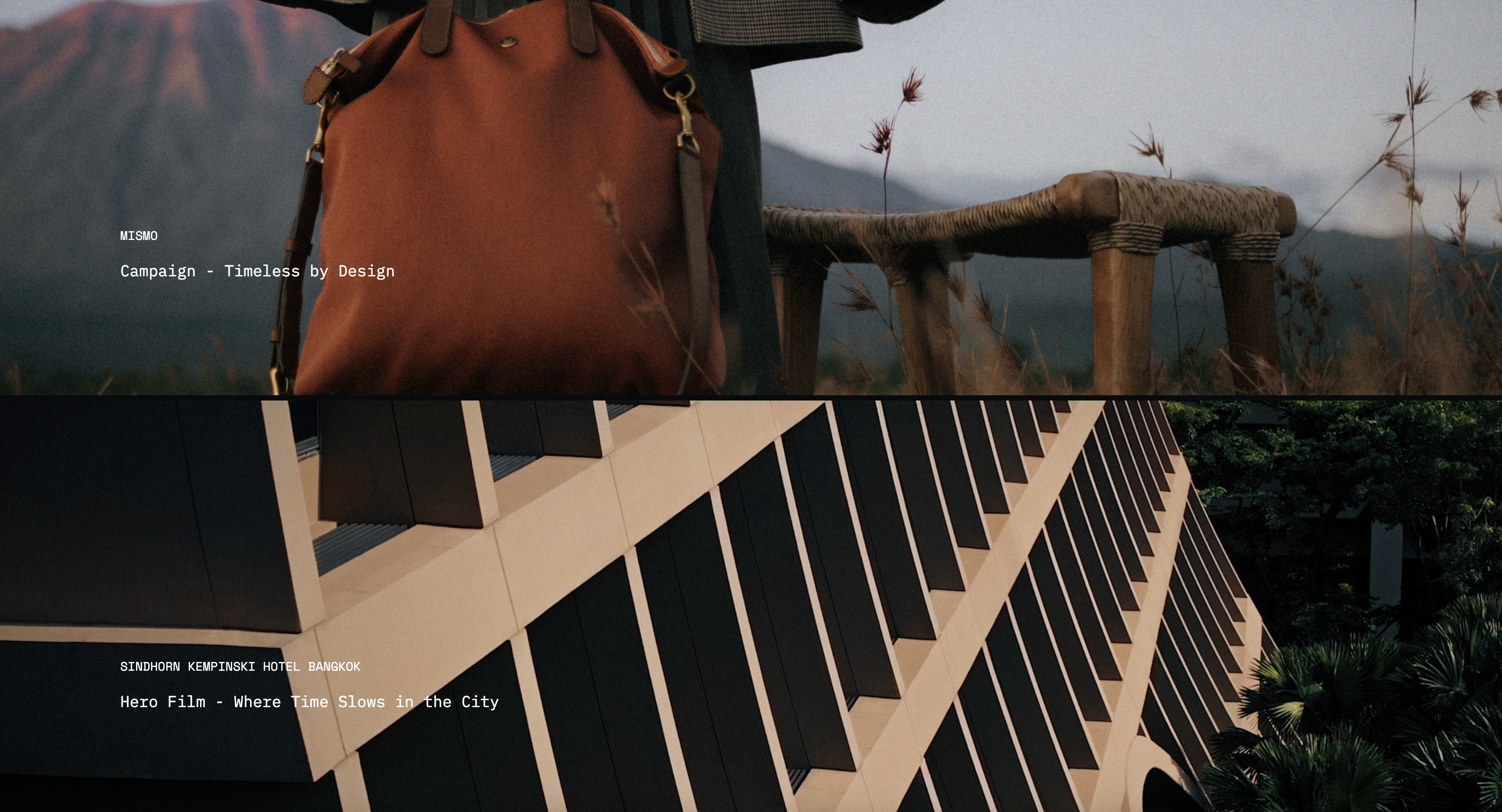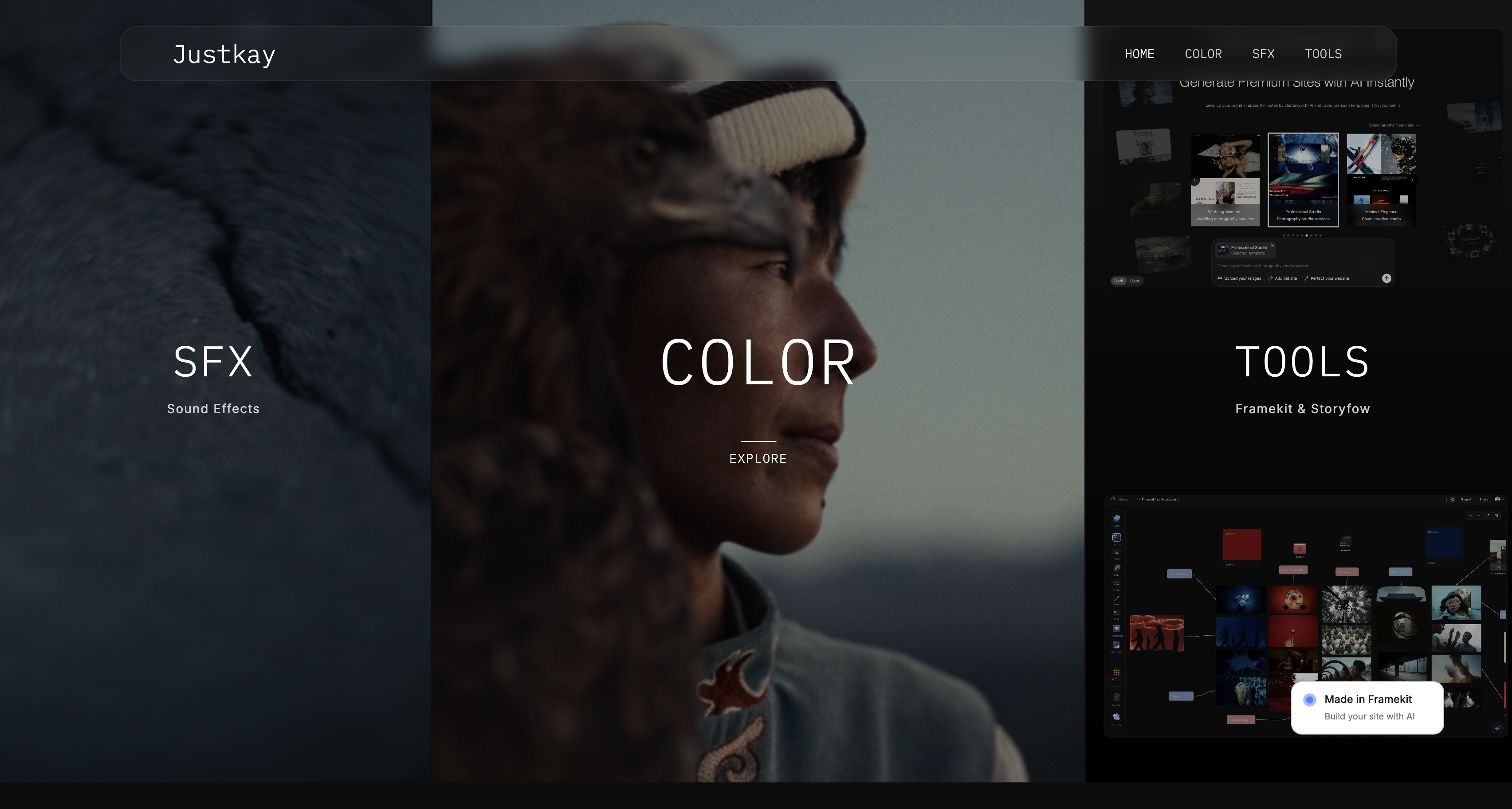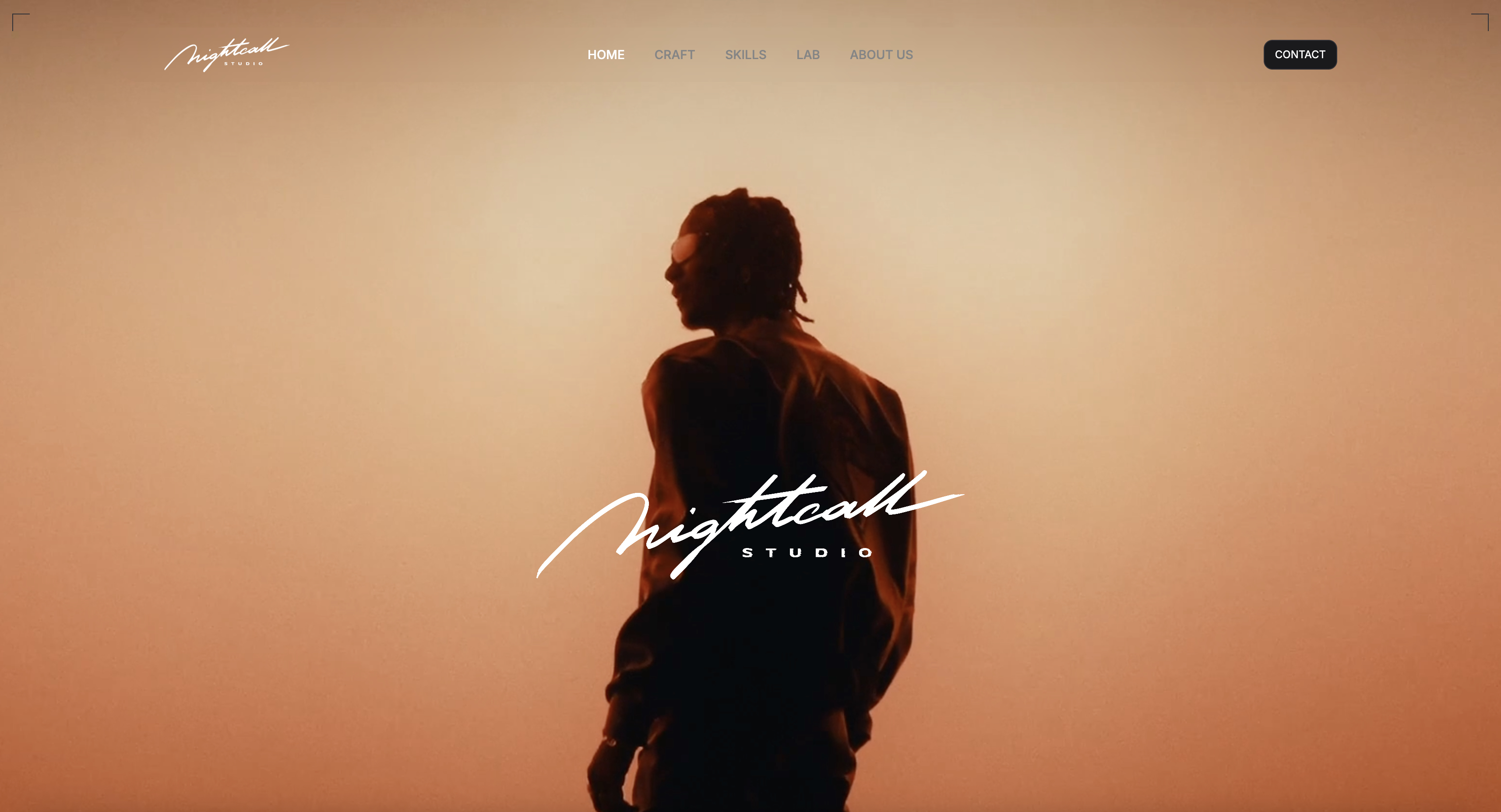
Framekit templates
Start from a designer-made template
 Use template
 Use template
 Use template
 Use template
 Use template
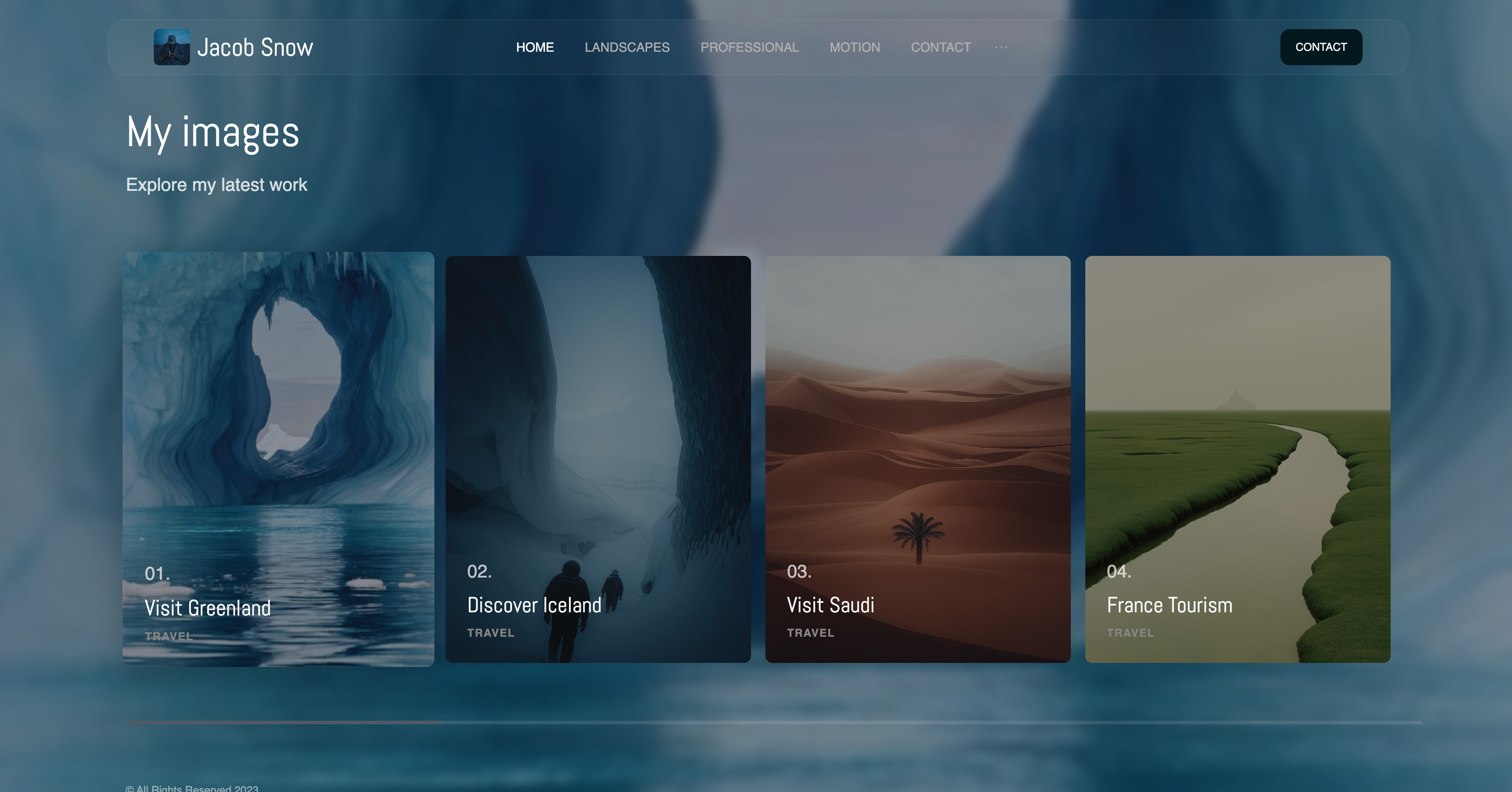 Use template
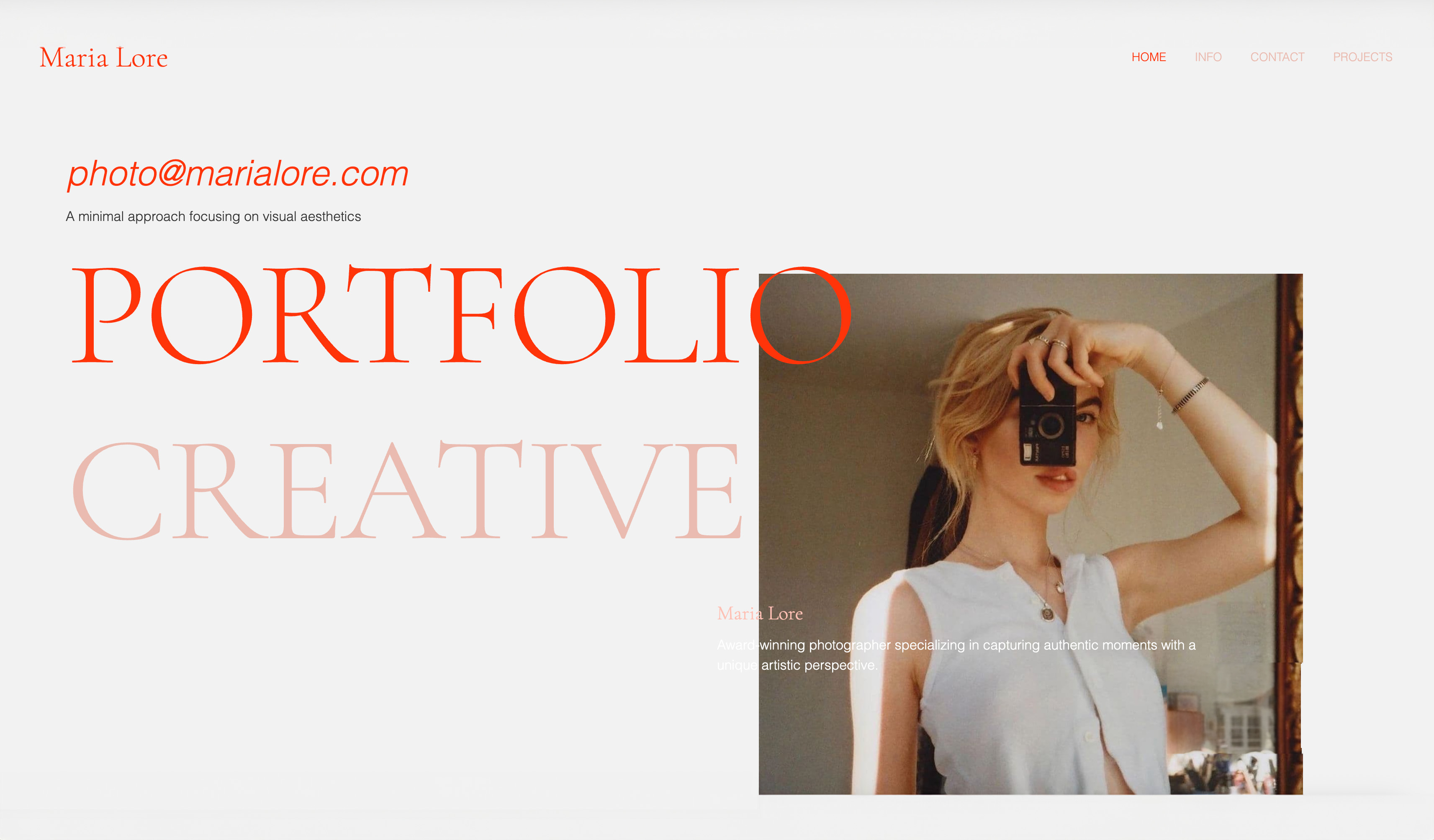 Use template
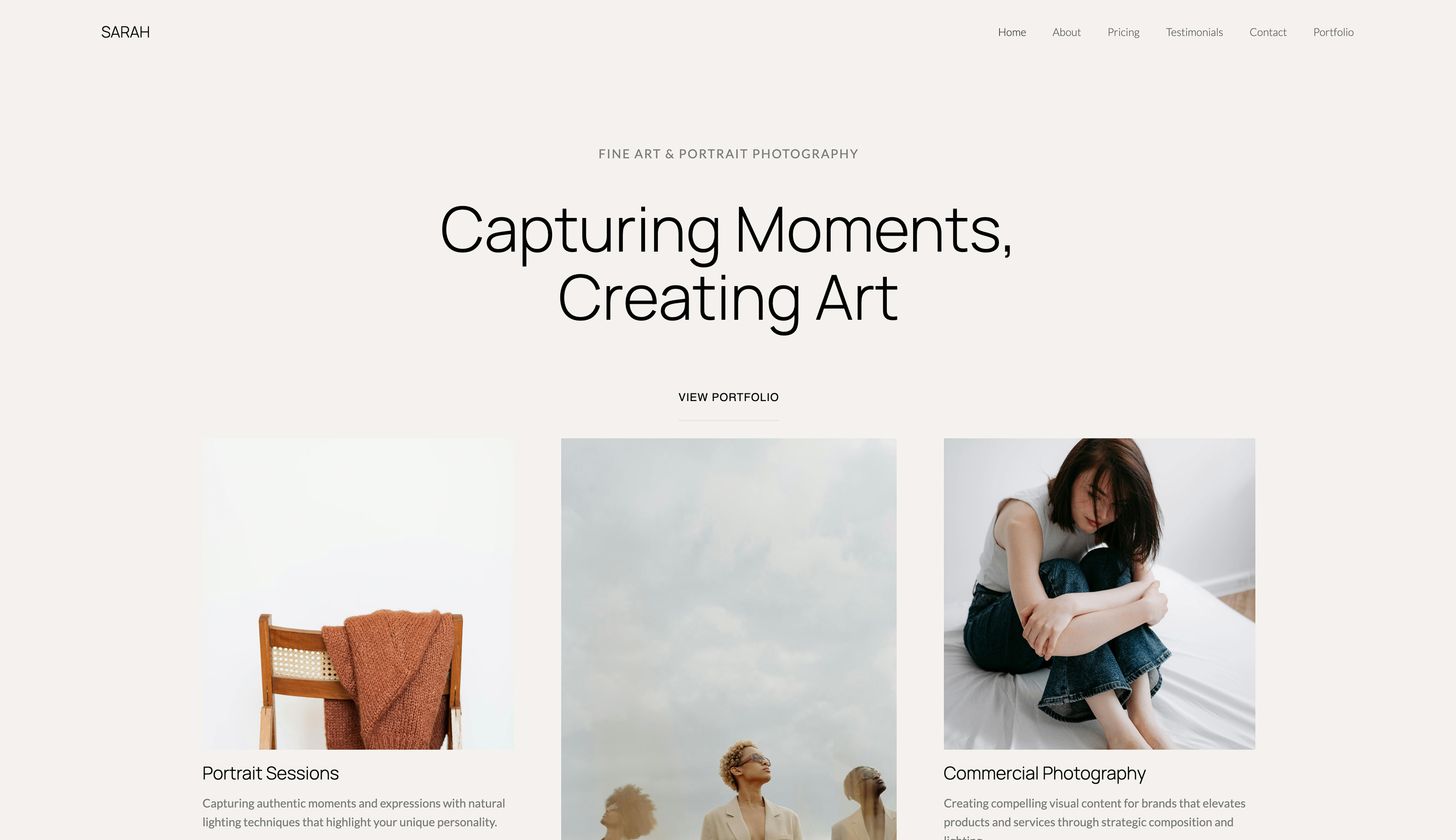 Use template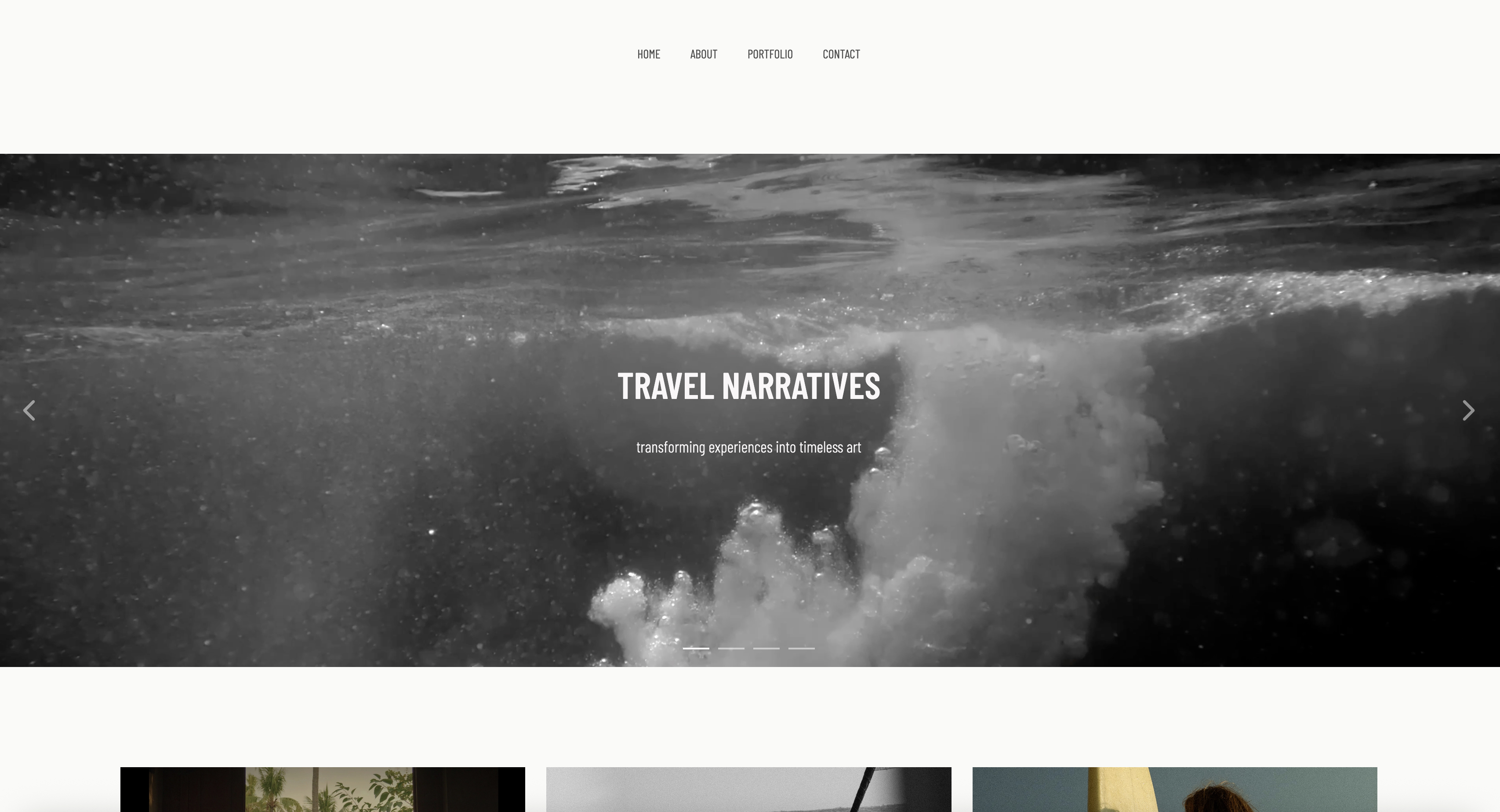
Free presentation software has four different meanings and the pricing pages use one word for all of them. Sometimes free means free. Sometimes it means your work carries someone else's logo.
Sometimes it means a pool of credits that never refills. And once, on this list, it means anyone on the internet can read your client pitch.
We built the same client deck on nine free plans to find out which is which, rated a tenth, our own, from its published plan, and in September 2026 we re-verified every free-plan limit below against the vendors' own pages.
The differences are not about features. They are about what each company takes instead of money.
Nobody gives away software. They just choose a currency that is not cash.
Free presentation software is a tool that lets you build and share a complete deck without paying, either permanently or until a specific limit is reached.
The distinction that matters is whether the limit is a feature you will not miss, a watermark your client will see, or a credit balance that runs out mid-project.
The best free presentation software in 2026 for creative client decks is Framekit Slides, because its $0 plan, with no card, gives you unlimited decks, an AI writer that drafts and lays out slides, shot list, storyboard and moodboard elements, full-screen presenting, an unlisted share link and PDF export.
The trade-off: free decks carry a small "Made with Framekit" badge, and there is no live co-editing.
Google Slides is the best free plan with no catch at all, Apple Keynote is the best-looking free tool on a Mac, and PowerPoint for the web is the free way to hand back an editable .pptx.
Full disclosure: Framekit is our product and we rank it first, so weigh that. We built the same deck on the nine other free plans and link to every one; Framekit's entry rests on its documented free plan rather than our test build, and we scored it below the others where it deserves it: its free plan shows a vendor badge on the shared deck, which seven of the other nine plans do not, and it has the weakest live collaboration of the top five.
How We Tested These Free Presentation Plans
Every tool got the same job: a fourteen-slide client deck for a small photography studio, using six images, one pricing table, one chart, and one custom brand font.
We built it on the free plan only, never upgrading, then shared it with two people who had no account with that vendor and opened it on an Android phone.
Framekit, as our own product, was not put through that build; its entry is rated from its published free plan and documented features.
The findings below are labelled by type. Measured means we did it: built the deck, hit the wall, saw the watermark, watched the recipient's screen. Verified means it comes from the vendor's published pricing or help documentation and we did not test it, which covers every credit allowance and plan limit here, first checked in August 2026 and re-checked in September 2026. Community sentiment means creators report it, we could not reproduce it, and the line says so.
What counts as free, for the purposes of this ranking
A plan qualifies as unconditionally free if you can finish a client-facing deck, share it privately, and have the recipient see no vendor branding, without ever entering a card.
Four of the nine plans we tested clear that bar, and our own pick would not: a free Framekit deck shows a "Made with Framekit" badge to whoever opens the link.
It ranks first anyway because of what the rest of its free plan includes for creative work, and the rubric below shows exactly where the badge costs it points.
What Ten Free Plans Actually Cost You
These are the figures behind the ranking for the nine plans we built on, measured in the products or verified against the vendors' published limits, most recently in September 2026. Framekit's equivalents, from its own plan page, follow the list.
- 4 of 9 free plans are unconditionally usable for paid client work: Google Slides, Keynote, PowerPoint for the web, and Canva.
- 2 of 9 put a vendor mark on what your client sees rather than only on a download: Visme puts its logo on published projects, and Gamma puts a badge on free output.
- 1 of 9 makes your presentation public on the free plan. Prezi's free tier is not unlisted, it is findable.
- 2 of 9 meter AI with a one-time grant that never refreshes: Gamma at 400 credits and Pitch at 100, which is roughly six and one to two generated decks respectively.
- 9 of 9 let a recipient open a share link without creating an account, which is the one thing the whole category has agreed on.
- 0 of 9 free plans let you upload a custom brand font file. Custom typefaces are the single most consistent paywall in this category.
On Framekit's free plan, per its plan page and the share settings in the product: shared decks show a small "Made with Framekit" badge, which makes it a third vendor mark; the share link is unlisted, kept out of search engines and viewable by anyone who has it; font file uploads are paid; and shot lists, storyboard rows and moodboards are ready-made slide elements rather than something you assemble.
Jump to the decision tree if you want a pick now.
Quick Comparison: 10 Free Presentation Plans
The ranking weights permanence at 25%, because a plan that expires is a trial; creative-work fit at 25%; output freedom at 20%, meaning watermarks and privacy; design quality at 15%; and collaboration at 15%.
Creative-work fit carries a full quarter because the test job was a studio's client deck and this blog's readers are photographers, filmmakers and designers: a free tool that cannot build a shot list or a moodboard slide charges you in hours on every deck instead of in dollars once.
| Tool | What free really means | Vendor mark | Runs out when | Rating |
|---|---|---|---|---|
| Framekit Slides | Unlimited decks, AI writer, PDF, share link | Small badge on the shared deck | Font upload, template library | 8.7/10 |
| Google Slides | Genuinely unlimited, permanent | None | Never | 8.4/10 |
| Apple Keynote | Free with Apple hardware | None | Never | 8.2/10 |
| Canva | Free forever, premium assets gated | On premium stock only | Custom fonts | 8.1/10 |
| PowerPoint for the web | Free, reduced features | None | Offline and Morph | 7.7/10 |
| Slidebean | No time limit, no card | None | Template range | 7.6/10 |
| Pitch | 1 seat, unlimited decks | None | 2 guests, 100 AI credits | 7.4/10 |
| Gamma | 400 one-time AI credits | Gamma badge | About 6 decks, forever | 7.2/10 |
| Visme | Free with vendor branding | On published work | Immediately, for clients | 6.5/10 |
| Prezi Basic | Free but public | None | Privacy, immediately | 5.9/10 |
Limits verified against each vendor's published plan pages in August 2026 and re-verified in September 2026.
How the top five scored on each criterion
Each overall rating is the weighted sum of these five scores out of 10, so you can re-weight them for your own work. Framekit's two lowest scores are the honest ones: output freedom, because of the badge, and collaboration, because it has no live multi-cursor editing.
| Criterion (weight) | Framekit | Google Slides | Keynote | Canva | PowerPoint web |
|---|---|---|---|---|---|
| Permanence (25%) | 10 | 10 | 10 | 9 | 10 |
| Creative-work fit (25%) | 10 | 6 | 7 | 7 | 5 |
| Output freedom (20%) | 8 | 10 | 10 | 7 | 10 |
| Design quality (15%) | 9 | 6 | 10 | 9 | 5 |
| Collaboration (15%) | 5 | 10 | 3 | 9 | 8 |
| Overall | 8.7 | 8.4 | 8.2 | 8.1 | 7.7 |
If three people edit every deck you make, move 10 points from creative fit to collaboration and Google Slides takes first place. That is a legitimate reading of this table, not a loophole in it.
The Free-Plan Expiry Clock
In one linefree plans do not expire on a date, they expire on a trigger, and knowing which trigger applies to you is the entire decision.
Every free plan in this comparison has one limit that bites first. It is almost never the one advertised. Here is what actually ended the free experience in our test, and roughly when.
| Tool | The limit that bites first | When it bit, in our test |
|---|---|---|
| Framekit Slides | "Made with Framekit" badge on the shared link | Not built by us; by design, on every shared free deck |
| Google Slides | Design quality, not a limit | Never; we rebuilt templates by hand |
| Keynote | Someone on Windows needs to edit | The first shared edit |
| Canva | Custom brand font upload | Slide 3, the title slide |
| PowerPoint web | No offline work, no Morph | Rehearsal, not building |
| Slidebean | Template subset outside investor decks | Slide 5, the portfolio grid |
| Pitch | 2 external guests per share | The second client contact |
| Gamma | 400 credits, non-refreshing | Deck 6, permanently |
| Visme | Logo on the published link | Slide 1, visibly |
| Prezi | Public visibility | Before we shared anything |
Run this on yourself. Take the last deck you sent and ask three questions: did it use a brand font, did more than two people outside your company need to open it, and would you have been embarrassed if it were publicly searchable.
Each yes rules out a specific tool above, and most people find that two or three of the ten survive.
1. Framekit Slides: Best Free Presentation Software for Creative Client Decks

Our rating: 8.7/10
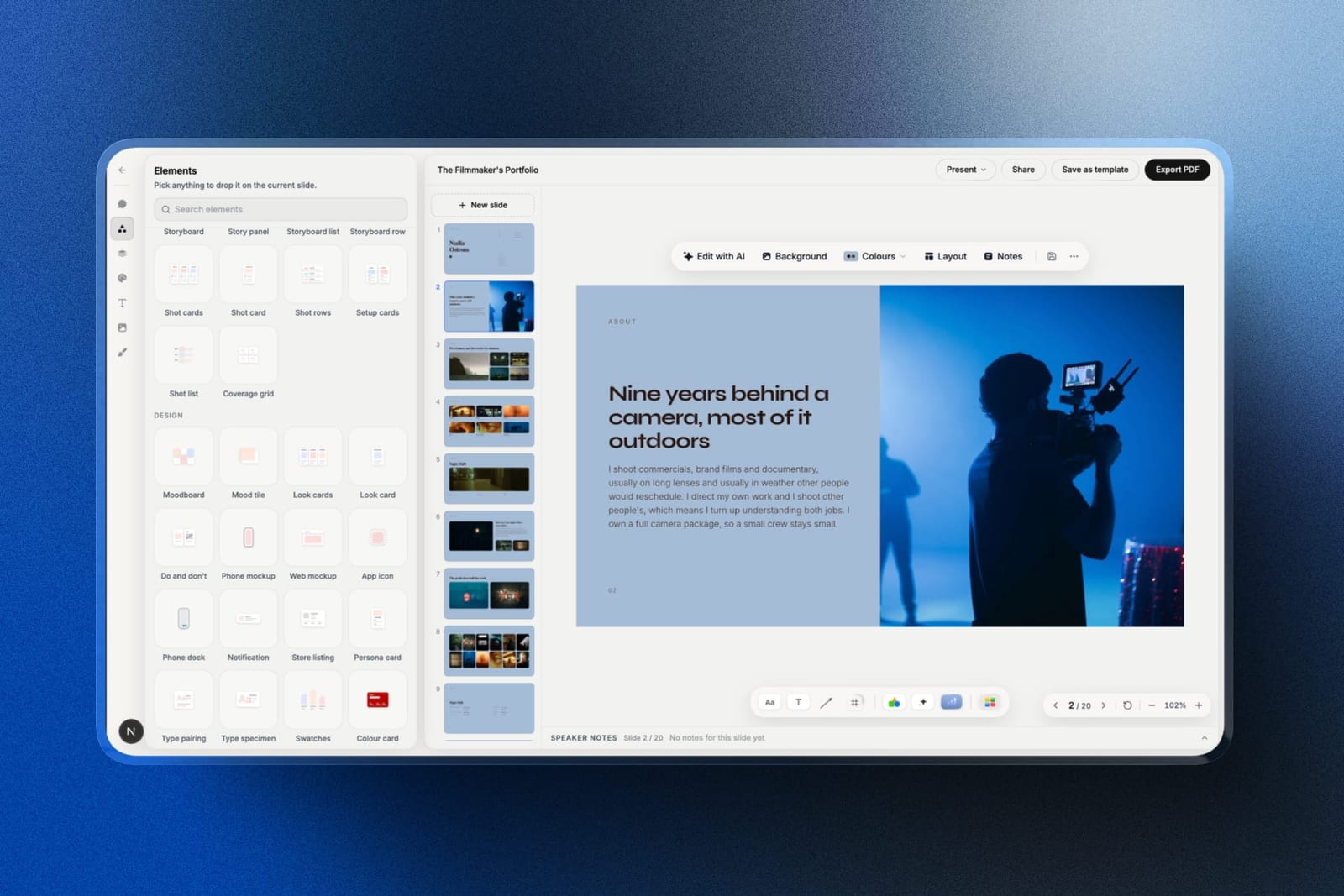
Framekit is an AI website builder that also includes Slides, a deck and treatment tool made for creative work, and its $0 plan is the most complete free starting point on this page for a photographer's or filmmaker's client deck.
There is no card, no deck cap and no expiry. The AI slide writer, full-screen presenting, a share link and PDF export are all on the free plan, and the same free account also holds a website, client galleries and video review.
A deck here can start as one sentence per slide: describe what a slide needs to say and the AI writes the copy and lays it out, and everything it places stays editable by hand.
The pieces of a studio deck are ready-made elements rather than things you assemble: a shot list for the shoot day, storyboard panels and rows, a moodboard for the look page, look cards, a coverage grid, colour swatches and type specimens.
Speaker notes sit under every slide for the day you present it in person.
Best forPhotographers, filmmakers and designers who send pitch decks, treatments and lookbooks to clients and want the free version to already look like the work.
The real number$0 for as many decks as you make. The first paid step is Starter at $9 a month, or $7 a month billed yearly, which removes the badge, opens the full template library and lets you upload your own font files.
That is $84 a year against Canva Pro's $144 for the font upload alone. PowerPoint export starts on Pro at $19 a month.
The standout detailthe share link is unlisted and never indexed by search engines, and you can reset it: the old address stops working immediately and a new one replaces it.
Publishing again updates the live deck at the same link, so a corrected fee on slide nine reaches the client without a version two. Next to Prezi Basic's public-by-default presentations, that is the difference between private and findable.
The gotchathe badge. Every free deck shows "Made with Framekit" to anyone you share the link with, so by the bar we set at the top of this page, Framekit's free plan is not free of a vendor mark.
Past that: the link has no password, there is no per-viewer analytics, no commenting on a deck, no live multi-cursor co-editing, no Google Slides import, and the free plan's AI allowance is smaller than the paid plans'.
Without the template library, a free deck starts from the AI or a blank slide.
Pros:
- Unlimited decks, the AI writer, presenting, sharing and PDF export at $0 with no card
- Shot lists, storyboard rows, moodboards and look cards as native elements
- An unlisted link you can reset or unpublish at any time
Cons:
- A visible "Made with Framekit" badge until you pay
- No live co-editing and no password on the link
- Font upload and the template library are paid
Skip it ifthree colleagues will edit the same deck an hour before the meeting (use Google Slides), or the client needs an editable .pptx back (use PowerPoint for the web, since Framekit's export, Pro and up, turns each slide into a picture).
Verdict: Framekit is the best free plan for creative decks and the wrong one for committee decks. Draft your next treatment on it free, and pay $7 a month only when the badge starts to matter to a client. Our film treatment software comparison goes deeper on treatments specifically.
2. Google Slides: Best Free Plan With No Catch at All
Our rating: 8.4/10
Google Slides earns its place by refusing to have a catch. There is no watermark, no credit meter, no cap on decks or slides, no expiry, and no hardware requirement. In a category where "free" usually means "free until", that is the entire argument and it is a strong one.
It is also the only tool here where three people editing the same slide at once produced no lost work. We tried deliberately: two people retyping the same text box while a third dragged an image. Slides resolved all of it.
Canva and Pitch both handled it well; nothing else was close.
Best forAnyone who needs a permanently free tool that everyone they work with can already open.
Key features:
- Genuinely unlimited and permanent with any Google account
- Real-time co-editing and threaded comments that hold up under pressure
- Version history that can restore a single slide rather than the whole file
- Offline editing in Chrome once configured, and clean PPTX and PDF export
- Add-ons, including AI tools, that bolt generation on top
The real number$0, permanently, with no feature held back for client work.
A business-domain version through Google Workspace Business Starter is $7 per user a month on annual billing, per Google's published pricing, but nothing in our test required it.
The gotchalink sharing is not open by default. The most common failure with this tool is a client hitting a request-access screen at the exact moment your pitch needed momentum. Set sharing to anyone-with-the-link before you send, every single time.
Pros:
- The only truly unconditional free plan in this comparison
- The most reliable multi-editor experience of the ten
- Universal access; nobody needs to install or buy anything
Cons:
- Default templates make a deck look cheap unless you rebuild them
- Type and layout controls are the thinnest of the top four
- Offline mode has to be set up before you need it
Skip it ifdesign carries your argument. Slides will never lose your work and it will never help you win a pitch on looks alone.
Verdict: Google Slides is the correct free default for almost everyone, and the honest reason people leave it is aesthetics rather than limits. Build the internal version here and the client version somewhere prettier.
3. Apple Keynote: Best-Looking Free Option
Our rating: 8.2/10
Keynote is the best-looking free presentation tool that has ever existed, and it stays that way because Apple treats it as a reason to buy hardware rather than a business.
The default themes have restraint that Canva's do not, the type rendering beats anything web-based, and Magic Move produces transitions that look like they cost money.
Against our test deck, it was the only free tool that made the photography grid look intentional without manual spacing work. It was also the only one that rendered the custom brand font correctly, because it uses fonts installed on your machine rather than a hosted library.
Best forMac, iPad, and iPhone users presenting their own work, where design decides the room.
Key features:
- Free on every Mac, iPhone, and iPad, and free in a browser through iCloud
- The best default themes and type rendering in the comparison
- Magic Move transitions and genuinely good animation controls
- Uses locally installed fonts, so brand typefaces work with no upload
- iCloud collaboration that reaches Windows users through a browser
The real number$0, with no trial, credit, or export gate on anything. For a Mac-based creative sending a deck a month, Keynote's annual cost is zero against Canva Pro's $144 for the brand-font feature that Keynote gives away.
The gotchacollaboration with a Windows colleague technically works through iCloud and visibly is a second-class experience. If half the people who touch your decks are on Windows, the tax gets paid in friction rather than money.
Pros:
- The highest design ceiling of any free option here
- Custom brand fonts work with no upload and no paywall
- No account, credit, or watermark gate on any feature
Cons:
- Apple hardware required to author, which excludes collaborators
- PowerPoint export loses Magic Move and sometimes type pairings
- No AI drafting at all, which is now a real speed difference
Skip it ifyou collaborate with Windows users weekly, or you want AI to write the first draft. Keynote assumes you are doing the thinking.
Verdict: if you own a Mac and you have been paying for presentation software, check whether Keynote already does the job. In our test it beat three paid tools on output quality and cost nothing.
4. Canva Free: Best Balance of Design and Freedom
Our rating: 8.1/10
Canva's free plan is the most generous design-led free tier in the category, and the reason it does not win outright is a single, very well-placed paywall.
Everything else is open: unlimited designs, no watermark on standard exports, a template library nothing else here approaches, and AI that refreshes monthly rather than running out.
The paywall is fonts. Uploading a brand typeface requires Pro, which in our test blocked slide three and stayed blocking for the rest of the build. If your work has a licensed typeface, Canva's free plan is a trial with a very long fuse.
Best forCreatives who want a designed deck for free and can live with the platform's font library.
Key features:
- Unlimited designs with no watermark on standard exports
- The largest well-designed template library of the ten
- AI that meters monthly, at roughly 200 standard and 20 premium uses
- Export to PDF, PPTX, MP4, and GIF at no cost
- One editor covering decks, social, video, and print
The real numberthe free plan costs $0 and caps nothing you would notice on a fourteen-slide deck except fonts and premium stock. Pro is $18 a month or $144 billed annually, which is about $12 a month, and Business is $25 per user a month.
The gotchapremium stock assets are watermarked, and the watermark is faint in the editor and obvious in the export. Because template search surfaces premium assets alongside free ones, the usual discovery moment is the finished PDF.
What reviewers say elsewhereCanva holds 4.7 out of 5 on G2 across more than 6,800 reviews, the largest verified review base of any tool in this comparison.
Pros:
- The best design output available for free, by a distance
- A monthly-refreshing AI allowance rather than a one-time grant
- Exports to every format a recipient is likely to want, at no cost
Cons:
- Custom brand fonts require Pro, which is the single most common upgrade trigger
- Premium stock assets watermark the export, not the editor
- Template ubiquity means clients sometimes recognise the source
Skip it ifyour brand runs on a licensed typeface. That one restriction converts Canva's free plan into a countdown for exactly the people who care most about design.
Verdict: Canva Free is the best-designed free plan here and the one most likely to make you pay, which is presumably the point. If your brand font is a nice-to-have, it is the best answer on this page. Designers weighing the wider toolset should read our best AI tools for designers roundup.
5. PowerPoint for the Web: Best Free Corporate-Compatible Option
Our rating: 7.7/10
PowerPoint for the web is free for anyone with a Microsoft account, and it produces the one thing no other free tool on this list can: a native .pptx that a corporate brand team can open, edit, and drop into their own template without conversion loss.
That is the whole case for it. The web version is a stripped PowerPoint, with no offline editing, no Morph transitions, and limited font handling, and its default templates remain the most tired in the category.
But if the file has to survive being forwarded inside a company, this is the free option.
Best forAnyone whose deck will be edited by someone else inside a corporate environment.
Key features:
- Free with a Microsoft account, including 5GB of cloud storage
- Produces a genuinely native .pptx with no conversion step
- Real-time co-editing and comments in the browser
- Templates, basic transitions, and standard chart tools
- Opens files from clients without reformatting them
The real numberfree on the web. The desktop app, which is where offline work and Morph live, comes with Microsoft 365 Personal at $9.99 a month or $99.99 a year, per Microsoft's plan page.
The gotchathe free web version omits most of the reasons people choose PowerPoint. No offline presenting is the one that hurts, because you usually discover it in a room with bad wifi and no fallback.
Pros:
- The only free tool producing a natively editable corporate file
- No watermark, no credit meter, no expiry
- Opens client files without mangling them, which saves real time
Cons:
- No offline editing or presenting, which is the classic failure mode
- Default templates need heavy work to look current
- Missing the transitions and layout tools that justify PowerPoint
Skip it ifyou present from your own laptop to your own clients. You are accepting a dated toolset for compatibility you never use.
Verdict: PowerPoint for the web is free insurance rather than a free design tool. Keep an account for the days a client sends you a .pptx and expects one back.
6. Slidebean: Best Free Tier Among Specialist Tools
Our rating: 7.6/10
Slidebean's free tier is unusually honest for a specialist tool: unlimited presentations, built from scratch or from a subset of templates, with no card and no time limit. Most narrow tools in this category use free to mean seven days. This one does not.
The constraint is subject matter. Slidebean exists to make investor decks, and its structure, templates, and language all assume you are raising money. Our photography studio deck fitted awkwardly, and the portfolio grid was the slide where the free template range ran out.
Best forFounders drafting an investor deck who want structure without paying for it first.
Key features:
- Unlimited presentations on the free tier with no card and no expiry
- Templates modelled on the structure of funded pitch decks
- An AI builder that fills a standard investor narrative
- View tracking so you know which investor opened what
- A cap-table tool and financial-modelling material alongside
The real numberthe free tier has no time limit and no card requirement. Starter is $7 a month billed yearly, which is $84 a year, and Accelerate is $99 a month for human help rather than software, per Slidebean's pricing page.
The gotchadesign control is deliberately restricted, on free and paid alike. Slidebean decides layout so you cannot make it worse, which also means you cannot make it yours.
Pros:
- One of the few specialist free tiers with no clock attached
- Investor-deck structure that stops founders inventing a format
- View tracking on a free plan, which is rare
Cons:
- Template range outside investor decks is thin
- Layout control is limited by design
- Creative and portfolio work does not fit its shapes
Skip it ifyou are not raising money. Every advantage is specific to an investor audience.
Verdict: Slidebean's free tier is genuinely free and genuinely narrow. For a seed deck it is a real option; for a client pitch it is the wrong shape.
7. Pitch: Best Free Plan for a Solo Deck Builder
Our rating: 7.4/10
Pitch's free plan gives one seat unlimited presentations in a modern editor, which is more generous than it first appears and more limited than it first appears, in two different places. Building is unrestricted. Sharing is where the meter is.
Against our test deck, Pitch produced the second-best-looking result of the free tools after Keynote, with a restrained house aesthetic that suits client work. Then we tried to share it with a client and their producer and hit the guest cap.
Best forSolo users who want a well-designed free editor and share with a small number of people.
Key features:
- One seat with unlimited presentations and custom templates
- A modern editor that neither Slides nor PowerPoint matches
- Basic sharing links included on the free plan
- Real-time collaboration when you do add people
- 100 one-time AI credits to try the generation
The real numberthe free plan allows two external guests and 100 one-time AI credits. Plus is EUR 10 a month on annual billing with 500 refreshing credits and PowerPoint export, per Pitch's pricing page. Note the pricing is in EUR.
The gotchaPowerPoint export is a paid feature. On free, your work can leave as a link or a PDF but not as an editable file, which is a meaningful lock-in for a tool built around reusable templates.
Pros:
- The best-designed free editor among the web-native tools
- Unlimited presentations rather than a document cap
- Custom templates available on the free plan
Cons:
- Two external guests is tight for real client work
- No PowerPoint export without paying
- 100 one-time AI credits is the smallest AI grant in this comparison
Skip it ifmore than two people outside your company need to open the deck. That cap is the whole story of this free plan.
Verdict: Pitch free is an excellent editor with a sharing meter attached, which is a strange combination for a tool named after the act of sharing. Good for drafting, awkward for delivering.
8. Gamma: Best Free AI Drafting, With a Hard Ceiling
Our rating: 7.2/10
Gamma's free plan is the fastest way to get from nothing to a structured fourteen-slide draft, and it is the free plan in this comparison most likely to end without warning. The 400 credits it grants do not refresh, so the tier expires by use rather than by date.
The output is genuinely good. Gamma produced a better structure than any other free tool here, and its cards reflow properly on a phone rather than shrinking a 16:9 canvas. Both of those are real advantages while the credits last.
Best forAnyone who needs a handful of fast, well-structured drafts and will move on afterwards.
Key features:
- Prompt-to-deck generation producing structure as well as copy
- Web-native cards that reflow on mobile instead of letterboxing
- Built-in analytics on who opened a link and how far they read
- Image generation and stock search inside the editor
- PDF and PowerPoint export, flattening the layout as it goes
The real number400 credits, once, with no monthly refresh. Referrals earn 200 each. Plus is $9 a month billed annually, $108 a year, for 1,000 refreshing credits; Pro is $18 a month billed annually, $216 a year, for 4,000.
Using the only published ratio in the category, roughly 5 credits a slide, 400 credits is about six twelve-slide decks in total.
The gotchathe free output carries a Gamma badge, so the recipient can see which tool you used. Combined with the recognisable house style, a Gamma deck is identifiable as a Gamma deck without anyone looking closely.
Pros:
- The best structured first draft available on any free plan here
- Genuinely good mobile behaviour, where most links get opened
- Link analytics on a free tier, which almost nobody offers
Cons:
- Credits never refresh, so the free plan ends permanently
- A visible Gamma badge on free output
- A house aesthetic that takes deliberate effort to escape
Skip it ifyou need more than about six decks, ever. This is a trial with an unusual clock, not a free plan.
Verdict: Gamma free is the best six decks you can generate for nothing, and after that it is a $108-a-year decision. Treat the credits as a budget from day one.
9. Visme: The Free Plan Your Client Can See
Our rating: 6.5/10
Visme's free plan is capable, and it brands your work in the place that matters most. The Visme logo appears on published projects, which means it is on the link you send rather than only on a file you download, and downloads are limited to JPG, PNG, and PDF.
That is a shame, because the chart tooling underneath is the best in this comparison. If your deck is carrying data, Visme's free tier gives you better charts than anything else on this page and then signs them for you.
Best forInternal or personal data-led decks where vendor branding does not matter.
Key features:
- The deepest chart and data-visualisation library of the ten
- Unlimited projects on the free plan
- Infographic and report templates alongside slides
- Content blocks that bridge slides and long-form documents
- Basic templates and design assets included free
The real numberfree with a Visme logo on published projects and downloads limited to JPG, PNG, and PDF. Starter is $12.25 a month billed at $147 a year and removes the branding, per Visme's pricing page.
The gotchathe branding on published work, not the export limit, is the real constraint. A client opening your link sees who made the tool before they see what you made with it.
What reviewers say elsewhereVisme holds 4.5 out of 5 on G2 across roughly 469 reviews, with the chart tooling most consistently praised.
Pros:
- Best free charts and data visualisation in this comparison
- Unlimited projects rather than a document cap
- Genuinely useful for reports as well as slides
Cons:
- Vendor branding on the published link, not just downloads
- No PPTX export without paying
- A busier editor than Canva or Pitch
Skip it ifthe deck goes to a paying client. Free Visme is fine for a team update and wrong for a proposal.
Verdict: Visme's free tier is the best free chart tool with the worst free branding, and which of those matters more depends entirely on who opens the link.
10. Prezi Basic: Free, With Your Work Made Public
Our rating: 5.9/10
Prezi Basic is free and its presentations are public. Not unlisted, not link-only: publicly visible. For a class project or a conference talk you were going to publish anyway, that is fine. For a client pitch with a fee attached, it disqualifies the plan entirely.
The product itself remains genuinely distinctive. A zooming canvas is a different way to think about a presentation, and for a live presenter who improvises it can be more memorable than a stack of slides. None of that survives the privacy problem for professional work.
Best forStudents, teachers, and public talks where visibility is a feature rather than a risk.
Key features:
- A zooming canvas instead of linear slides
- Prezi Video, placing the presenter beside content on a call
- Templates built around relationships rather than sequence
- Runs in a browser with nothing to install
- No time limit on the free tier
The real numberBasic is $0 with public presentations. Standard, the first tier with privacy, is about $7 a month billed annually, which is $84 a year and among the cheapest paid plans in the wider category.
The gotchapeople assume public means hard to find. It is not. Anything you build on Basic should be treated as if you had published it deliberately.
Pros:
- Genuinely distinctive format that suits some content very well
- Prezi Video is a real advantage for remote teaching
- No expiry and no credit meter
Cons:
- Free presentations are public, which rules out client work
- The zooming format actively hurts a linear argument
- The editor feels dated next to Pitch or Canva
Skip it ifthe content is confidential, commercial, or contains a client's name. That is most professional work.
Verdict: Prezi Basic is a real free plan whose price is privacy, which is the most expensive currency on this page for anyone doing paid work.
Where the Free Line Falls: Framekit, Google Slides and Canva
In one lineevery free plan draws its paywall somewhere different, and for a creative deck the three that matter most put it at the badge, at design, and at your brand font respectively.
The table below is the one we wished existed before we started: exactly what each of the three strongest free plans for client decks includes at $0, and where the first dollar is asked for.
Framekit rows come from its own plan page and the share panel in the product; Google and Canva rows come from our test builds and their published plans.
| On the free plan | Framekit Slides | Google Slides | Canva Free |
|---|---|---|---|
| Number of decks | Unlimited | Unlimited | Unlimited designs |
| AI drafting | AI slide writer, smaller allowance than paid | None built in; add-ons only | Monthly allowance |
| Mark on what the client sees | "Made with Framekit" badge on the link | None | None on standard exports |
| Shot list, storyboard, moodboard elements | Built in | Hand-built | Via templates |
| Full template library | Paid, from $9 a month | Included | Free templates, premium gated |
| Upload your own font file | Paid, from $9 a month | Not supported | Pro, $144 a year |
| PDF export | Free | Free | Free |
| Editable .pptx out | No; picture-based .pptx on Pro, max 60 slides | Yes, free | Yes, free |
| Restrict the link to named people | No; anyone with the link can view | Yes | Yes |
| Live multi-cursor co-editing | No | Yes | Yes |
| Comments on the deck | No | Yes | Yes |
Run the badge test before you choose. Open the last three decks you sent and ask whether the client would have minded a small "Made with Framekit" mark in the corner.
If the answer is no for all three, Framekit's free plan covers you until it is yes, and then $84 a year removes it.
If any of them was a confidential pitch that had to be shared with named people only, use Google Slides for that deck, because Framekit's link cannot be restricted or password-protected.
Which Free Presentation Tool Should You Use
Work down these in order and stop at the first yes.
1. Will more than two people edit it at the same time? Google Slides. Nothing else here handles concurrent editing as reliably, and the design gap costs less than a lost hour.
2. Will a corporate brand team need to edit the file? PowerPoint for the web, because it is the only free tool producing a natively editable .pptx with nothing flattened.
3. Is it a creative client deck, treatment, lookbook or portfolio, and can you live with a small vendor badge? Framekit Slides, for the AI writer, the shot list and moodboard elements, and unlimited decks at $0.
4. Does the deck use a licensed brand typeface and must stay free? Keynote if you are on a Mac, since it uses locally installed fonts with no paywall. The other free plans here block font uploads.
5. Do you need six or fewer fast, structured drafts? Gamma free, treating the 400 credits as a fixed budget.
6. Are you raising money? Slidebean's free tier, which has no clock on it.
7. Is the deck public anyway, and live-presented? Prezi Basic is genuinely free for exactly this case.
8. None of the above, and design matters? Canva free, and expect the font paywall to be the thing that eventually converts you.
Frequently Asked Questions
What is the best free presentation software in 2026?
The best free presentation software in 2026 for creative client decks is Framekit Slides, whose $0 plan includes unlimited decks, an AI slide writer, shot list and moodboard elements, presenting, an unlisted share link and PDF export, at the cost of a small "Made with Framekit" badge.
Google Slides is the best free plan with no catch at all, Apple Keynote produces the best-looking free decks on Apple hardware, and PowerPoint for the web is the free choice when the file must stay a native .pptx.
What does Framekit's free plan include for decks, and what is paid?
Framekit's free plan includes unlimited decks, the AI slide writer, full-screen presenting, a share link and PDF export, with no card and no expiry.
Paid plans, from Starter at $9 a month or $7 billed yearly, add the full template library, uploads of your own font files and removal of the "Made with Framekit" badge.
PowerPoint export needs Pro at $19 a month, and it exports each slide as a picture, up to 60 slides, with your speaker notes.
Framekit vs Google Slides: which free plan should a creative use?
Framekit is the better free plan for a creative deck built by one person, and Google Slides is better for a deck several people edit at once.
Framekit has the AI writer and native shot list, storyboard and moodboard elements; Google Slides has no vendor badge, live multi-cursor editing, sharing restricted to named accounts and a clean .pptx export.
Many studios draft client decks in Framekit and keep Google Slides for internal team decks.
Is Canva really free for client work?
Yes, with one significant exception. Canva's free plan places no watermark on standard exports, has no cap on the number of designs, and allows PDF and PPTX export at no cost, so a client-facing deck is entirely possible.
The exception is typography: uploading a custom brand font requires Canva Pro at $18 a month, and premium stock assets stay watermarked until you upgrade or swap them.
Which free presentation tools put a watermark on your work?
Two of the nine we tested, plus our own Framekit by design.
Visme places its logo on published projects, so it appears on the link a client opens rather than only on a download, Gamma places a badge on free output, and Framekit shows a small "Made with Framekit" badge on a shared free deck until you move to a paid plan.
Google Slides, Keynote, PowerPoint for the web, Canva standard exports, Pitch, Slidebean, and Prezi add no vendor mark to your work.
Is Prezi free, and what is the catch?
Prezi Basic is free with no time limit, and the catch is that your presentations are public rather than unlisted.
Anyone can find them, which rules the free tier out for client work, commercial pitches, or anything containing a client's name. Prezi Standard at about $7 a month billed annually is the first plan with private presentations.
How many decks can you make on Gamma's free plan?
About six twelve-slide decks in total, not per month. Gamma grants 400 AI credits once and they never refresh, and the only published credit-to-slide ratio in the category is roughly 5 credits a slide.
Referrals add 200 credits each, and Gamma Plus at $9 a month billed annually, $108 a year, refreshes 1,000 credits monthly.
Do I need to pay for presentation software at all?
Most solo creatives do not. In our test the only things the four unconditionally free plans could not do were upload a custom brand font, generate unlimited AI drafts, and track who read the deck.
If none of those three decide your work, Google Slides, Keynote, PowerPoint for the web, or Canva free will finish every deck you send this year for $0.
Google Slides vs Canva: which free plan is better?
Canva is better for design and Google Slides is better for everything else.
Canva's free templates produce a far better-looking deck with no manual work, while Google Slides is unlimited, has no gated assets, handles simultaneous editing more reliably, and never surprises you at the export step.
Use Canva for the client version and Slides for the one four people are editing an hour before the meeting.
Can a client open my free deck without an account?
Yes, on all nine tools we tested, and on Framekit, whose share link opens for anyone who has it.
Every free plan in this comparison lets a recipient open a share link without registering, which is the one behaviour the whole category has standardised.
What varies is what they see when they arrive: a vendor logo on Visme, a badge on Gamma and Framekit, and on Prezi Basic a presentation that anyone else can also find.
Framekit's link is unlisted and kept out of search engines, but anyone who has it can view the deck.
What happens to my free deck if the tool shuts down?
You lose it unless you exported it. Tome reached about 20 million users and closed its presentation product on 30 April 2025 after pivoting to sales software, which is the clearest recent example in this category.
Any free plan that cannot export to PDF or PPTX is a place to draft rather than a place to keep work, so export anything important the week you finish it.
Can I password-protect a deck on a free plan?
Not on Framekit, on any plan: a Framekit deck link can be reset or unpublished, but it cannot carry a password or be limited to named people.
Google Slides and Canva both let you restrict a free deck to specific accounts, which is the safer choice for a confidential pitch. Prezi Basic is the opposite case, since its free presentations are public.
Final Verdict
Framekit Slides is the best free presentation software in 2026 for creative client work, because its $0 plan gives a photographer or filmmaker unlimited decks, an AI writer and the shot list and moodboard slides their decks are actually made of, and the only thing it asks in return is a small badge.
Google Slides is the best free plan with no catch at all, Keynote is the better-looking free option for Apple users, Canva free is the best-designed until the font paywall finds you, and PowerPoint for the web is the free tool to keep for corporate compatibility.
The most useful lesson from the nine builds is that free plans expire on a trigger rather than a date. Work out which trigger applies to your work - a badge, fonts, guests, privacy, credits - and most of the decisions here make themselves.
Where Framekit losesFramekit is not for decks that several people edit live, decks that must be handed back as an editable PowerPoint file, or confidential decks that need a password or a named-people-only link.
Its .pptx export is Pro and up and turns each slide into a picture, it cannot import from Google Slides, and the free plan's badge will be visible to your client. For those jobs, Google Slides or PowerPoint for the web is the better fit.
Keep reading: the best PowerPoint alternatives for the file-exchange side of this decision, the best film treatment software, free portfolio website with no subscription, and the cheapest website builders for creatives.