Framekit templates
Start from a designer-made template
 Use template
 Use template
 Use template
 Use template
 Use template
 Use template
 Use template
 Use template
Picture your Monday. You log into one platform to swap a new project into your portfolio. Then you log into a second one to update a price in your shop. The two look slightly different, because no two platforms style things the same way.
You are paying for both. And the new piece you just added in one place is invisible in the other.
This is how most creatives end up running their business: a portfolio in one platform and a store in another, held together by browser tabs and willpower. Nobody chose it. It accreted, one reasonable decision at a time.
But the result is one business split across two systems, and that split has a real, ongoing cost.
This guide makes the case for the alternative: a portfolio website with a shop built in, one site that both shows your work and sells it.
It covers why creatives end up juggling two platforms, what the split actually costs, when two platforms is genuinely the right call, and how to consolidate down to one.
A portfolio website with a shop built in beats running a separate portfolio and store: one subscription, one dashboard, one consistent brand, and all your traffic and SEO working together.
Framekit is our pick, because the portfolio, the store and the client galleries are one site on one domain, free to publish, with a platform fee of 5 percent that falls to 3 percent on Pro and 0 percent on the $39 Business plan.
The trade-off is real: our store handles digital files only, so if you sell prints or other physical goods, Squarespace is the better single subscription, with Core at $29 a month on annual billing.
Pixpa is the cheapest true all-in-one, and two platforms make sense only for very large physical-product catalogs.
Full disclosure: Framekit, ranked #1 below, is our own product, and one limit decides this for many creatives: our store sells digital files only. If you sell prints, garments or anything that ships, Squarespace, Wix and Shopify all handle physical inventory and we do not. Every alternative is linked and Pixpa is the cheapest true all-in-one here.
A portfolio website with a shop is a single site that both showcases your work and sells it, instead of splitting those two jobs across two platforms. The portfolio brings people in and builds trust. The shop lets them buy.
Keeping both on one site keeps your brand, your traffic, and your admin in one place, which for a one-person creative business is worth more than it first sounds.
Why Creatives End Up With Two Platforms
Almost nobody chooses to split their portfolio and their shop. It happens one decision at a time. You build a portfolio on a website builder, because that is what a portfolio needs.
Later, you decide to sell something, prints, presets, a digital product, and in that moment the easiest path is a dedicated selling tool or a marketplace, because it is already set up for checkout. Neither decision is wrong on its own.
But the result is a creative running two platforms that were each designed to be the whole solution, with their work, their brand, and their customers divided down the middle of their own business.
What Two Platforms Actually Costs
In one lineon 100 sales a year of a $29 product, a portfolio on one platform plus a store on another runs about $682 a year, against about $367 on a single site, and the gap is mostly the per-sale fee rather than the second subscription.
Here is the arithmetic, using a creative selling a $29 digital product 100 times a year, which is $2,900 in sales.
The two-platform stack. Squarespace Basic for the portfolio is $228 a year.
Gumroad for the store charges 10% plus $0.50 per direct sale, which on $2,900 across 100 sales is $290 plus $50, so $340, and card processing of roughly 2.9% plus $0.30, about $114, is charged on top.
Total: about $682 a year, and your buyer crosses a brand boundary at the moment they decide to pay.
One site, Framekit Starter. $108 a year, plus a 5% platform fee on $2,900 which is $145, plus payment processing of roughly 2.9% plus $0.30 which is about $114. Total: about $367 a year.
One site, Squarespace Basic. $228 a year, plus its 7% digital-content fee on $2,900 which is $203, plus the same $114 in processing. Total: about $545 a year. Core cuts the digital fee to 5% but costs $348 a year, so at this volume it comes to about $607.
One site, Framekit Business. $468 a year at a 0% platform fee, plus $114 processing, so about $582. That is worse than Starter at this volume, and we would rather say so: the flat $39 plan only wins above $780 a month in sales.
The honest reading of those four numbers is that the second subscription is not the expensive part. The per-sale fee is, and a single site wins here mainly because it lets you choose a lower one.
The Real Cost of Juggling Two Platforms
The split feels minor until you add it up. You pay two subscriptions instead of one. You log into two dashboards and maintain two systems. Your brand looks slightly different in each place, because no two platforms style things identically.
Your traffic and your SEO are divided across two domains, so neither builds authority as quickly as one would. And every update, new work, a price change, a seasonal refresh, is now two jobs instead of one.
| Running two platforms | What it costs you |
|---|---|
| Two subscriptions | More money, every month |
| Two dashboards | More tools to learn and manage |
| Two brand styles | Inconsistent, less professional |
| Split traffic and SEO | Slower authority on both |
| Double the updates | Every change done twice |
None of these is catastrophic on its own. Together they are a quiet, permanent tax on a business that usually has one person and no time to spare.
What "Portfolio + Store in One" Looks Like
A single site that does both is simpler than the split version, not more complex. The portfolio does what it always did: shows your work, tells your story, and brings people in from search and social.
The store lives on the same site, at the same domain, inside the same brand, so a visitor who came to admire the work can buy a print or a product without ever leaving. One login for you. One subscription.
One domain where your SEO compounds instead of being halved. An all-in-one website builder like Framekit includes a store alongside the site, so the portfolio and the shop are not two products stitched together. They are one.
Our guide on how to sell art online from your website covers the selling side in depth.
7 Platforms That Genuinely Do Both, Ranked
Most builders claim a store and most stores claim a site. These seven actually do both well enough to run as one, ranked by how well they serve a creative whose portfolio is the reason anyone buys.
1. Framekit: Portfolio first, store attached

Framekit is an AI website builder that generates the portfolio and includes a store for digital files on the same site and the same domain, with client galleries alongside.
For a creative selling presets, LUTs, templates, or downloads, the work and the product sit on one page rather than two brands.
The real numberfree to publish, $9 a month for a custom domain, and a platform fee of 5% falling to 3% on Pro and 0% on the $39 Business plan. On the carried 100 sales at $29 that is about $367 a year all in on Starter.
Verdict: the strongest fit when the portfolio is what sells the product, and the wrong tool if you need to ship physical goods, because the store handles digital files only.
2. Squarespace: The most complete single subscription

Squarespace does portfolio, blog, mailing list, and a real store including physical products in one stable subscription, which is more breadth than anything else here. If you sell prints as well as downloads, this is the shortest path to one site.
The real numberBasic is $19 a month and Core $29 on annual billing, per Squarespace pricing, with a digital-content fee of 7% on Basic and 5% on Core that only reaches 0% on Advanced at $99 a month.
On the carried volume, Basic is about $545 a year all in.
Verdict: the best one-site answer for a creative selling physical and digital together, and a step down in design distinctiveness from a design-led builder.

3. Pixpa: The cheapest true all-in-one
Pixpa bundles a portfolio, client galleries, a store and a blog into one low subscription, which makes it the least expensive way here to get all four on a single domain.
The real numberLite is about $4.80 a month on annual billing and Standard about $7.20, so roughly $58 to $86 a year before per-sale fees.
Verdict: unbeatable on price for a creative who needs several jobs done adequately, and not the strongest at any one of them.
4. Wix: Breadth through apps
Wix covers portfolio and commerce natively and fills any gap with its app market, which is genuinely useful when your shop needs something unusual like bookings or memberships alongside products.
The real numberplans start around $17 a month with the commerce-capable tier nearer $29, so roughly $204 to $348 a year before app subscriptions stack on top.
Verdict: the most flexible option and the one where the final bill is hardest to predict, because the apps that make it work are separate subscriptions.
5. Format: Portfolio-led with a light shop
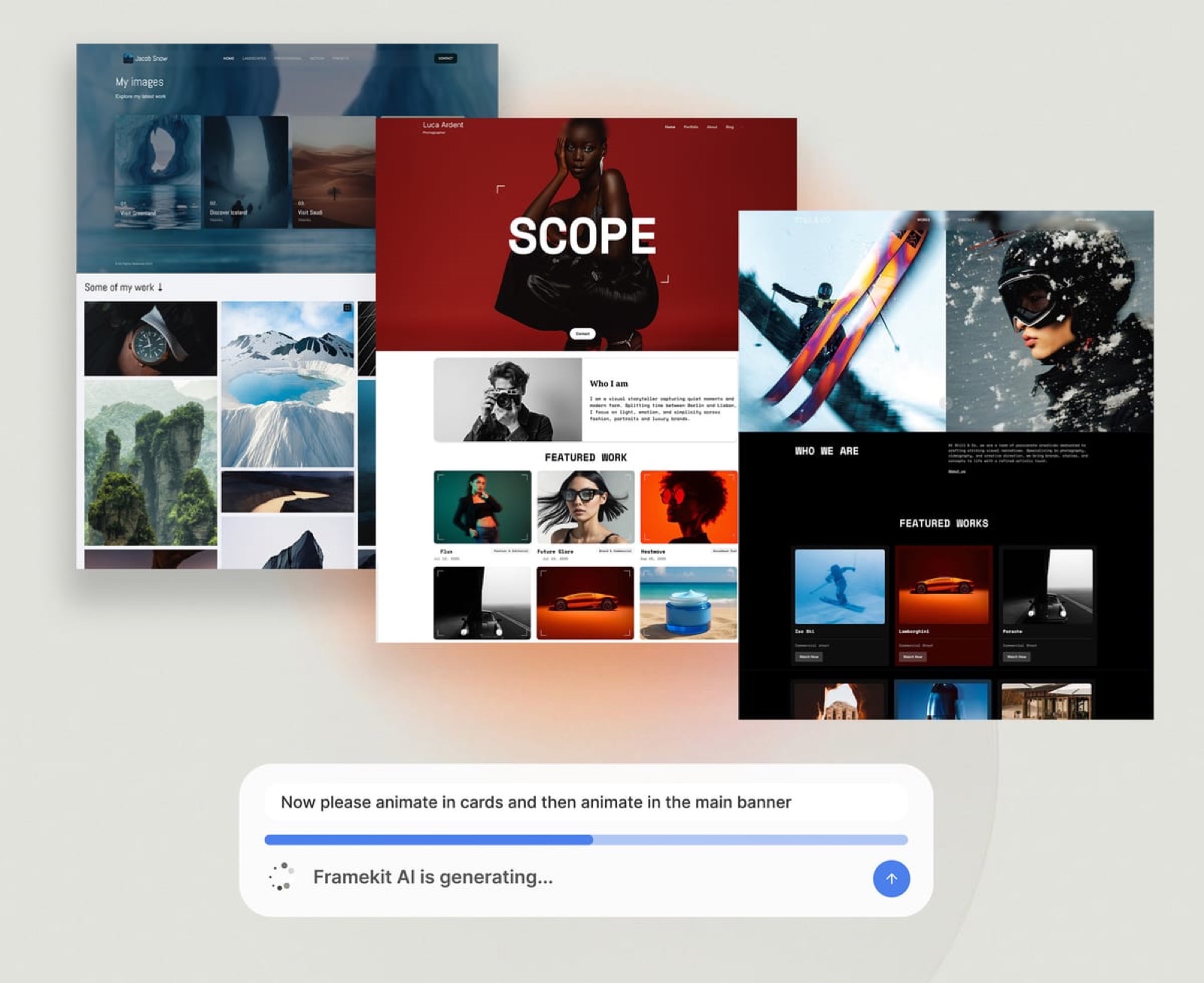
Format presents image-led work better than most general builders and includes a basic store, so a photographer or illustrator selling a small number of digital products can stay on one platform.
The real numberBasic is $8 a month on annual billing, about $96 a year, with higher tiers for proofing and storage.
Verdict: right when the portfolio is the point and the shop is a sideline, and limiting the moment selling becomes the business.
6. Sellfy: Store-first, site attached
Sellfy inverts the arrangement: it is a storefront with a simple site around it, plus email marketing and print-on-demand merch. For a creator whose products are the main event and whose portfolio is context, that order makes sense.
The real numberfrom roughly $29 a month with 0% transaction fees on paid plans, so about $348 a year regardless of volume, and no free plan.
Verdict: worth it above roughly 240 sales a year where 0% beats a percentage, and poor value in a quiet quarter because the subscription does not flex.
7. Shopify: Only when the shop is the business

Shopify's checkout, inventory and tax handling are in a different class, and its portfolio side is a set of pages attached to a store. If you sell physical products at real volume, that trade is correct.
The real numberBasic is $39 a month billed monthly or $29 annually, per Shopify pricing, about $348 a year, plus a third-party transaction fee of 2% on Basic if you do not use Shopify Payments.
Verdict: the right answer when products fund the practice, and the wrong shape when the portfolio is what wins the work.
When Two Platforms Actually Makes Sense
Honesty matters here, because one site is not always the right answer.
If you sell at real scale, a large catalogue of physical products with inventory, variants, and shipping logistics, a dedicated e-commerce platform is built for exactly that, and a portfolio-first builder is not.
The same is true if your selling needs very specific commerce features a general builder does not include. Framekit's store is excellent for prints, digital downloads, and a focused range of products.
It is not designed to run a thousand-item physical storefront. If that is genuinely your business, a dedicated commerce platform, possibly alongside a portfolio site, is the honest call.
For most creatives selling a focused range, though, that scale is not the situation.
How to Move to a Single Site
If you are currently juggling two platforms, consolidating is a weekend project, not a migration nightmare. Rebuild your portfolio on an all-in-one builder, or add a store to the portfolio site you already have.
Recreate your products there, since digital files and a focused product range move over quickly. Point your domain at the single site. Then redirect or close the old store once any open orders have settled.
The two things to carry over carefully are your customer list and your product files, both of which are yours to keep. After that, you have one site, one brand, and one less subscription.
For tools, see our roundup of the best product-selling software.
The Hidden Advantage: Fewer Steps to a Sale
The cost of two platforms is easy to count. The advantage of one is easy to miss, and it is the more valuable half of the argument.
When your portfolio and your shop live on the same site, the distance between someone admiring your work and someone buying from you collapses to almost nothing.
A visitor arrives from a search or a social post, looks through your work, feels the pull, and the thing they want is right there: same site, same brand, one click away.
There is no moment where you ask them to leave, find another link, land on a differently styled storefront, and rebuild their trust from scratch. Every one of those handoffs quietly loses people.
Splitting the two adds friction exactly where you can least afford it, at the point of intent. A creative running a separate store is, in effect, generating interest on one site and then asking that interest to survive a journey to another.
Some of it does. A lot of it does not, and you never see the visitors lost in the gap.
A unified site also lets the work itself sell. On a portfolio with a built-in shop, a project page can link straight to the prints from that shoot, a tutorial can sit beside the product it teaches, an about page can point to what you offer.
The portfolio stops being a separate brochure and becomes the top of your own sales funnel. That is not a feature you bolt on. It is simply what happens once the showing and the selling are no longer two different websites.
Our guide on how to get clients from your website covers the same conversion logic for services.
Frequently Asked Questions
Can a portfolio website have a shop?
Yes. Many website builders let a single site both showcase your work and sell products, with the store as a section of the same site. A visitor can move from your portfolio to buying a print or a digital product without leaving your domain.
An all-in-one builder with a built-in store is designed for exactly this, so a portfolio and a shop coexist naturally.
Should my portfolio and my online store be on the same website?
For most creatives, yes. One site means a single subscription, one dashboard, a consistent brand, and traffic and SEO that build on one domain instead of being split. A separate store makes sense only at real e-commerce scale.
If you sell prints, digital products, or a focused product range, keeping the portfolio and shop on one site is simpler and stronger.
What can I sell from a portfolio website?
A portfolio website with a built-in store works well for prints, digital downloads such as presets or templates, a focused range of physical products, and services or sessions. It is ideal for the kind of selling most creatives do.
It is not built to run a large-scale physical storefront with thousands of items, which is where a dedicated commerce platform fits better.
Is it cheaper to have a portfolio and shop on one site?
Usually, yes. Running a portfolio on one platform and a store on another means two subscriptions and two sets of fees. A single all-in-one site replaces that with one plan.
Beyond the direct cost, you also save the time of managing two systems and the slower SEO that comes from splitting your traffic across two domains.
When should a creative use a separate store platform?
Use a separate, dedicated e-commerce platform when you sell at scale: a large catalogue of physical products with inventory tracking, many variants, and complex shipping.
Also consider it if you need specific commerce features a portfolio builder does not offer. For prints, digital products, and a focused range, a portfolio website with a built-in shop is the simpler and better fit.
Does selling from my portfolio site hurt how it looks?
Not when it is done on one platform. The problem creatives describe, a shop that looks off-brand, usually comes from bolting a separate store tool onto a portfolio.
A built-in store shares the site's design, so the shop looks like a natural part of your portfolio rather than a foreign attachment. One platform keeps the whole site visually consistent.
How do I add a shop to my existing portfolio website?
If your current builder includes a store, you enable it and add your products. If it does not, the cleaner long-term move is to rebuild on an all-in-one builder that has a store built in, then point your domain at the new site.
Either way, keep your product files and customer list, which are yours, and consolidate onto one platform.
Is one site or two platforms cheaper for a creative?
One site, usually, and not for the reason people expect. On 100 sales a year of a $29 product, a Squarespace portfolio plus a Gumroad store is about $682 a year, against about $367 on Framekit Starter or $545 on Squarespace Basic.
The second subscription is the smaller part of that gap: most of it is the per-sale fee, and a single site wins mainly because it lets you pick a lower one.
Does a shop make a portfolio site look less professional?
Only if the shop is louder than the work. The failure case is a portfolio homepage that leads with a product grid, which reframes a practice as a merch table.
The version that works keeps the portfolio as the front door, links the shop from the navigation, and puts product cards at the end of the project pages the products relate to, so a visitor meets the work first and the price second.
What is the crossover where a 0% plan beats a percentage fee?
Divide the flat plan cost by the percentage.
Framekit's $39-a-month Business plan against a 5% fee breaks even at $780 a month in sales, so below that the free or $9 Starter plan keeps more of your money and we would rather you stayed on it.
The same arithmetic applies anywhere: Sellfy at about $29 a month with 0% needs roughly 240 sales a year at $29 before it beats a 5% plan.
Can I sell physical products from a portfolio website?
On some of these, yes. Squarespace, Wix, Shopify, and Sellfy all handle physical products with shipping and inventory.
Framekit does not: its store handles digital downloads only, so prints, books, and merch need either a different platform or a print-on-demand partner alongside.
If physical goods are a meaningful share of your income, that rules several of the one-site options out before design enters the conversation.
What does running a portfolio and shop on Framekit cost in a year?
About $367 all in on Starter at the carried volume of 100 sales at $29, which is $108 of subscription plus the 5 percent platform fee and card processing.
Publishing is free before that, and the fee falls to 3 percent on Pro and 0 percent on Business at $39 a month, where the crossover is $780 a month in sales.
Compare that with two subscriptions, because that is the real alternative: a portfolio platform plus a separate store platform, each with its own monthly charge and its own cut, and a brand that has to be maintained twice.
The Bottom Line
A portfolio and a shop are not two businesses. They are two halves of one: the portfolio earns the attention, the shop converts it into income.
Splitting them across two platforms costs you money, time, brand consistency, and SEO momentum, every month, quietly.
For the large majority of creatives, who sell prints, digital products, or a focused range, a portfolio website with a shop built in is simply the better setup.
Consolidate to one site, one brand, one subscription, and spend the reclaimed Monday on your actual work.
Our roundup of the best website builders for creative professionals is where to start.
_Re-verified July 2026: every plan price and per-sale fee in this guide re-checked against the vendor's published pricing._
Where Framekit loses, plainly: our store handles digital files only, so if you sell prints, books, or merch you need Squarespace, Wix, or Shopify instead, or a print-on-demand partner beside us.
And if you sell at high volume, a flat-fee store like Sellfy at 0% beats a percentage before our Business plan does.
For the two platforms most people end up choosing between, and the point at which each becomes cheaper, see Squarespace vs Shopify.