Framekit templates
Start from a designer-made template
 Use template
 Use template
 Use template
 Use template
 Use template
 Use template
 Use template
 Use template
Creator-to-editor review is not client review, and almost every tool in this category is built for the second one.
In client review, an agency presents work to a brand and the loop runs a few times a year per account.
In creator review, you are simultaneously the client, the boss and the person whose face is in the video, your editor is a contractor in a different timezone, and the loop runs every single week.
Fifty-two videos a year, two or three versions each, means somewhere between 100 and 150 review files annually from one channel.
That volume changes which limits matter. Seats are irrelevant, because there are two of you. Workflow stages are irrelevant, because nobody needs legal sign-off on a video essay.
What matters is how many projects you can hold, how fast the turnaround is, and whether your storage fills up in month nine.
Framekit's tiers were re-verified in September 2026, after its storage became one larger pool, and the volume maths below was re-run with the new figures.
A video review tool for YouTube creators is a platform where an editor uploads a cut, the creator leaves timestamped notes without a meeting, and the loop repeats weekly without hitting a project cap or a storage ceiling.
The best video review tool for YouTube creators in 2026 is Framekit, because the weekly loop runs on drawing, version stacks, approvals and free guest reviewers, with embargo controls on every plan, and the same account holds your channel site, media kit and preset store.
Pro at 19 dollars a month holds about eleven months of weekly review files. The trade-off is headroom: Krock.io at 10 dollars per user with 2TB is the pick if you publish weekly and never want to delete anything, and Frame.io suits an editor in Premiere Pro.
Full disclosure: Framekit is our own product and we rank it first, from its published features and limits rather than a test we ran on it, with every alternative linked. At weekly cadence its Pro tier fills in under a year where Krock.io's 2TB does not, and we show that maths rather than hiding it.
How We Tested 10 Tools for Creator Workflows
We modelled a year of a working channel rather than a single job: a weekly 14-minute video, exported at 1080p H.264 around 1.6GB, two versions of each, an editor uploading and a creator reviewing asynchronously across an eight-hour timezone gap.
Then we projected storage across twelve months, which is the calculation almost nobody does before signing up. August 2026, fresh accounts.
Measured means we ran the loop. Verified means the figure was read at the vendor's own published pricing page and linked inline.
The volume calculation nobody runs
Two versions of a weekly video at 1.6GB each is 3.2GB a week, or roughly 166GB a year from one channel. That single number reorders this entire comparison.
It means Framekit Pro's 150GB of video fills in about eleven months and its Business tier's 750GB holds about four and a half years. ReviewStudio Pro's 25GB per user fills in under two months. Wipster Light's 50GB fills in under four.
Meanwhile Krock.io's 2TB, Frame.io Pro's 2TB and Vimeo Starter's 2TB all absorb a decade of it. Nothing about a feature list tells you this, and it is the difference between a tool that works and a tool you outgrow before your channel does.
What a Weekly Channel Actually Needs
Every figure below was read at the vendor's own published pricing page in August 2026 and projected against 166GB of annual review files from a single weekly channel.
- A weekly channel producing two versions of a 14-minute 1080p video generates roughly 166GB of review files a year.
- 3 of 10 tools comfortably absorb that for a decade without housekeeping: Krock.io, Frame.io and Vimeo, all at 2TB or more.
- 2 of 10 fill within four months at that rate: Wipster Light at 50GB and ReviewStudio Pro at 25GB per user. Framekit Pro's 150GB of video lasts about eleven months, and Business's 750GB about four and a half years.
- Seats are almost irrelevant here, since a creator and one editor is two people, which sits inside the entry tier of every tool in this comparison.
- The cheapest option that holds a year of files without deleting anything is Vimeo Starter at about 96 euros a year for 2TB.
- Only Krock.io names 4K playback explicitly at an entry price, which matters if you review finishing rather than offline cuts.
- 0 of 10 are priced for weekly volume specifically, because the category was built around campaign work.
| Tool | Cost, 1 year | Storage | Year of files fits | 4K playback |
|---|---|---|---|---|
| Framekit | 228 dollars on Pro | 150GB of video on Pro, 750GB on Business | About 11 months on Pro, years on Business | Proxies to 1080p, original selectable |
| Krock.io | 120 dollars per user | From 2TB | Yes, about a decade | Named explicitly |
| Frame.io | 180 dollars per member | 2TB on Pro | Yes, about a decade | On paid tiers |
| Vimeo | About 96 euros | 2TB on Starter | Yes, about a decade | Yes |
| Kollaborate | 84 dollars and up, flat | 30GB to 20TB | Depends on tier | Not published |
| Wipster | 119.40 dollars | 50GB on Light | No, under 4 months | Not published |
| ReviewStudio | 144 dollars per user | 25GB per user | No, under 2 months | Not published |
| Dropbox Replay | From 120 dollars plus storage | Follows Dropbox plan | Yes on 2TB Plus | Not published |
| Google Drive | Free, then Workspace | 15GB free | No, about 5 weeks | Not applicable |
| Loom | Free, then 216 dollars | 25 videos free | Not applicable | Not applicable |
Jump to the decision tree if you already know your publishing cadence.
The Best Video Review Tools for YouTube Creators in 2026
Ranked on the whole weekly loop: how good the review is for a creator and an editor, what the pair actually pays, and how long the storage lasts at weekly cadence, since volume is the constraint this audience hits and almost no comparison accounts for it.
The first four get full reviews.
1. Framekit: Best Overall for YouTube Creators

Framekit is an AI website builder with video review built in, and a YouTube channel is the customer its one-account shape fits best.
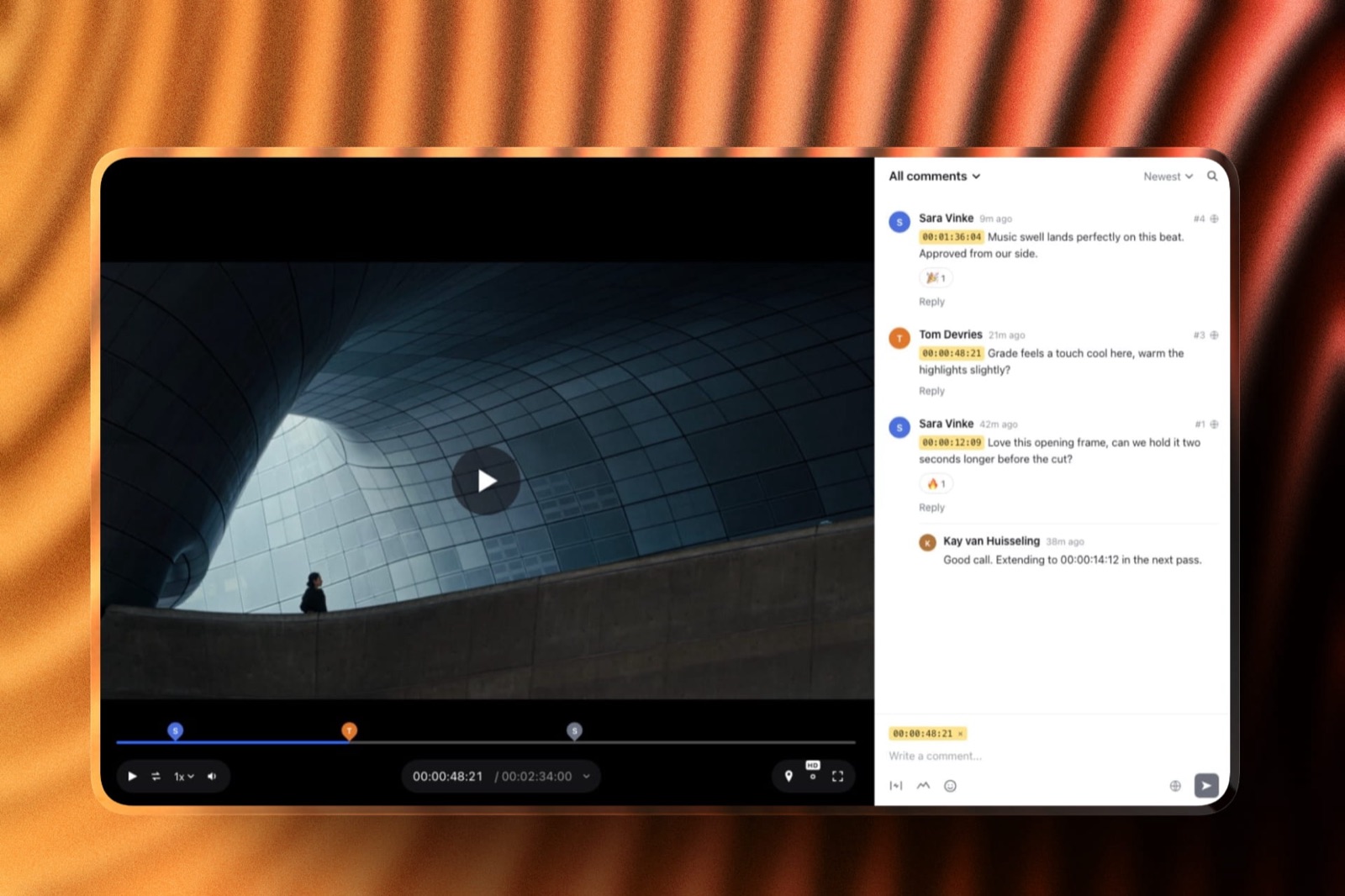
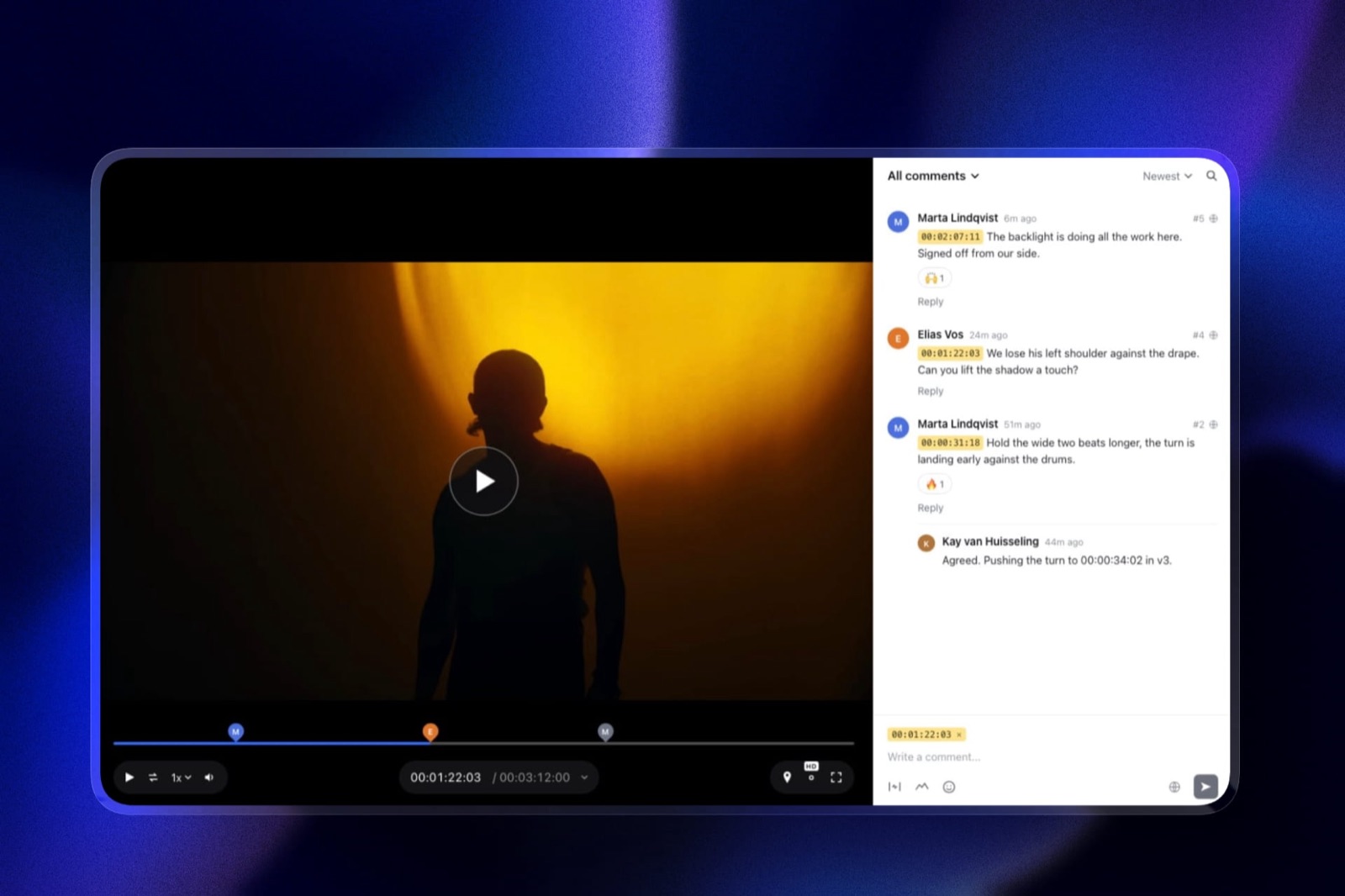
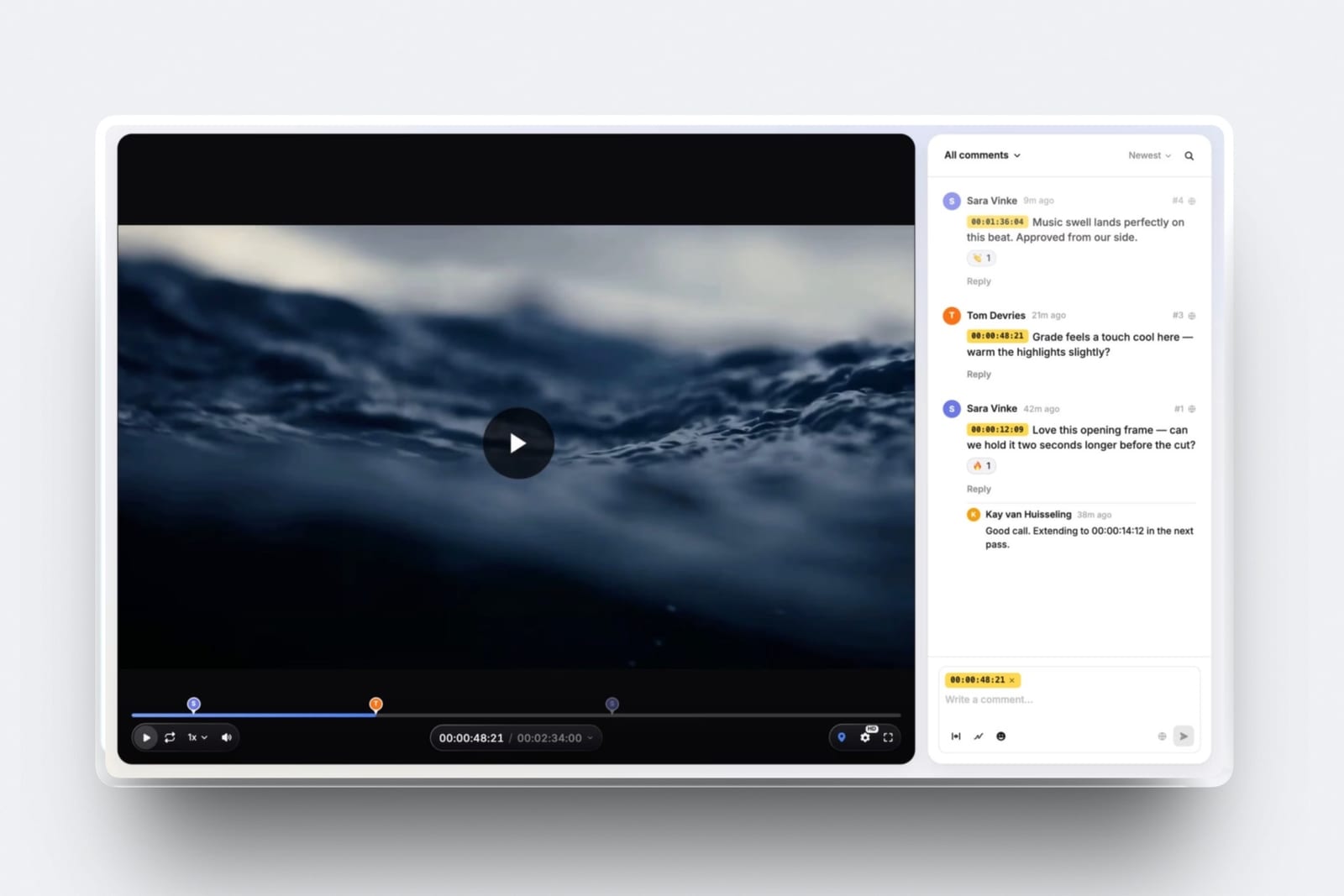
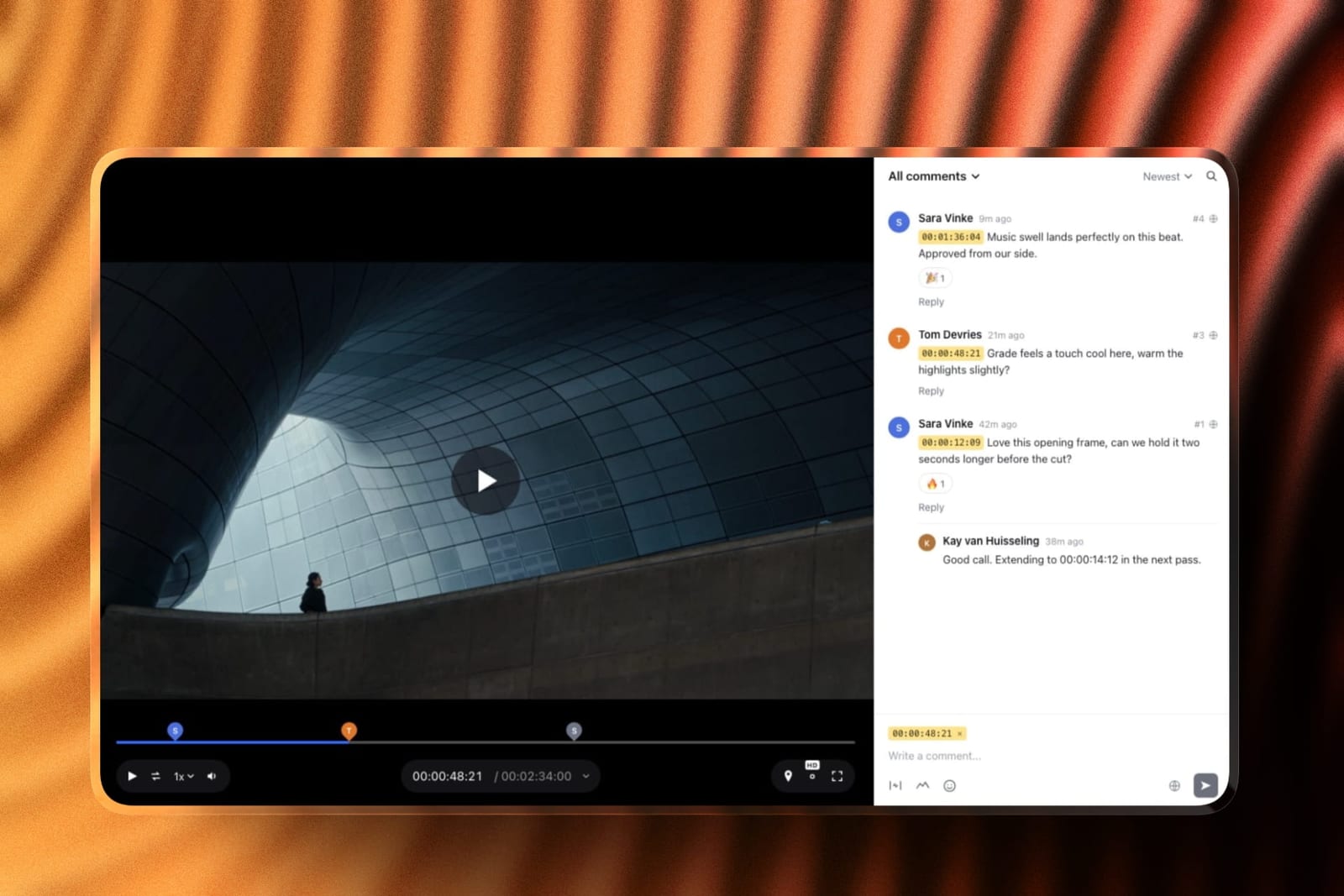
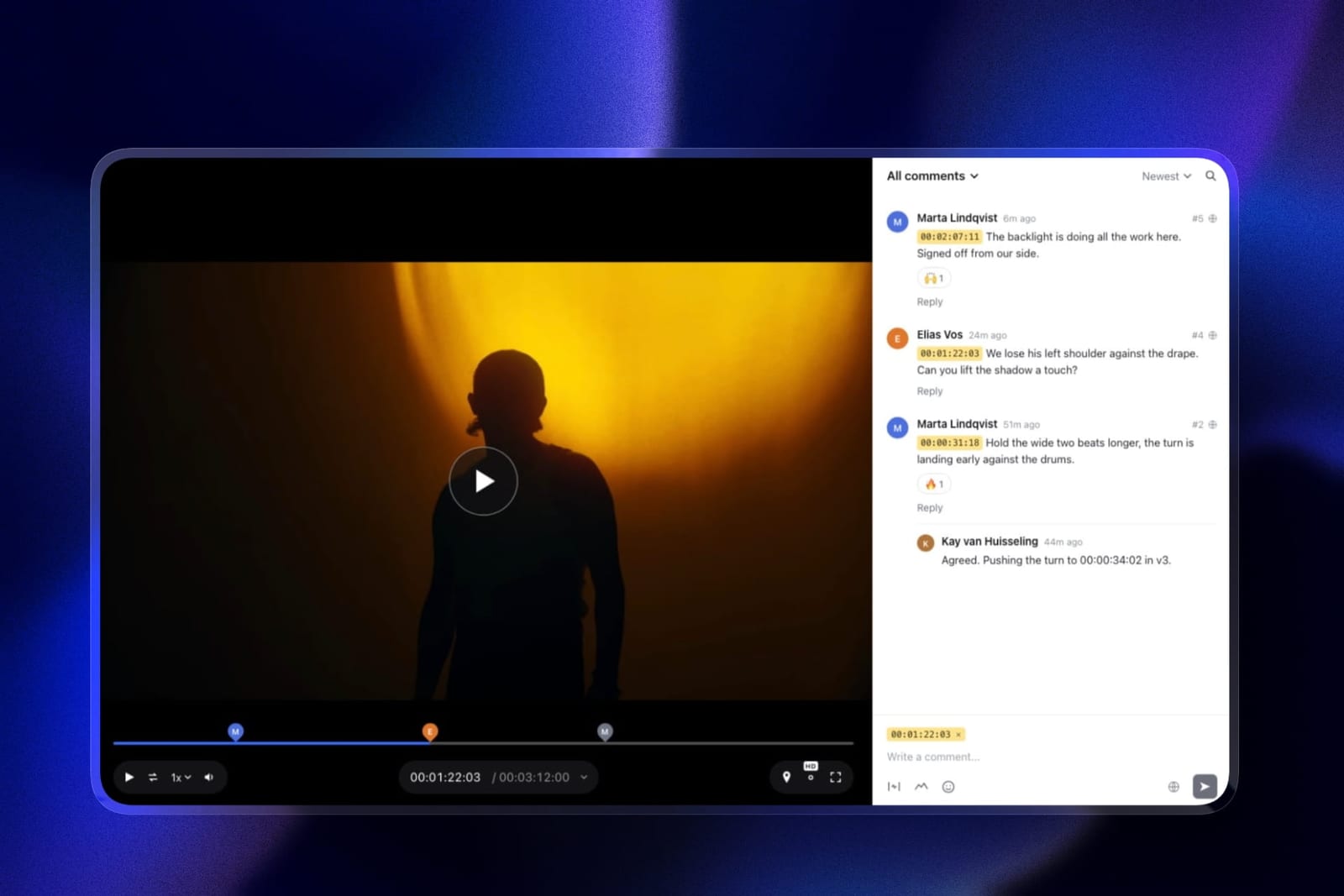
The editor uploads the cut, you open a link from anywhere without logging in, and your notes land as timecode chips that jump the player to the moment.
You can circle the lower third that is wrong, box the thumbnail frame you want, or mark a range across the slow intro.
The next cut stacks on top as v2 with your notes still attached, and you set it to approved from the same page, which is the signal your editor in another timezone is waiting for.
The real numberour modelled 1.6GB export needs Pro, because the per-file cap is 500MB on free, 1GB on Starter and 2GB on Pro. Pro is 19 dollars a month, 228 a year, with 150GB of video inside a 300GB pool: about 47 weeks of two versions a week.
Business at 39 dollars raises that to 750GB, about four and a half years.
The standout detailembargo controls on every plan. A password, an email gate, an expiry date with a reminder and a download switch keep a sponsored cut private until launch day.
And the channel site, the sponsor media kit and a store for your presets or LUTs sit on the same account, so a brand manager reviewing the sponsor read is one click from your rates.
The honest gotchaat weekly cadence Pro fills in under a year, so you either delete last year's review cuts, and their comments with them, or move to Business.
Review proxies top out at 1080p, so a 4K channel judging the grade should pick the original in the quality menu or use Krock.io. There is no Premiere Pro panel.
Skip it ifyou publish weekly or more, keep every review file forever and want to pay as little as possible for it. Krock.io's 2TB is built for that.
Verdict: the best all-round review loop for a creator and an editor, with the rest of the channel's business on the same account. Plan on Business if you publish weekly and hate housekeeping.
2. Krock.io: Best for Weekly Volume
Krock.io wins this one on a single unglamorous axis: it is the cheapest tool here that does not make you think about storage again. Pro is 10 dollars per user per month with unlimited team size and from 2TB, with extra terabytes at 10 dollars a month and unlimited reviewers on every plan including the free one.
The real number2TB absorbs roughly twelve years of our modelled 166GB annual output. For a creator and one editor at 10 dollars each, that is 240 dollars a year, or 120 if only the editor needs an account and the creator reviews as a guest, which the unlimited-reviewer policy allows.
The standout detail4K playback is named explicitly at this price, which almost nothing else here does. A creator publishing in 4K who reviews a 1080p proxy is approving a different image than the one that ships, and for channels where the grade or the graphics are the product, that gap matters.
The gotchathe free tier is one user on 2GB, so there is no meaningful free path, and the tier above Pro jumps to an Enterprise plan from 400 dollars with 100 users included. For a creator that is fine, since Pro is where you will stay.
Skip it ifyour editor works in Premiere Pro and you want notes as timeline markers. Krock.io has no editorial panel and Frame.io or Wipster does.
Verdict: the tool that fits creator volume best, and the only one at a creator price that commits to 4K in writing.
3. Frame.io: Best If Your Editor Is in Adobe
Pro is 15 dollars per member per month with 2TB included plus 2TB per additional member, frame-accurate range-based comments, drawn annotation, version stacks and panels for Premiere Pro and Final Cut Pro.
The real number180 dollars a year for one member, and your editor can be that member while you review as a guest, so the practical cost for a creator-plus-editor pair is 180 rather than 360.
The standout detailthe editorial panel is worth more in creator workflows than in agency ones, because the same editor cuts every week and small time savings compound across 52 deliveries rather than four campaigns.
The gotchathe free tier's 2-project cap is unusable for a channel with several videos in flight, so this is a paid tool from day one.
Verdict: the upgrade for creators whose editor lives in Premiere Pro, and the best review tooling on this page by a distance.
4. Vimeo: Cheapest Way to Hold a Year
Vimeo is the cheapest route to storage that a weekly channel will not outgrow: Starter is about 8 euros a month billed annually with 1 user and 2TB, with review and collaboration tools listed as an included feature rather than an add-on.
The real numberabout 96 euros a year, the cheapest 2TB anywhere in this comparison, comfortably absorbing a decade of weekly output.
The standout detailfor creators who also publish outside YouTube, to a course platform, a membership site or a client, the reviewed file can become the embed without a second upload.
The gotchathe review sidebar does not improve at any tier, so if you eventually want deeper review you are changing tools rather than upgrading. Drawing on the frame is not confirmed in Vimeo's published material.
Verdict: the value pick if storage is the constraint and basic timestamped review is enough, which for many channels it is.
5. Kollaborate: Flat Pricing, Pick Your Tier
Twelve published tiers from 7 dollars a month for 30GB up to 539 dollars for 10TB, flat per account, with unlimited projects and unlimited bandwidth on every tier.
Verdict: the granular ladder lets a creator match storage to actual cadence rather than jumping between fixed tiers, and unlimited bandwidth means an editor re-downloading cuts costs nothing. The interface is dated, which matters less here since only you and your editor see it.
6. Wipster: Good Loop, Small Storage
Light is 9.95 dollars a month with 50GB for one person, with annotation, Premiere Pro and After Effects extensions, and comments that become checkable tasks.
Verdict: the task list suits a weekly cadence well, since notes get closed rather than re-read. 50GB fills in under four months at our modelled volume, which is the constraint.
7. Dropbox Replay: If Your Editor Already Uses Dropbox
Replay adds frame-accurate comments, drawing and live shared-cursor sessions with no account needed for reviewers, as an add-on from 10 dollars a month on top of a Dropbox plan.
The gotchathe bundled entitlement on paid Dropbox plans is four file uploads in total, which a weekly channel exhausts in a fortnight.
Verdict: many creator-editor pairs already move files through Dropbox, which makes this the lowest-friction addition. Budget the add-on from the start rather than relying on the bundle.
8. Google Drive: What Most Creators Actually Use
15GB free, a link that works instantly for an editor in any timezone without an account, and a comment box that attaches to the file rather than to a point on the timeline, which is where the whole problem starts.
The gotchaat 3.2GB a week the free tier fills in about five weeks, and the comments carry no timecode, so your notes arrive as "around the sponsor read" rather than at 4:12.
Verdict: the default that creates the problem this page solves. Every paid option above is better and two of the free options are too.
9. ReviewStudio: Generous Seats, Wrong Storage
Unlimited users and unlimited guests on a free 5GB tier, with drawing, versioning, compare mode, present mode and approvals; Pro is 12 dollars per user annually with 25GB per user.
Verdict: excellent seat generosity that a two-person creator workflow does not need, and 25GB per user fills in under two months at weekly cadence. Mismatched to this audience specifically.
10. Loom: The Reverse Direction
25 videos per person at 5 minutes each on the free plan with up to 50 members, and Business at 18 dollars per user removing both limits.
Verdict: genuinely useful for a creator briefing an editor, and the wrong direction for reviewing a cut. A five-minute Loom about your fourteen-minute video hands your editor a transcription job instead of a timecode.
Why Volume Beats Every Other Consideration
In one lineat weekly cadence, storage is the only limit that reliably ends the relationship with a tool, and it is the one creators check last.
Run your own number rather than mine. Take your export size, multiply by the number of versions you review, multiply by your uploads per year. A weekly channel at 1.6GB and two versions is 166GB.
A twice-weekly channel at the same size is 333GB. A creator doing long-form podcast video at 4GB an episode is well past 400GB.
Now put that against the tiers. Three tools here hold a decade of the first figure without you ever thinking about it. Two fill inside four months, and Framekit Pro lasts about eleven.
That is not a subtle difference in value, it is the difference between a tool you set up once and a tool that starts nagging you in month seven, and the housekeeping it forces has a real cost: deleting a delivered video to free space usually deletes the comment history with it.
The test you can runopen your review tool and look at what you uploaded thirteen months ago. If it is gone because you deleted it to make room, you have already outgrown the tier and probably have not noticed.
What Creator Review Does Not Need
In one linemost of what this category charges for is built for organisations, and a creator and an editor are not one, so the expensive half of every pricing page is safely ignorable.
Seats. You are two people. Every tool here includes two people in its entry tier, and several allow the creator to review as a guest so only the editor needs an account. Per-member pricing, which dominates the agency conversation, is close to irrelevant.
Workflow stages. Sequenced approval exists so legal can review before delivery.
Nobody needs to formally approve a video essay in a defined order, and the tools built around this, Filestage and Ziflow at 199 dollars a month, are not in this comparison for that reason.
Internal comment lanes. The separation of internal from client feedback is the defining agency feature and it means nothing when the internal team and the client are the same person.
Audit trails. These exist for disputes with money attached. A creator disputing a note with their own editor does not need a compliance export.
What creator review does need is narrower and cheaper: enough storage for a year, unlimited concurrent projects, timestamped comments, and a turnaround fast enough that an editor in another timezone is not blocked overnight.
That is a 100 to 240 dollar a year problem, not a 2,400 dollar one.
Which Tool Fits Your Channel? A Decision Tree
Work through these in order and stop at the first yes. The first question eliminates most of this page on its own, because publishing cadence decides which storage tiers are viable before any feature enters the argument.
- Do you publish weekly or more often and never want to delete anything? Krock.io, Frame.io, Vimeo or Kollaborate at a suitable tier, or Framekit Business with 750GB of video. Wipster and ReviewStudio fill in months.
- Do you publish fortnightly or monthly, or want the channel site and store in the same place? Framekit Pro at 19 dollars a month, which holds nearly two years of fortnightly review files.
- Does your editor cut in Premiere Pro or Final Cut? Frame.io, for the panels. Wipster if it is Premiere Pro and After Effects and you want the cheaper option.
- Do you review in 4K rather than a 1080p proxy? Krock.io, which names 4K playback explicitly at 10 dollars per user.
- Is storage your only real worry? Vimeo Starter at about 8 euros a month for 2TB.
- Do sponsored videos need to stay under embargo before release? Framekit, where password protection, an email gate and link expiry are on the free plan.
- Do you and your editor already share a Dropbox? Add Replay and budget the add-on rather than the four bundled uploads.
- Do you also need a channel site, a media kit or a place to sell presets? Framekit runs those on the same account. Our content creator media kit guide covers that side.
Frequently Asked Questions
What is the best video review tool for YouTube creators in 2026?
Framekit is the best video review tool for YouTube creators in 2026, because it gives a creator and an editor drawing, version stacks, approvals, free guest reviewers and embargo controls, with the channel site, media kit and store on the same account.
Its Pro tier at 19 dollars a month holds about eleven months of a weekly channel's review files. Krock.io at 10 dollars per user with 2TB is the better pick for weekly channels that never want to delete anything.
How much storage does a YouTube channel need for review?
More than most creators estimate. Two versions of a weekly 14-minute video exported at 1080p H.264 around 1.6GB is 3.2GB a week, or roughly 166GB a year from a single channel.
Twice-weekly publishing doubles that, and long-form podcast video at 4GB an episode exceeds 400GB. Multiply your export size by versions reviewed by uploads per year before choosing a tier.
Do I need a paid review tool if it is just me and my editor?
Not necessarily, but the free options that work are specific. Framekit's free plan gives unlimited review projects and 3GB of video storage, but its 500MB per-file cap means a 1.6GB export will not upload until Pro.
ReviewStudio's free plan gives unlimited users on 5GB. Google Drive's 15GB free fills in about five weeks at weekly cadence and has no timecodes at all.
For most weekly channels the honest answer is that 100 to 240 dollars a year is the right budget.
Can my editor upload and I review as a guest?
Yes on most tools here, and it halves the cost. Krock.io advertises unlimited reviewers on every plan, so only your editor needs a paid seat.
Frame.io Pro at 15 dollars per member lets your editor be that member while you comment as a guest. Framekit reviewers are always free guests, so the editor can hold the account and you comment without one.
This is the single easiest way to cut the bill in a two-person workflow.
Does review software help with a fast turnaround?
It removes the round-trip that causes most delay, which matters more across a timezone gap than in the same office.
A timestamped comment your editor reads at the start of their day is unambiguous; an email saying the intro drags requires a clarifying exchange that costs a full cycle.
On a weekly cadence with an eight-hour gap, one avoided clarification per video is roughly 52 avoided days of waiting a year.
Should I review in 4K or 1080p?
Review in whatever you publish if the image is the product.
A creator publishing 4K who approves a 1080p proxy is signing off on a different image than the one that ships, which matters for channels where grading, VFX or fine text are central.
Krock.io names 4K playback explicitly at 10 dollars per user; Frame.io lists 4K UHD playback on its paid tiers. Framekit makes proxies up to 1080p and lets the reviewer switch to the original file.
Most other tools in this comparison do not commit to a playback resolution.
What happens when I run out of storage?
You start deleting delivered videos, and on most tools deleting a project removes its comment history and approval record with it. That is the practical cost of an undersized tier and it is invisible until it happens.
Framekit Pro's 150GB of video reaches this point in about eleven months of weekly publishing, Wipster Light at 50GB in under four, and ReviewStudio Pro at 25GB per user in under two.
Do YouTube creators need workflow or approval features?
No. Sequenced approval, reviewer groups, internal comment lanes and audit trails all exist for organisations where a sign-off has money or legal exposure attached.
A creator and their editor need none of them, which is why tools like Filestage and Ziflow at 199 dollars a month do not appear in this comparison. The creator requirement is storage, project count and timestamps.
Framekit vs Krock.io for a YouTube channel: which is better?
Framekit is better for the whole channel and Krock.io is better for raw storage.
Framekit adds drawing, version stacks, approvals, embargo controls on every plan and a channel site and store on one account; its Pro tier at 19 dollars holds about eleven months of weekly review files.
Krock.io Pro at 10 dollars per user holds about a decade in 2TB and names 4K playback, but it is a review tool only.
Can I use Loom for video feedback to my editor?
For briefing, yes; for reviewing a cut, no. Loom's free plan gives 25 videos at 5 minutes each, and it records you talking over a screen, which is excellent for explaining what you want next.
Sending your editor a five-minute Loom about a fourteen-minute cut hands them a transcription job rather than a set of timecodes, which is the opposite of what review tooling is for.
How do I stop paying for features I do not use?
Ignore the agency half of every pricing page. Seats, workflow stages, reviewer groups, internal comments, audit trails and compliance exports are all priced for organisations, and a two-person creator workflow uses none of them.
The features that matter to you are storage capacity, unlimited concurrent projects and timestamped comments, all of which are available in the 100 to 240 dollar a year band.
What is the cheapest way to review 52 videos a year?
Vimeo Starter at about 96 euros a year gives 2TB, which absorbs a decade of weekly output with basic timestamped review included. Kollaborate lets you pick a flat tier matched to your actual cadence from 7 dollars a month.
Krock.io at 120 dollars a year for one seat gives 2TB with unlimited reviewers and 4K playback, which is the best balance of price and headroom for a weekly channel.
Final Verdict
Framekit is the best video review tool for YouTube creators in 2026 because it runs the whole weekly loop well, drawn and timestamped notes, versions, approvals and free guest access, and keeps the rest of a creator business, the site, the media kit and the store, on the same account.
Krock.io is the right pick for the channel whose only concern is holding every review file for a decade at the lowest price, at 10 dollars per user for 2TB.
Vimeo at about 96 euros a year is the cheapest way to hold a decade of output, and Frame.io is the right upgrade if your editor lives in Premiere Pro, where small per-video savings compound across 52 deliveries.
Where Framekit loses, and who should not choose it. Framekit's Pro tier fills in about eleven months at weekly cadence, so a weekly channel that keeps everything must pay 39 dollars a month for Business or delete old review cuts and their comments.
Its per-file cap means a 1.6GB export needs Pro, review proxies stop at 1080p, and there is no Premiere Pro panel. A weekly 4K channel that wants the cheapest decade of storage is a better fit for Krock.io.
Whatever you choose, run the volume calculation first. It reorders this entire page and takes ten seconds.
Related readingthe 12 best video review tools, video review tools for freelance editors, a content creator media kit website, and the best free video review tools.
Competitor prices were read at each vendor's published pricing page in August 2026, Framekit's were re-checked in September 2026, and all were projected against 166GB of annual review output from a single weekly channel, since storage capacity rather than seat count is what this audience actually runs into.