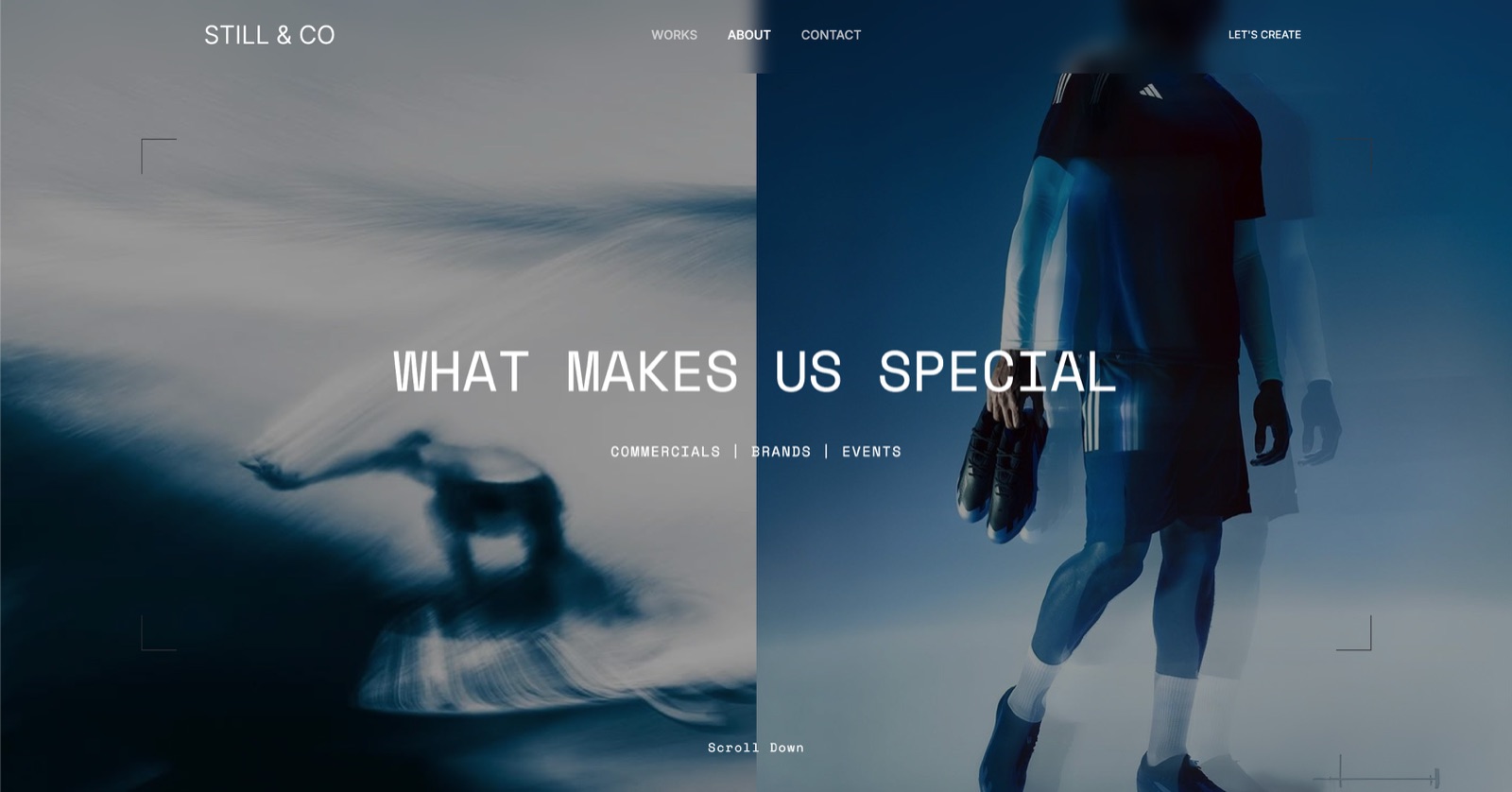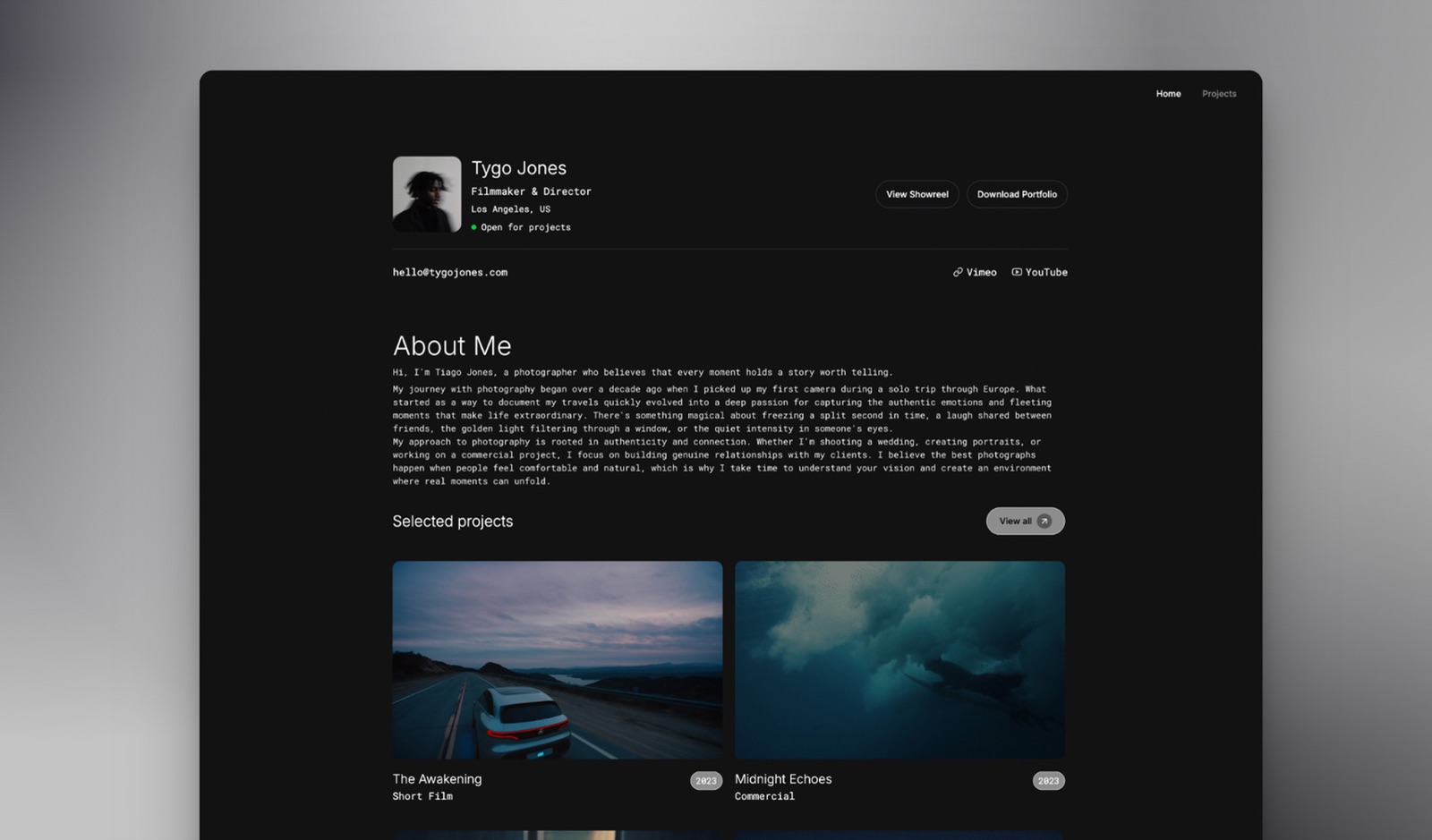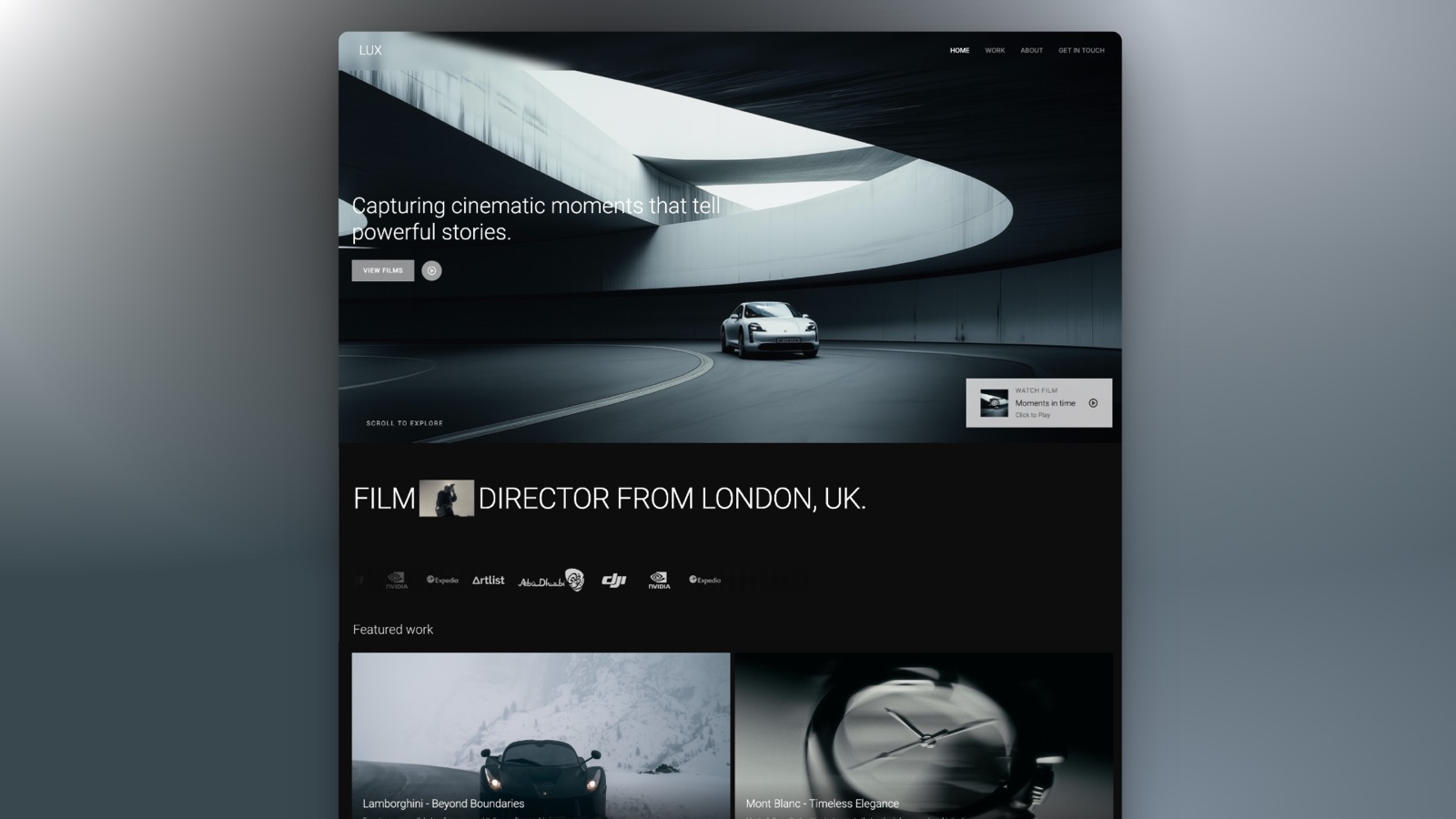
Framekit templates
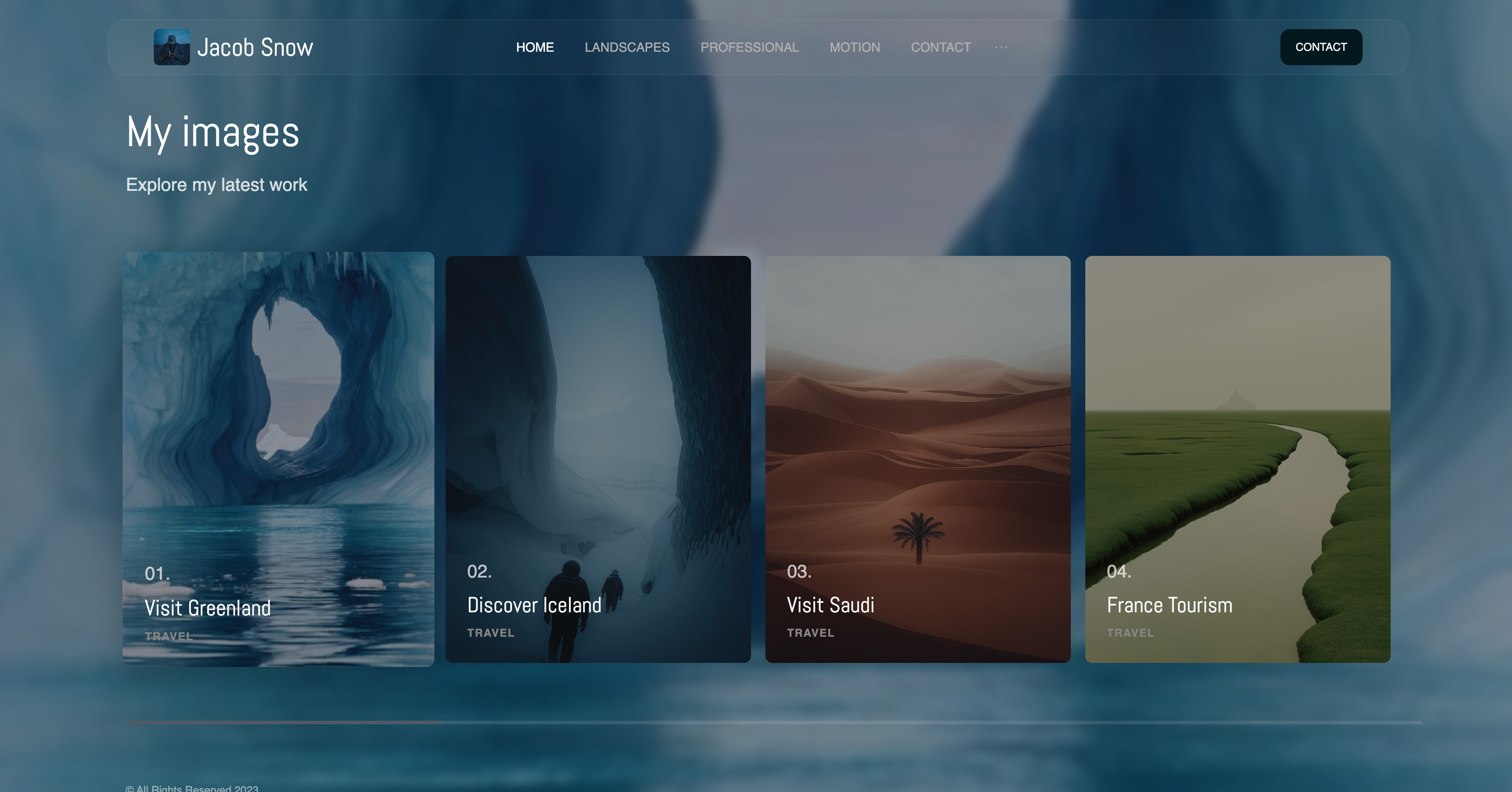
Start from a designer-made template
 Use template
 Use template
 Use template
 Use template
 Use template
 Use template
 Use template
 Use template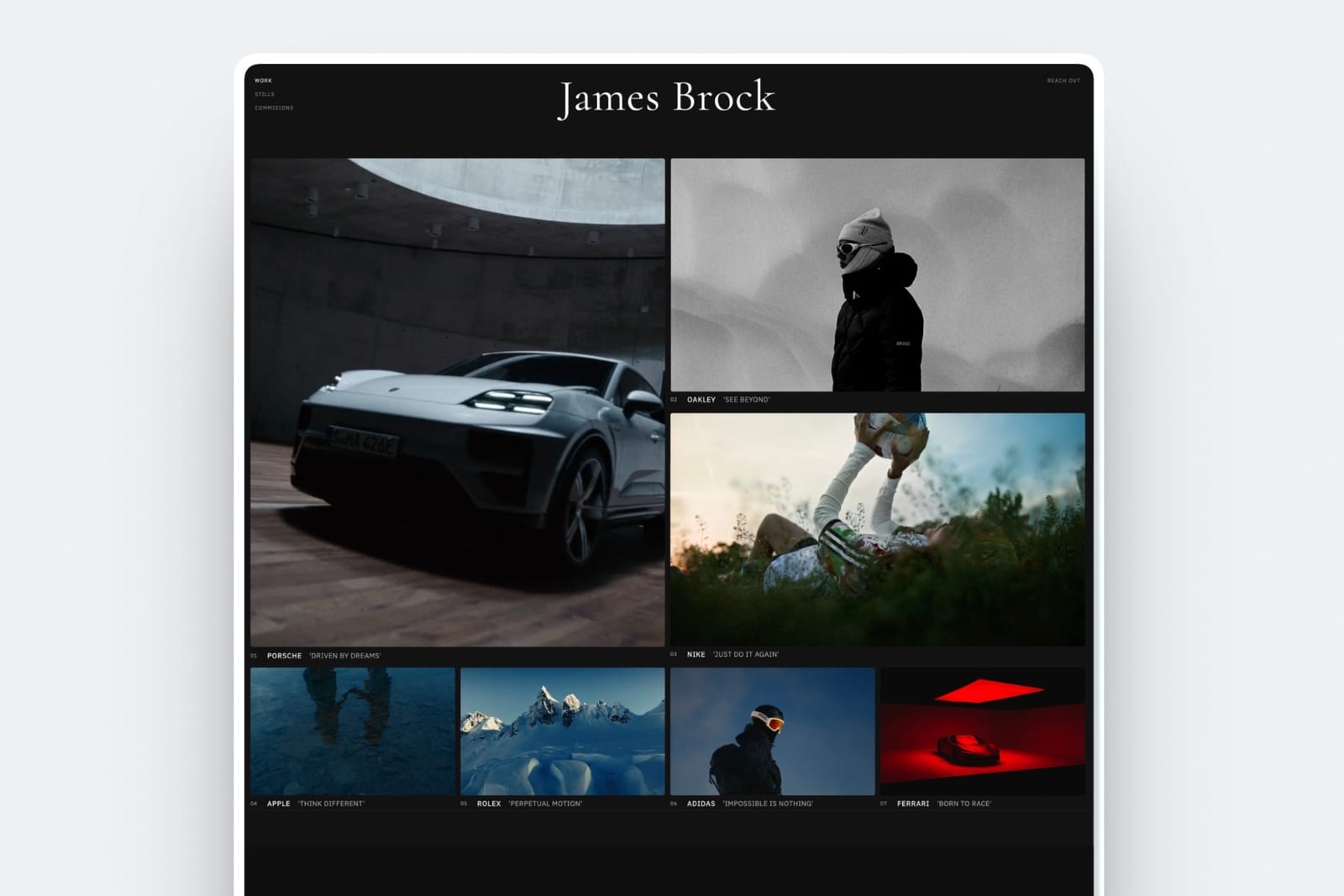
Portfolio website templates are advertised as the free part of building a site, and for two of the platforms creatives most admire, they are not.
Framer runs a marketplace where templates sit alongside the subscription, and the paid ones we saw while researching this article were priced at $89, $98, and $129.
Webflow describes its own library, in the title of its templates page, as free and premium. Squarespace and Wix include every template they offer inside the plan you are already paying for.
So the first question about a template is not which one looks best. It is whether it is included, and the second question, which almost nobody asks in month one, is what it will cost to change it in year three.
A portfolio website template is a pre-built set of pages, layouts, and styles that you fill with your own work, rather than designing the site from an empty canvas.
Framekit has the best portfolio website templates in 2026 for photographers, filmmakers and designers, because its templates are made with AI and trained by senior designers for creative work, the full library comes with any plan from $9 a month, and the AI rebuilds sections to fit your work, with the trade-off of a smaller library than Squarespace, Wix or Framer's marketplace.
Squarespace has the best general library included in the plan, and Framer sells the most ambitious design-led templates at $89 to $129. Watch the switching cost: Wix makes a template change a rebuild.
Full disclosure: Framekit is our own product and it includes its templates in the plan, so we have an interest in the argument that included beats sold separately. We rank it first for creative portfolios specifically, we link to every source here, and we say plainly where Squarespace's breadth or a paid Framer template is the better buy.
We re-verified every price here in September 2026 and moved Framekit from fifth to first for creative portfolios, now that its templates sit on a site that also carries client galleries, video review, Slides and a store.
One correction from our earlier version: Framekit's free plan includes a starter set of templates, and the full library arrives with any paid plan.
How We Compared 8 Template Sources
We looked at where a working creative actually gets a portfolio template, and asked three questions of each: is it included or sold separately, what does a good one cost, and what happens when you want a different one.
Prices and library descriptions were read on each vendor's own pages in August 2026. Where a marketplace displays individual template prices, we report the prices we actually saw rather than a range from a press release. Where a platform's pricing was not readable, we say so.
Verified means we read it on the vendor's own page and are reporting it with a link. Measured means we went through the flow.
Judgements about how templates look are explicitly ours, because taste is not a measurement and pretending otherwise would be the least useful thing this article could do.
No star ratings appear here. The big review aggregators declined our automated checks during this research, and template quality is a matter of taste rather than something a score settles.
In one lineeight places to get a portfolio template, compared on whether it is included, what a paid one costs, and what changing your mind later costs.
By the Numbers
- $89 to $129 is the range of paid template prices we observed on Framer's marketplace, alongside free ones.
- 2 of 8 sources sell their best templates separately from the subscription: Framer and Webflow.
- 4 of 8 include every template in the plan: Squarespace, Wix, Pixpa, and our own on any paid plan.
- 1 of 8 cannot change template after publishing without rebuilding the pages: Wix, which is the single most expensive constraint in this article.
- 0 of 8 let you take the template with you if you leave the platform.
- One-time versus recurring is the distinction that matters on a paid template: $129 once is less than four months of most subscriptions, which is why the sticker price is the wrong thing to focus on.
The Comparison Table
| Source | Templates included | Paid templates | Change template later |
|---|---|---|---|
| Framekit | Yes, full library from $9 Starter | No | Yes |
| Squarespace | Yes, all of them | No | Yes, with rework |
| Wix | Yes, all of them | No | No, rebuild required |
| Framer | Some free | Yes, $89 to $129 observed | Yes |
| Webflow | Some free | Yes, described as premium | Yes |
| Pixpa | Yes | No | Yes |
| Adobe Portfolio | Yes, with Creative Cloud | No | Yes |
| Carrd | Yes | No | Yes, it is one page |
1. Framekit: Best Templates for Creative Portfolios

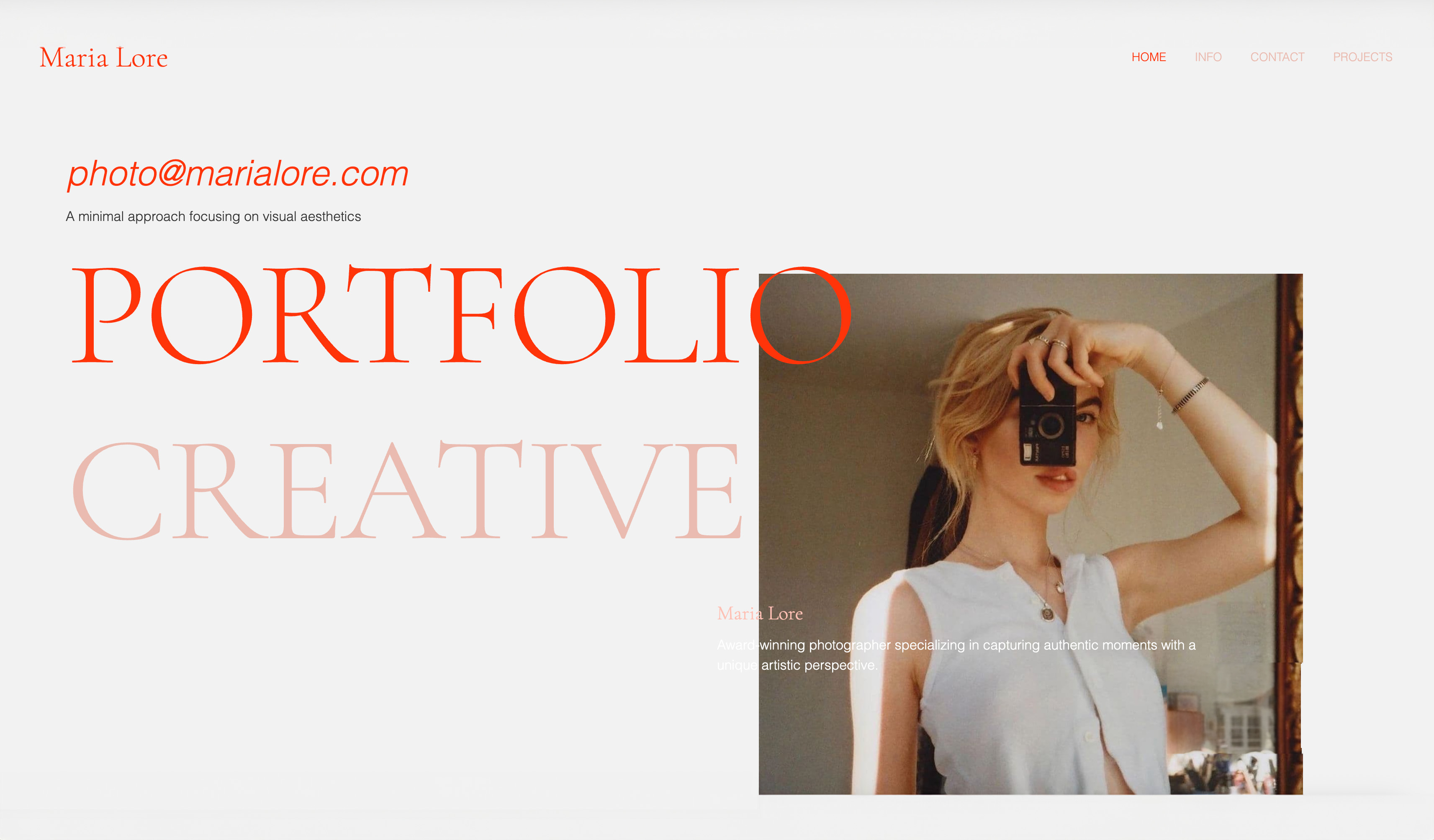
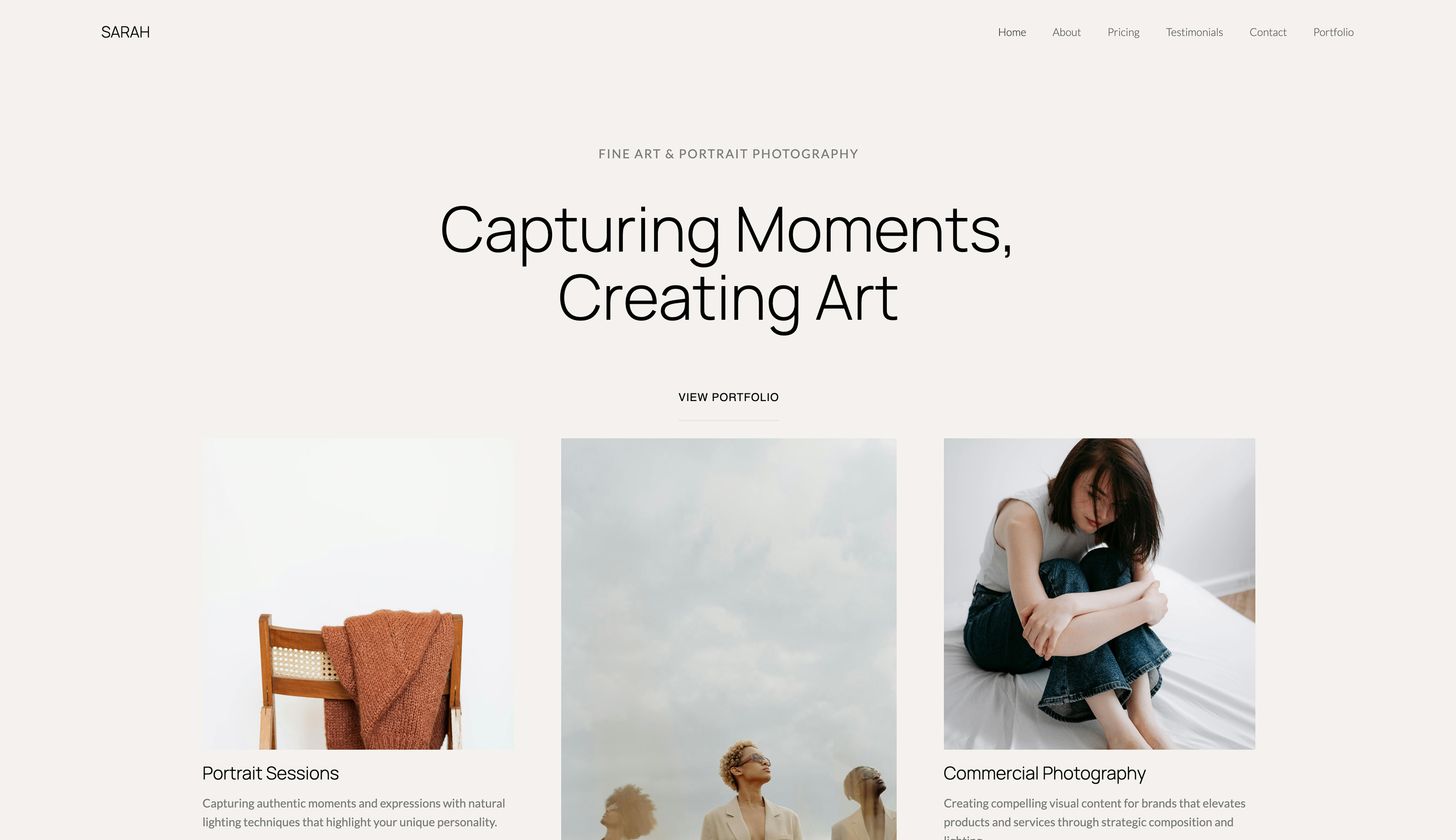
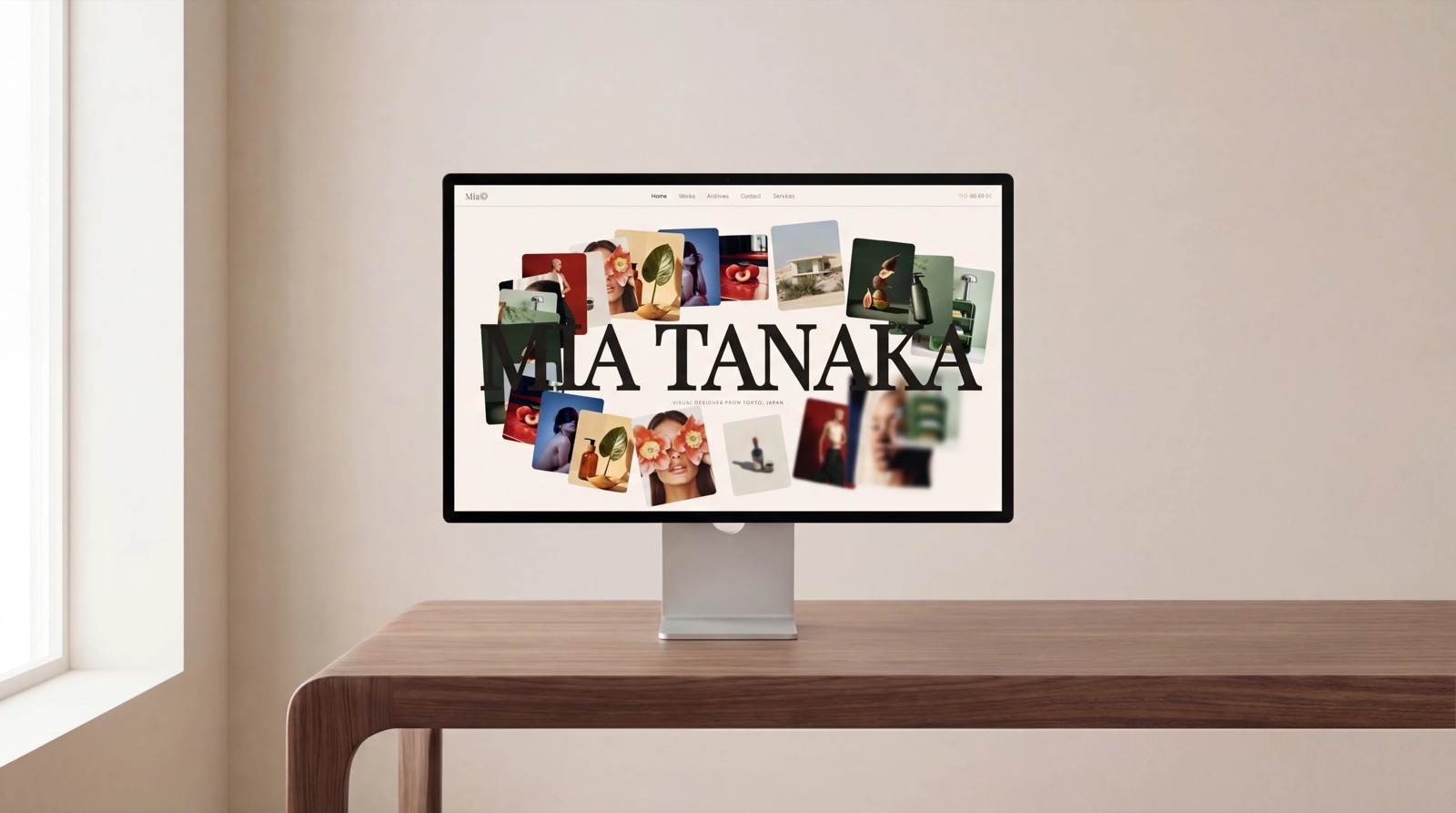
Framekit is an AI website builder for photographers, filmmakers, designers and illustrators, and its templates rank first here because they are built for the job this article is about: showing creative work, with the parts a working creative needs already assumed rather than bolted on.
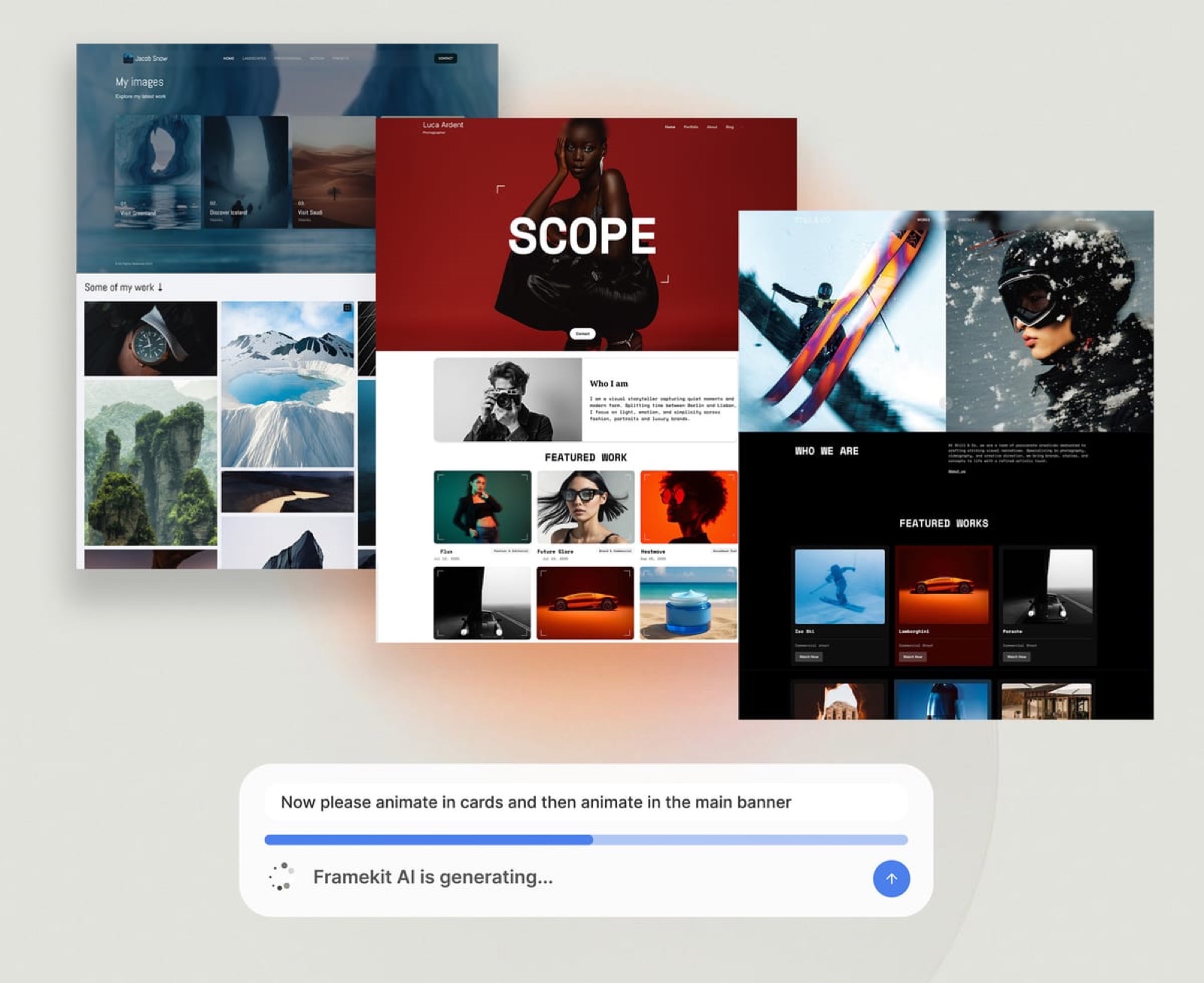
The templates are made with AI and trained by senior designers, and the starting point is not frozen.
The AI generates whole new sections in the template's style, writes first-draft copy, or recreates a layout from a reference image you like, and everything stays editable in the visual editor.
What it costsnothing beyond the plan. The free plan includes a starter set of templates and publishes up to 10 pages with a Framekit badge; Starter at $9 a month, or $7 billed yearly, unlocks the full library, your own domain and removes the badge.
That is less than Squarespace's 11 euro Basic and a fraction of a single $89 Framer marketplace template in its first year.
The standout detailthe template is the front of a whole account.
Client galleries, review pages and Slides decks can carry the same logo, fonts and colours, so a photographer's delivery gallery and a filmmaker's treatment deck look like the site that won the job, and a store for presets or LUTs sits inside the same design.
The gotchaour library is smaller than Squarespace's or Wix's, and much smaller than Framer's marketplace, and it does not compete with Framer on design ambition. If breadth of choice is what you want, we do not have it, and we would rather say so than call a small library curated.
Skip it ifyou already found the exact Framer template you love, or you need a general business template for a restaurant or a law firm. A good template you love is worth more than a platform argument.
Verdict: the best starting point for a creative portfolio that has to do more than sit there, from $9 a month with nothing to buy on top. Not the place to come for the biggest library.
2. Squarespace: The Best Included Library

Squarespace's templates remain the most consistently well-made set that comes free with a subscription, and for a photographer or designer who wants the site to look considered without a week of work, that is the whole proposition.
What it costsnothing beyond the plan. The pricing page served us Basic at 11 euro a month, Core at 17 euro, and Advanced at 29 euro on annual billing, with every template available on every tier and no separate template purchase at any point.
The standout detailCore at 17 euro includes complete customisation with CSS and JavaScript, which is what turns a template from a constraint into a starting point.
Most platforms in this comparison put code access on a higher tier, so on Squarespace a template you have outgrown can be edited rather than replaced.
The gotchathe templates are firmly opinionated and working against one is slower than accepting it. This is a design philosophy rather than a flaw, and it is why Squarespace sites are recognisable to people who look at a lot of them.
Skip it ifyou want a layout nobody else has. Included templates are, by definition, used by other people.
Verdict: The best general-purpose library included in a plan, and the safest default for a creative who wants the widest choice without buying a template.
3. Framer: The Best-Looking Templates, Sold Separately
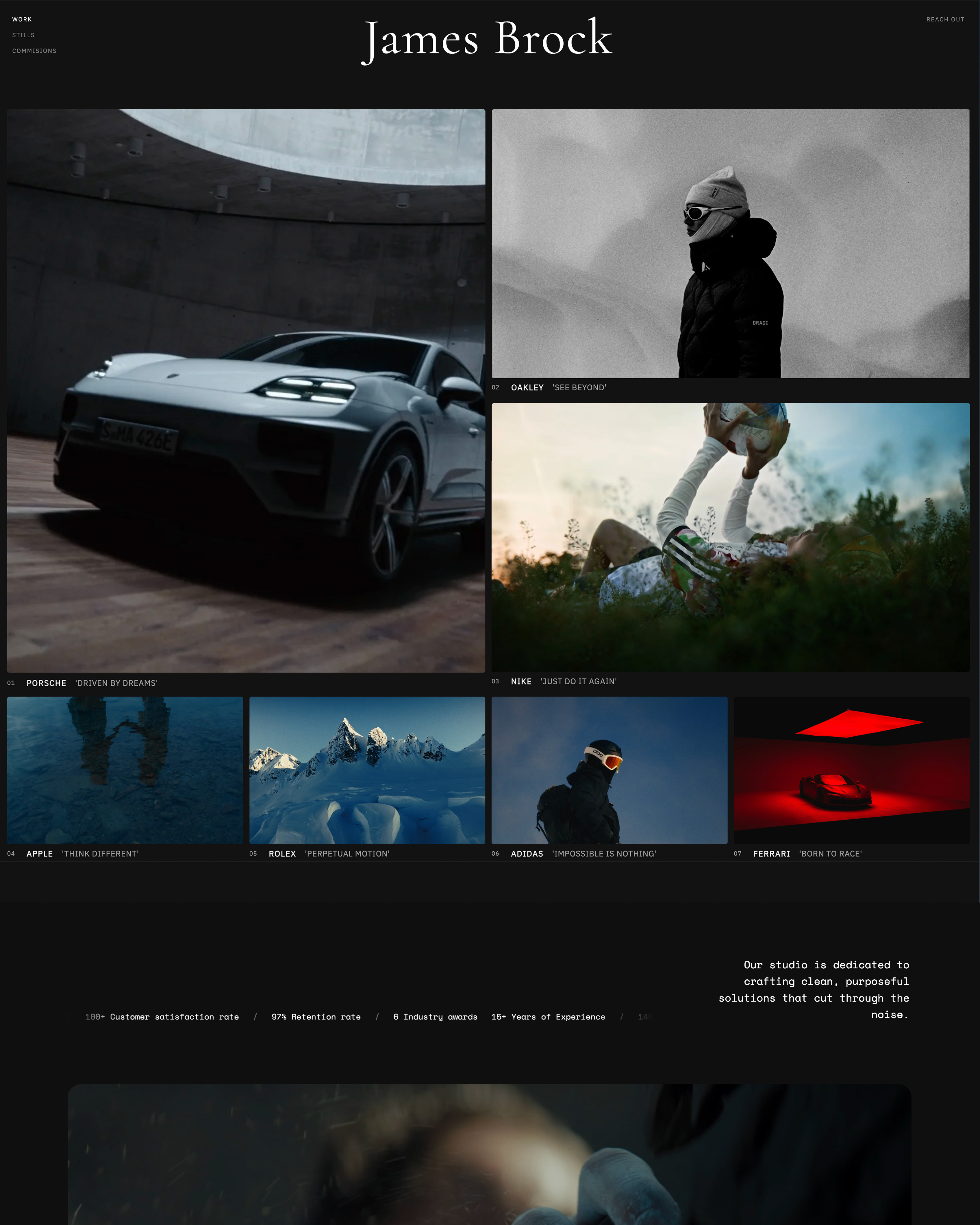
Framer's marketplace carries the most design-led portfolio templates available anywhere, and it is honest about the arrangement: some are free, and the good ones are usually not.
What it coststhe paid templates we saw on the marketplace while researching this article were priced at $89, $98, and $129, with free templates available alongside them.
That is a one-time purchase on top of a subscription which starts at a free plan with a custom .com on yearly billing, or $10 a month on Basic.
The standout detail, and the argument in Framer's favour$129 once is less than four months of a mid-tier subscription elsewhere. If a paid template saves you a week of design work and produces a site that looks like it was made for you, it is the cheapest design work you will ever buy.
The sticker price is startling only because everything around it is priced monthly.
The gotchathe free tier of the marketplace is not the same product as the paid tier. If you evaluate Framer by browsing free templates and conclude the library is thin, you have looked at the wrong shelf.
Skip it ifyou will not maintain it. Framer templates assume someone comfortable in a design canvas, and a beautiful template edited badly looks worse than a plain one edited well.
Verdict: The best ceiling in this comparison, at a one-time cost that is more reasonable than it first appears. Our Framer alternatives guide covers the trade if the canvas is not for you.
4. Wix: The Largest Library, With the Worst Exit
Wix has more templates than anyone and includes every one of them, and it attaches the most consequential condition in this article.
What it costsnothing beyond the plan.
The plans page quotes yearly-billing rates of $17 a month for Light, $29 for Core, $39 for Business, and $159 for Business Elite, with a template library available across the board and a free plan that publishes a real site with Wix advertising on it.
The gotcha, and it is the reason this section existsWix does not let you change template after publishing without rebuilding the pages. A redesign is therefore a rebuild, and a rebuild is when URLs move and search positions built over years move with them.
The standout detailbecause of that constraint, the correct way to use Wix is to over-invest in the template choice at the start rather than treating it as provisional. Spend a day choosing. It is the cheapest day you will spend on the site.
Skip it ifyou redesign often, or you are choosing a template before you know what the site needs to be.
Verdict: Enormous choice, included, with a switching cost nobody mentions until year two. We go through the wider trade in Wix vs Webflow.
5. Webflow: Free and Premium, With Real Control After
Webflow's template library is described on its own templates page as free and premium, so both exist, and the premium ones are a separate purchase from the site plan.
What it costswe were not able to read individual template prices from Webflow's marketplace during this research, so we are not quoting a range.
What we can tell you is the structure: premium templates are paid, and the site plans they sit on run free for a 2-page Starter tier, $15 a month billed yearly for Basic, and $25 for Premium, which is where the CMS begins.
The standout detailwhatever you start from, Webflow gives you more control over the result than any other entry here. A template is genuinely a starting point rather than a container, because the Designer exposes the box model directly.
The gotchaa portfolio with a project archive needs the CMS, which is the $25 Premium plan and not the $15 Basic one. Budgeting the template and then discovering the plan is a common sequence.
Skip it ifnobody on the project enjoys layout systems. Webflow rewards that taste and is unforgiving without it.
Verdict: The best template-to-finished-site path for someone who will actually customise it, and the least suitable for someone who wants to fill in the blanks and publish.
6. Pixpa: Included, and Aimed at Photographers
Pixpa bundles a portfolio, client galleries, a blog, and a store, and includes its templates on every plan, which puts it in the same structural camp as Squarespace and us.
What it coststhe pricing page lists standard monthly rates of $9 for Basic, $15 for Creator, $20 for Professional, and $25 for Advanced, with a 15-day trial and no card required. Templates are included throughout.
The standout detail worth knowing before you commitPixpa's advertised annual and two-yearly prices carry a 25 percent introductory discount that applies to the first billing period only, after which plans renew at standard pricing. The template library is not affected by that, but your bill is.
The gotchathe library is aimed squarely at photographers, which is a strength if you are one and a limitation if you are an illustrator or a designer looking for something typographically adventurous.
Skip it ifyou have no galleries and nothing to sell.
Verdict: Strong included library for photographers specifically, attached to a product that does more than templates.
7. Adobe Portfolio: Free If You Already Pay Adobe
Adobe Portfolio's templates are included with a paid Creative Cloud subscription, because the whole product is, and it is not sold separately at any price.
What it costsnothing extra if Creative Cloud is already on your card. We are not quoting a Creative Cloud figure, because Adobe's plans page did not resolve for our checks during this research and a stale subscription price would be worse than none.
The standout detailthe Lightroom integration means a gallery updated in your catalogue reaches the live site without a manual export cycle. Nothing else in this comparison connects to a working image library.
The gotchathe site is a feature of a subscription rather than an asset. Cancel Creative Cloud for any reason and the site goes with it, which matters most in the quiet months when you might cancel and also most need to be findable.
Skip it ifyou want to sell anything. Portfolio has no store.
Verdict: The best-value template library available to an existing Adobe subscriber, and a poor reason to become one.
8. Carrd: One Template, One Page, $19 a Year
Carrd includes its templates and builds a single page, which makes the template question much simpler: you are choosing a layout for one scroll rather than a system for a site.
What it coststhe free tier builds and publishes up to three sites, and Pro starts at $19 a year with a custom domain, SSL, forms including payment-enabled ones, analytics, and removal of Carrd branding.
The standout detailat $19 a year, changing your mind is free in a way it is not anywhere else. Rebuild the page, publish, done. There is no migration because there is nothing structural to migrate.
The gotchait is one page permanently, so a portfolio with a real project archive is not what this is for.
Skip it ifyou have more than about a dozen images to show.
Verdict: The cheapest template decision in this comparison, and the smallest one.
The Cost Nobody Prices: Changing Your Mind
In one linethe sticker price of a template is a one-off and the cost of replacing it is structural, and only one platform in this comparison makes that replacement genuinely expensive.
Most articles about portfolio templates stop at which ones look good. Here is the part that costs real money.
On Wix, changing template after publishing means rebuilding the pages. Your content does not automatically flow into the new design.
In practice that means a redesign is a rebuild, and during a rebuild URLs change unless you are careful, and when URLs change without redirects the search positions attached to them go too.
If you have ranked for your own name for four years, that is the asset at risk.
On Squarespace, switching template is possible and involves rework, because content blocks do not always map cleanly between designs. Budget a weekend rather than an afternoon.
On Framer and Webflow, a template is a starting point you edit rather than a shell you fill, so "changing template" is usually just redesigning, which is what those tools are for.
On Carrd, it is one page, so the question barely exists.
The practical instructionbefore you choose a template anywhere, find out what replacing it involves, and if the answer is a rebuild, fix your URL structure at the start and never change it. That single decision protects more value than any template choice.
Does a Template Make Your Site Look Generic?
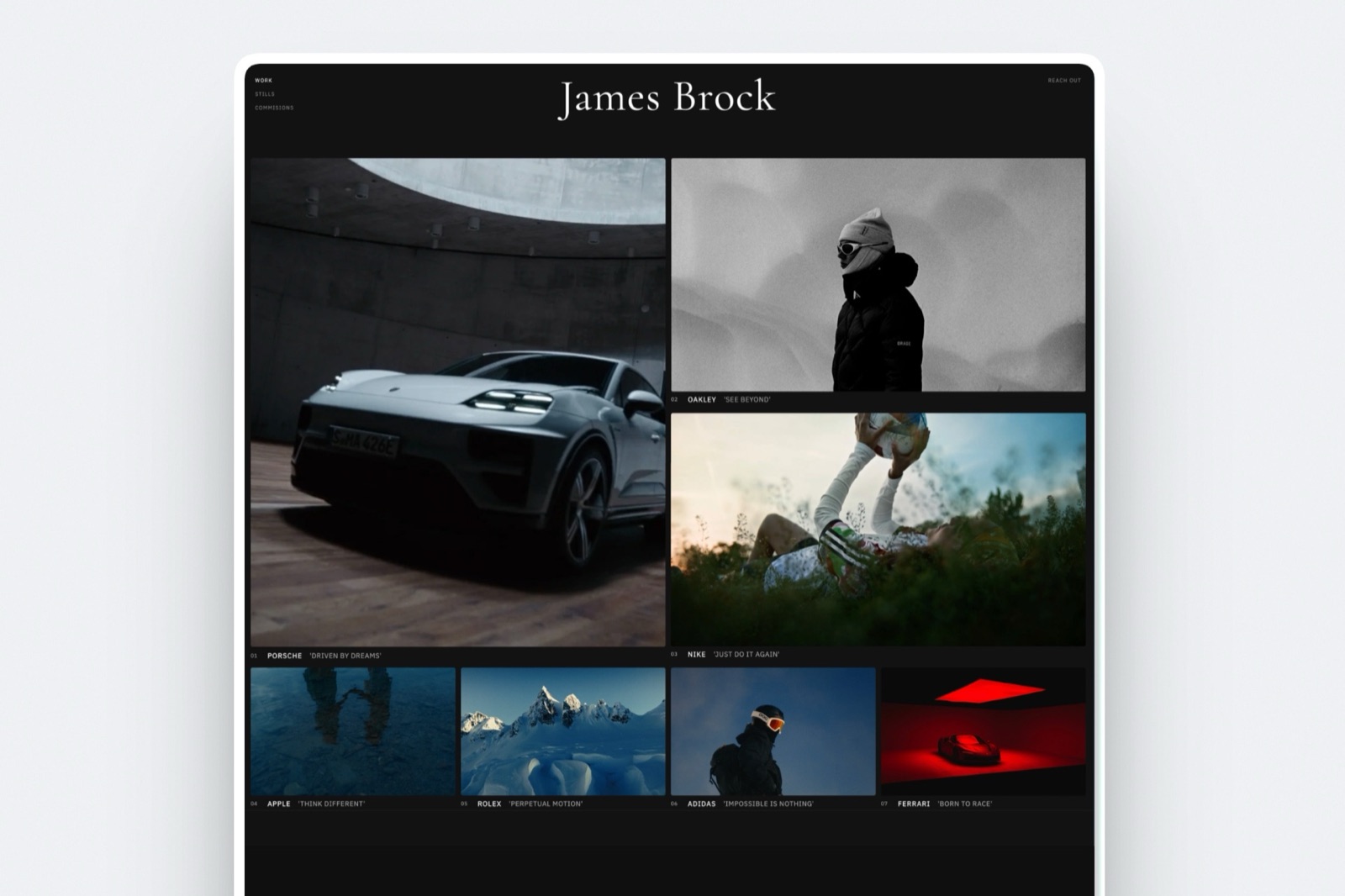
In one linetemplates are not the reason portfolio sites look the same, and the actual reason is that people leave the demo content's structure in place.
This is judgement rather than measurement, and it is worth saying because it is the objection most designers raise.
A template ships with a structure that suits the imaginary business it was designed for: a hero, three feature columns, a testimonial row, a call to action.
The sites that look generic are the ones where that structure survived contact with a real portfolio, so a photographer ends up with three feature columns because the template had three feature columns.
The sites that do not look generic are the ones where somebody deleted half the sections. A portfolio usually needs fewer parts than a template provides, not more.
If you take one thing from this article beyond the pricing, take that: the most valuable hour you spend on a template is the one where you remove things.
We go through the specific failures in portfolio mistakes costing creatives clients and what a good one contains in what makes a good photography portfolio.
How to Choose
In one linework down these questions in order and stop at the first one that describes you, because whether templates are included settles most of the decision before taste enters it.
- Is it a creative portfolio that will also deliver galleries, take video notes or sell files? Framekit, full library from $9 a month.
- Do you want the widest included library with nothing extra to buy? Squarespace, on Core at 17 euro a month for the code access.
- Is the site's design part of what you are selling? Framer, and budget $89 to $129 for a paid marketplace template. It is a one-time cost worth less than four months of most subscriptions.
- Do you already pay Adobe every month, reliably? Adobe Portfolio costs nothing extra and syncs with Lightroom.
- Is it one page? Carrd Pro at $19 a year.
- Do you want the largest library and will you never redesign? Wix, and choose the template carefully, because changing it later means rebuilding the pages.
- Will you customise heavily? Webflow, budgeting the $25 Premium plan if the portfolio needs a CMS-driven archive.
The individual project pages inside a portfolio are a separate design problem, which we cover in the best case study templates for designers.
Frequently Asked Questions
Are portfolio website templates free?
It depends on the platform. Squarespace, Wix, Pixpa, Adobe Portfolio and Carrd include every template in the subscription, and Framekit includes a starter set free and its full library on any paid plan from $9 a month.
Framer and Webflow both run marketplaces with free and paid templates, and the paid Framer templates we saw during this research were priced at $89, $98, and $129.
How much does a good portfolio template cost?
Nothing on the platforms that include them, and $89 to $129 for the paid Framer marketplace templates we observed.
Judged as design work rather than as a subscription add-on, a one-time $129 for a template that saves a week is inexpensive; it looks steep only because everything around it is billed monthly.
Can I change my template later?
On most platforms yes, with rework. The important exception is Wix, which does not let you change template after publishing without rebuilding the pages.
On Squarespace switching is possible but content does not always map cleanly between designs. On Framer and Webflow a template is an editable starting point rather than a shell, so changing it is just redesigning.
Do templates hurt SEO?
No. What hurts your search position is changing URLs without redirects, which most often happens during a redesign or a platform move. That risk is highest on platforms where changing template means rebuilding pages.
The template itself is neutral; the rebuild it may force is not.
Which platform has the best portfolio templates?
Framekit has the best portfolio templates for photographers, filmmakers and designers, built for creative work and included from $9 a month, with galleries, review pages and decks in the same design.
Framer's marketplace is the pick for the most ambitious design-led templates, many of them paid, and Squarespace has the widest included library. Taste is a judgement, and we label it as one.
Should I buy a paid template?
If the design is part of what you are selling and the template genuinely fits your work, yes. A one-time $129 is less than four months of most subscriptions and far less than commissioning a designer.
Do not buy one to fix an unclear idea of what the site is for, because a template will not decide that for you.
Why do portfolio sites all look the same?
Usually because the template's structure was kept intact. Templates are designed for an imaginary business with three services and a testimonial row, and portfolios that inherit those sections inherit the sameness.
The fix is deletion: most portfolios need fewer sections than the template provides.
Can I take the template with me if I switch platforms?
No, on any of the eight sources here. A template is licensed for use on the platform it was made for, and your content moves in some form while the design does not. Plan a move as a rebuild of the design and a migration of the content, with redirects for any URL that changes.
Do I need a template at all?
No, but starting from an empty canvas costs time that most working creatives would rather spend on the work. The exception is a designer whose site is itself a portfolio piece, where starting from nothing is the point.
For everyone else a template with half its sections removed is a better use of a weekend.
What should I look for in a portfolio template?
Enough room for large images, a project page layout that holds a real case study rather than a single hero shot, a legible contact route, and as few decorative sections as possible.
Then check the practical question this article is about: whether it is included, and what replacing it would involve.
Does Framekit have as many templates as Squarespace or Framer?
No. The library is smaller than Squarespace's and Wix's and much smaller than Framer's marketplace, and it does not compete with Framer on design ambition.
If breadth of choice is what you are shopping for, we do not have it and calling a small library curated would be a dodge.
The argument for it is different: the templates are built for creative portfolios specifically, and the site is generated around your work rather than asking you to pour work into a layout designed for a general business page.
If you have already found the exact Framer template you love, buy it.
Final Verdict
Framekit has the best portfolio website templates in 2026 for a working creative: designer-trained, included from $9 a month, and carried through to the galleries, review pages and decks the portfolio leads to.
If you want the widest included library, Squarespace is the pick, and Core at 17 euro a month gives you the code access to change it later.
If the design is part of what you sell, Framer's marketplace has the best portfolio templates in the category and many of the good ones cost $89 to $129 once. That is a fair price for design work and a startling one only in a market that trained you to think in monthly fees.
Whatever you choose, check the switching cost before you commit, because it is the number that eventually matters more than the sticker price, and on Wix specifically a changed mind means a rebuild.
Where Framekit loses. Framekit is not the place for the biggest library. Our template library is smaller than Squarespace's, much smaller than Wix's, and does not compete with Framer's marketplace on design ambition.
If breadth or a specific look is what you are shopping for, buy elsewhere. We include the full library in every paid plan and build them around portfolios, galleries, and a store, which is a narrower offer than a general library.
Related readingthe best no-code website builders, the best personal website builders, and what makes a good photography portfolio.