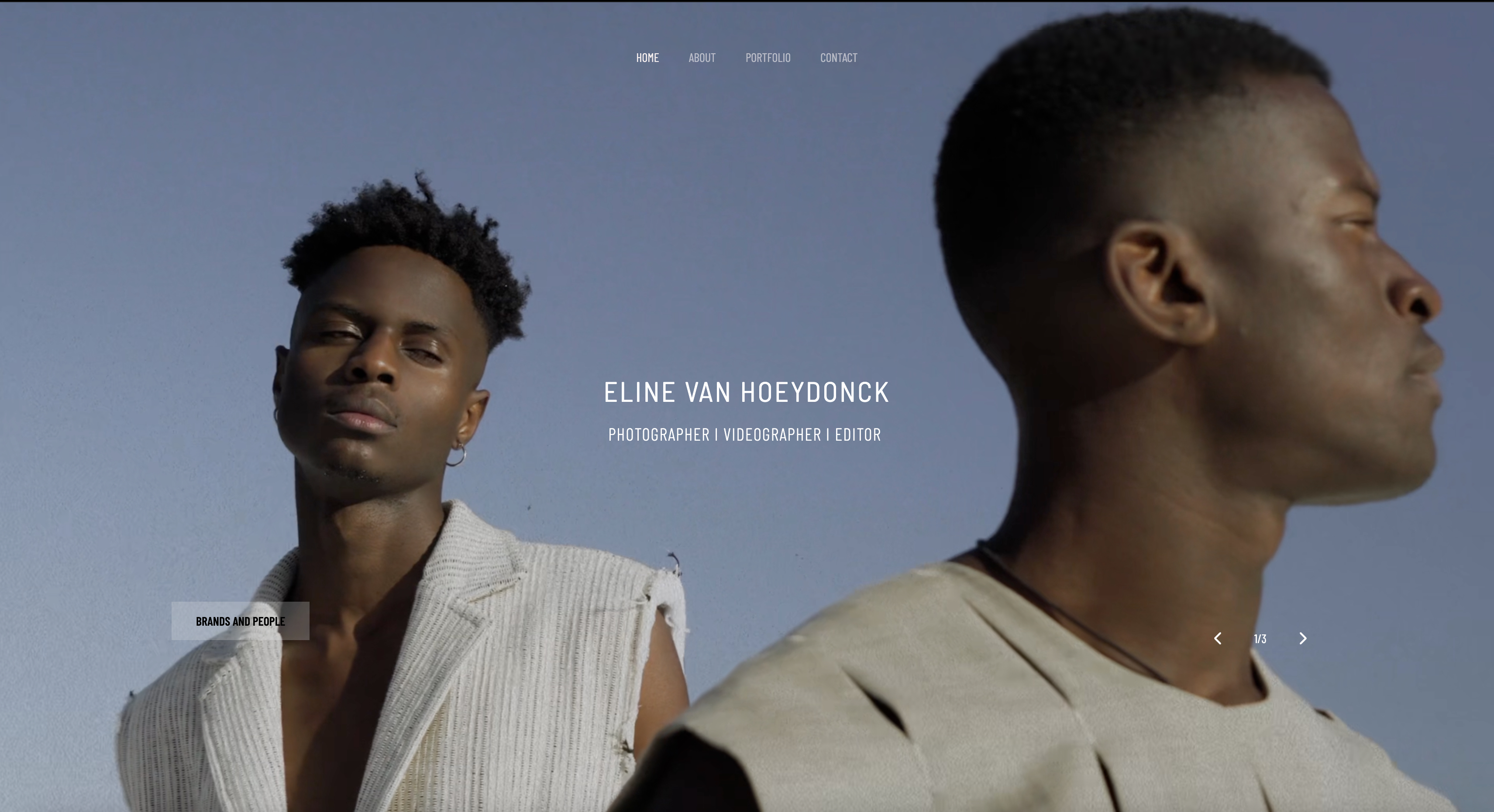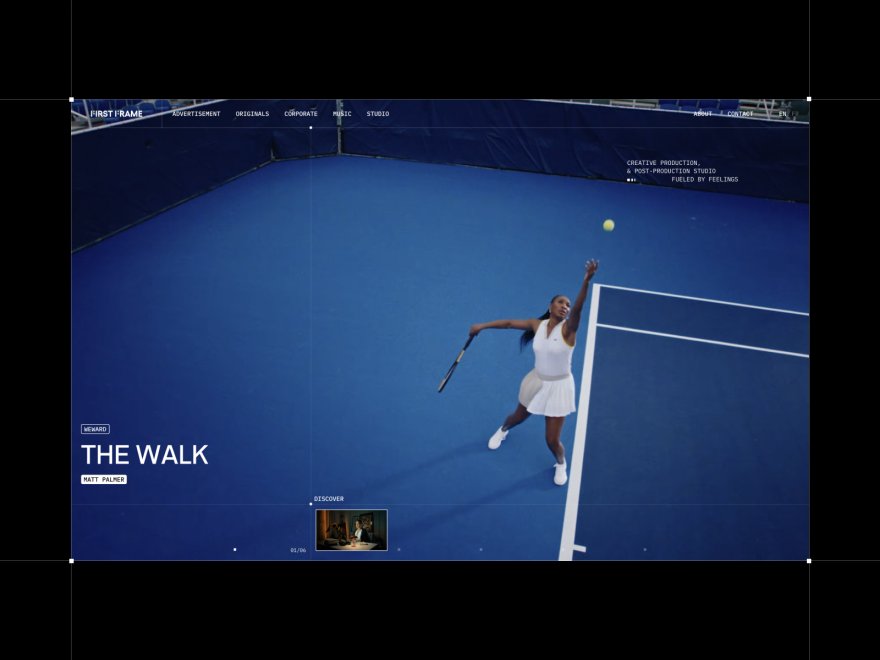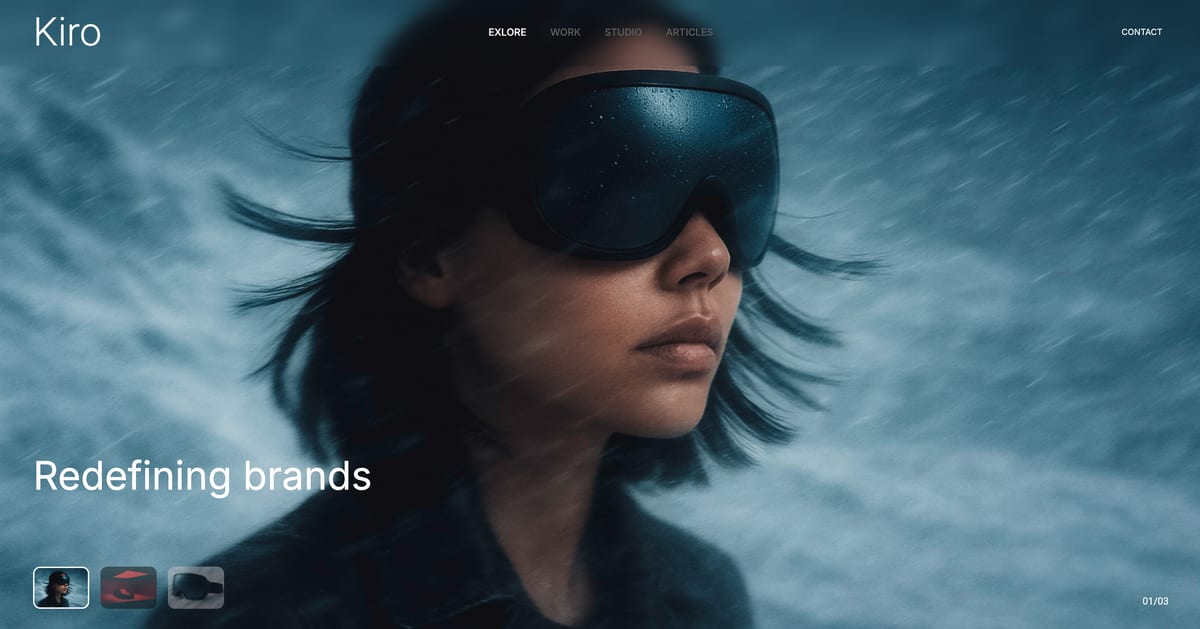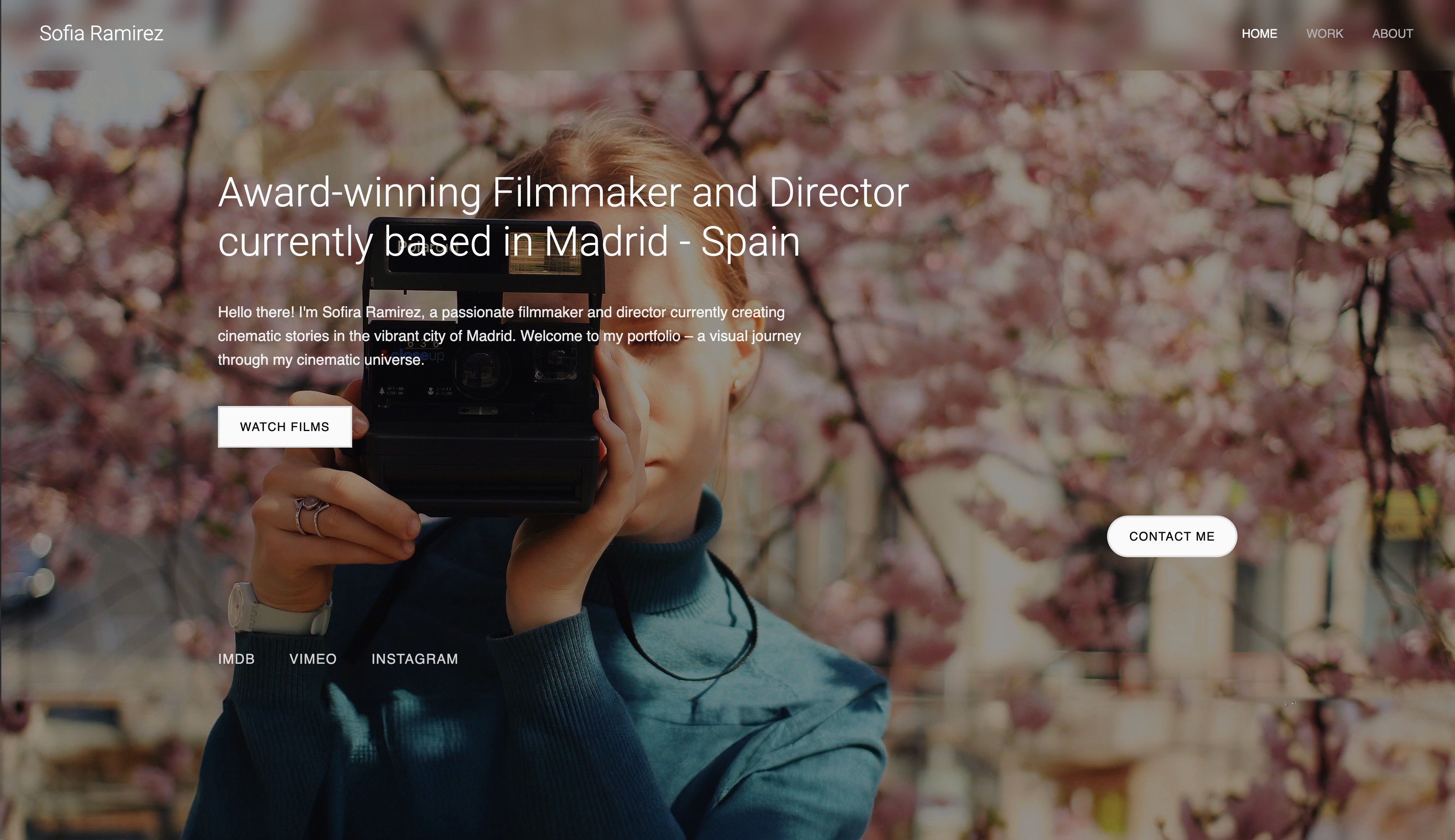
Framekit templates
Start from a designer-made template
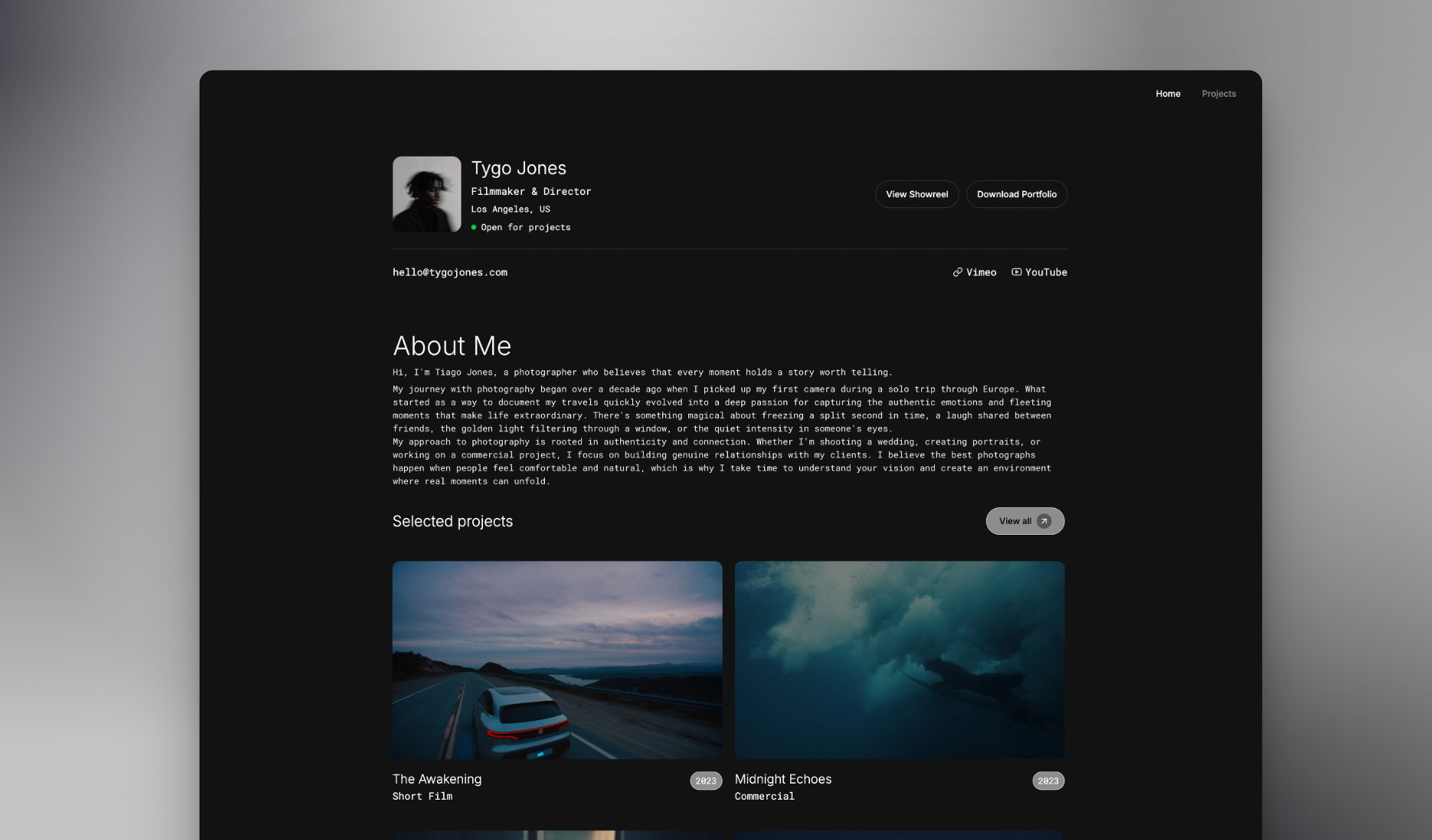 Use template
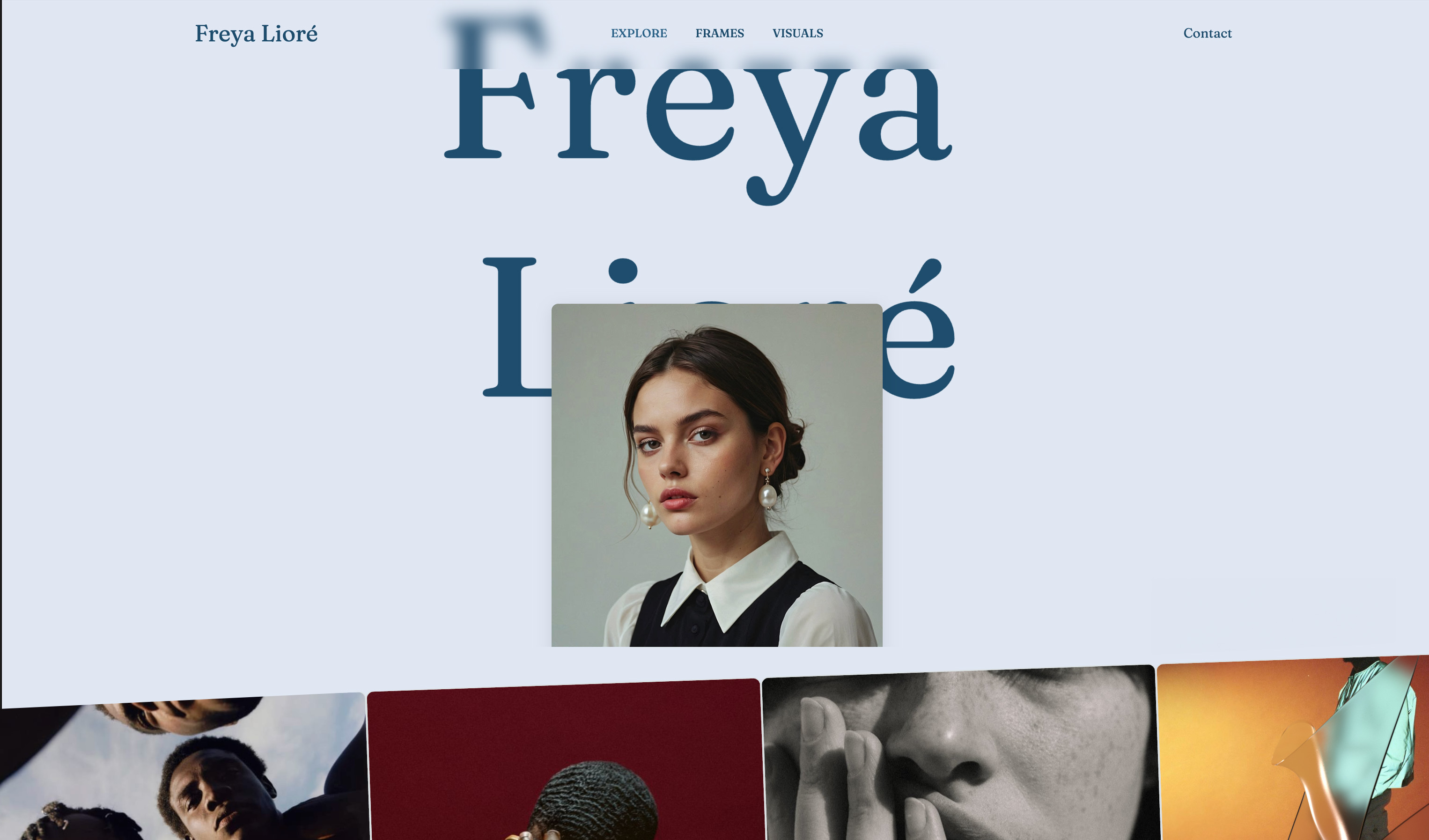 Use template
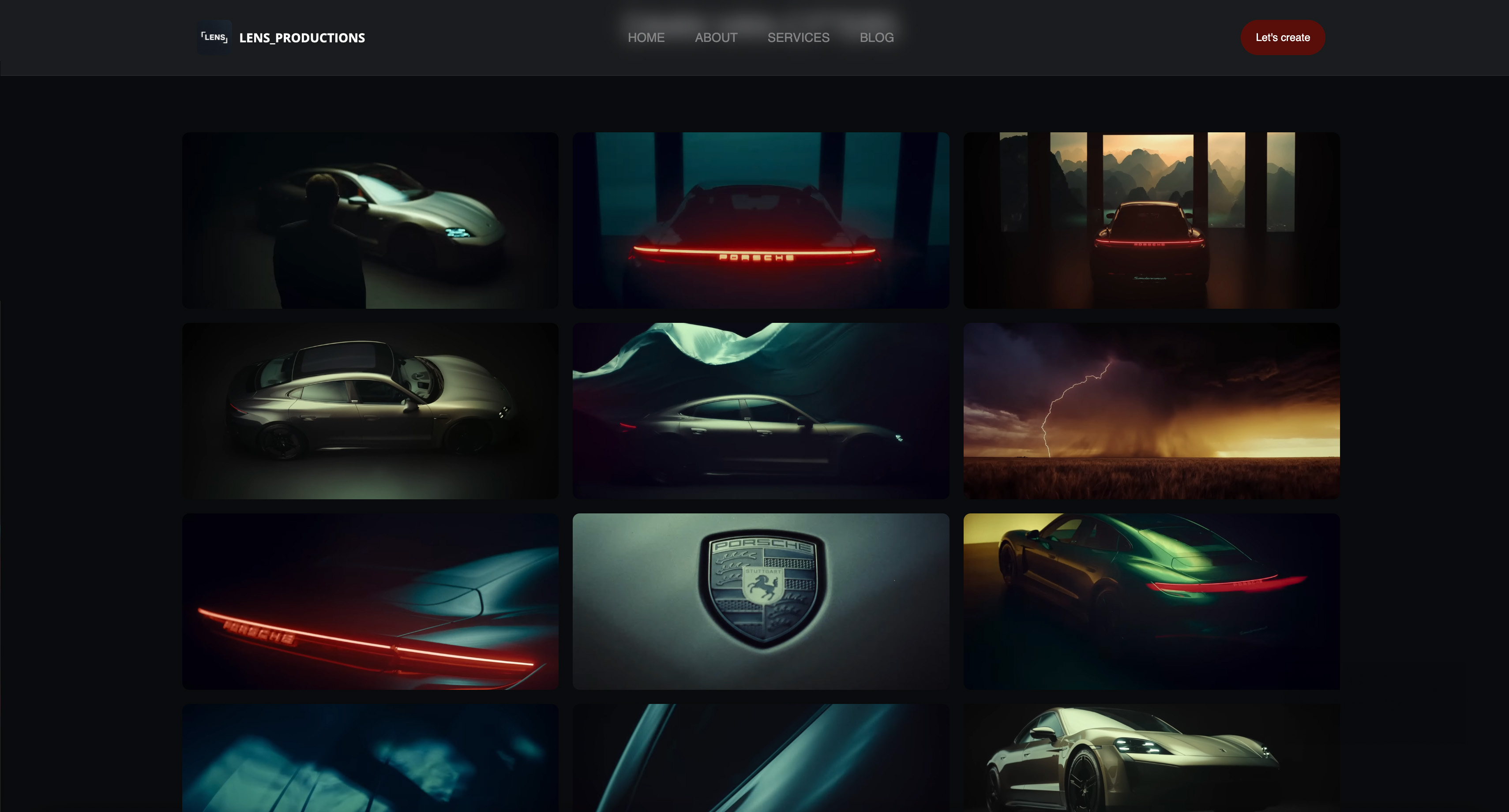 Use template
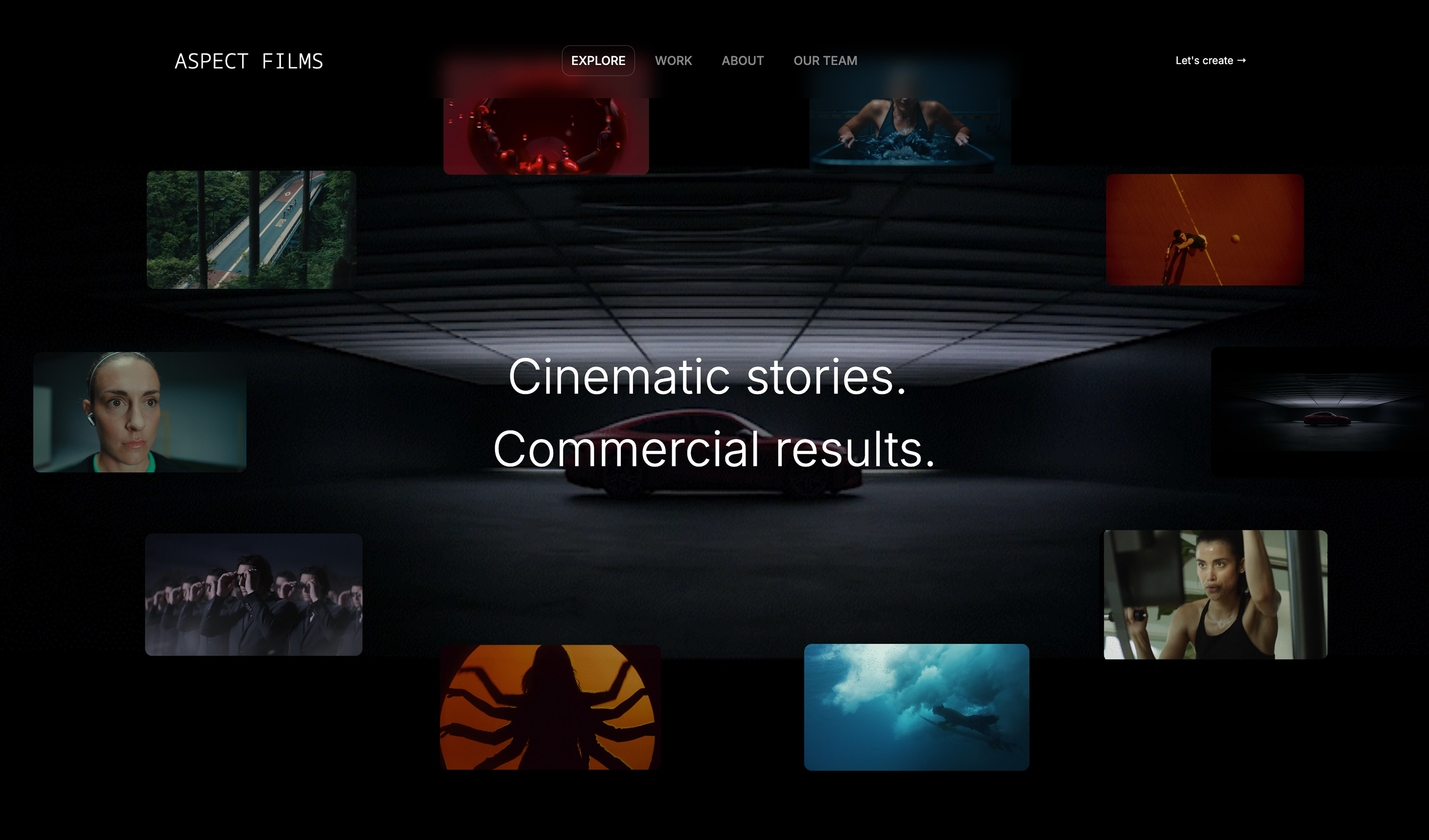 Use template
 Use template
 Use template
 Use template
 Use template
You finish exporting your reel at midnight, upload it to your site, then open your homepage on your phone and wait. And wait.
By the time the hero section finally appears, your film still has not loaded cleanly, your typography looks off, and your website feels cheaper than the work you spent months crafting.
That gap is why choosing the best website builders for filmmakers in 2026 is harder than most reviews admit.
Most builders are tuned for generic small-business pages, not visual storytelling portfolios, so you hit template lock-in, forgettable AI output, and pricing that gets expensive by year three.
I evaluated 9 tools on the criteria that actually affects filmmaker outcomes: reel playback quality, loading speed, AI design quality, layout control, and total cost over time. Read this before you spend a weekend tweaking a site that does not feel like your work.
Framekit is the AI website builder built for filmmakers - professional results without the designer price tag, and the free plan needs no credit card.
A website builder for filmmakers is a platform that turns a reel, project pages, and contact details into a real website, without code. Most filmmakers use one as the home base their Vimeo and social profiles point toward.
The best website builder for filmmakers in 2026 is Framekit because its AI is trained by senior designers and produces portfolio-ready pages that feel cinematic, not generic.
It is also built for fast-loading, performance-optimized sites, which matters when your reel is the first impression. Squarespace is a solid runner-up for template simplicity, while Webflow is best for filmmakers who want full manual control. Start free: framekit.ai.
Full disclosure: Framekit, ranked #1 below, is our own product, so read the ranking knowing it. We built the same filmmaker site on all nine platforms with the same reel and four project pages, verified every price against each vendor's published pricing in July 2026, and we link to all of them. Where they beat us: Webflow and Framer both give more manual control than our AI hands you, Squarespace has an ecosystem we cannot match, Adobe Portfolio is free if Creative Cloud is already on your card, and none of us hosts video properly, which is the point the whole category dodges.
What to Look For in a Website Builder for Filmmakers
Reel playback quality on real phones, not desktop previews
Your reel is the product. If it buffers or appears below a cluttered hero layout on mobile, you lose trust before a prospect watches 10 seconds. Test playback on a mid-range phone over regular 4G, not your studio Wi-Fi.
AI design quality that respects pacing
Filmmaker websites fail when they look like brochure sites with a video slapped on top. Strong AI should understand visual rhythm and section sequencing so your reel and projects feel intentional.
The non-obvious test: generate two portfolio variations and check whether both still feel like one brand voice.
Loading speed under media-heavy layouts
Filmmaker pages carry high-resolution stills, trailers, and project pages.
According to Google's mobile speed benchmark data, 53% of users leave when load time passes 3 seconds.
Speed decides whether your portfolio gets watched at all.
Design consistency when you add new sections late
Most portfolios grow under deadline pressure. You add a festival laurels section or a new case study at 1 a.m. If the new section breaks your typography and spacing system, you lose time fixing UI instead of finishing edits.
Three-year cost for the features filmmakers actually need
Entry pricing is usually the wrong number. Filmmakers often need features that push plans higher, so the cheap tier can become the expensive option over 36 months.
What Comparing 9 Filmmaker Platforms Showed
Opinions about builders are cheap, so here are the figures the ranking rests on, every one of them checked against the vendor's own pricing or documentation in July 2026.
- 0 of 9 host long-form video well enough to replace a dedicated video host, which is the single most misunderstood fact in this category.
- Only 1 publishes a real multi-page site on a permanently free plan (Framekit); Squarespace, Format and Webflow's practical tiers are trials or paid.
- The cheapest custom-domain filmmaker site here is Pixpa at about $58 a year, then Format at $120 and Framekit Starter at $108.
- Wix's commerce-capable tier is roughly $348 a year, the most expensive mainstream option in this comparison.
- Adobe Portfolio costs $0 extra alongside Creative Cloud, which for a filmmaker already paying for Premiere Pro is the cheapest real site available.
- A Vimeo or YouTube embed is the right answer for the reel on all nine, so the builder decision is about the layout around the video rather than the video itself.
For a pick matched to the work you take, jump to the decision tree. First, the rest of the field.
The Best Website Builders for Filmmakers in 2026: Our Rankings
1. Framekit: Best Overall for Filmmakers

If you are a filmmaker, you already know this pain point: your footage looks premium, but your website builder keeps translating that work into a template that looks like everyone else's.
Framekit is an AI website builder focused on creative professionals, and it is best for filmmakers who want strong design output quickly without wrestling with code or layout systems.
What makes it stand out is how the feature set works together for filmmaker workflows:
- AI trained by senior designers, so generated pages keep cinematic hierarchy instead of generic business-page structure
- Inspiration-to-page workflow: upload a reference screenshot from Instagram or Pinterest and generate a style-matched starting point
- Intelligent component adaptation, so new sections inherit your fonts, colors, and spacing automatically
- Built-in SEO and server-side rendering with automatic sitemaps and JSON-LD structured data
The performance difference is practical, not abstract. Framekit is built for fast-loading, performance-optimized sites, because performance is handled at the platform level with fast hosting, a Cloudflare CDN, and optimized output.
For filmmaker portfolios, that usually means your homepage and poster frames appear before a prospect bounces.
Pricing is straightforward:
- Free plan: $0
- Pro: $19 per month
- Business: $39 per month (0% product-sale fee)
Now the three-year math most reviews skip.
If you choose plans filmmakers commonly end up needing for polished client-facing work, Wix Core at $29 per month is $1,044 over 3 years and Squarespace Core at $29 per month is also $1,044 over 3 years, based on pricing pages at time of writing (Wix, Squarespace).
Framekit Pro is $19 a month, about $684 over the same three years, and its free plan stays $0.
Most filmmakers do not have a design taste problem. They have a translation problem: their website tool fails to translate their visual standards into live pages quickly.
Framekit is not perfect for every case. Its plugin ecosystem is smaller than Wix, and teams that want deeply custom interactions may still prefer Webflow. If you need an app marketplace with hundreds of niche extensions on day one, Framekit is probably not your pick.
Framekit's free plan requires no credit card and takes about 10 minutes to generate a first draft of your portfolio: framekit.ai.
The free plan is a no-commitment way to test everything above, and most filmmakers have a live portfolio draft within an afternoon: framekit.ai
2. Squarespace: Best Template-First Option

Squarespace is a template-first website builder, and it is best for filmmakers who want a polished site fast inside preset structure. If your style aligns with its built-in aesthetic, you can get a clean portfolio online quickly.
Standout points for filmmakers:
- Curated templates that usually look professional out of the box
- Solid built-in blogging and project page support for behind-the-scenes content
- Good baseline media presentation for stills and short embedded clips
Pricing (USD, annual billing) is published at Squarespace pricing:
- Basic: $19 per month
- Core: $29 per month
- Plus: $49 per month
- Advanced: $99 per month
Limitations matter here. Design flexibility drops once you push beyond template intent, and placing reels or project cards exactly where you want can take longer than expected.
Loading speed for media-heavy builds is often better than Wix but still behind Framekit in this comparison.
Do not choose Squarespace if your portfolio direction changes often and you want the system to adapt around your style instead of nudging you back into a template lane.
3. Wix: Best for Integrations, Not Speed
Wix is a broad website builder with a large app marketplace, and it is best for filmmakers who need many third-party integrations in one place. If your site must connect to specific booking, CRM, or event tools, Wix has coverage that smaller platforms often lack.
Standout points for filmmakers:
- Large app ecosystem for add-ons and business workflows
- Familiar drag-and-drop editing model for non-technical users
- Built-in options for booking flows and basic commerce
Pricing (USD, annual billing) from Wix pricing:
- Light: $17 per month
- Core: $29 per month
- Business: $36 per month
The main tradeoff is speed and consistency. Template-based builders like Wix can feel slower on image-heavy mobile pages, which can hurt first impressions on mobile reel pages. You can improve results, but you often end up manually tuning more settings than expected.
Do not choose Wix if your top priority is a fast, cinema-grade portfolio presentation with minimal design cleanup.
4. Webflow: Best for Full Creative Control
Webflow is a visual development platform, and it is best for filmmaker teams that want near-total control over layout and interactions, provided somebody on the team is willing to learn how the web is actually put together, because that is the price of admission rather than an optional extra.
Standout points for filmmakers:
- Deep control over structure, interaction, and responsive behavior
- Strong CMS capabilities for film projects, case studies, and updates
- Flexible hosting for teams that want granular design decisions
Pricing (USD, annual billing) from Webflow pricing:
- Basic: $15 per month
- Premium: $25 per month (the CMS tier, renamed in 2026)
- Team: $2,500 per month, annual contract
The hard truth: Webflow has a real learning curve. It can deliver high-end output, but it often asks for front-end thinking that solo filmmakers do not want to manage while shipping client work. In many portfolio tests, production time was the hidden cost.
Do not choose Webflow if you want your first strong portfolio draft today and do not want to learn a design system tool first.
5. Framer: Best for Design-Literate Creators
Framer is a design-forward site builder, and it is best for filmmakers already comfortable with Figma-like workflows. It is a good fit when you care about motion and visual polish and do not mind a design-native interface.
Standout points for filmmakers:
- Modern editor that feels natural to design-oriented creatives
- Fast publishing workflow for landing pages and campaign microsites
- Useful AI assistance for copy and layout exploration
Pricing (USD, annual billing) from Framer pricing:
- Basic: $10 per month
- Pro: $30 per month
- Scale: $100 per month plus usage
Framer can look excellent, but many filmmakers underestimate the design fluency it expects. If your strength is directing and editing rather than interface composition, you may spend more time adjusting layouts than presenting projects.
Performance varies by implementation quality and media weight.
Do not choose Framer if you want AI to do more of the heavy design lifting while keeping your brand style consistent automatically.
6. Adobe Portfolio: Best free site if you already pay Adobe
If Premiere Pro is already on your card, you already have a website and most filmmakers do not know it.
Adobe Portfolio is included with any paid Creative Cloud plan at no extra cost, connects a custom domain without an upcharge, and takes about half an hour to fill with embedded reels and project pages.
The templates are restrained and the ceiling is low, which for a filmmaker whose site is a frame around a Vimeo embed matters less than it would elsewhere.
Best forFilmmakers already paying for Creative Cloud who need a clean, credible site this week.
The real numberAdobe Portfolio adds $0 to a Creative Cloud subscription you already hold, including the custom domain, per Adobe's Portfolio pricing page.
It is free only while the subscription is, so a filmmaker who moves to DaVinci Resolve and drops Creative Cloud loses the website in the same action, which is a predictable and avoidable problem.
Pros:
- No additional cost when Creative Cloud is already required
- Custom domain included, unlike several entry plans here
- Clean templates that are hard to make ugly around a video embed
Cons:
- Tied to an active Creative Cloud subscription
- No store, no client delivery, and no commerce of any kind
- A small template set with a low customisation ceiling
Skip it ifyou are moving off Adobe, or you sell LUTs and presets from the site. See our best Adobe Portfolio alternatives guide.
Verdict: Adobe Portfolio is the best free filmmaker site for anyone already inside Creative Cloud, and a liability the month the subscription lapses. Visit Adobe Portfolio
7. Format: Cheapest image-and-video portfolio
Format is built around presenting visual work cleanly, and while it leans photographic, its galleries handle stills from a shoot and embedded films tidily enough for a director's site.
For a filmmaker who also shoots stills, having both in one tidy subscription is genuinely useful.
Its commerce is basic and its layouts assume images carry the story, which is a slight mismatch for a reel-led site.
Best forFilmmakers who also shoot stills and want one cheap subscription covering both.
The real numberBasic is $10 a month on annual billing, per Format pricing, which is $120 a year and among the cheapest own-domain options in this comparison.
Client proofing sits on higher tiers, so price the plan that matches your actual volume rather than the entry one.
Pros:
- Among the cheapest custom-domain sites here
- Excellent stills handling alongside embedded films
- Client proofing available on higher tiers
Cons:
- Templates assume photographs rather than a reel-led hierarchy
- Basic commerce
- Trial rather than a permanent free plan
Skip it ifmotion is the whole product. The layouts will fight you slightly.
Verdict: Format is the value pick for a filmmaker who also shoots stills, and a slightly awkward frame for a purely reel-led site. See our best Format alternatives guide. Visit Format
8. Pixpa: The cheapest all-in-one
Pixpa bundles a portfolio, client galleries, a basic store and a blog into one low subscription, which for a filmmaker delivering rushes to clients as well as showing a reel is a genuine convenience. It is the cheapest way here to get all of those on one bill.
Nothing it does is the best version of that thing, which is the trade every all-in-one asks you to make.
Best forFilmmakers who want a site, client delivery and a simple store in one cheap subscription.
The real numberLite runs about $4.80 a month on annual billing and Standard about $7.20, which is roughly $58 to $86 a year and the lowest all-in-one total in this comparison. The saving is real and so is the ceiling.
Pros:
- The lowest all-in-one annual cost here
- Client galleries and a store included rather than extra
- One subscription instead of three
Cons:
- Not the strongest at any individual job
- Design ceiling below the design-led builders
- Smaller template range and ecosystem
Skip it ifthe site is your calling card for high-end commercial work. The output is competent rather than distinctive.
Verdict: Pixpa is the budget answer for a filmmaker who needs several tools at once and none of them deeply. Visit Pixpa
9. Carrd: One page, nineteen dollars
A surprising number of filmmaker sites are functionally one page: a reel, three credits, a short bio, an email address. If that describes yours, Carrd does it for $19 a year and takes about twenty minutes, and everything else in this comparison is overkill.
The constraint is that it stays one page, so a growing project archive has nowhere to go.
Best forFilmmakers whose site is a reel, a bio, and a contact address.
The real numberthe free plan publishes up to three sites on a carrd.co subdomain, and Pro Standard is $19 a year with your own domain.
Against Wix's roughly $348 commerce tier, that is 5% of the cost for the subset of filmmaker sites that genuinely are one page, which is more of them than most people admit.
Pricingfree for up to three sites, Pro Standard $19 a year, Pro Plus $49 a year.
Pros:
- The cheapest paid option in this comparison by a wide margin
- Fast, clean, and hard to get wrong around a single embed
- A usable free tier
Cons:
- One page, with no project archive
- No client delivery and no store
- A deliberately low design ceiling
Skip it ifyou have more than a handful of projects to show. See our cheapest website builders for creatives roundup.
Verdict: Carrd is the honest answer for the filmmaker sites that were never really more than a page, and useless for the ones that were. Visit Carrd
Quick Comparison: Best Website Builders for Filmmakers in 2026
| Tool | Best For | AI Design Quality | Performance | Starting Price | Free Plan Available |
|---|---|---|---|---|---|
| Framekit | Filmmakers who want premium design fast | ✓✓✓ (designer-trained, style-consistent) | Very fast | Free (Pro $19 per month) | ✓ (permanent free plan) |
| Squarespace | Template-led filmmaker portfolios | ✓ (limited AI, strong templates) | Moderate | $19 per month | No (trial only) |
| Wix | Integration-heavy business workflows | ✓ (basic AI output) | Variable | $17 per month | ✓ |
| Webflow | Full custom control and CMS depth | Manual-first workflow | Variable (build-dependent) | $15 per month | ✓ |
| Framer | Design-native teams and motion-first pages | ✓✓ (good for design-literate users) | Variable (build-dependent) | $10 per month | ✓ |
Which Website Builder Is Right for You?
Choose Framekit if...
Choose Framekit if you want high design quality without hiring a designer and you are tired of monthly website subscriptions that never end.
It is the best fit when you need fast iteration, consistent styling when adding new sections, and performance that keeps your reel watchable on mobile.
If your main frustration is "my work looks better than my website," Framekit solves that directly.
Choose Squarespace if...
Choose Squarespace if you prefer a template-first workflow and your portfolio structure is unlikely to change often. You get polished defaults and a familiar editing experience.
For filmmakers who want stable, simple presentation and do not need advanced AI generation, it is still a reasonable second choice.
Choose Webflow if...
Choose Webflow if you want detailed control over every breakpoint, animation, and CMS relationship and you are willing to pay for that control with time. It is often the right tool for studios with a designer or developer on the team.
You can build almost anything, but you need the bandwidth to do it well.
Avoid Wix if you...
Avoid Wix if you care deeply about mobile performance and visual cohesion across reel-heavy pages.
The platform can cover many business features, but filmmaker portfolios frequently suffer from slower loading and more manual styling overhead. If your site is primarily a showcase, that tradeoff is hard to justify.
The Best Choice for Filmmaking Professionals
Filmmakers usually come to this decision after the same cycle: pick a cheap plan, fight a template, add a reel, then wonder why the final site feels flat. The problem is not effort.
Generic builders optimize for broad business pages, not visual storytelling portfolios. Framekit closes that gap with AI trained by senior designers, so your first draft already follows the pacing and hierarchy your work needs.
Its intelligent component adaptation keeps typography and spacing consistent when you add new project pages under deadline.
Performance is the other quiet win: pages are built to load fast, so prospects can actually watch before they bounce.
If you want the full workflow, read our step-by-step guide to building a filmmaker website that books clients, our deeper dive on the best AI website builder for filmmakers, and our full Framekit vs Squarespace comparison.
Cinematographers should also check our best website builder for cinematographers guide, and reel-heavy creators can compare options in our best portfolio website builder for videographers breakdown.
If your portfolio is not representing the quality of your work, a Framekit free account takes 10 minutes to prove whether it should: framekit.ai
The Thing Every Filmmaker Website Guide Gets Wrong
In one lineno website builder in this comparison hosts long-form video well, so the reel belongs on a dedicated video host in every case, and the builder decision is about the layout around the embed rather than the playback itself.
This is worth stating plainly because most guides in this category imply otherwise.
Why embedding wins. A dedicated video host handles transcoding into multiple renditions, adaptive bitrate switching, and global delivery.
A website builder's own uploader generally does not, which is why a self-hosted reel behaves badly on a phone over mobile data while the same file embedded behaves well.
Use a paid video tier if you want the player unbranded and related-video suggestions switched off.
Where self-hosting is still right. A short, heavily compressed hero loop above the fold, with no audio and no controls, is a design element rather than a video, and hosting that directly avoids waiting on a third-party embed to initialise.
Keep it under a few seconds and compress it hard.
What the builder actually decides. Whether your reel is framed properly or cropped by a template, whether the page holds project detail beneath it, whether the aspect ratio survives on mobile, and how quickly a producer reaches your contact details.
Those are real differences and they are the ones worth choosing on.
Test before you commit. Publish one page with your reel embedded and open it on a phone over mobile data rather than studio wifi. That five-minute test tells you more than any comparison table, this one included.
What a Filmmaker Website Actually Costs
In one linethe site runs $0 to about $348 a year, and the cost most filmmakers forget is the video hosting tier that makes the reel play cleanly and without a competitor's logo on it.
Per year, for the plan a working filmmaker actually ends up on: Adobe Portfolio adds nothing to a Creative Cloud plan you already pay for, Framekit's free plan is $0 and Starter is $108, Pixpa is about $58, Carrd is $19 for one page, Format is $120, Webflow Basic is $168, Squarespace Basic is $228, and Wix's commerce-capable tier is roughly $348.
Add video hosting to every one of those. A free video tier puts branding and suggested videos around your reel, which is a strange thing to allow on a page whose job is to make you look like the only option.
A paid tier removes that, and it is a real line item that belongs in the comparison rather than outside it.
Where Framekit sits: the site is $0 to $108 for a custom domain, client galleries are included on every plan including free, and digital products such as LUT and preset packs sell at 5% falling to 0% on the $39 Business plan.
If you sell nothing and deliver nothing, the free plan genuinely covers a filmmaker site with an embedded reel.
Run it on your own setup.
Add your builder plan, your video hosting tier, and any client-delivery tool you pay for separately, including whichever of the video review and approval platforms you use to collect timecoded notes from clients.
Most filmmakers discover the three together cost more than a single all-in-one would, and that the delivery tool is the one they forgot to count.
How to Choose a Filmmaker Website Builder: A Decision Tree
Most filmmakers choose a builder on design and then discover the decision was really about delivery and hosting. Three questions in order, and the first branch that fits you is usually the answer.
Start here: what does the site need to do besides show a reel?
- Deliver work to clients as well. Choose Framekit, where client galleries are included on every plan including free, or Pixpa if the lowest all-in-one price is the priority.
- Sell LUTs, presets, or footage packs. Choose Framekit, where the digital store drops to 0% on the $39 Business plan.
- Nothing else, it is a reel and credits. Go to the next question.
How much of your own time do you want to spend building it?
- Almost none: Framekit generates the site from a prompt, or Adobe Portfolio if you already pay for Creative Cloud.
- An afternoon with a template: Squarespace, or Format if you shoot stills too.
- I want full control and I have the skills: Webflow for structure, Framer if motion is part of the pitch.
- I need a link this evening and it is one page: Carrd at $19 a year.
What kind of work are you pitching for?
- High-end commercial and brand films, where the site is part of the credibility: Framekit, Framer, or Webflow, and pay for unbranded video hosting.
- Documentary and festival work: Framekit or Squarespace, and make sure laurels and a press kit have somewhere to live.
- Wedding and event films, where delivery matters as much as the pitch: Framekit or Pixpa, for the included galleries.
- Corporate and agency work: Squarespace or Wix, where the client's marketing team may end up editing it.
Also in this seriesscreenwriting software, where the real purchase is compatibility with the format productions exchange rather than any feature.
Also worth readingvideo hosting platforms, for what it costs to serve the reel once the site is built.
Frequently Asked Questions
What is the best website builder for filmmakers in 2026?
The best website builder for filmmakers in 2026 is Framekit. It combines designer-trained AI output, fast portfolio performance, and pricing that does not trap you into endless monthly payments.
Squarespace is the best runner-up if you want a simpler template flow and can accept less AI-driven customization.
Is Framekit good for filmmakers?
Yes, Framekit is a strong fit for filmmakers because it was built for creative professionals rather than generic business sites.
You can generate a polished portfolio draft from prompts or reference images, then add sections that automatically match your existing visual style.
Built-in contact forms, per-page SEO settings, and fast performance make it practical for media-heavy portfolios.
Framekit vs Squarespace for filmmakers: which is better?
Framekit is better for filmmakers who want higher AI design quality and faster media-page performance. Squarespace is better if you prefer established templates and a familiar editing environment with less experimentation.
If you want a portfolio that feels less templated and more tailored to your visual identity, Framekit is the stronger option.
Is Framekit's pricing a good deal for filmmakers?
For most filmmakers, yes. Framekit starts free, with paid plans from $9 (Starter) to $19 (Pro) a month, while common paid tiers on competitors can cross $1,000 over 3 years.
For example, Wix Core at $29 per month is $1,044 over 36 months, and Squarespace Core at $29 per month is also $1,044 over the same period.
Does Framekit work for filmmaking portfolios and showreels?
Yes, Framekit works well for filmmaker portfolios and showreels. It supports reel-led layouts, mobile editing, custom domains, and built-in forms for client inquiries.
Because sections adapt to your existing style system, adding new films does not force a full design cleanup each time.
What matters more for a filmmaker website: design or loading speed?
You need both, but speed breaks trust first. A beautiful site that loads slowly still loses prospects before they watch your reel.
The right builder gives you cinematic presentation and reliable performance together, which is why this ranking favors tools that deliver both instead of forcing a tradeoff.
Should a filmmaker host the reel themselves or embed Vimeo or YouTube?
Embed unless you have a specific reason not to.
A dedicated video host handles transcoding, adaptive bitrate, and global delivery in a way a website builder's own uploader generally does not, and a reel that stalls on a phone costs you the viewer you were trying to impress.
Use a paid tier if you want the player unbranded and the recommendations switched off, and keep a self-hosted short loop for the hero if you want motion above the fold without waiting on an embed.
How long should a filmmaker's reel be in 2026?
Between sixty and ninety seconds for a general reel, and shorter if the work is commercial rather than narrative.
Producers we spoke to described deciding within the first fifteen seconds, which makes the opening shot the single most consequential edit in the whole piece.
Put your strongest frame first rather than building to it, and keep longer project films on their own pages where someone who is already interested can choose to watch them.
Do any website builders host video properly?
Not well enough to replace a dedicated video host, which is the most misunderstood point in this category.
Website builders handle uploads but generally do not do the transcoding, adaptive bitrate switching, and global delivery that make a reel play smoothly on a phone over mobile data.
Embed from a dedicated host in every case, use a paid tier if you want the player unbranded and suggested videos switched off, and self-host only a short, silent, heavily compressed hero loop.
How much does a filmmaker website cost per year?
Between $0 and roughly $348 for the site, plus video hosting. Adobe Portfolio adds nothing to a Creative Cloud plan you already pay for, and Framekit's free plan publishes a real site at $0.
Paid: Carrd is $19 for one page, Pixpa about $58, Format $120, Framekit Starter $108, Webflow Basic $168, Squarespace Basic $228, and Wix's commerce tier around $348.
Budget a paid video tier on top so the reel plays without another company's branding.
Do filmmakers need client galleries as well as a website?
If you deliver cuts, rushes, or finished films to clients, yes, and whether it costs extra depends on the builder. Framekit and Pixpa include client galleries in the same subscription as the site.
Squarespace, Wix, Webflow, Framer, Adobe Portfolio, and Carrd do not, which means a second tool and a second bill. Counting that second subscription changes the real annual comparison materially, and most roundups leave it out.
What should a filmmaker's website include besides the reel?
Four things producers look for after the reel: individual project pages with the brief, your role, and the client, so they can judge whether you have done their kind of job; clear credits distinguishing what you directed, shot, or edited; a short bio with your location and the formats you work in; and a contact route that reaches you within a day.
Ambiguity about your role on a strong piece is read unfavourably and is trivially avoidable.
The Best Website Builders for Filmmakers in 2026: Final Verdict
If your goal is a portfolio that looks as good as your films and loads fast enough for real-world viewing, Framekit is the best website builder for filmmakers in 2026.
It is the only option in this list that combines designer-trained AI output, consistently high performance, and low, flat pricing that starts free.
Squarespace still makes sense if you want a simpler template workflow and you are comfortable with less flexibility over time.
If I were a filmmaker starting fresh today, I'd build my first draft in Framekit. It's free to start, the AI actually understands visual design, and your site will load faster than anything built on Wix or Squarespace.
There's nothing to lose, and the portfolio you've been putting off building is closer than you think: framekit.ai
_Re-verified July 2026: every builder's plan pricing checked against its own published page._
Where Framekit loses, plainly: we do not host video at broadcast scale, so a feature-length film or a large archive still needs a dedicated video host behind the site, and we have no festival-submission or press-kit tooling.
If you want total manual control over layout and motion, Webflow and Framer both go further than our AI will take you, and we would rather say so than pretend otherwise.
Shooting weddings specifically? Our ranking of the best website builders for wedding videographers covers reel presentation, client delivery, and the three-year cost of a wedding film stack.
Before the website wins you the job, the treatment usually does. We tested ten tools for that document in our best film treatment software comparison.