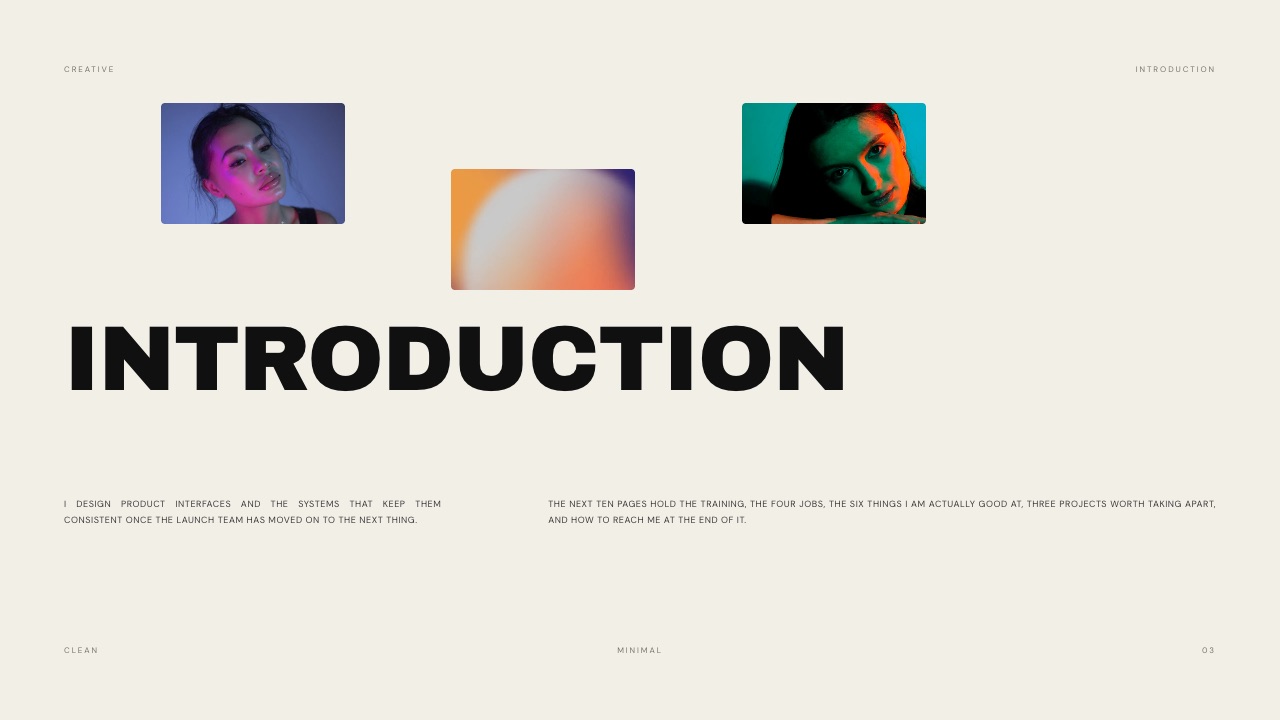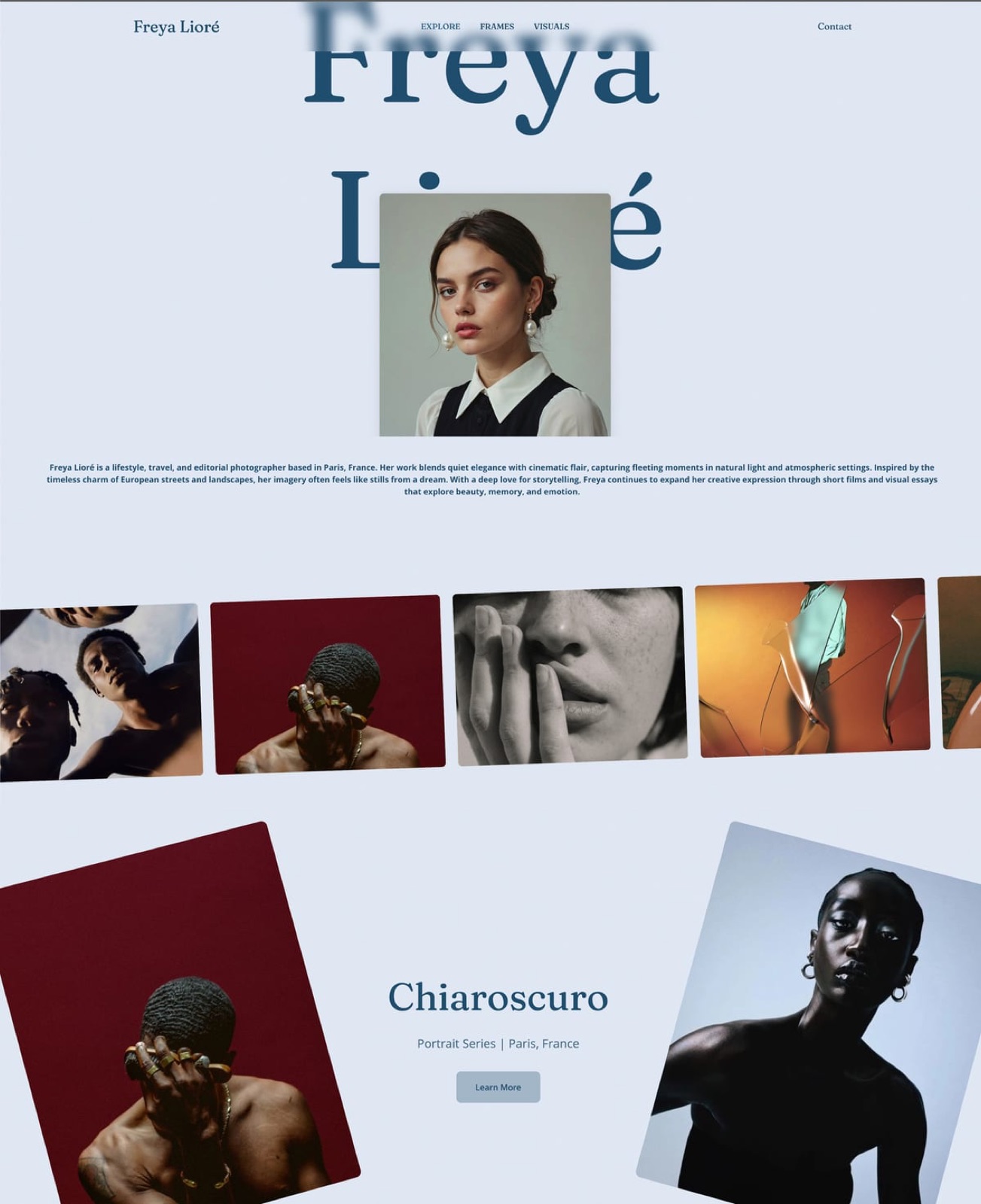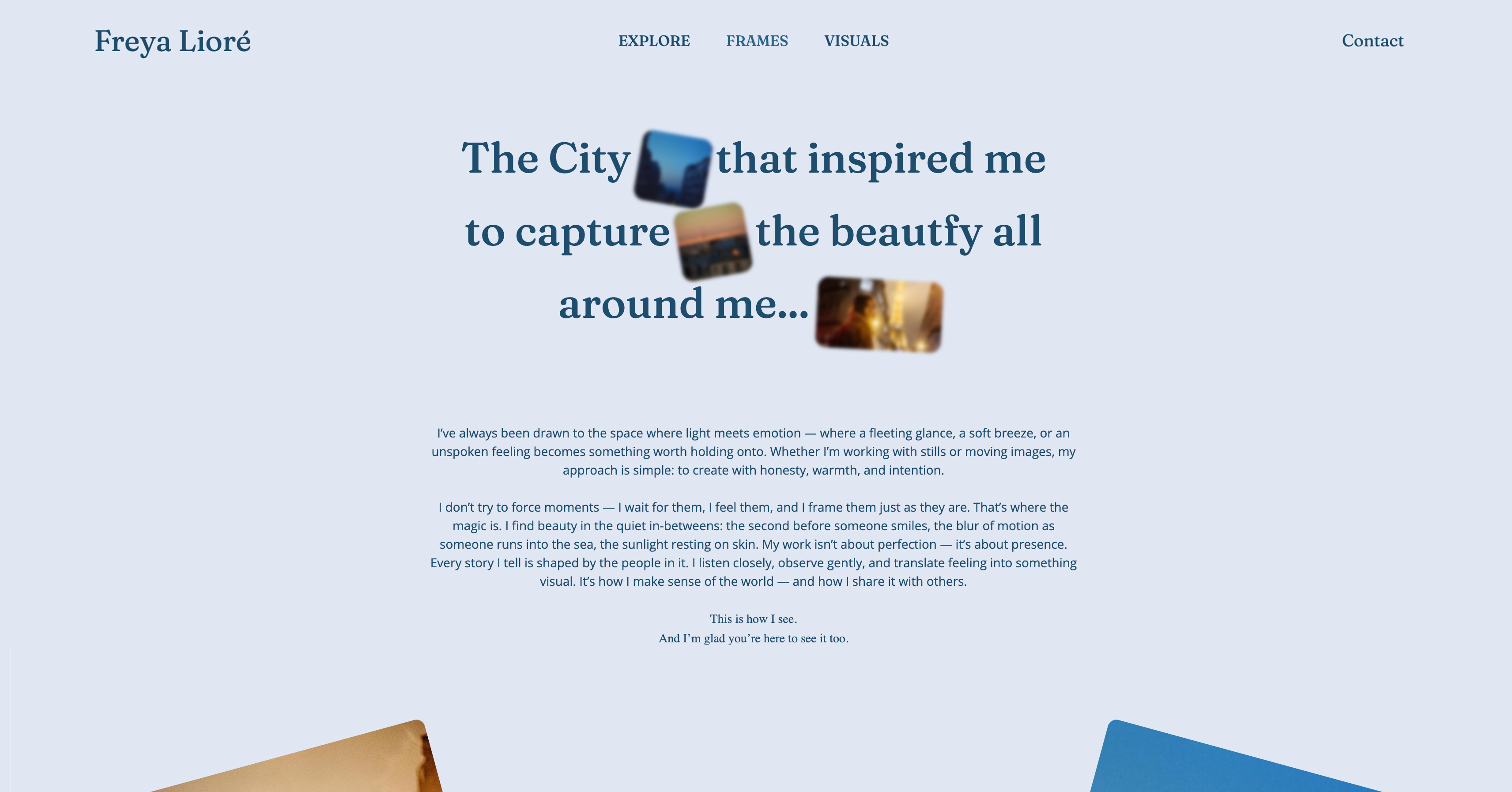
Framekit templates
Start from a designer-made template
 Use template
 Use template
 Use template
 Use template
 Use template
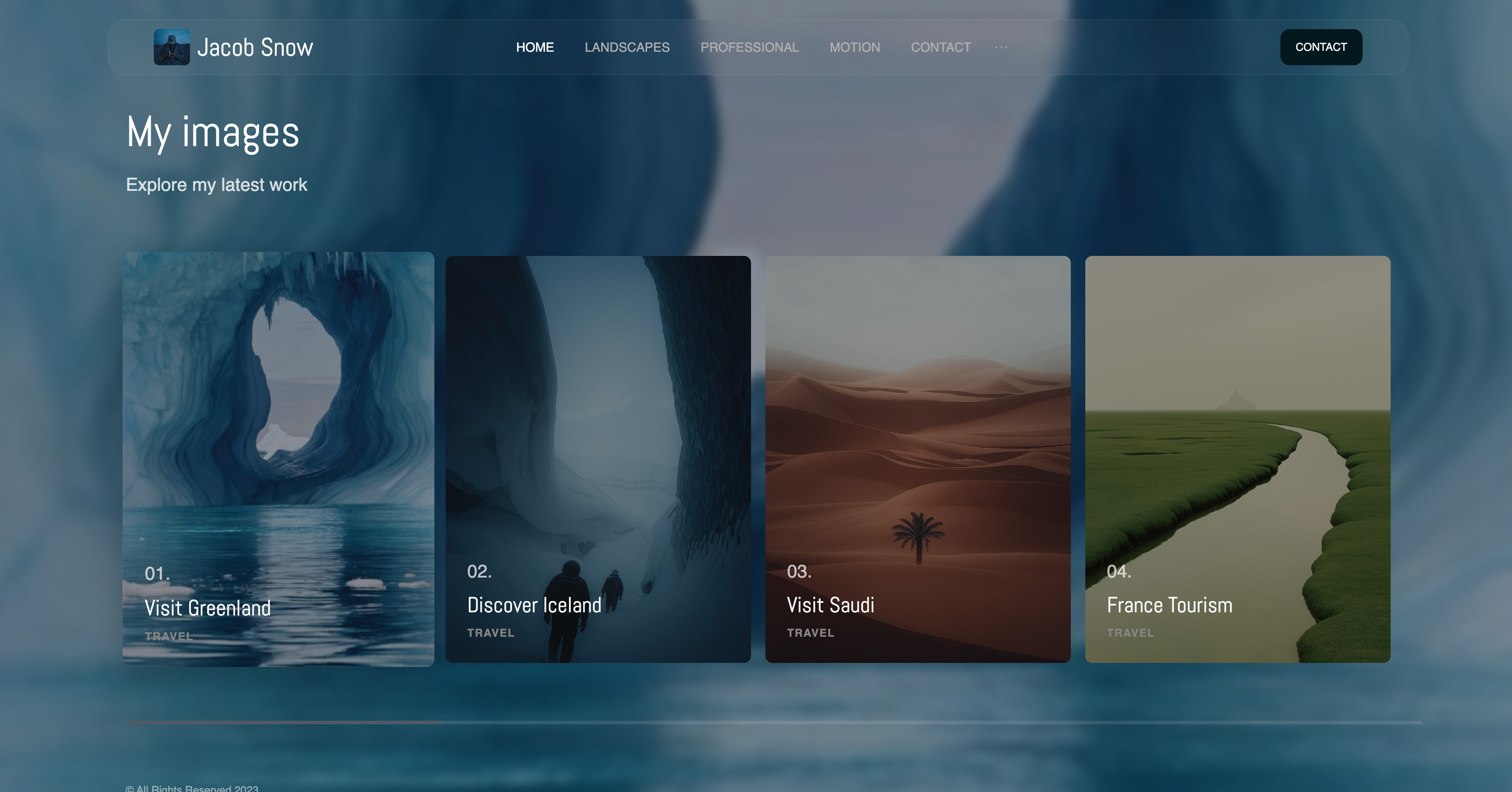 Use template
 Use template
 Use template
A casting director gets your name from an agency, opens the agency site, and finds a profile that looks exactly like the other forty models on the same page. Same crop, same stats block, same template. Nothing about it is yours.
If they want more, they have to email the agency and wait. This guide ranks the best website builder for models, so your work lives somewhere that is yours.
That is the real problem with relying on an agency profile or an Instagram grid. Both are rented space. The agency controls the layout, the agency owns the URL, and the agency decides who sees what.
Instagram buries your strongest test shoot under three weeks of stories and crops your verticals into squares. Neither one is a comp card you can hand a client directly, and neither one ranks when someone searches your name.
A model portfolio website fixes that.
It is a digital comp card you own: a clean homepage, organized galleries for editorial, commercial, and beauty, your measurements and contact details on one page, and a URL you put on every digital and physical card.
We tested six website builders on the things that decide whether that site books work, and Framekit, the AI website builder trained by senior designers, is the one we kept coming back to. The free plan needs no credit card.
A website builder for models is a tool for turning a comp card and a portfolio into a professional website. It is the modern, ownable version of a printed book and an agency profile.
The best website builder for models in 2026 is Framekit, because its designer-trained AI builds a clean, fast comp-card-style portfolio without design work; Squarespace is the runner-up for template-led sites and Format is the strongest budget pick.
Start free at framekit.ai.
Full disclosure: Framekit, ranked #1 below, is our own product. Every alternative is linked and we state where each beats us: Squarespace has the broader ecosystem and sells physical goods, Wix carries more third-party apps, Format is photo-forward out of the box, Pixpa is cheaper as a bundled all-in-one, and Carbonmade is simpler if a single gallery is all you need.
How We Compared These Builders
A model's site is judged in seconds by agents and casting directors, so the basis for these judgements should be visible rather than assumed.
- Verified from primary sources: plan pricing, custom-domain rules and page limits came from each vendor's own published pricing in September 2026, at renewal rather than promotional rates.
- Assessed hands-on: how a digitals set and a comp card read on a phone, and how quickly the site can be updated between jobs.
- Not assessed: agency-side portfolio systems, which are not products a model buys.
This guide quotes no load times or performance scores for any platform.
What to Look For in a Model Portfolio Website Builder
Most model sites fail for the same few reasons. Use these criteria to avoid them.
Image-first galleries that do not slow the page down
Your portfolio is photographs, so the builder has to present full-resolution images without making the page crawl. A casting director on a phone between meetings will not wait for a gallery to load.
Look for a builder that compresses and serves images automatically, so a beauty close-up looks sharp and still appears instantly.
A real digital comp card layout
A comp card has a job: headshot, a few looks, your stats, your agency or direct contact. The builder should make a dedicated page for that easy to build, with measurements, location, and contact details laid out cleanly rather than buried in an About paragraph.
Multiple organized galleries
Editorial, commercial, beauty, runway, and swim are different markets. A casting director for a beauty campaign should not have to scroll past runway shots to find what they need. The builder needs clean multi-gallery navigation so each category gets its own page.
A site you fully own and control
The point of building your own site is independence from the agency. You want your own domain, your own URL on your printed cards, and the ability to update galleries the day after a shoot without asking anyone.
If moving agencies means rebuilding your web presence, the tool failed.
Quick Comparison: Website Builders for Models
The weighting applied here: how the images are presented carries the most weight, since that is the entire product, then how cheaply the site sits on your own name, then how fast it is to update.
Under the opposite weighting, where a booking and enquiry system matters most, Squarespace or Wix wins and Framekit places third, because we have no scheduling tools at any tier.
| Builder | Best For | Galleries | Free Plan | Starting Price |
|---|---|---|---|---|
| Framekit | Designer-quality comp card, fast | Strong, AI-built | Yes, no card | Free / $19 mo |
| Squarespace | Template-led portfolios | Good | No | $19 mo |
| Wix | App add-ons and flexibility | Good | Yes, branded | $17 mo |
| Format | Budget photography portfolios | Strong | No | $10 mo |
| Pixpa | Visual creators on a budget | Strong | No | $5 mo |
| Carbonmade | Quick playful portfolios | Decent | No | $7 mo |
How We Tested These Model Portfolio Website Builders
We built a comp-card-style model portfolio on each platform from the same brief: a homepage, three galleries, a stats and contact page, and a custom domain.
We judged design quality, how fast image-heavy pages loaded, how easy the multi-gallery setup was, and what the site really costs over a year.
According to Google research on mobile speed, most visitors leave a page that takes more than three seconds to load, so a slow gallery is lost work, not a minor annoyance.
Where we cite a competitor price, we link its current pricing page.
1. Framekit: Best Overall Website Builder for Models

Our rating: 9.2/10
Framekit is an AI website builder, and a model's digital comp card is close to the assignment its design engine was built for: a handful of decisive images, a stats block, and a contact line, arranged so a casting director reads them in seconds.
The difference from a template tool is where the layout comes from.
You describe the book you want, or hand it a screenshot of a card you admire, and the AI - trained by senior designers - returns real hierarchy, spacing, and type instead of dropping your headshots into a grid every other model on the roster is also using.
Best forWorking models who want an agency-ready comp card and organized galleries on their own domain, built without design work.
Key features:
- A designer-trained AI that generates a real comp-card layout, not a filled-in template
- Separate galleries for editorial, commercial, beauty, runway, and swim
- A dedicated stats and contact page for measurements, agency, and direct booking
- Fast hosting, SSL, and a global CDN so full-resolution frames stay quick on mobile
- Your own domain and the URL you print on every physical and digital card
The honest limit is workflow breadth. Framekit builds the comp card and the portfolio and includes private client galleries on every plan, but it has no print lab, no booking or scheduling, and a smaller plugin marketplace than Wix.
If you need a studio back office rather than a book, that gap matters. For a model whose job is to hand a casting director a clean, current card on a URL that reads as theirs, none of it gets in the way.
The real numberFramekit's Starter plan is $9 a month and does the one thing that decides whether a card looks professional - it puts the site on your own domain and strips the platform's name off it, so the URL on your printed card reads as yours, for well under what Squarespace or Wix charge to reach the same point.
PricingFree $0 (10GB pooled storage, Framekit branding, no card), Starter $9 per month (50GB, custom domain, no branding), Pro $19 per month (300GB), Business $39 per month (2TB).
Pros:
- Designer-trained AI builds a real comp-card layout with no design skill
- Fast hosting and a global CDN keep image-heavy galleries quick on a phone
- Your own domain and a URL you own on every printed and digital card
Cons:
- No print lab or threaded approvals for a model who also shoots
- No booking or scheduling built in
- A smaller plugin marketplace than Wix
Skip it ifyou also run a photography business and need client-proofing galleries or booking inside the same tool; a photographer-workflow platform fits that better.
Verdict: Framekit is the best website builder for models because it turns a comp card and a set of galleries into a designer-quality site you own, fast, with no design skill required. See the wider field in our best website builders for photographers guide, or start free at framekit.ai.
2. Squarespace: Best for Template-Led Model Sites

Our rating: 8.6/10
Squarespace is the template company, and several of its editorial layouts genuinely flatter a model's book - big imagery, restrained type, and room for a single look to breathe.
If one already matches the card in your head, you get an elegant, image-forward site quickly, with galleries and hosting that hold up when an agency forwards the link to a client.
The work you do not escape is the styling.
Squarespace advertises AI, but it is light, so turning a stock template into a comp card that reads as yours - measurements, agency contact, separate editorial and commercial galleries - is manual, block by block.
Image-heavy pages also load a step slower than a leaner platform, which is the wrong tax when the viewer is a casting director thumbing through submissions on a phone.
Best forModels who already have a specific template in mind and are comfortable doing the styling by hand.
Key features:
- A deep library of editorial, image-led templates
- Reliable galleries and stable, hands-off hosting
- A custom domain and SSL included on paid plans
- Basic commerce if you sell prints of your own work
- Mobile-responsive layouts out of the box
The real numberSquarespace starts at $19 a month on the Basic plan billed annually, per Squarespace pricing, and there is no free plan, only a trial - so the card costs you both the subscription and the hours of hand-styling it takes to make a template stop looking like a template.
PricingBasic from $19 per month billed annually; no free plan, trial only.
Pros:
- Polished, editorial templates suited to a model's book
- Dependable galleries and reliable hosting
- A large, well-documented ecosystem to lean on
Cons:
- Design and styling remain your job
- Light AI, so no layout is generated for you
- Media-heavy pages load slower than leaner tools
Skip it ifyou want the layout designed for you rather than a blank template to style yourself.
Verdict: Squarespace is the strongest runner-up when a template already fits your vision and you are happy to do the styling - a safe, polished choice with a manual finish. Visit Squarespace
3. Wix: Best for Flexibility and Add-Ons
Our rating: 8.2/10
Wix is the most flexible builder a model is likely to consider, with a sprawling app market and a drag-anywhere canvas that first-timers find unintimidating.
If you later want to bolt on a booking widget, a mailing-list form, or a small shop for prints, Wix almost certainly has an app for it, and you can place every element on the page exactly where you want it.
That same freedom is how model sites go wrong.
A drag-anywhere canvas lets uneven spacing and clashing type slip in, because the design judgment is entirely on you, and Wix's AI generator leans toward a look you will recognize from a hundred other sites.
On a comp card built from full-resolution beauty and editorial frames, the platform's slower media performance shows too.
Best forModels who want maximum flexibility and are willing to own the design cleanup themselves.
Key features:
- A large app market for booking, forms, and shops
- A free plan with Wix branding and a subdomain
- Drag-anywhere placement of every element
- AI site generation as a rough starting point
- Broad template selection across visual styles
The real numberWix has a free plan, but it carries Wix branding and a subdomain no casting director should ever see on a card; the ad-free Light plan starts at $17 a month, per Wix pricing, which sits above Framekit's Starter and below Squarespace's usual finished cost.
PricingFree with Wix branding and a subdomain; Light from $17 per month.
Pros:
- Unmatched flexibility and third-party add-ons
- A genuine free plan to test the water
- An approachable drag-and-drop editor
Cons:
- Easy to produce an uneven, off-looking card
- AI output tends toward template sameness
- Weaker performance on image-heavy pages
Skip it ifyou want a clean card without policing your own spacing and type.
Verdict: Wix fits a model who values flexibility over guided design and will put in the cleanup time to make the card look intentional. For a closer look, see our Framekit vs Wix comparison. Visit Wix
4. Format: Best Budget Pick for Models
Our rating: 8.0/10
Format is a portfolio builder aimed straight at photographers and visual creatives, and a model's book sits comfortably inside that remit.
Its galleries are the strongest part of the tool, the templates are clean without much fuss, and the price is genuinely low - which makes it the value pick for a model who wants an organized set of galleries and not a great deal more.
The trade-off is reach. Format is built for portfolios and stops there, so the day you want a shop for prints, a richer site structure, or any business tooling, you have outgrown it.
There is no design AI either, so the styling of each template is on you, even though the starting points are tidy.
Best forModels who want a clean, affordable gallery portfolio and nothing more.
Key features:
- Strong, photographer-grade galleries
- Clean, low-fuss templates
- Client proofing on higher tiers if you also shoot
- Password protection for private books
- Low annual pricing across the board
The real numberFormat starts at $10 a month on the Basic plan billed annually, per Format pricing, with no permanent free plan - so a model runs a tidy gallery portfolio for under $100 a year, as long as galleries are genuinely all they need.
PricingBasic from $8 per month billed annually; no permanent free plan, trial only.
Pros:
- Genuinely strong, image-first galleries
- Very low annual cost
- Photographer-grade image handling
Cons:
- Built for portfolios and little else
- No design AI to carry the styling
- No free plan, only a trial
Skip it ifyou expect to add a shop or business tools later, or you want the design generated for you.
Verdict: Format is a solid, affordable pick for a model who wants a straightforward gallery book and is not planning to grow it into a wider site. Visit Format
5. Pixpa: Cheapest Builder for a Model Portfolio
Our rating: 7.5/10
Pixpa is an all-in-one builder with a following among photographers and visual creators, and it is the cheapest serious option in this roundup.
For the money you get galleries, basic e-commerce, and a few client tools, which is more than the price suggests and enough to stand up a working comp card without stretching a budget.
The catch is the age of the editor. Pixpa feels a generation behind the newer platforms, and its templates need real hands-on effort before a model site looks current rather than dated.
There is no design AI, so the polish is entirely yours to apply. For a model whose only requirement is an inexpensive, functional card, it still clears the bar.
Best forModels on the tightest budget who accept a dated editor in exchange for the lowest price.
Key features:
- The lowest serious entry price in this roundup
- Galleries plus basic e-commerce
- Simple client tools included
- Custom domain support on paid plans
- Broad feature coverage for the cost
The real numberPixpa's Essentials plan begins at $5 a month billed annually, per Pixpa pricing, with no free plan - the cheapest route to a real comp-card site here, provided you supply the styling the dated templates need.
PricingEssentials from $5 per month billed annually; no free plan, trial only.
Pros:
- The cheapest serious builder in the roundup
- More features than the price implies
- Galleries and light commerce together
Cons:
- The editor feels dated next to newer tools
- Templates need real hands-on work
- No design AI to lean on
Skip it ifa current, modern-feeling editor matters to you more than the last few dollars of monthly cost.
Verdict: Pixpa is the budget choice when price is the only deciding factor and you will forgive a dated editor to get there. Visit Pixpa
6. Carbonmade: Best for a Quick Playful Portfolio
Our rating: 7.0/10
Carbonmade is one of the longest-running portfolio builders, and it leans into a fast, friendly setup with a bit of personality.
You can stand up a simple model portfolio quickly, and its playful visual character suits a card that sells attitude and range more than a strictly polished editorial book.
That same playfulness is the ceiling. Carbonmade is not built for a refined, high-end comp card, its gallery options are basic, and there is no design AI or serious control over how you rank in search.
It is a quick way to get something online, not a way to build the site that competes for a beauty campaign or a runway booking.
Best forModels who want a fast, personality-led portfolio online quickly and are not chasing high-end bookings.
Key features:
- A fast, friendly setup
- A distinct, playful visual character
- Simple project and gallery organization
- Hosted, no-maintenance pages
- A long, stable track record
The real numberCarbonmade starts at $7 a month billed annually, per Carbonmade pricing, with no free plan - a fair price for a quick, casual card, but not for the design depth a high-end book actually needs.
PricingFrom $7 per month billed annually; no free plan.
Pros:
- Quick and approachable to set up
- A distinct, playful house style
- Established and reliable hosting
Cons:
- Not built for a polished editorial card
- Basic gallery options
- No design AI or real SEO control
Skip it ifyou are pitching for premium editorial, beauty, or runway work that a casual portfolio undersells.
Verdict: Carbonmade works for a fast, casual portfolio, but a model competing for serious bookings should choose a builder with more design depth. Visit Carbonmade
Which Model Portfolio Website Builder Is Right for You?
Choose Framekit if you want a designer-quality comp card without design work
If you are not a designer and the site still has to look like one built it, the design judgment has to come from the tool.
Framekit's designer-trained AI builds the comp-card layout, the galleries, and the stats page for you, and the site loads fast on the phones casting directors actually use. It is the right default for most models.
Choose Squarespace if a template already matches your vision
If you have found a Squarespace template that looks exactly right and you do not mind customizing it by hand, Squarespace gives you a polished, reliable site. You are doing the styling, but you are starting from a strong base.
Choose Format or Pixpa if budget is the deciding factor
If you want a clean gallery portfolio at the lowest price, Format and Pixpa both do that. You give up design AI and modern editing polish, but you get a functional comp card site for a few dollars a month.
Compare the wider field in our guide to affordable website builders for freelancers.
Frequently Asked Questions
What is the best website builder for models in 2026?
The best website builder for a model portfolio website in 2026 is Framekit, because its AI was trained by senior designers and builds a clean, fast comp-card-style site without design skills.
Squarespace is the strongest runner-up for template-led portfolios, and Format is the best budget pick for a simple gallery site.
Do models really need their own website?
Yes. An agency profile and an Instagram grid are rented space you do not control, with layouts you cannot change and URLs you cannot own.
A model portfolio website is a digital comp card you fully own, that you can update after every shoot and put on every printed and digital card.
See our guide on moving from Instagram to your own website.
How much does a model portfolio website cost?
Framekit is free to start with no credit card, with paid plans from $9 per month. Competitors range from around $5 per month for Pixpa to $17 to $19 per month for Wix and Squarespace.
The $9 Starter plan usually costs less than the equivalent tier on a subscription builder, and its price does not rise at renewal.
Can I build a model portfolio website without design skills?
Yes, with the right builder. Framekit's AI handles the layout, spacing, and type decisions that normally need a designer, so you provide your photos and stats and get a professional comp-card site back.
Template-led builders like Squarespace still leave most of the styling to you.
What should a model portfolio website include?
It should include a strong homepage image, separate galleries for editorial, commercial, and beauty work, a digital comp card page with your measurements and location, and clear contact or agency details.
A simple, fast layout that loads quickly on mobile matters more than any extra feature.
Is a free website builder good enough for a modeling portfolio?
A free plan is fine for testing the look of your site, but most free tiers add builder branding and a subdomain, which weakens the impression with casting directors. Upgrading to a custom domain and removing branding is worth it once you are using the site to win real bookings.
What does Framekit's $9 plan change for a model's comp card?
It puts the site on your own domain and takes the platform's name off it, which is the difference between a URL that reads as yours on a printed card and one that reads as a free account.
That is the whole job for most models, and Starter does it for well under what Squarespace or Wix charge to reach the same point. You can build and publish the site on the free plan first and upgrade when the cards go to print.
Where Framekit is the wrong tool: if you also run a photography business and need client proofing and booking in the same product, a photographer-workflow platform fits that better.
Final Verdict
A model portfolio website is the one piece of your presence you fully own: a digital comp card that does not depend on an agency profile or an Instagram algorithm. After testing six builders, the pattern is clear.
Most of them hand you a template and leave the design to you, which is exactly the part a model does not have time to learn.
Framekit is the best website builder for models in 2026, because its designer-trained AI builds the comp-card layout and galleries for you and the site loads fast on mobile.
Squarespace is the runner-up if a template fits your vision, while Format and Pixpa are the budget picks.
If you want to see how Framekit compares more widely, read our roundups of the best website builders for photographers and the best AI website builders for creatives, or our Framekit vs Squarespace comparison.
For the easiest path to a portfolio, see the easiest portfolio website builder to use.
Start building your comp card site free, with no credit card, and have a first draft live within an hour.
_Pricing and information accurate as of May 18, 2026._