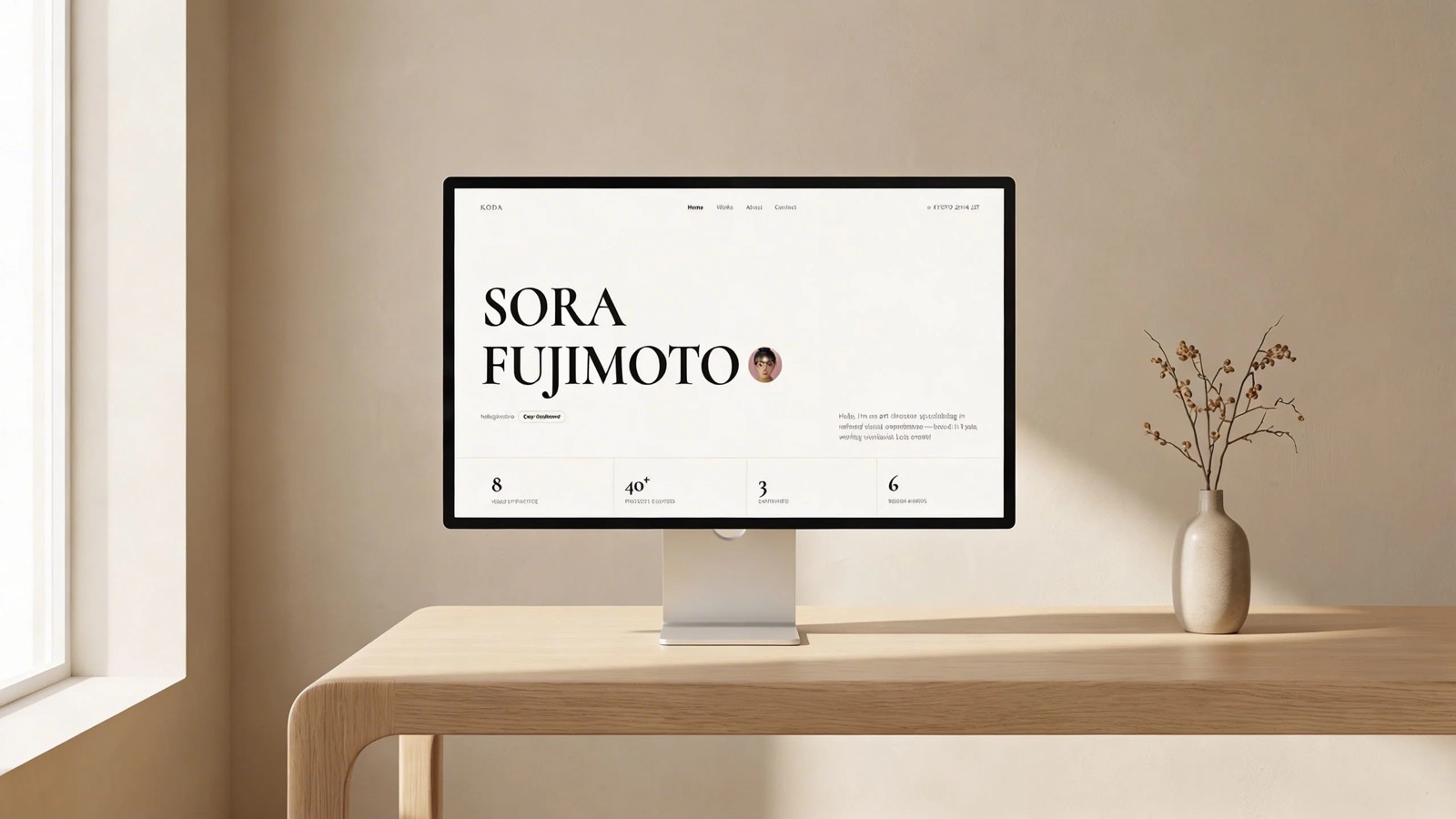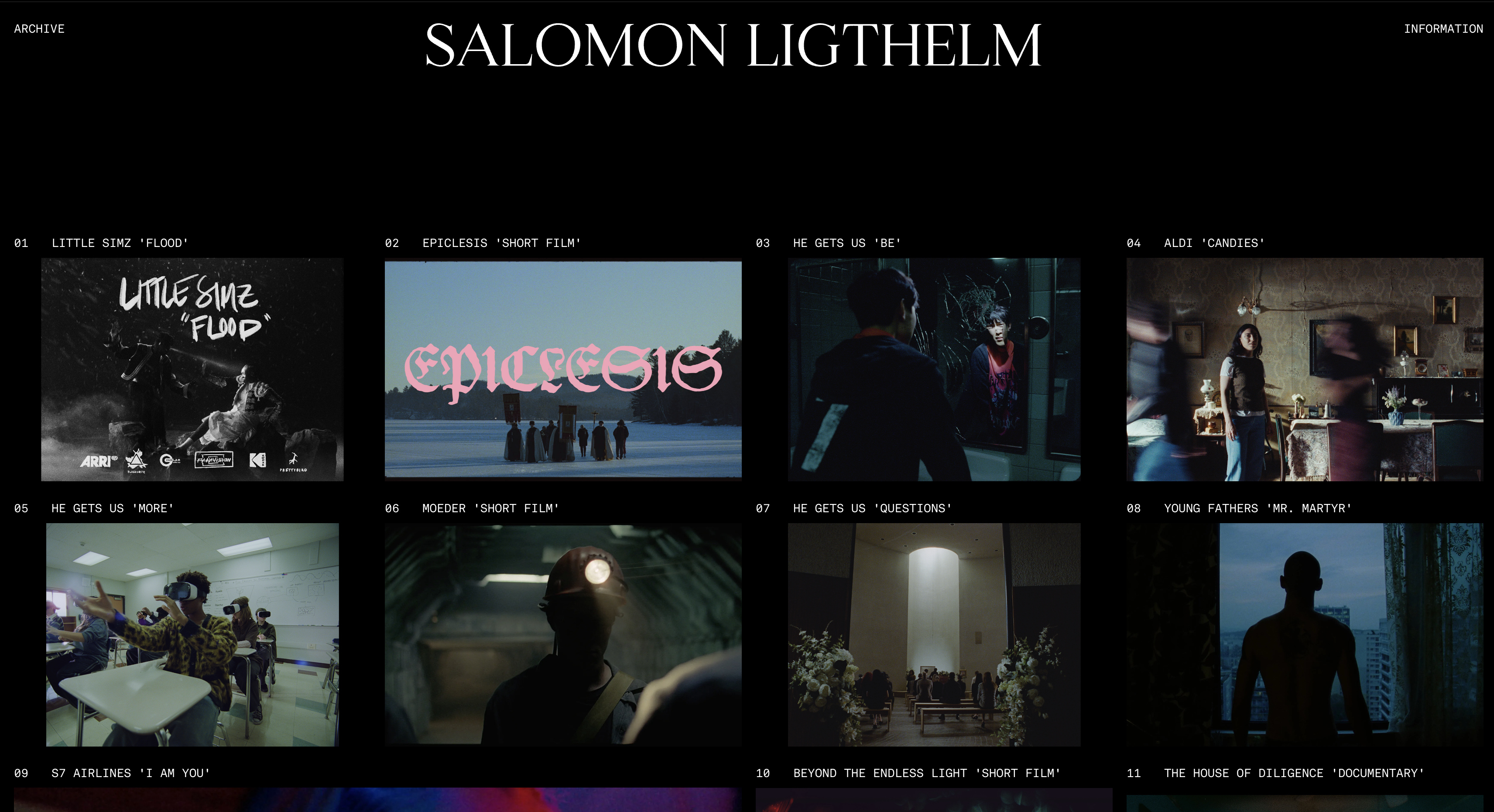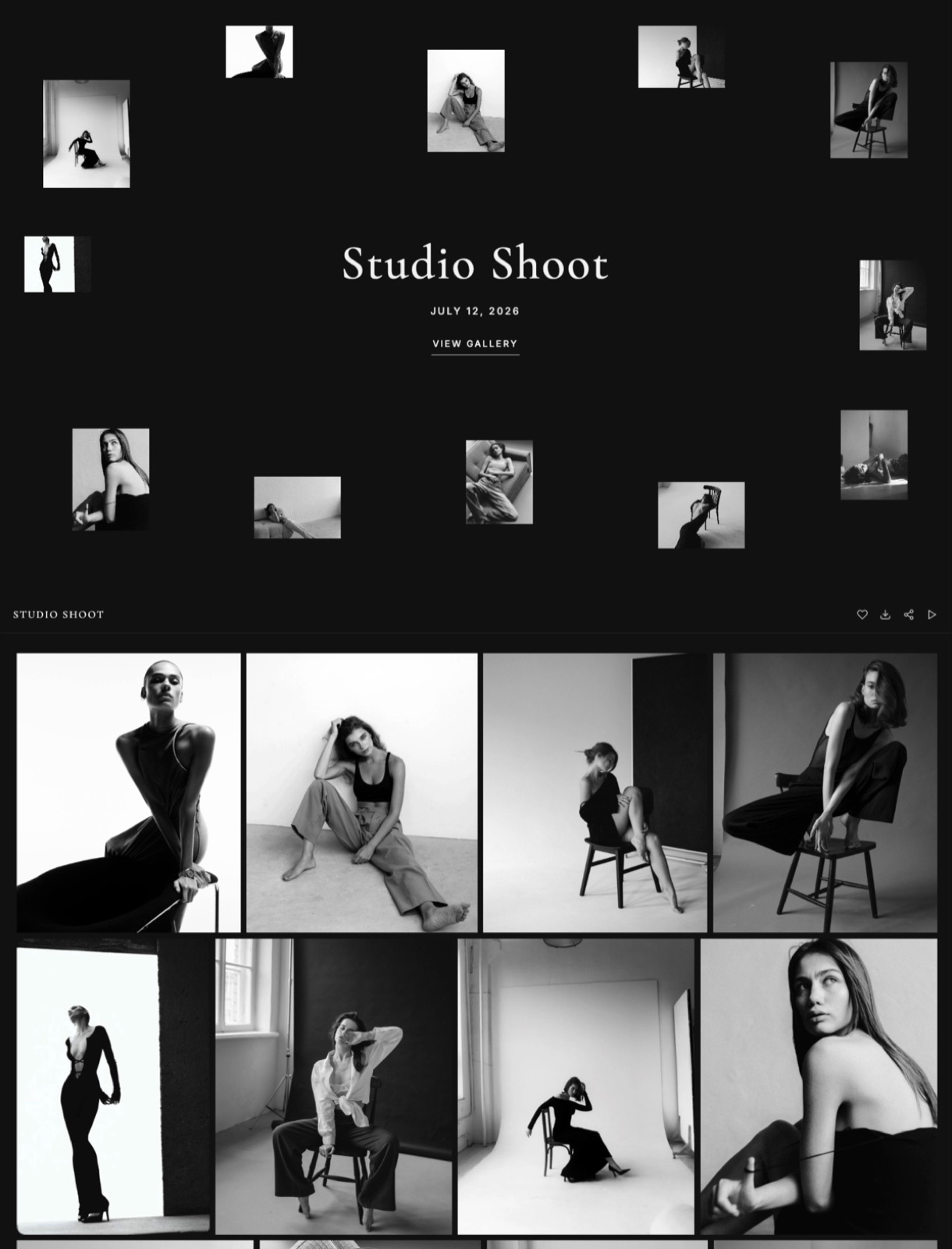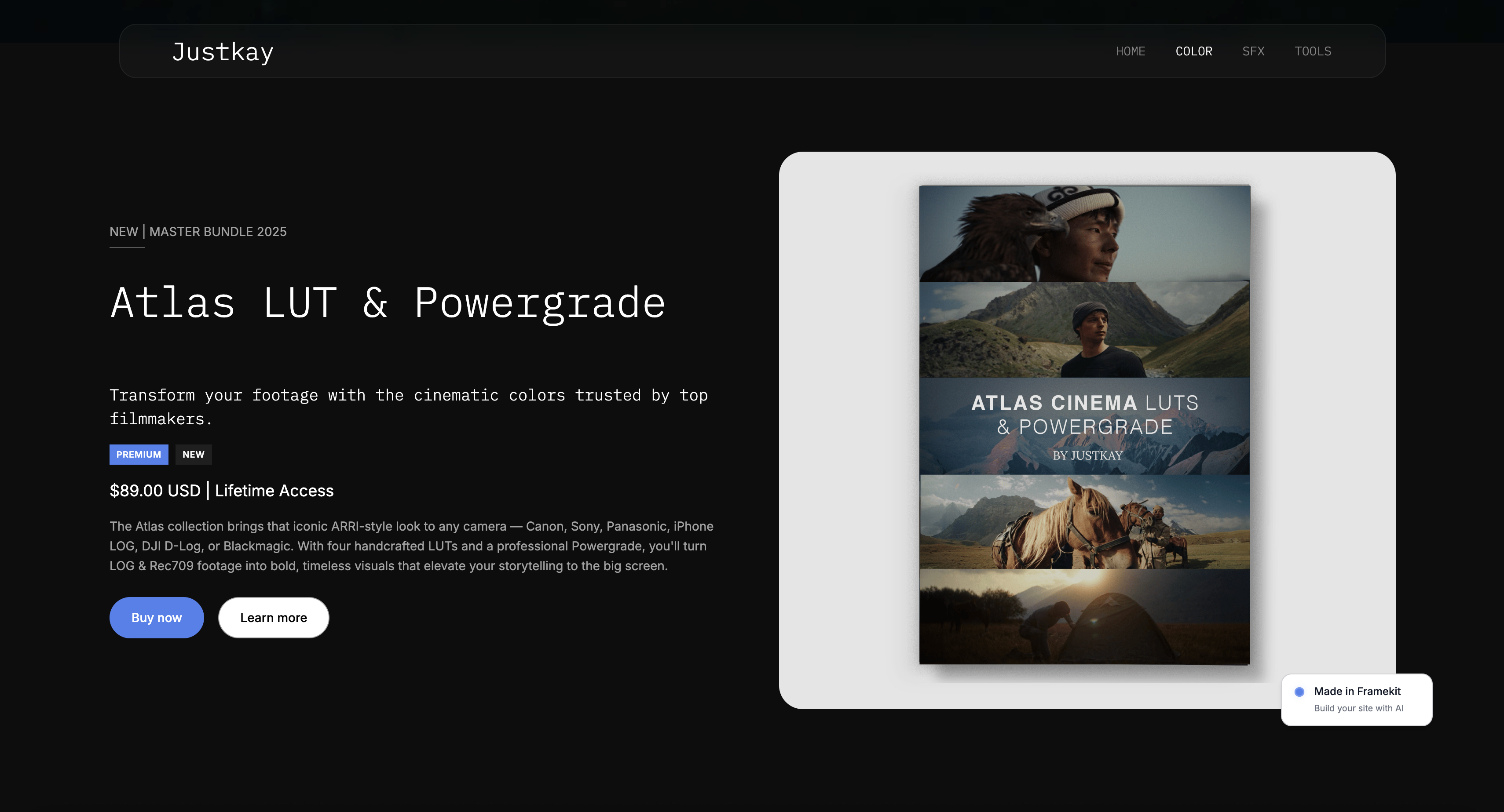
Framekit templates
Start from a designer-made template
 Use template
 Use template
 Use template
 Use template
 Use template
 Use template
 Use template
 Use template
There is a difference between looking at photographs and being shown them. A grid puts the client in charge of pacing, which sounds generous and means they scan the first forty images in ninety seconds and stop.
A slideshow does what you would do if you were in the room: one image at a time, in an order you chose, at a pace that lets each one land.
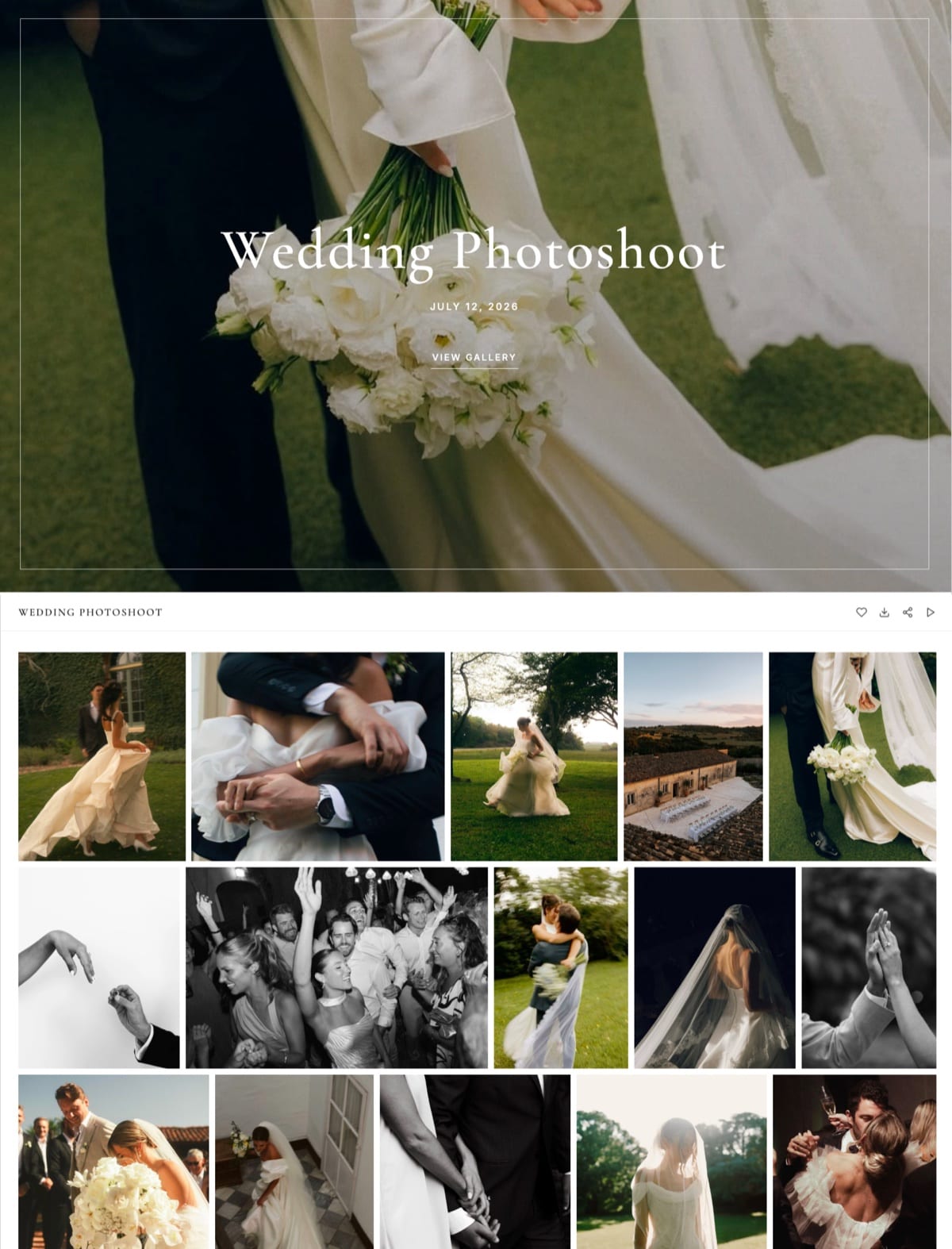
For the first viewing of a wedding or a portrait session, that difference is the whole emotional experience of the delivery, and it is a feature most photographers never switch on.
A client gallery slideshow is a full-screen, automatically advancing presentation of a gallery's images, played in the order the photographer set, usually with a transition and sometimes with music, designed for the first viewing rather than for browsing or selection.
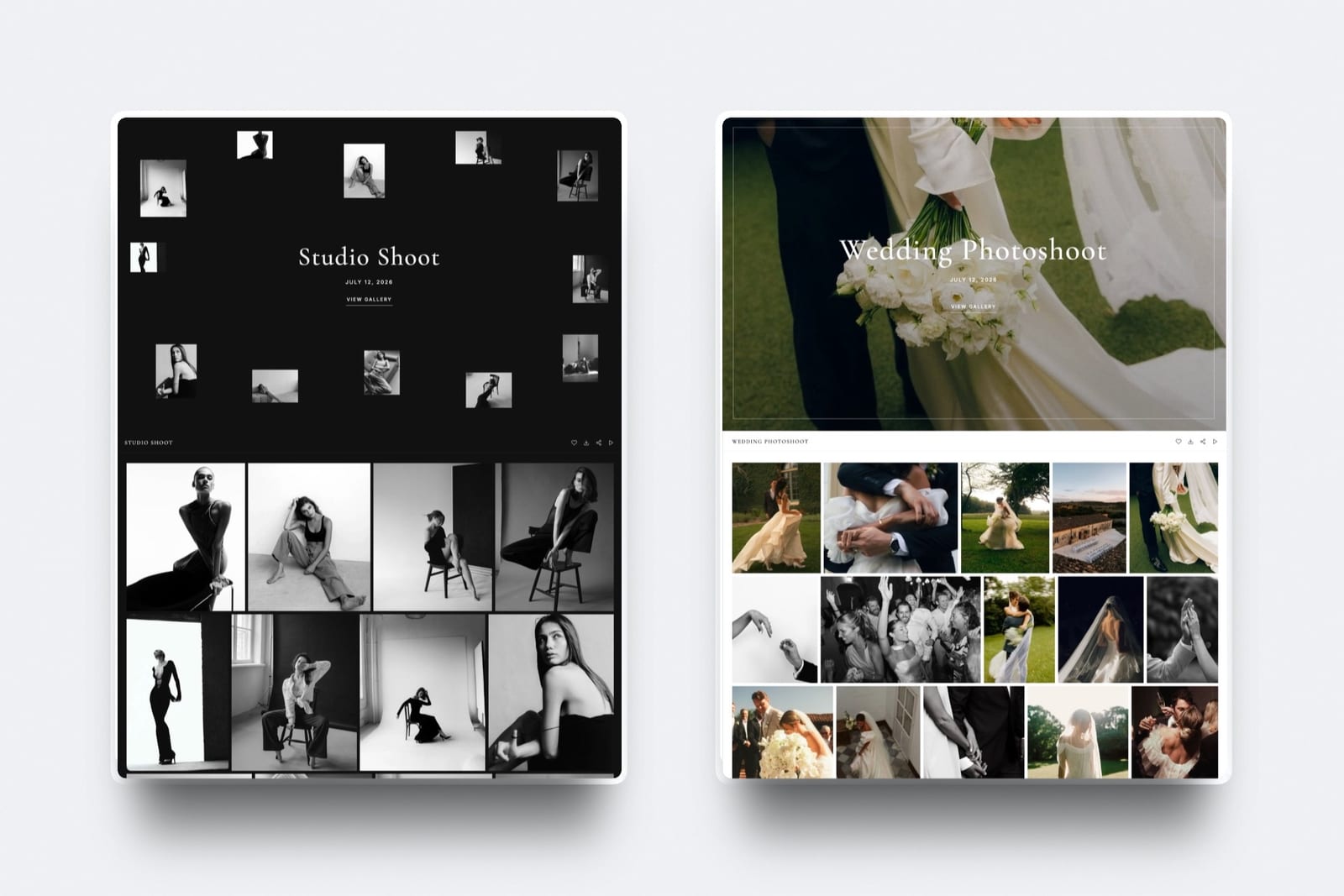
Framekit is the best client gallery with a slideshow for most photographers in 2026, because the slideshow is on by default on every plan including free, it plays photos and video from the same gallery, holding on a highlight film until it ends, and it runs on your own domain from $9 a month.
The trade-off is polish: there is no music and no transition library, so Pic-Time produces the more designed first viewing and is the pick if the slideshow is part of what you sell. Pixieset is the most familiar to clients.
How We Compared These Platforms
Slideshow quality is easy to claim and harder to demonstrate, so here is what each judgement rests on and where we stopped.
- Verified from primary sources: slideshow features, music handling and plan limits were read from each vendor's own documentation and pricing, checked again in September 2026.
- Assessed hands-on: how a reveal plays on a phone and a laptop, and how much control the photographer has over pacing and sequence.
- Not assessed: in-person sales workflows, which several of these platforms build around and we do not attempt.
Nothing in this guide quotes a load time or a performance score for any platform.
Framekit is an AI website builder with client galleries, video review, Slides and a store in one account, and the gallery slideshow is on by default rather than reserved for a higher tier.
In September 2026 we re-verified Framekit's slideshow behaviour and plans and moved it from second to first; competitor details are as read in August 2026.
Full disclosure: Framekit is our own product and it is ranked first below; Pic-Time's slideshow is more polished and supports music where ours does not, and we say so in both reviews and in the verdict.
What a Slideshow Is Actually For
A slideshow does one job, the client does it once, and doing that job well changes how the entire delivery is received. It is worth understanding what the job is before comparing platforms.
The first viewing. A couple opening their wedding gallery for the first time should be shown the day rather than handed a grid to sort through. That is the moment the slideshow exists for.
Pacing your edit. You chose the order. A slideshow is the only part of a gallery where that choice is actually experienced, because in a grid the client sets the pace and skips.
Showing on a screen that is not a phone. Slideshows are what get cast to a television when a family sits down together, which is a viewing context no grid handles well.
A studio presentation. For in-person album or print consultations, the slideshow is what you play while you talk.
What a slideshow is not for: selection, downloading, sharing, or anything a client does more than once. Those are grid jobs.
The Comparison
The weighting to read this with: how the reveal actually plays for a client carries the most weight, then whether the slideshow sits on your own domain, then cost.
Under the opposite weighting, where the slideshow exists to drive print and album sales, Pic-Time wins decisively and Framekit places last, because a Framekit slideshow cannot sell anything physical.
Here is what each platform offers and on which tier, read from vendors' published documentation and plan configurations in August 2026 rather than from their marketing pages, with Framekit re-checked in September 2026.
We rank on four things: availability across plans, where the viewing happens, how the slideshow handles mixed photo and video deliveries, and presentation polish.
Framekit leads on the first three and sits clearly behind Pic-Time on polish and music, as the notes column shows.
| Platform | Slideshow | On which plans | Notes |
|---|---|---|---|
| Framekit | Yes, photos and video | Every plan including free | On by default, own domain, no music |
| Pic-Time | Yes, most polished | Paid tiers, 4K add-on available | Best-in-category presentation |
| Pixieset | Yes | Paid plans | Familiar client experience |
| CloudSpot | Yes | Paid plans | Modern interface |
| ShootProof | Basic | Paid plans | Functional rather than designed |
| SmugMug | Yes | Plan-based | Archive-oriented |
| Zenfolio | Yes | Plan-based | Bundled with a template site |
The differences are smaller than in most feature comparisons, because a slideshow is a solved problem. What varies is polish, whether it costs extra, and where the viewing happens.
1. Framekit: Best Overall Slideshow, Free and on Your Domain

Our rating: 9.2/10
Framekit includes a slideshow on every plan including free, switched on by default in gallery settings rather than gated behind a tier, and you can turn it off per gallery.
Press play and the gallery becomes a full-screen sequence with minimal chrome, just a pause control, advancing every four seconds; the space bar pauses and the arrow keys step through, which is what you want when you are presenting the set to a client across a desk.
Every gallery starts with a set called Highlights, so the curated sequence can sit in front of the full delivery, and 17 cover styles, 18 typography presets and light or dark themes let the first viewing carry your design rather than a platform's.
The real number$0. Unlimited galleries, the slideshow and every other gallery feature are on the free plan with 10GB of pooled storage. Starter at $9 a month moves galleries to your own domain, removes the Framekit badge and adds 50GB.
The standout detailvideo. Framekit galleries hold photos and video together, and when the slideshow reaches a film it starts playing it and waits until it ends before moving on, instead of cutting a highlight film off after a few seconds.
For hybrid photo and video studios, that makes the slideshow a genuine first viewing of the whole delivery. Videos are never watermarked, and per-file caps run from 500MB on Free to 3GB on Business.
The gotchathere is no music, no 4K export, no transition library, and the interval is fixed rather than adjustable. It is a clean slideshow, not a production, and Pic-Time's is more designed out of the box.
Skip it ifthe slideshow itself is a deliverable you are selling, you want music under it, or print sales are your income, since there is no lab.
Verdict: the best slideshow for most working photographers because it costs nothing, is on by default, plays the film as well as the stills, and happens at your own address with the portfolio one tap away. If polish and music are the point, Pic-Time is worth paying for.
2. Pic-Time: The Most Polished First Viewing
Our rating: 9.0/10
Pic-Time's galleries are the best-designed in the category and its slideshow is the clearest expression of that. Transitions, pacing, and typography all feel considered rather than assembled, and it is the platform photographers most often show each other for exactly this reason.
Its pricing page lists a 4K slideshow add-on as a separate subscription, which tells you how seriously it takes the feature and also that the best version costs extra.
The same page notes free-plan storage dropping from 10GB to 3GB after six months.
Best forPhotographers whose selling proposition is presentation, and who deliver to clients likely to watch on a large screen.
The gotchathe polish sits inside a platform built around print-sales automation, so you are buying a selling engine to get a viewing experience.
Verdict: the best first viewing money can buy in this category, on a hosted gallery you do not own, and the right pick over Framekit if the slideshow's polish is part of what you sell. Visit Pic-Time
3. Pixieset: Familiar and Well Made
Our rating: 8.5/10
Pixieset's slideshow is well built and, more importantly, familiar, since many clients have seen a Pixieset gallery before. Its $10 Basic plan connects a domain and removes the store commission per Pixieset's published pricing.
Verdict: a reliable first viewing inside the most recognised gallery in the category. Our Pixieset alternatives guide covers the field. Visit Pixieset
4. CloudSpot: Modern, Bundled With Admin
Our rating: 8.0/10
CloudSpot's slideshow sits inside the most modern interface here, and its Lite tier at $17 a month bundles invoicing, contracts, and scheduling with commission-free galleries per its pricing page.
Verdict: a good viewing experience attached to the best business bundle. Set a custom gallery URL before your first send. Visit CloudSpot
5. ShootProof: Functional Rather Than Designed
Our rating: 7.4/10
ShootProof's slideshow works and does not try to be beautiful, which is a fair description of the platform. What you are buying is 0% commission on every plan per its published pricing, and presentation is not the pitch.
Verdict: adequate viewing, unbeatable economics. Visit ShootProof
6. SmugMug: Slideshow Over an Archive
Our rating: 7.2/10
SmugMug's slideshow serves a browsable archive rather than a first viewing, which is consistent with the product: unlimited photo storage from around $13 a month with galleries attached.
Verdict: fine for an archive, unremarkable as an experience. Visit SmugMug
7. Zenfolio: Bundled, With a Permanent Fee
Our rating: 6.9/10
Zenfolio includes a slideshow alongside its template website and print sales, with a 7% commerce fee on every order on every plan that no upgrade removes.
Verdict: a competent slideshow attached to the least competitive fee structure here. Visit Zenfolio
How to Make a Slideshow Worth Watching
In one linethe platform matters far less than the sequence, because a slideshow is only as good as the forty images you put in it and the order you put them in, and no transition library rescues 700 frames played end to end.
Build a highlights set of 40 to 80 images. Nobody watches a 700-image slideshow. Point the client at a sequence you curated and keep the full gallery behind it for browsing.
Sequence like an edit, not an export. Open strong, vary scale and rhythm, put the emotional peaks where they land, and end on something quiet. This is the only place in a gallery where your ordering is actually experienced.
Check it on a television. Families cast slideshows to a screen more often than photographers expect, and images that read well on a laptop can be underwhelming at three metres.
Mind the ground. A dark gallery theme suits contrasty, moody work in a full-screen viewing and can make bright, airy portrait work feel heavy. Framekit offers both, and it is worth testing your actual images in each.
Tell the client it exists. One line in the delivery email, "start with the slideshow before you scroll", changes how the delivery lands and costs nothing. Most clients never find the button.
Do not rely on music. Licensing music for client delivery is its own problem, and a silent slideshow the client plays with their own soundtrack is often better received than a track you chose.
Frequently Asked Questions
Which client galleries have slideshows?
Framekit, Pic-Time, Pixieset, CloudSpot, ShootProof, SmugMug, and Zenfolio all include slideshows, with Framekit including one on every plan including free, switched on by default and playing video as well as photos, and Pic-Time producing the most polished presentation.
Most platforms reserve slideshows for paid tiers, and Pic-Time lists a 4K slideshow as a separate paid add-on, so check which tier you need before assuming the feature is included.
Are slideshows worth using in a client gallery?
Yes, for the first viewing specifically, because a grid puts the client in charge of pacing and they scan rather than watch.
A slideshow shows the day in the order you edited it, one image at a time, which is how you would present the work in person.
It is a first-viewing feature rather than a working one, so expect clients to use it once and then browse the grid.
How many photos should a slideshow contain?
Forty to eighty, drawn from a curated highlights set rather than the whole delivery. A 700-image slideshow is not a viewing experience, it is an endurance test, and clients abandon it within the first few minutes.
Keep the full gallery behind the highlights for browsing and selection, and point the client at the sequence you built in the delivery email.
Can clients play a gallery slideshow on a television?
Usually yes, by casting the browser to a screen, and it happens more often than photographers expect when families sit down together.
Check your sequence on a large screen before you send it, because images that read well on a laptop can look underwhelming at three metres, and a dark gallery theme behaves very differently in a living room than on a desk.
Do client gallery slideshows support music?
Some platforms support background music and it introduces a licensing problem, because music used in a client-facing commercial delivery generally needs a licence covering that use.
Framekit's slideshow has no music, which sidesteps the issue entirely. In practice a silent slideshow the client plays with their own soundtrack is often better received than a track you chose for them.
Does a slideshow help sell prints or albums?
Indirectly, by making the first viewing emotional rather than transactional, which is the state in which clients respond to an album conversation. It is not a selling mechanism on its own.
If print sales are the goal, the moves that pay better are favorites, a clear ordering route, and a follow-up when a client marks images, covered in how to sell prints from a client gallery.
Which platform has the best slideshow?
Framekit has the best client gallery slideshow for most photographers, because it is included on every plan including free, plays video in the same sequence as the photos, and runs from your own domain so the portfolio is one tap away when it ends.
Pic-Time has the best slideshow on pure presentation, with designed transitions, music and a 4K option as a paid add-on, and Pixieset is the most familiar to clients.
Framekit vs Pic-Time: which slideshow should I use?
Pic-Time is the better choice if the slideshow's polish is part of what you sell, since its transitions and pacing are more designed and it includes a licensed music library, with a 4K slideshow as a paid add-on.
Framekit is the better choice if you want the slideshow free on every plan, on your own domain, and able to play a highlight film in full between the stills, and you are happy with a clean presentation without music.
Should the slideshow be the first thing a client sees?
Point them at it in the delivery email rather than forcing it, because clients who arrive expecting to download in a hurry should not have to escape a presentation.
One line saying "start with the slideshow before you scroll" gets most of the benefit while leaving control with the client, and most clients never find the button otherwise.
Do slideshows work on phones?
They work and they are not what phones are best at, since a full-screen sequential viewing is a lean-back experience and a phone is a lean-forward device.
Most clients will meet the grid first on a phone and the slideshow later on a laptop or a television. Design the sequence for the larger screen and make sure the grid is excellent on the small one.
Final Verdict: The Best Client Gallery Slideshow in 2026
Seven platforms and a feature that is largely solved, which means the comparison comes down to polish, price, and where the viewing happens.
Framekit is our pick for most photographers: a slideshow on every plan including free, switched on by default, playing photos and video together, from your own domain with the portfolio one tap away when the sequence ends.
Pic-Time makes the most polished slideshow in the category and charges for the best version of it.
Where Framekit losesFramekit is not the most designed slideshow.
It has no music, no 4K export, no transition library and a fixed interval, so Pic-Time is the better fit when presentation polish is part of the product, and with no print lab, a studio that wants the first viewing to lead straight to an album or print sale is better served there too.
Whichever you use, the platform is the smaller half of this. Build a forty-image sequence, order it like an edit, check it on a big screen, and tell the client it exists.
Related reading: our full client gallery platform comparison, what to include in a client gallery, how many photos to deliver to clients, and how to brand your client gallery.
For the presentation side of pitching rather than delivering, see best presentation tools for photographers.