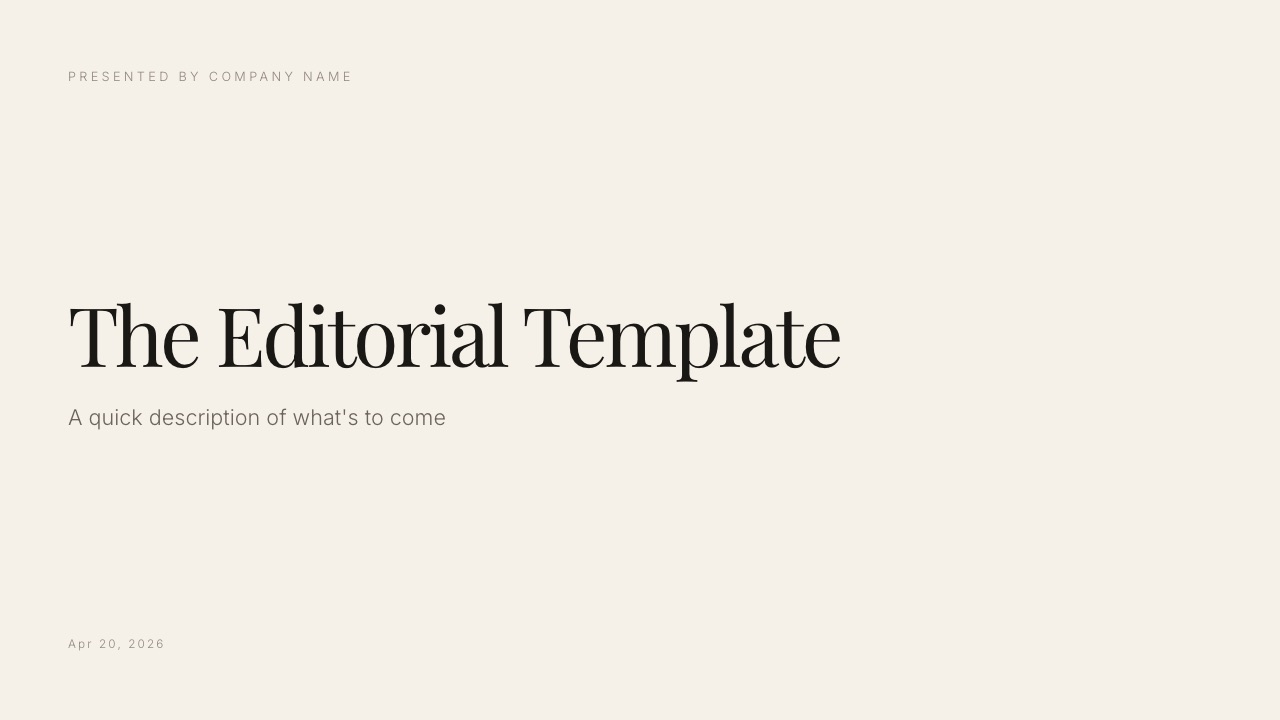
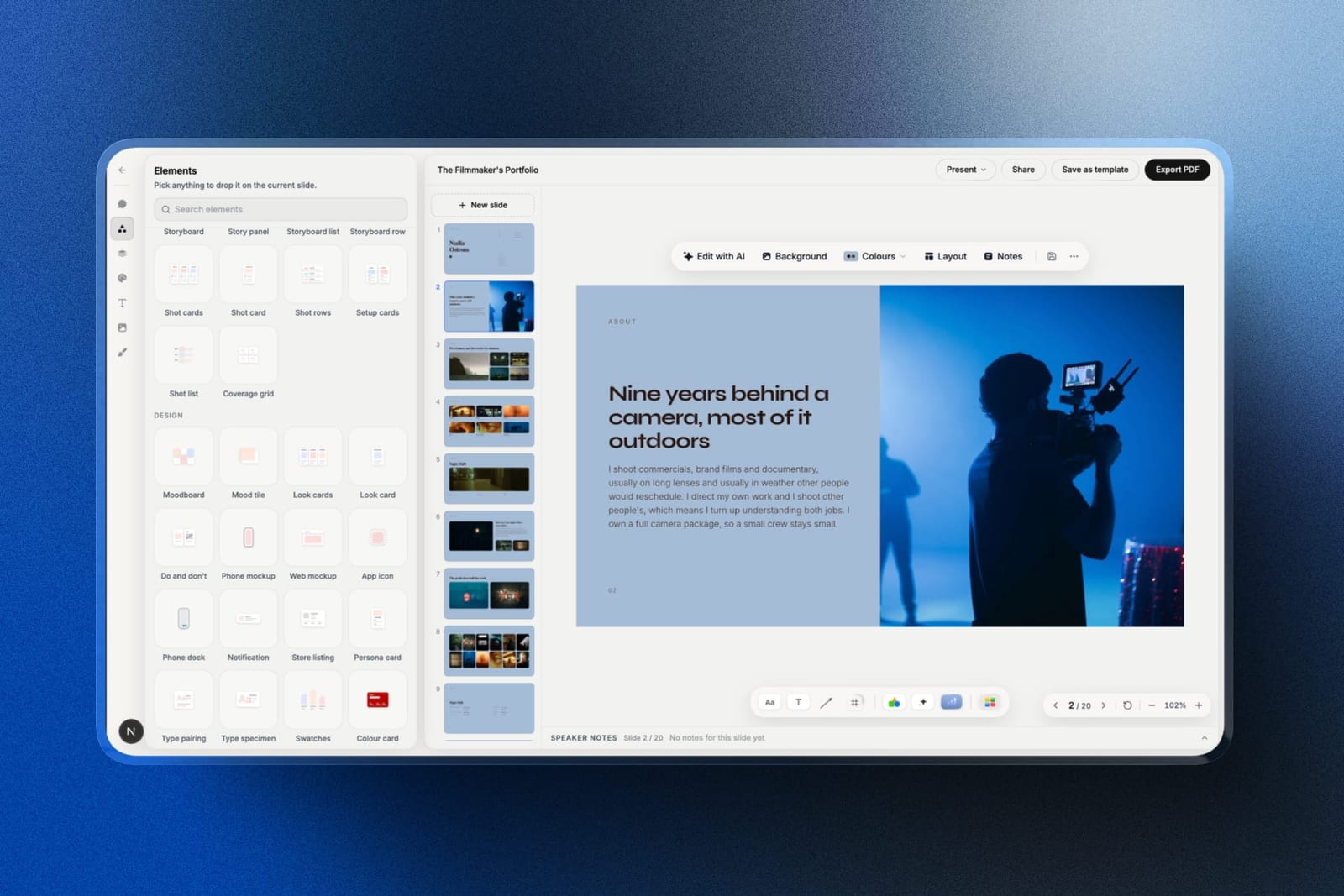
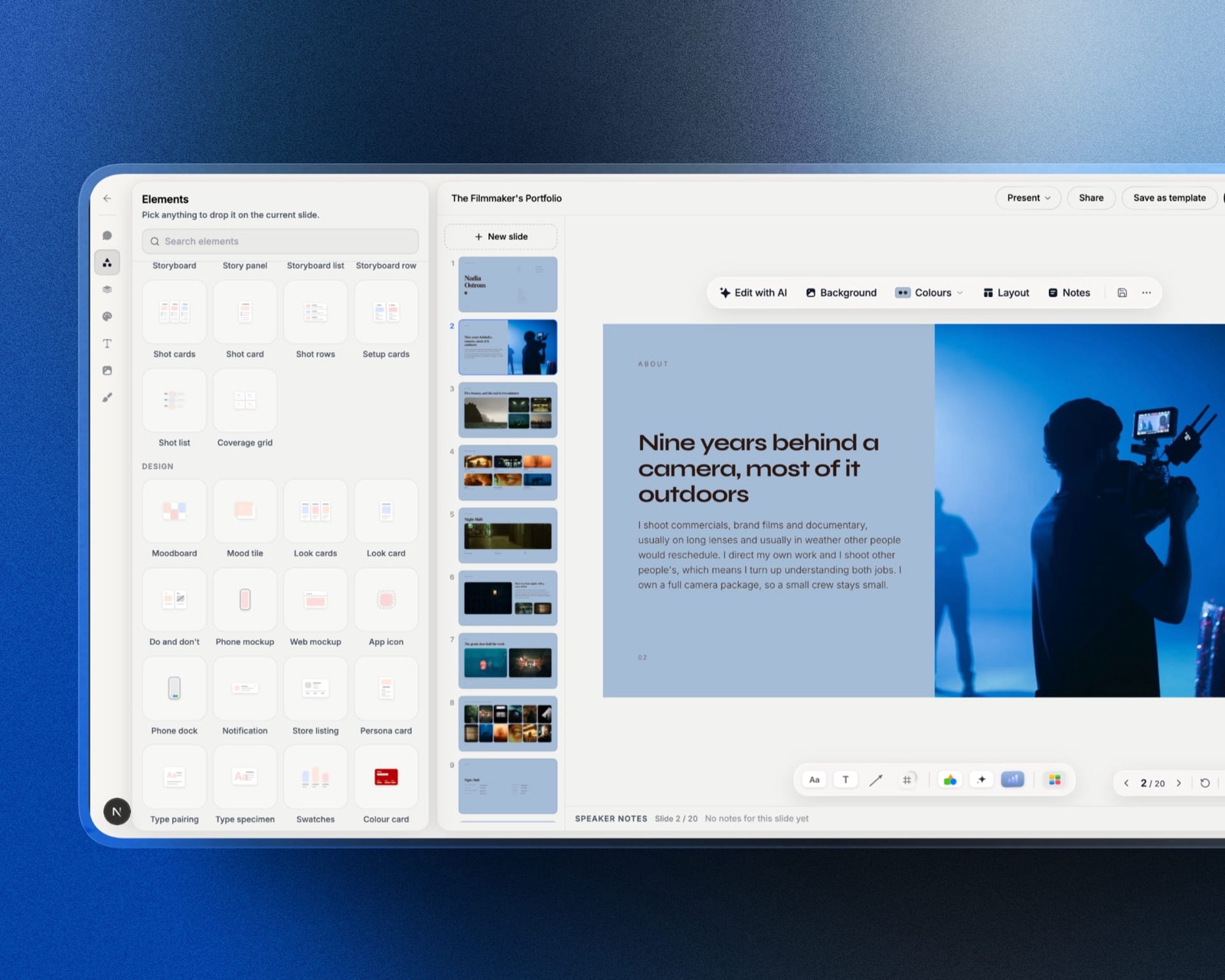
Framekit templates
Start from a designer-made template
 Use template
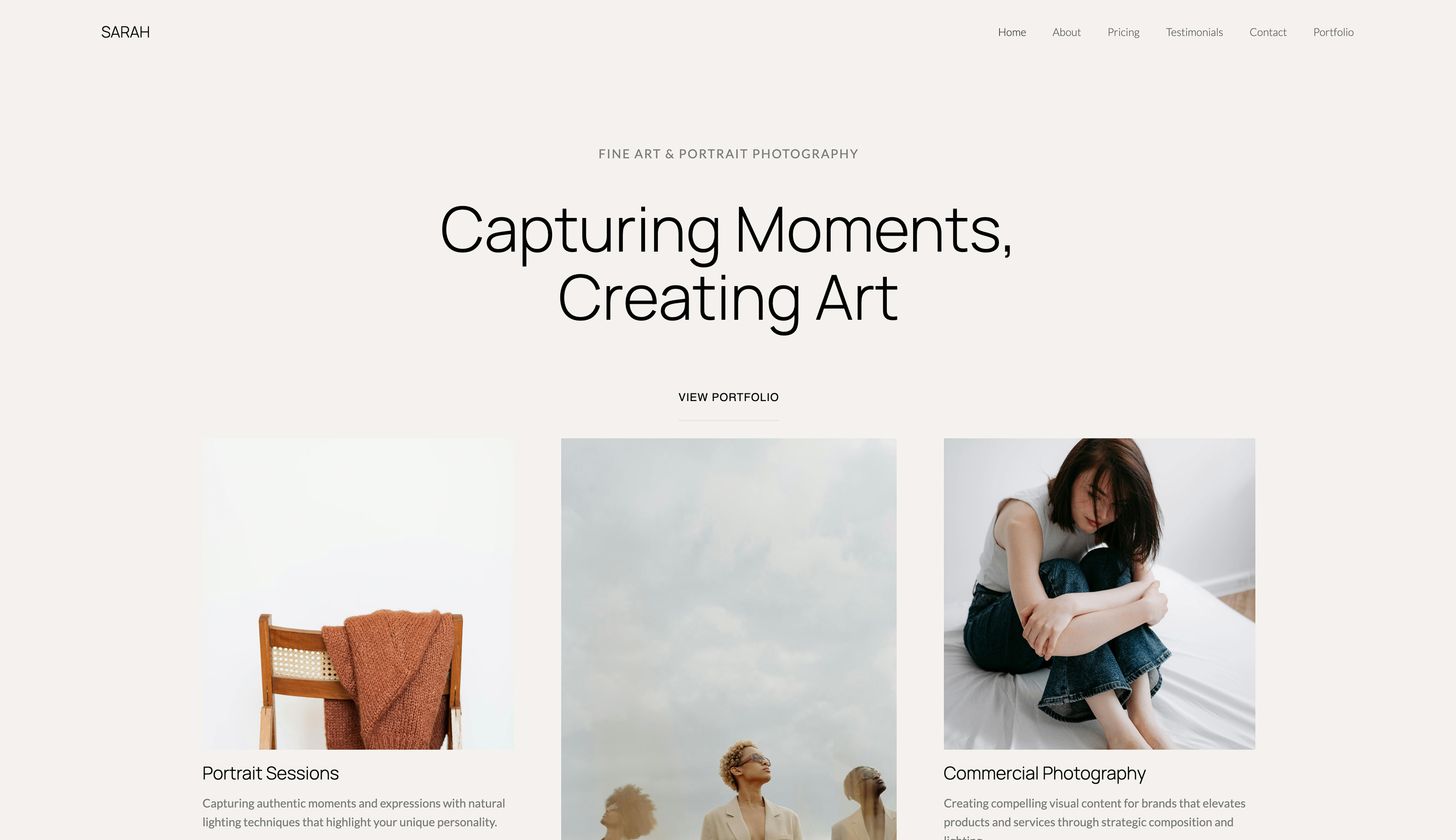 Use template
 Use template
 Use template
 Use template
 Use template
 Use template
 Use template
_Updated July 2026: rebuilt from four picks to nine, with every plan price, per-sale cut and add-on cost re-checked at the vendor this month._
Most creator platforms are not website builders. They are billing systems with a website attached, and the difference shows up on the invoice.
We priced nine of them properly, including the add-ons that do not appear on the pricing page, and the spread between the cheapest and most expensive way to run the same creator business is about $2,000 a year.
An AI website builder for creators is a tool that generates a working site from a description of what you make and who buys it, then hosts it and gives you a way to sell to the audience you already have.
The distinction that matters is whether the thing you end up with is a website you own or a storefront you rent inside somebody else's platform.
Framekit is our pick for creators who need a real website they own with digital products attached, because the site lives on your domain and the product fee falls to 0% on Business at $39 a month.
The trade-off is real and disqualifying for some readers: Framekit does not do recurring memberships, subscription billing, or drip-released course content, so if your business is a paid membership or a structured course, Podia at $39 a month or Kajabi is the better fit and this ranking should not persuade you otherwise.
- 1FramekitTop pickBest for creators who need a real website with products attached
- 2PodiaBest all-in-one for course and membership creators
- 3GhostBest for writers who want to own the whole thing
- 4beehiivBest for growing a newsletter rather than housing one
- 5KitBest for email-first creators who sell elsewhere
Full disclosure: Framekit, ranked #1 below, is our own product, and three competitors here do things we do not do at any tier. Podia and Kajabi sell courses and memberships, Ghost and beehiiv run paid newsletters with subscription billing, and Circle runs community. Framekit has no recurring billing, no course player and no email sending. Every alternative is linked.
Framekit is an AI website builder that turns a description of what you make into a live site with pages, a gallery, and a digital store attached, so a creator gets a real website rather than a profile page on somebody else's platform.
DisclosureFramekit is our product. We rank it first here on a specific and narrow claim, that it is the best option for creators whose business is a website plus digital products, and we have tried to make the cases where it loses impossible to miss.
Three of the nine tools below beat it outright for the businesses they are built for, and we say so in each review.
How We Compared Them
We ran each platform against the job an independent creator actually needs done: publish a site on your own domain, put your work in front of an audience, and take money without giving away a large share of it.
Every price below was checked at the vendor in July 2026, on annual billing where annual billing is offered, because that is what most creators actually pay.
The weightings we used:
- What you own (30%). Does the site live on your domain, and does your audience belong to you in a form you can export and contact?
- Total cost at year three (25%). Plan price plus per-sale cuts plus the add-ons that turn out to be necessary.
- What it can actually sell (20%). One-off digital products, recurring memberships, courses with structured delivery, or nothing at all.
- How much site you get (15%). A real multi-page website, a single page, or a profile inside a platform.
- How hard it is to leave (10%). Whether your content, your list, and your customers come with you.
We did not weight raw traffic or template count, because neither predicts whether a creator business works.
The Numbers That Decide It
| Platform | Entry price | Cut of sales | What it is |
|---|---|---|---|
| Framekit | Free, $9, $19, $39, $59 a month | 5% / 5% / 3% / 0% / 0% | Website builder with a digital store |
| Carrd | Free, then $9, $19, $49 a year | None built in | One-page site |
| Squarespace | $19 a month annual | Varies by plan | Website builder |
| Podia | $39 a month, $33 annual | 5% on Mover, 0% on Shaker | Courses, memberships, digital products |
| Ghost(Pro) | $18 a month annual | 0% on subscriptions | Publishing and paid newsletters |
| beehiiv | Free to 2,500 subscribers | 0% on subscriptions | Newsletter platform |
| Kit | Free to 10,000 subscribers | Plan-dependent | Email marketing |
| Kajabi | $143 a month annual | 2.9% + $0.30 on Basic | Course and business platform |
| Circle | $89 a month annual | 2% on Professional | Community platform |
Every figure here came off the vendor's own pricing page this month, and the per-sale percentages exclude Stripe's processing, which applies on top almost everywhere.
1. Framekit: Best for creators who need a real website with products attached

The premise is narrow and we would rather state it plainly than oversell it.
You describe what you make, who buys it, and roughly how you want it to feel, and you get a multi-page site on your own domain with a gallery, an about page, a contact route, and a store for digital files.
It is a website builder that happens to sell things, not a business platform that happens to have a website.
What it costs. Free, $9 Starter, $19 Pro, $39 Business, $59 Enterprise, per month. The product-sale fee is 5% on Free and Starter, 3% on Pro, and 0% on Business and Enterprise.
The one number to hold on to. The crossover against a platform taking a flat 5% arrives at $780 a month in sales, because $39 divided by 0.05 is $780. Below that, paying a percentage is cheaper.
Above it, the flat plan wins and keeps winning, and the gap grows with every sale you make.
The standout detail. Because the site is generated from a description of your practice rather than assembled from a template, the pages that exist are the pages your kind of work needs.
A photographer gets galleries, a writer gets a publication structure, a designer gets case-study pages. It is a small thing that saves the part of site-building most people abandon.
The gotcha, and it is a real one. The store page sits on your domain, but the checkout itself is hosted at framekit.ai. Your customer sees a Framekit URL at the moment they pay.
If a fully white-labelled checkout on your own domain is a requirement, this is a genuine mark against us and we would rather you learn it here than after signup.
Skip it ifyour business is a membership, a subscription, or a course delivered on a schedule. Framekit does not do recurring billing or drip content, and no amount of ranking ourselves first changes that.
It also cannot sell physical goods, because the store handles downloadable files only, so print sales, merchandise, and anything that ships are out.
Verdict: the right answer for a creator whose business is a website plus digital products, and the wrong answer for a creator whose business is recurring access. That line is clean, and which side of it you are on is usually obvious within about ten seconds of thinking about it.
2. Podia: Best all-in-one for course and membership creators
Podia is the platform we point people to when they read our own concession above and realise they are on the other side of the line.
It sells courses, memberships, digital downloads, coaching and webinars, and it includes a website and email tools rather than charging for them separately.
What it costs. Mover at $39 a month, or $33 on annual billing, with a 5% cut of sales. Shaker at $89 a month, or $75 annual, with no cut at all.
The one number to hold on to. The Mover-to-Shaker crossover is $1,000 a month in sales, because the $50 monthly difference divided by the 5% you stop paying is exactly $1,000. Under that, Mover is cheaper.
Over it, staying on Mover is a slow leak, and a creator doing $4,000 a month is handing Podia $200 a month they could keep for $50.
The standout detail. Everything is in one account: the course, the membership, the email list, and the site.
For a solo creator the value of not stitching four subscriptions together is larger than any feature comparison suggests, because the stitching is where projects die.
The gotcha. The website you get is functional rather than distinctive. If your work is visual and the way it looks is part of what you sell, Podia's site is going to feel like a competent product page rather than a portfolio, and no template choice fixes that.
Skip it ifyou want a site that looks like your work rather than like a platform, or you sell only one-off digital files and would rather not pay $39 a month for course machinery you never use.
Verdict: the best value in the category for anyone whose product is access rather than a file, and it beats Framekit outright for that reader. If you sell a membership, stop reading here and go and look at it.
3. Ghost: Best for writers who want to own the whole thing
Ghost is a publishing platform with paid subscriptions built in, run by a non-profit, and it takes no cut of your subscription revenue. It is also open source, which means the self-hosted route exists and costs nothing but a server and your attention.
What it costs. Ghost(Pro) is $18 a month on annual billing for Starter, $29 for Publisher, and $199 for Business, with staff limits of one, three and fifteen respectively, as set out in Ghost's own announcement of the plan structure.
The member baselines climb the price as your list grows.
The one number to hold on to. Zero, as in the percentage Ghost takes of your subscription revenue. Against a platform charging 10%, a writer earning $48,000 a year from subscriptions keeps $4,800 that would otherwise have been someone else's.
The standout detail. Self-hosting is a real option, not a technicality, and the export is complete. That combination is the strongest ownership story in this list, and it is why writers who have been burned by a platform migration tend to end up here.
The gotcha. Publisher scales with member count, so the advertised $29 is a starting figure rather than your bill at twenty thousand members. Price it at the list size you expect in two years, not the one you have.
Skip it ifyou sell products rather than publish. Ghost's commerce is subscriptions, and a one-off digital download is not what it is for.
Verdict: the best answer in this list for a writer, and it wins that reader from us without an argument. Our guide to website builders for writers goes further into the Substack comparison.
4. beehiiv: Best for growing a newsletter rather than housing one
beehiiv is built by people who ran a large newsletter and it shows in what it optimises for: growth mechanics, referral programmes, an ad network, and recommendation placements, rather than page design.
What it costs. Launch is free up to 2,500 subscribers.
Scale starts around $43 a month on annual billing and Max around $96, and both climb with subscriber count, so a fifty-thousand-subscriber newsletter pays a multiple of the sticker price.
Above a hundred thousand it becomes a conversation rather than a plan.
The one number to hold on to. 2,500, the free-tier ceiling, which is generous enough that most newsletters can prove the idea before paying anything.
The standout detail. The monetisation is built in rather than bolted on. The ad network puts sponsorship revenue within reach of a newsletter far smaller than the one you would need to sell sponsorships yourself, which is a genuine structural advantage.
The gotcha. Pricing that scales with subscribers means your costs rise with an audience number rather than with revenue, and those two things do not move together. A newsletter that grows fast and monetises slowly gets squeezed, and that is a common shape.
Skip it ifthe newsletter is a channel rather than the business. Paying subscriber-scaled pricing to send a monthly update to people who found you through your portfolio is the wrong shape of cost.
Verdict: the strongest growth engine here for a newsletter-first creator, and a poor fit for anyone whose email list is a supporting act.
5. Kit: Best for email-first creators who sell elsewhere
Kit, formerly ConvertKit, is an email platform with light commerce and landing pages attached, aimed squarely at creators rather than at marketing departments.
What it costs. Free up to 10,000 subscribers, Creator from $33 a month on annual billing at 1,000 subscribers, and Creator Pro from $66 annual.
The one number to hold on to. 10,000, which is an unusually high free ceiling and the reason Kit shows up in so many creator stacks.
Read the limits before you celebrate: the free plan gives you one automation, one landing page and one form, puts Kit branding on every email, and does not connect to third-party integrations.
The standout detail. The automation model is built around creator sequences rather than enterprise campaigns, so the thing you want to build is usually the thing the interface expects you to build.
The gotcha. Those free-tier limits are the product working as intended. One form and one landing page is enough to test whether email works for you and not enough to run on, which is a fair trade but not a free lunch.
Skip it ifyou need a website. Kit's landing pages are landing pages, and a creator business with a real catalogue needs somewhere for it to live.
Verdict: an excellent email layer and not a website, which makes it a companion to something else on this list rather than a competitor to it.
6. Squarespace: Best for creators who want a designed site off the shelf

Squarespace remains the default for a reason: the templates are genuinely good, the editor is stable, and the result looks professional without design work.
What it costs. Basic at $19 a month on annual billing, Core at $29. A domain is included for the first year and renews at roughly $20 after, which is the kind of line worth reading before you sign up.
The one number to hold on to. $228, the first-year cost of Basic on annual billing, which is a clean comparison point against every other row in the table above.
The standout detail. Nothing on this list produces a competent-looking site with less thought. If your constraint is that you have no design instinct and no appetite to develop one, that is worth real money.
The gotcha. Selling digital products well is not Squarespace's strength, and creators routinely end up bolting a separate commerce tool onto a Squarespace site, which puts them back to two subscriptions and a stitched-together checkout.
Skip it ifdigital products are the business rather than a sideline. Our Squarespace alternatives for photographers guide covers the visual-work case in more depth.
Verdict: the safest choice for a creator who wants a good-looking site and sells mostly through other channels, and an awkward one for a creator whose income is downloads.
7. Kajabi: Best for course businesses with the revenue to justify it
Kajabi is the most capable and by a distance the most expensive platform here. It runs courses, memberships, funnels, email, analytics and a website as one system, and it is built for people whose course is their company rather than their side project.
What it costs. Basic at $179 a month, or $143 on annual billing; Growth at $249, or $199 annual; and Pro at $399 on annual billing. Transaction fees run 2.9% plus $0.30 on Basic, 2.8% on Growth and 2.7% on Pro.
The one number to hold on to. $1,716, the annual cost of the cheapest Kajabi plan on annual billing.
That is roughly nine times a year of Framekit Business, and the question it forces is the right one: is the course machinery worth $1,716 a year to you, or are you buying it because it feels like what a serious business would do?
The standout detail. The completeness is genuine. Nothing else here does courses, funnels, email and site as one coherent system, and for a business turning over six figures the consolidation pays for itself in avoided complexity.
The gotcha. It is the wrong first platform for almost everybody. A creator with no audience paying $143 a month for funnel software is spending on the wrong problem, and that mistake is common enough to be a genre.
Skip it ifyou are pre-revenue, or your product is anything other than a course or membership.
Verdict: excellent and expensive, and correct only after your revenue makes the price boring. Start on Podia and move here when the numbers say so.
8. Circle: Best for creators whose product is the community itself
Circle is a community platform with courses attached, and it is the strongest option here when the thing people pay for is access to each other rather than access to your content.
What it costs. Professional at $89 a month on annual billing with a 2% transaction fee, Business at $199 with 1%, and Circle Plus custom with 0.5%.
The one number to hold on to. $99 a month, the price of the Email Hub add-on, because it is the clearest example of the pattern you need to watch here.
Extra admin seats are $10 a month each, branded emails are $40 a month, and additional spaces are $20 a month per ten. A $89 plan becomes a $250 plan quietly.
The standout detail. The community mechanics are properly built rather than a forum bolted to a course product, and for a paid community that is the whole thing.
The gotcha. The add-on stack. Price the configuration you will actually run, not the entry tier, because the features creators consider basic are frequently the ones that are extra.
Skip it ifthe community is a bonus rather than the product. Paying community-platform pricing to run a Slack-sized group is a poor trade.
Verdict: the right tool for a community business and an expensive one for anything else. It beats us comprehensively for that reader.
9. Carrd: Best for a single page on almost no money
Carrd builds one-page sites and does it well. It is the cheapest real option here by an order of magnitude and it is honest about what it is.
What it costs. Free, then Pro Lite at $9 a year, Pro Standard at $19 a year, and Pro Plus at $49 a year. Those are annual figures, not monthly.
The one number to hold on to. $19 a year, which is less than most platforms here charge for a month, and enough for a custom domain and a working one-page site.
The standout detail. The constraint is the feature. A one-page limit forces the clarity that multi-page builders let you avoid, and a Carrd page with one strong idea outperforms a five-page site with none.
The gotcha. There is no store. Selling means linking out to a separate checkout, which means a second subscription and a handoff at exactly the moment a buyer is most likely to leave.
Skip it ifyou have a catalogue, a gallery, or anything that needs more than one page to make sense.
Verdict: unbeatable value for a link hub or a single-offer page, and structurally unable to be the website of a creator business with products.

The Creator-Platform Tax
In one linethe difference between the cheapest and most expensive way to run the same small creator business is roughly $2,000 a year, and almost none of that difference is explained by capability you will use.
Take a creator doing $2,000 a month in digital product sales, running a site and a list of 3,000 people. Price the same business on three configurations from this list.
The consolidated-platform route. Kajabi Basic at $143 a month annual is $1,716 a year, plus 2.9% plus $0.30 on sales, which on $24,000 of annual revenue is about $700 including the per-transaction charges. Call it $2,400 a year.
The stitched-stack route. Squarespace Basic at $228 a year, plus Kit Creator at $33 a month for a list that has outgrown free, plus a separate commerce tool.
That is roughly $620 a year in subscriptions before any percentage, and you are maintaining three accounts and a checkout that hands the buyer between two brands.
The flat route. Framekit Business at $39 a month is $468 a year with no cut on sales at all, and the whole thing is one account. On $24,000 of revenue that is the entire cost.
The spread is close to $2,000, and the thing to notice is that the expensive configuration is not buying more sales.
It is buying funnel software, course delivery, and email automation, which are valuable if you use them and pure overhead if you do not. The question is never which platform is best.
It is which of these capabilities your business actually consumes.
The test to run on yourself. List the features you used last month, not the ones you intend to use. Most creators find the list is short and that they are paying for the intentions.
What AI Actually Means on These Platforms
In one linethe phrase covers two completely different things, and only one of them saves you the week that stops most creator sites existing.
It is worth separating them, because vendors do not.
AI that writes text. Nearly every platform here now has something that drafts a headline or a product description. This is the common version and the less useful one, because writing the copy was never the bottleneck.
You know what you do; typing it out was never the reason the site did not exist.
AI that builds structure. Fewer tools generate the actual site: which pages exist, how they are ordered, what goes on each one, and how the whole thing is arranged for the kind of work you make.
This is the version that matters, because deciding the structure is the step where people stall, and it is the one a blank editor is worst at helping with.
How to tell them apart in thirty seconds. Sign up and describe your business in one sentence. If what comes back is a template with your words dropped into it, that is the first kind.
If what comes back is a set of pages you would not have thought to ask for and mostly agree with, that is the second.
And the honest limit. Neither kind will produce your finished site. What generation buys you is the first eighty percent and, more importantly, something to react to, which is a far easier task than starting from nothing.
Our guide on whether AI website builders are any good is more sceptical about this than most vendor pages.
The Question to Ask Before You Commit
In one lineask what leaving costs, because you will eventually want to, and the answer varies from an afternoon to a rebuild of your entire business.
Every platform here is easy to join. They differ enormously in how they release you.
Your email list. Every tool here lets you export addresses, which is the floor rather than a virtue. What differs is whether the automations, tags and segments come with you, and they generally do not.
Your content. Ghost exports everything in a portable form and can be self-hosted, which is the strongest position in this list. A course on Kajabi or Podia exports as files and not as a course, so the structure is rebuilt by hand wherever you land.
Your customers. Where recurring billing is involved, moving subscribers between platforms is a real project involving payment-method migration, and some of your subscribers will not survive it.
This is the single stickiest form of lock-in here and it is worth understanding before you build on it.
Your URLs. If your content lives on a platform subdomain, leaving breaks every link anyone has ever shared. A custom domain from day one is the cheapest insurance available in this entire comparison, and it costs about $20 a year.
Which One Should You Choose
The useful question is not which platform is best but which shape of business you are running, because that decides the answer before any feature comparison does. Work down the list until one of these describes you, and stop there rather than reading on for a better option.
Do you sell a membership, a subscription, or a course with scheduled content? Then a website builder cannot do it.
Podia if you are starting or under roughly $1,000 a month in sales, Kajabi once the revenue makes $143 a month unremarkable, Circle if what people are paying for is each other.
Are you a writer whose income is paid subscriptions? Ghost, and it is not close. Zero cut, complete export, and a self-hosting escape hatch.
Is the newsletter the business rather than a channel? beehiiv, for the growth and monetisation mechanics that are built in rather than assembled.
Do you sell one-off digital files and need a real website to sell them from? Framekit. Start free, move to Business at $39 when your sales pass $780 a month and the percentage stops making sense.
Do you want a good-looking site and sell mostly elsewhere? Squarespace, and accept that commerce will be a bolt-on.
Do you need one page, today, for almost nothing? Carrd at $19 a year.
Do you already have the site and only need email? Kit, free until your list is large enough that paying is a good problem.
Frequently Asked Questions
What is the best AI website builder for creators in 2026?
Framekit for creators whose business is a website plus one-off digital products, because the site is generated from a description of what you make, it lives on your own domain, and the product-sale fee drops to 0% on the $39 Business plan.
The answer changes entirely if your product is recurring access: for memberships and structured courses, Podia at $39 a month or Kajabi at $143 a month annual are the right tools and Framekit cannot do the job at all, since it has no recurring billing and no drip content.
How much does a creator website cost per year?
Between about $19 and $2,400 depending on which shape of platform you pick, for businesses that are otherwise identical. A one-page Carrd site is $19 a year. Squarespace Basic is $228. Framekit Business is $468 with no cut of sales.
Podia Mover is $396 annual plus 5% of what you sell. Kajabi Basic is $1,716 annual plus 2.9% plus $0.30 per transaction.
The spread is mostly explained by course and funnel machinery, so the useful question is whether you will use it rather than which number is smallest.
Do creator platforms take a percentage of sales?
Most do, and the percentages are more consequential than the plan prices at any real volume. Podia takes 5% on Mover and nothing on Shaker. Kajabi takes 2.9% plus $0.30 on Basic, falling to 2.7% on Pro.
Circle takes 2% on Professional and 1% on Business. Framekit takes 5% on Free and Starter, 3% on Pro, and 0% on Business and Enterprise. Ghost and beehiiv take nothing from subscription revenue.
Stripe's processing applies on top of nearly all of these.
Can an AI website builder replace an all-in-one creator platform?
Only if you do not need the parts that make it all-in-one.
A website builder produces the site and sells files; a creator platform additionally handles recurring billing, structured course delivery, member access control, and marketing automation.
If your business is a portfolio and a catalogue of downloads, the platform is expensive overhead.
If your business is a membership, the builder is simply missing the machinery, and choosing it means rebuilding on a platform later at exactly the point when migrating hurts most.
Which creator platform takes the smallest cut?
Ghost and beehiiv take zero from subscription revenue, and Framekit takes zero on product sales from the $39 Business plan upward.
Below those thresholds, the arithmetic is a crossover rather than a ranking: a flat fee beats a percentage above a certain sales volume and loses below it.
On a 5% cut against a $39 plan the crossover is $780 a month in sales, and on Podia's $39-to-$89 step it is $1,000 a month. Work out your own number before assuming a 0% plan is cheaper.
Do I need a custom domain as a creator?
Yes, and it is the cheapest protection in this comparison at roughly $20 a year after the first.
A domain you own means that changing platform costs you a weekend rather than every link anyone has ever shared of your work, including the ones in old emails, other people's articles, and your own application history.
Buy it before you need it, point it wherever you are now, and you have removed the single largest cost of ever changing your mind.
Is Framekit good for course creators?
No, and it is worth being direct about it.
Framekit does not do recurring billing, membership access control, or drip-released lessons, so a course business built on it would be a set of downloadable files with no enrolment, no progress, and no way to charge monthly.
If you sell courses, Podia and Kajabi are built for the job and we would rather you used one of them than discovered the gap after building.
What is the difference between a creator platform and a website builder?
A website builder produces a site you own on a domain you control and sells one-off products from it. A creator platform is a billing and delivery system for recurring access, with a website included so you do not need a second tool.
The practical consequence is what happens when you leave: a site's content is portable, while a course, its enrolments, and its active subscriptions are not, because migrating recurring payments between platforms is a genuine project rather than an export.
The Verdict
Verdict: Framekit wins this list on a narrow and honest claim, that for a creator whose business is a real website plus one-off digital products, nothing here matches a generated site on your own domain with a 0% product fee from $39 a month. That reader is a large share of the people searching this question and a long way from all of them.
Three tools beat us outright and we would rather route you correctly than win an argument. Podia is better for anyone selling memberships or courses on a budget.
Ghost is better for any writer whose income is paid subscriptions, and its ownership story is stronger than ours. Circle is better when the product is the community.
If you recognised yourself in one of those sentences, that is your answer, and the rest of this page was research rather than a recommendation.
Where Framekit loses. It loses to Podia and Kajabi on anything recurring, to Ghost on paid writing, and to Circle on communities, and those are not close calls or matters of taste.
Framekit does not have recurring billing at all, so the trade-off is not a weaker version of that feature but its absence.
Who should not use Framekitanyone selling recurring access, anyone selling physical goods, and anyone who needs the checkout itself on their own domain rather than the store page.
Those are three real limits, none of them are on a roadmap we can promise you, and knowing them now is worth more than a better ranking.
_Re-verified July 2026: every plan price, transaction fee and add-on cost above was checked at the vendor's own pricing page this month, and the crossover figures were recalculated rather than carried over._