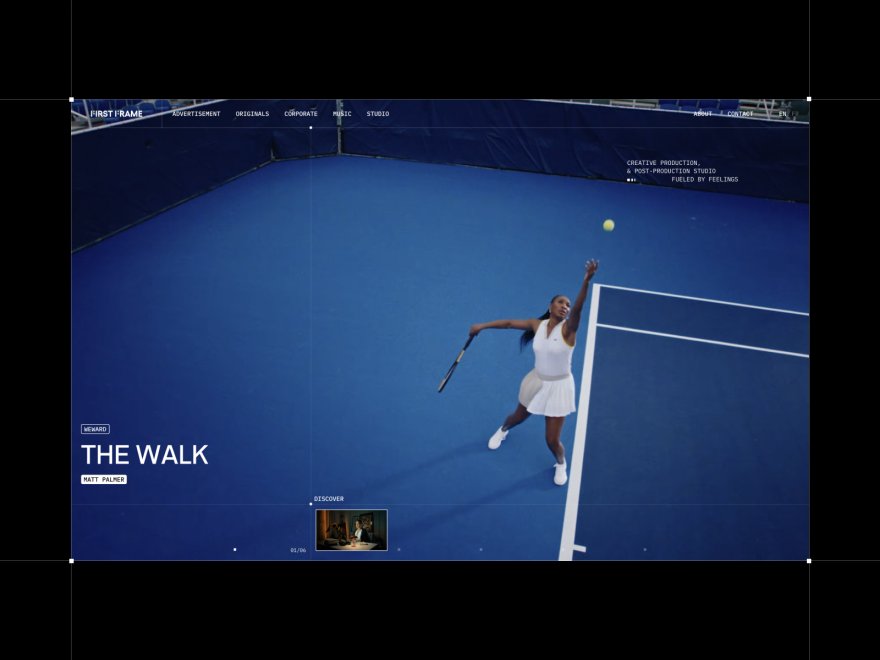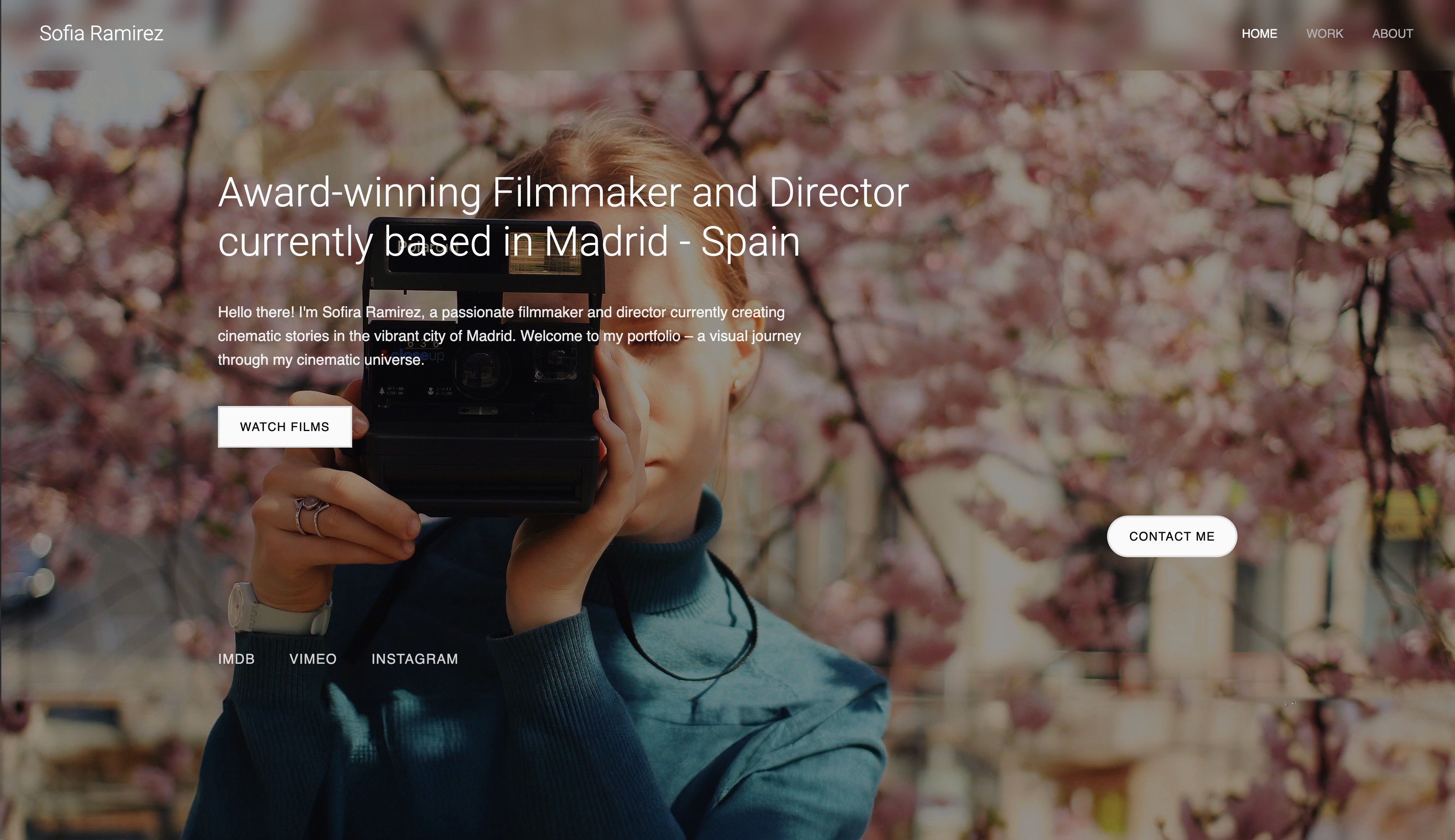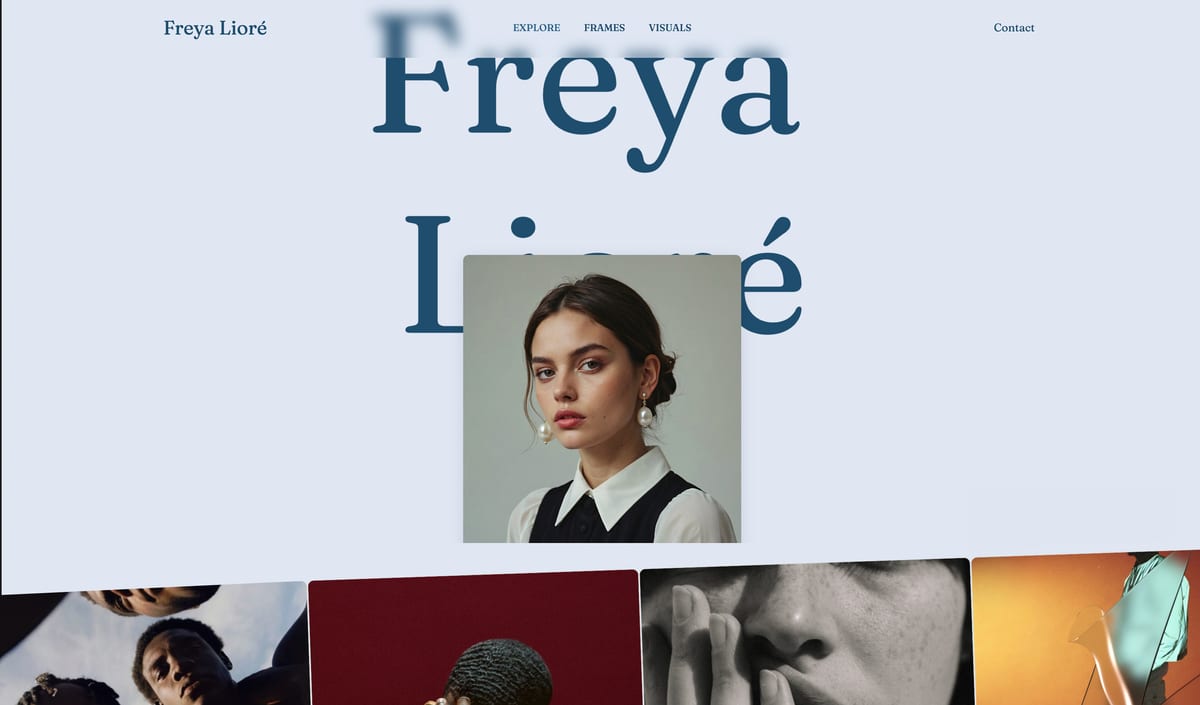
Framekit templates
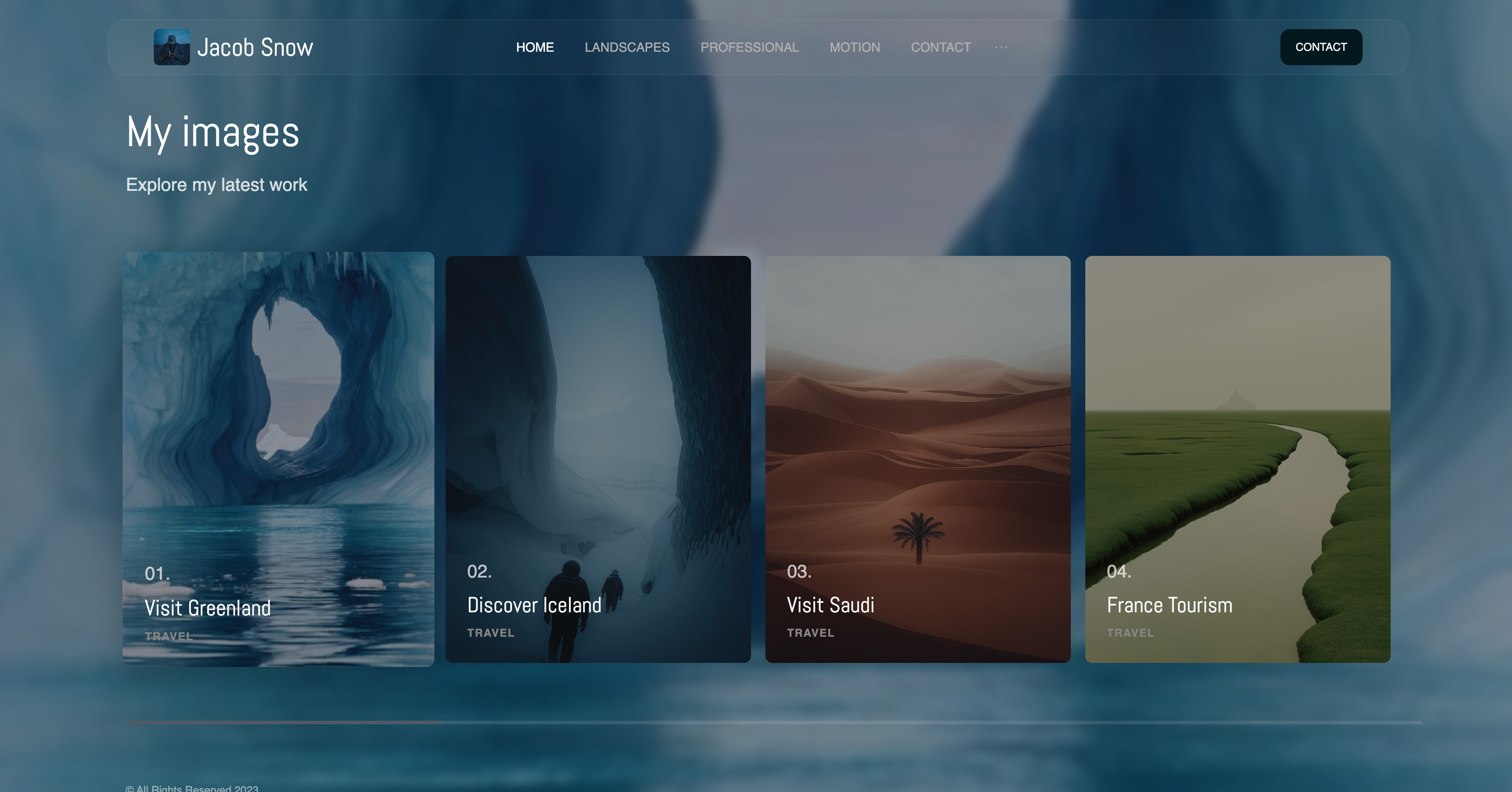
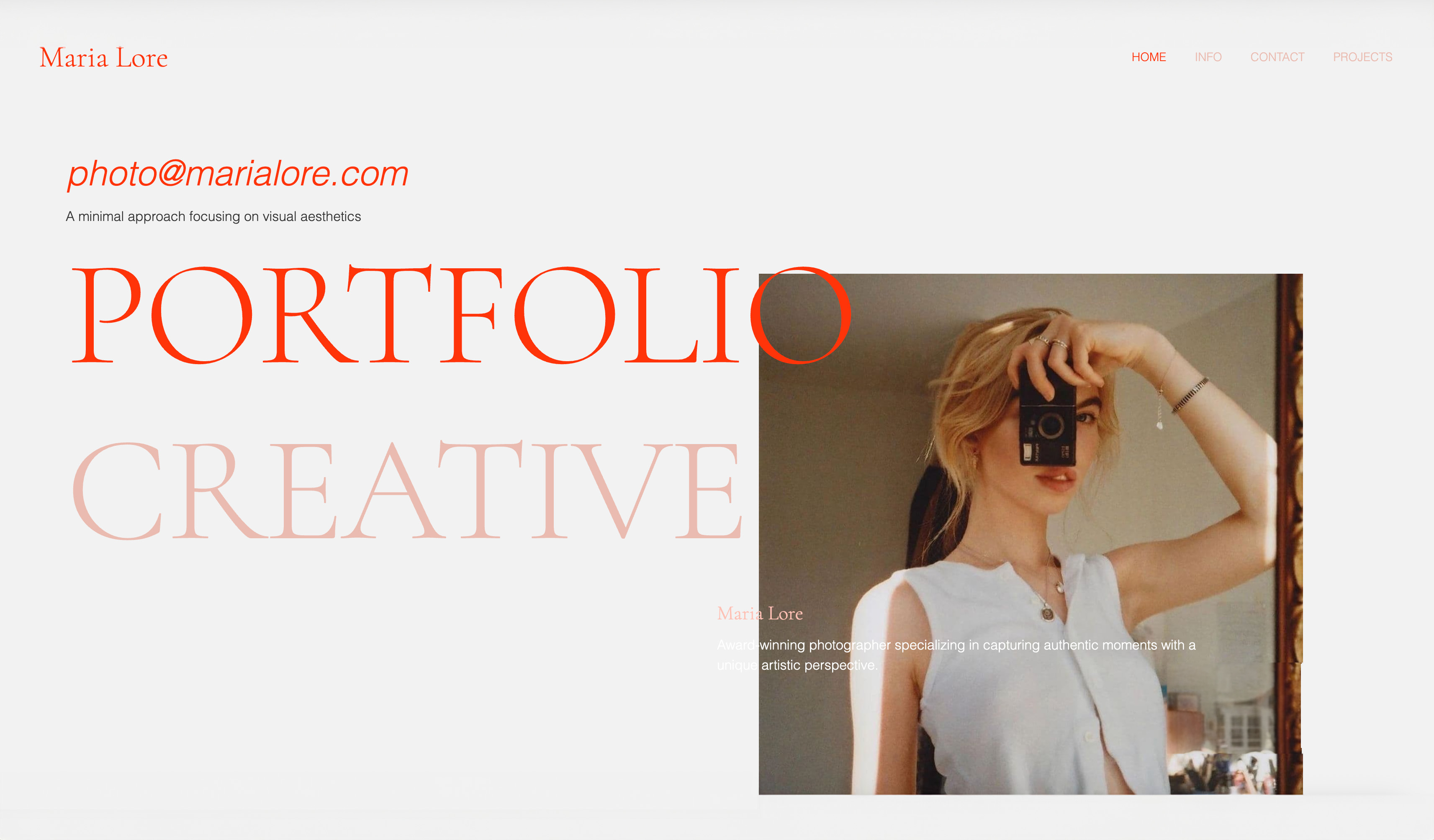
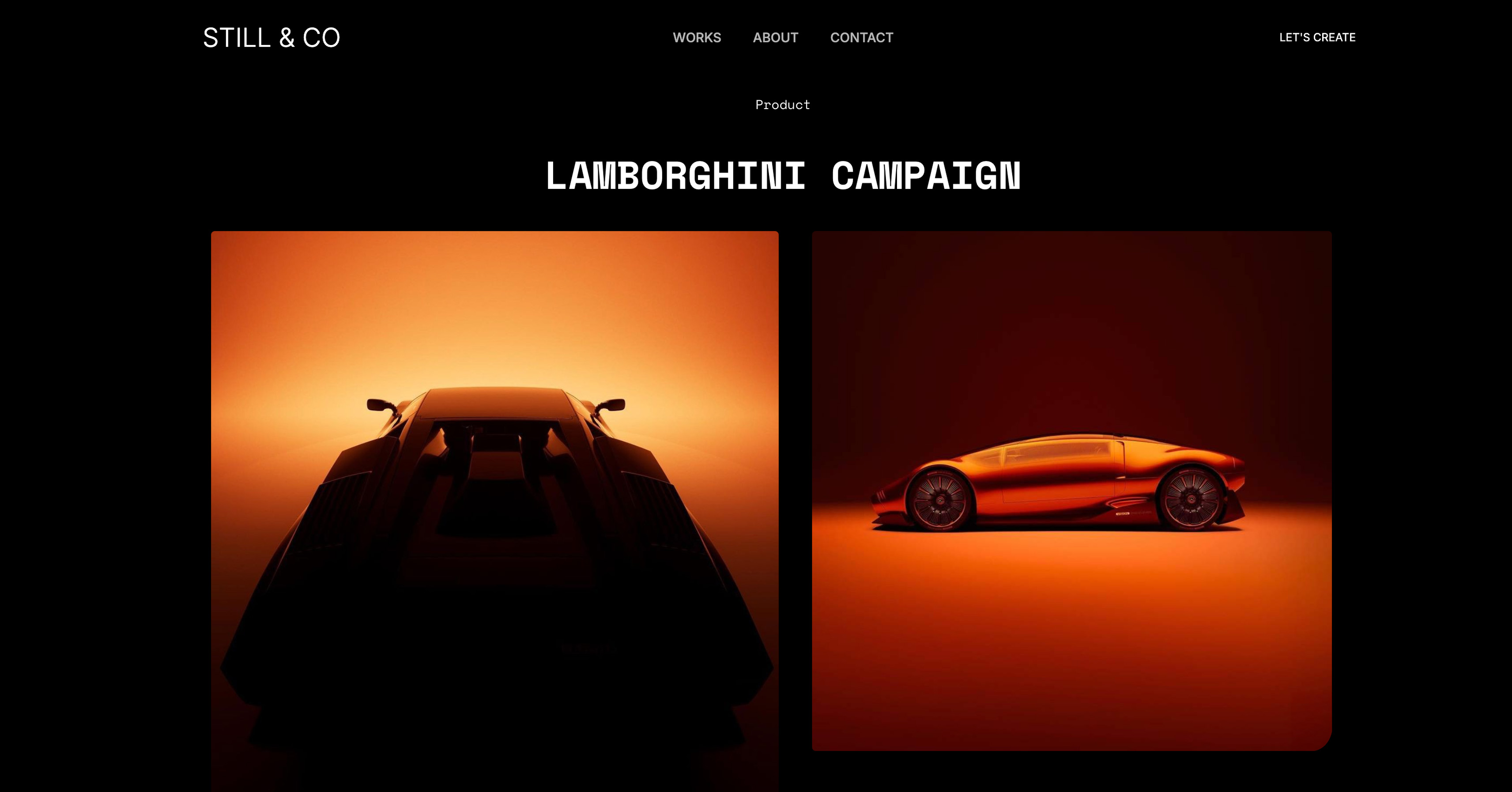
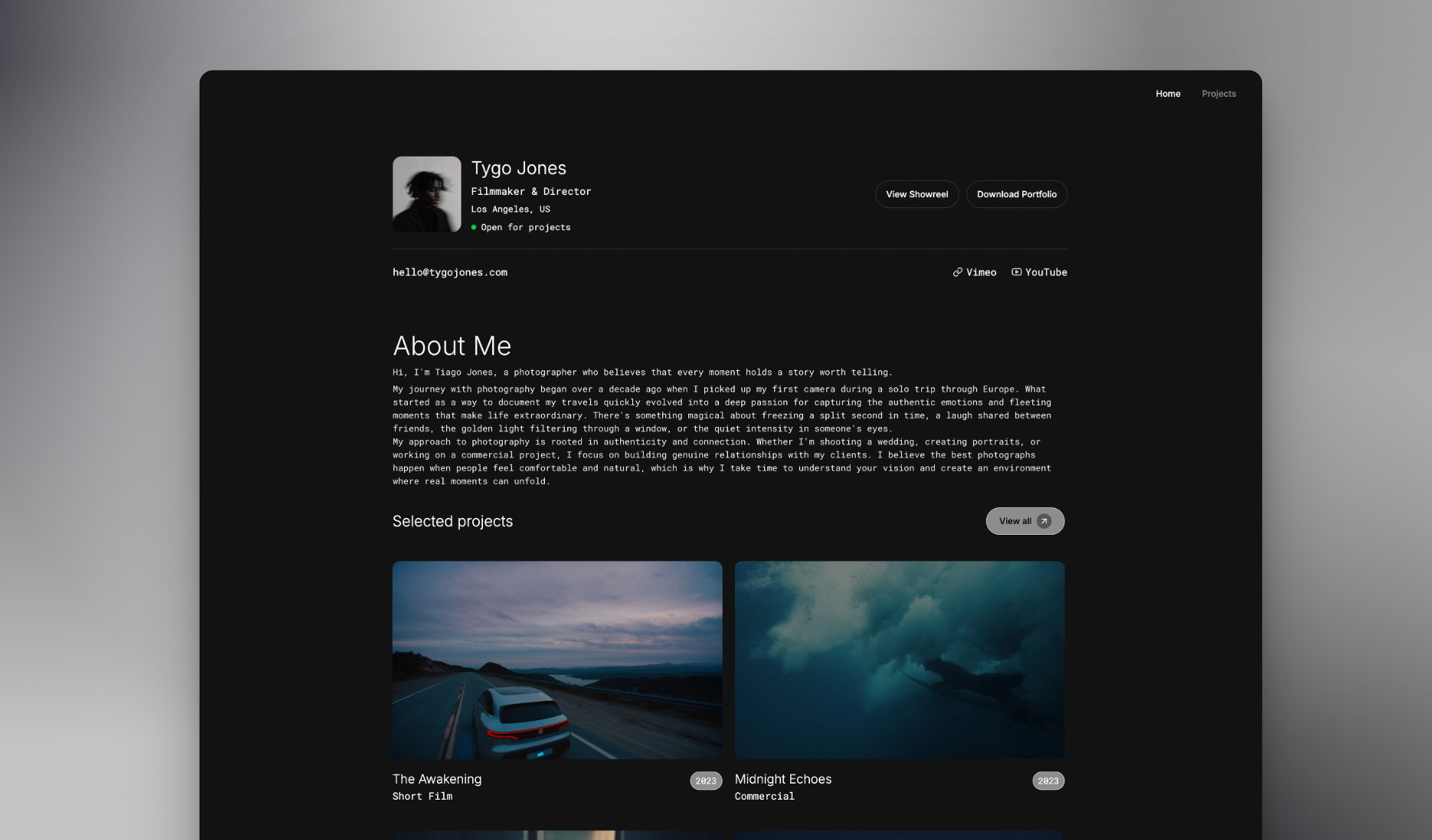
Start from a designer-made template
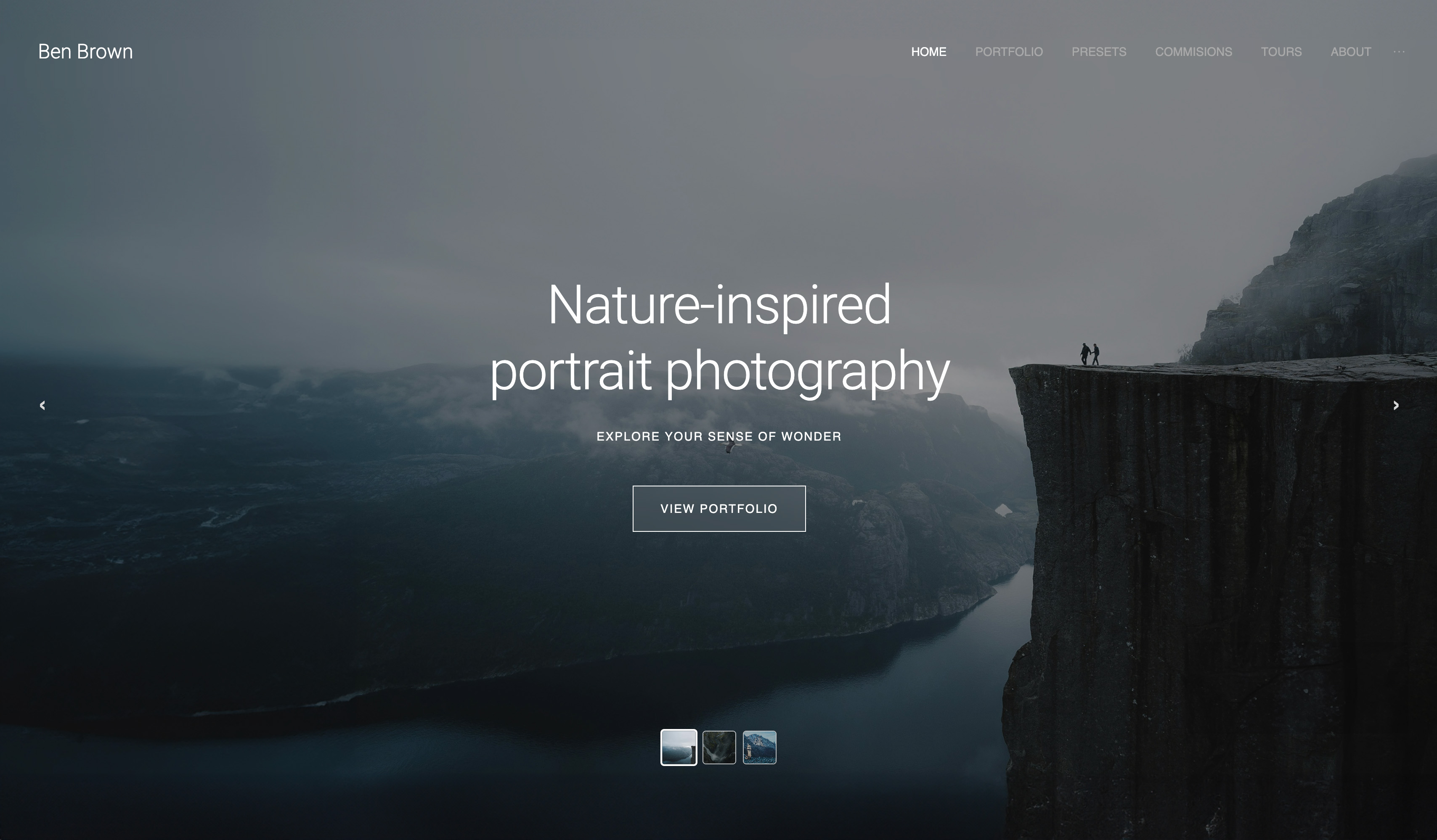 Use template
 Use template
 Use template
 Use template
 Use template
 Use template
 Use template
 Use template
You do not search Framekit vs Squarespace for photographers because you suddenly think Squarespace is bad. You search because the portfolio that felt elegant when you launched now feels boxed in.
The homepage still looks good, but the second and third pages take more effort than they should, mobile speed never gets where you want it, and too many other photographers seem to have landed on the same polished-but-familiar look.
Squarespace earns its reputation. Its templates are genuinely attractive, the editor is approachable, and for a photographer who wants a clean site online quickly, it can be a reasonable first choice.
The frustration starts later, when your portfolio needs to evolve and the platform asks you to protect the template instead of pushing the work forward.
This comparison looks at the things photographers actually feel in day-to-day use: design ceiling, loading speed, gallery presentation, AI usefulness, SEO fundamentals, and what you really spend over three years.
The performance gap between these two platforms is larger than most photographers realize, and that gap has consequences long before a visitor ever reaches your contact form.
Framekit is the AI website builder built for photographers - judge the AI output yourself on the free plan, no credit card required.
A website builder is a tool that lets a photographer publish a portfolio site without code. This comparison weighs Framekit and Squarespace specifically for photography work.
For Framekit vs Squarespace for photographers in 2026, Framekit is the stronger choice because its designer-trained AI produces portfolio-ready pages that stay visually coherent as you add galleries and booking sections, and it is built for fast-loading, performance-optimized output.
Squarespace is still a fair choice if you want a mostly static site and already love one of its templates as-is. Start free at https://framekit.ai.
Framekit is an AI website builder with client galleries included on every plan, so a photographer's portfolio and delivery live on one domain.
Why Photographers Are Switching from Squarespace to Framekit in 2026
The first reason is the one photographers rarely say out loud: the site still looks nice, but it no longer feels like theirs. Squarespace templates have a recognizable polish, and that polish is exactly why so many portfolios start to blur together after a year or two.
The second reason is performance. Photography sites are image-heavy by definition, which means a platform that is merely "fine" on a brochure site can feel sluggish on a real portfolio.
If your mobile visitors wait for hero images and gallery pages to settle, you lose attention before they even reach the work.
The third reason is that Squarespace's AI story does not solve the design problem photographers actually have. It can help with text and setup, but it does not give you the feeling that a senior designer helped shape the portfolio around your images.
The fourth reason is quieter but just as real: the monthly bill never stops.
A platform can feel affordable in month one and surprisingly expensive in year three, especially when your website is supposed to be a long-term asset, not another subscription nibbling at every slow season.
The question is not whether Squarespace has limits. It does. The question is whether what replaces it is actually better for photographers. Here is where the comparison gets specific.
Squarespace: What It Does Well and Where It Falls Short for Photographers
Where Squarespace is genuinely strong
Squarespace still does three things very well for photographers. First, it offers a polished starting point. If you choose a template that already matches your taste, you can get a handsome site live without much friction.
Second, it keeps a lot of website chores out of the way. Hosting, security, basic SEO settings, blogging, and commerce are bundled together cleanly.
Third, the gallery and lightbox experience is still solid for straightforward portfolios. If your needs are simple and your site structure will not change much, Squarespace can stay pleasant longer than critics admit.
Where Squarespace consistently falls short for photographers
The biggest issue is the design ceiling. Squarespace looks refined when you stay close to the template, but photographers rarely stay there.
You add a new project type, reorder your portfolio, expand into prints or education, and suddenly every change feels like careful negotiation with spacing, hierarchy, and section behavior.
The odd thing about Squarespace is that its biggest strength, template polish, becomes the source of the later frustration.
The second issue is speed on image-heavy sites. Framekit is built for fast-loading, performance-optimized output, while template-based builders like Squarespace can feel slower on image-heavy mobile pages.
That is not a vanity concern for photographers. A slow portfolio loses impatient visitors, weakens page-experience signals, and forces you to spend too much time compressing images for a result that still feels merely acceptable.
Google's own guidance on page experience makes the business case clearly enough: faster pages hold attention longer and perform better in search. See web.dev/vitals.
The third issue is AI usefulness. Squarespace has introduced AI features, but for photographers the output still feels template-first. It can help you populate a site.
It does not feel like it understands how to build a portfolio around visual sequencing, white space, or the emotional rhythm of a gallery page.
The fourth issue is pricing drift. According to Squarespace's pricing page, current plans start at Basic and rise through Core, Plus, and Advanced.
The honest point is that Basic is not outrageous if all you need is a simple portfolio.
But the moment you need more selling, scheduling, contributors, or growth room, the total keeps climbing while the site itself is still constrained by the same template logic.
Who Squarespace is still right for
Squarespace remains a good fit if you are a photographer who wants a mostly static site, likes the Squarespace aesthetic, and does not expect to push the design very far beyond the original template.
It is also reasonable if you already rely on its broader ecosystem, such as scheduling, blogging, or commerce, and your current site is performing well enough that a rebuild would not earn much back.
If you have already decided to leave Squarespace, our guide to the best Squarespace alternative for creatives ranks every credible option beyond Framekit.
Framekit: Why It's the Stronger Choice for Photographers in 2026
AI designed by senior designers, not random generation
This is the difference photographers notice fastest. Framekit's AI was trained by senior designers, so the output does not feel like a generic website builder trying to imitate taste.
It feels closer to what happens when a designer understands that your images should lead and the interface should get out of the way.
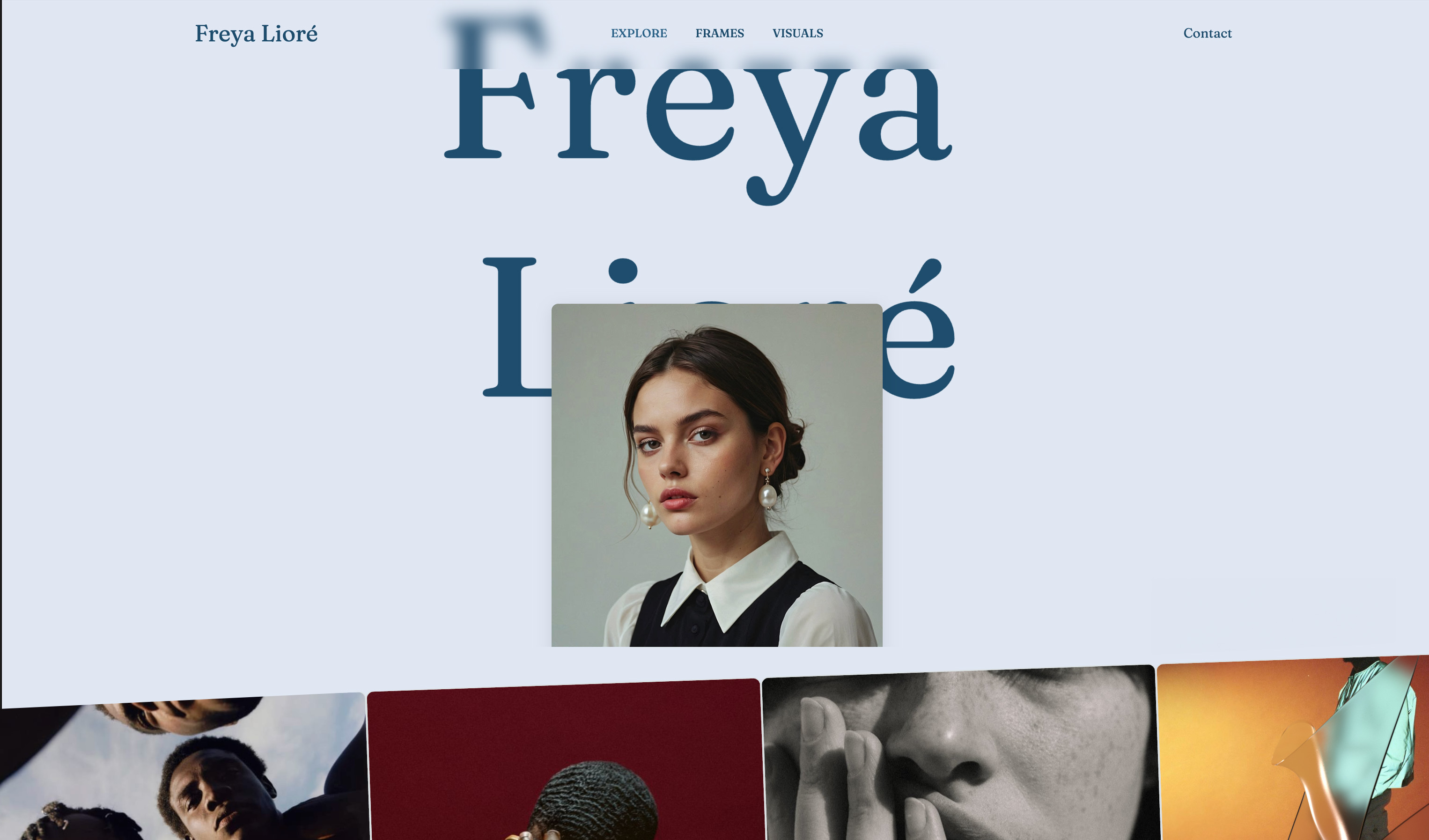
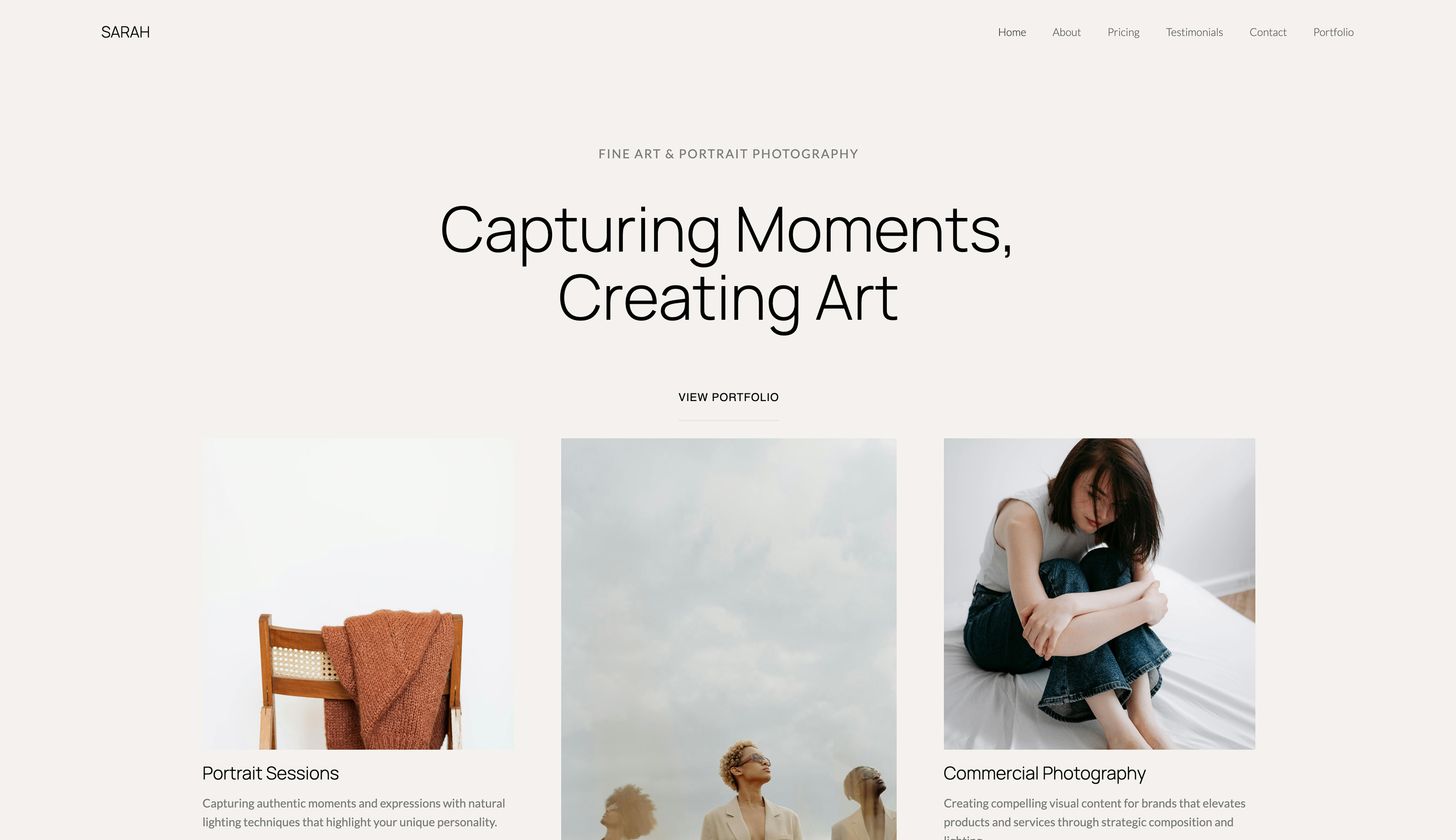
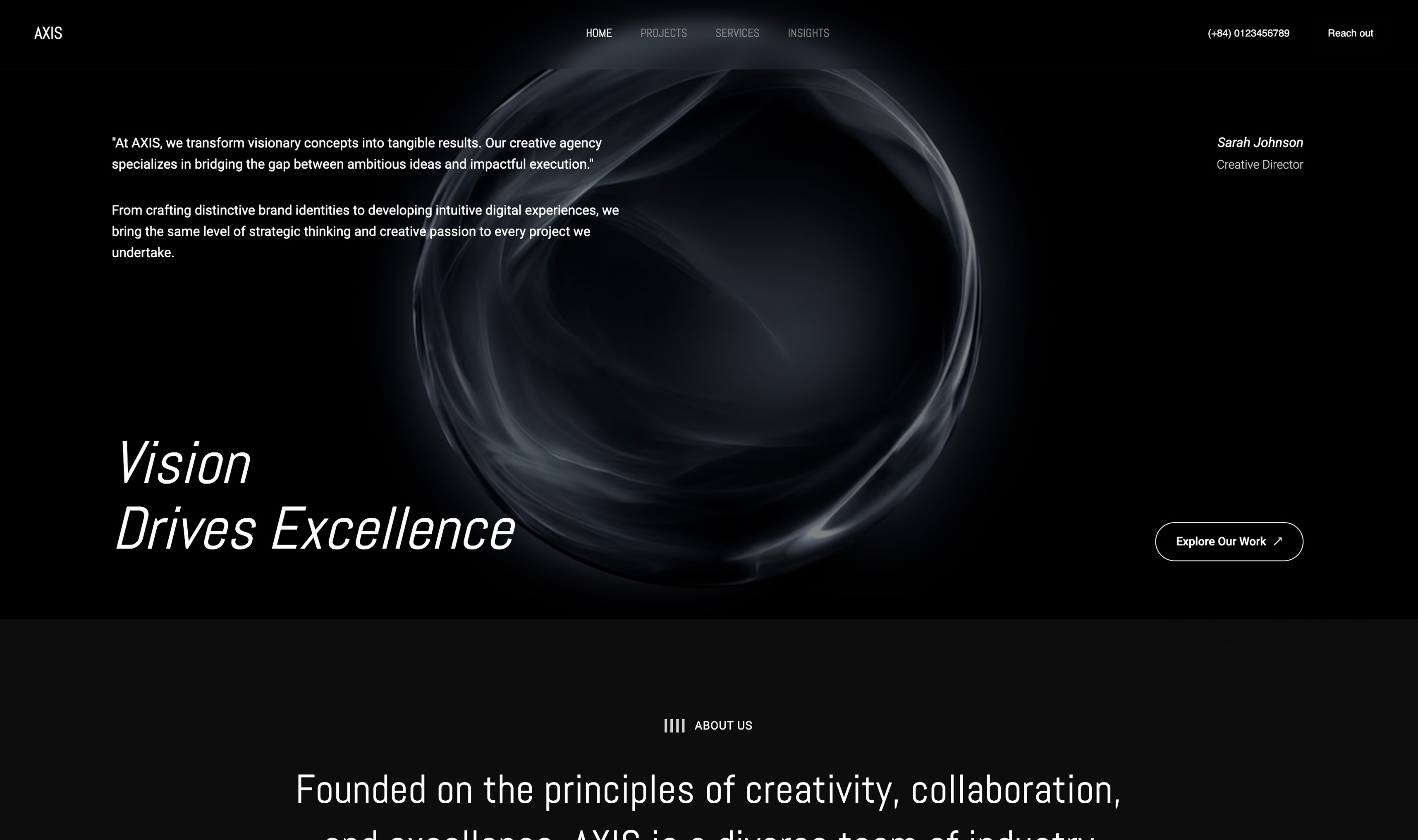
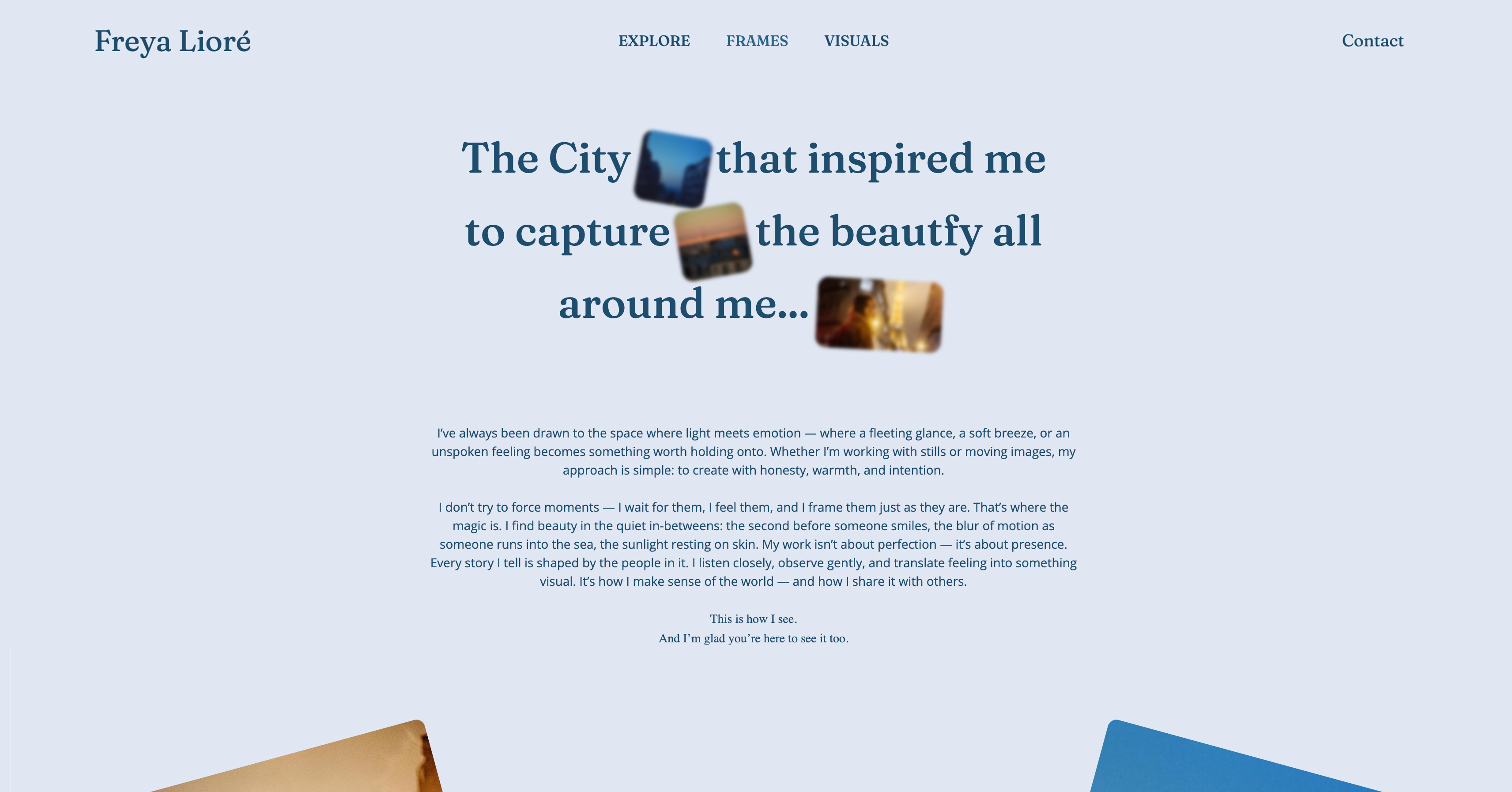
In practice, that means you can start from inspiration instead of from a rigid template. Upload a screenshot from Pinterest or Instagram, and Framekit can generate a matching direction for your site.
Add a new section later and it inherits your existing fonts, spacing, and color system automatically instead of looking like an add-on that needs manual cleanup.
If you want a broader look at how Framekit's AI stacks up across creative use cases, our guide to the best AI website builders for creatives goes deeper on workflow and output quality, and our ranking of the best website builders for photographers puts Framekit head to head with the full field.
Performance that affects how clients find you
Framekit is built for fast-loading, performance-optimized output, while template-based builders like Squarespace can feel slower on image-heavy mobile pages.
For photographers, that gap shows up in the moments that matter: a prospective client opens your homepage on mobile, waits for the hero image to settle, and decides whether your work feels premium before seeing a second frame.
Framekit gets there with server-side rendering, built-in SEO, automatic sitemaps, JSON-LD structured data, and Cloudflare CDN delivery on every plan, including free. You do not need to become the person who spends Sunday night resizing exports and re-testing pages.
A portfolio is not slow because you used too many good images. It is slow because the platform was not designed to carry them well.
The pricing model that undercuts Squarespace
This is where Framekit feels structurally different from Squarespace. Framekit lets you start genuinely free, add a custom domain and remove branding on the $9 per month Starter plan, or move to Pro at $19 per month.
The free plan keeps a framekit.ai subdomain and a small badge, which is the honest tradeoff for $0.
Now compare the three-year math with Squarespace's current pricing structure. Basic at $19 per month is $684 over 36 months. Core at $29 per month is $1,044. Plus at $49 per month is $1,764.
Framekit Starter, the fair like-for-like with a custom domain and no branding, is $9 per month, or $324 over the same 36 months - less than three years on even Squarespace Basic, and the price does not creep at renewal.
The honest nuance matters here. If you only need a simple static portfolio, the day-one gap between Starter and Squarespace Basic is $10 a month.
The advantage compounds over time: flat pricing and a real free tier, versus a subscription that tends to climb each renewal.
If you want more room, Framekit Pro still lands at $684 over three years, the same as Squarespace Basic, while giving you stronger performance.
Built for visual work, not adapted for it
Squarespace is a general-purpose site builder with good creative templates. Framekit was built for creative professionals from the start, and photographers feel that in the details. Galleries load fast.
Responsive image handling keeps the work sharp. Focal point controls protect composition on smaller screens. Contact forms are built in, custom domains are supported, and per-page SEO controls exist where you actually need them.
The quieter advantage is how new pages behave. Add a pricing page, booking section, testimonials, or a journal page in Framekit and the system keeps the typography and spacing coherent automatically.
That matters more than most photographers expect, because the gap between a beautiful homepage and a convincing full site is where many portfolios lose their professionalism.
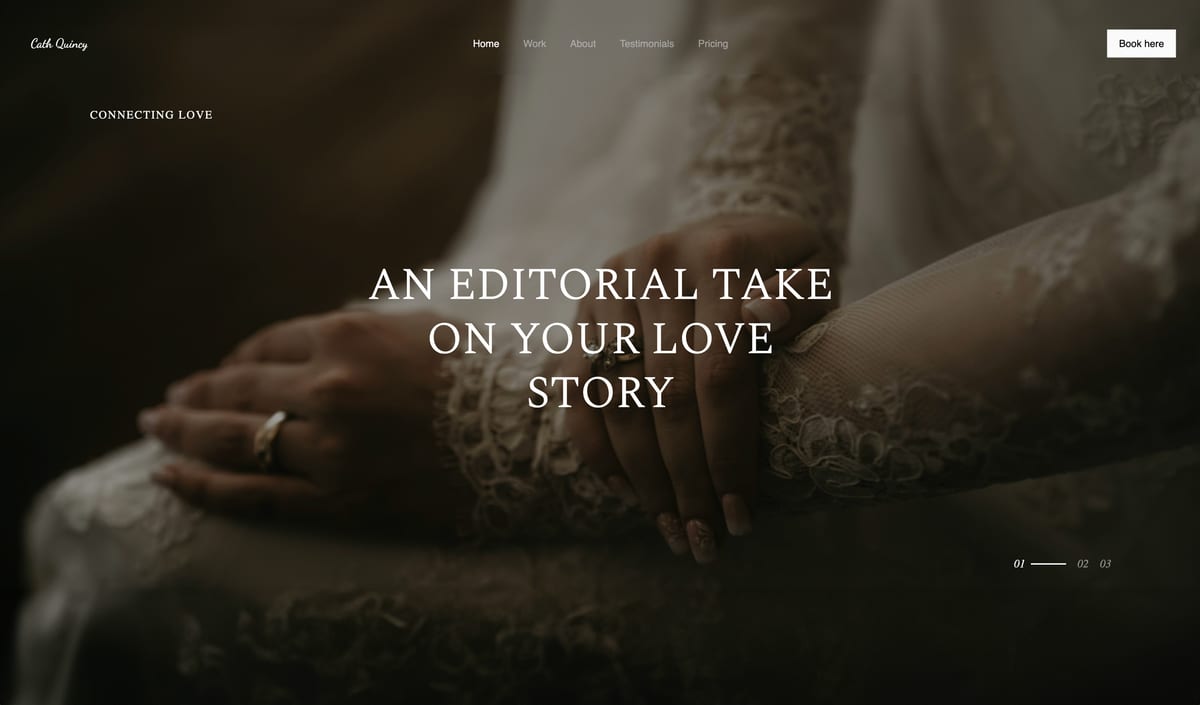
The free plan has no credit card requirement and no time pressure. The most honest way to evaluate this section is to test the output yourself at framekit.ai.
Framekit vs Squarespace: The Direct Comparison
| Feature | Framekit | Squarespace |
|---|---|---|
| AI Design Quality | Designer-trained AI, screenshot-to-page workflow, adaptive sections | AI helpers plus template-led layouts |
| Performance | Very fast | Moderate |
| Pricing (monthly) | Free; Starter $9/month; Pro $19/month | Basic $19/month; Core $29/month; Plus $49/month |
| Cheapest Custom Domain + No Branding | $9/month Starter | $19/month Basic |
| Free Plan | Yes | No |
| Built-in SEO Tools | SSR, sitemap, JSON-LD, per-page SEO | SEO settings, sitemap, redirects |
| Gallery and Visual Portfolio Features | Fast galleries, focal point cropping, design-consistent sections | Good galleries and lightbox, but tighter template constraints |
| Mobile Editing | Yes | Yes |
| Custom Domain | Yes on paid plans | Yes on paid plans |
| CDN Included | Yes - Cloudflare on all plans | Yes - managed hosting and CDN |
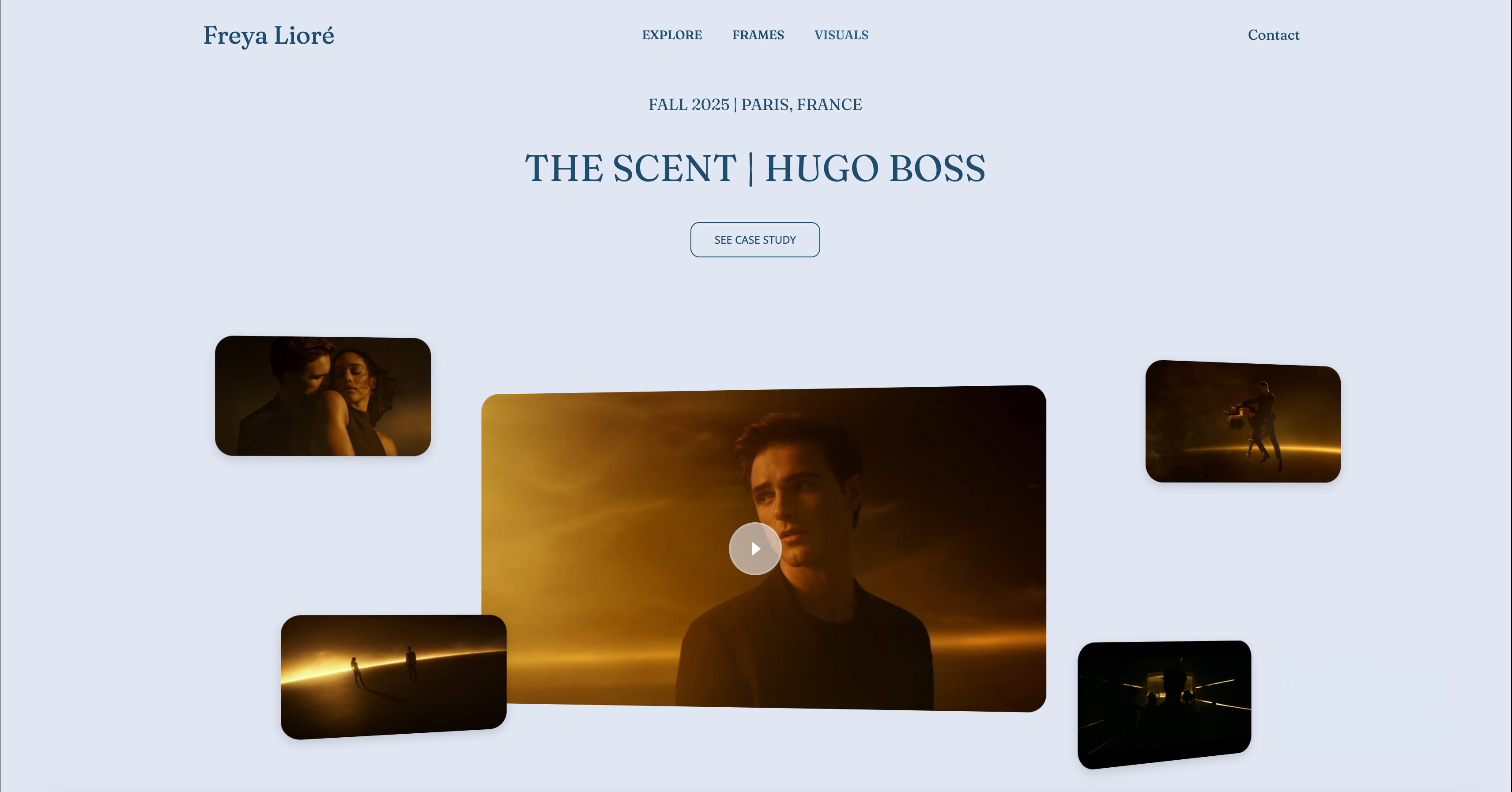
The gap between Framekit and Squarespace is not a technical footnote. For photographers, it is the difference between a portfolio that feels premium under pressure and one that feels polished only when conditions are perfect.
The comparison is one thing. The output is another.
Framekit's free plan lets you generate a real photography portfolio draft in minutes and judge the design quality yourself before deciding.
Framekit vs Squarespace: Who Should Choose Which?
Choose Framekit if...
Choose Framekit if you are a photographer who wants a portfolio that stands out instead of blending into the familiar Squarespace look.
Choose it if speed matters to your inquiry rate, if you are tired of doing manual design cleanup every time you add a page, and if the idea of paying monthly forever for a portfolio site has started to feel absurd.
It is also the better fit if you want AI that can actually shape a visual direction. Photographers do not need more generic copy suggestions. They need a tool that can turn inspiration into a finished page without flattening the work into a generic builder aesthetic.
Choose Squarespace if...
Choose Squarespace if you already have a template you love, your site is mostly static, and you value the familiarity of its broader ecosystem more than you value performance gains.
It is also fair to stay if migrating would disrupt an established site that already ranks, converts, and does not need much structural change.
The bottom line for photographers
For most photographers evaluating both today, Framekit is the better choice. The decisive factor is not one feature. It is the combination of better design output, better speed, and a pricing model that makes more sense over time.
Squarespace still wins on familiarity and template comfort. Framekit wins on the thing photographers eventually care about more: a portfolio that looks custom, loads fast, and keeps working as the business changes.
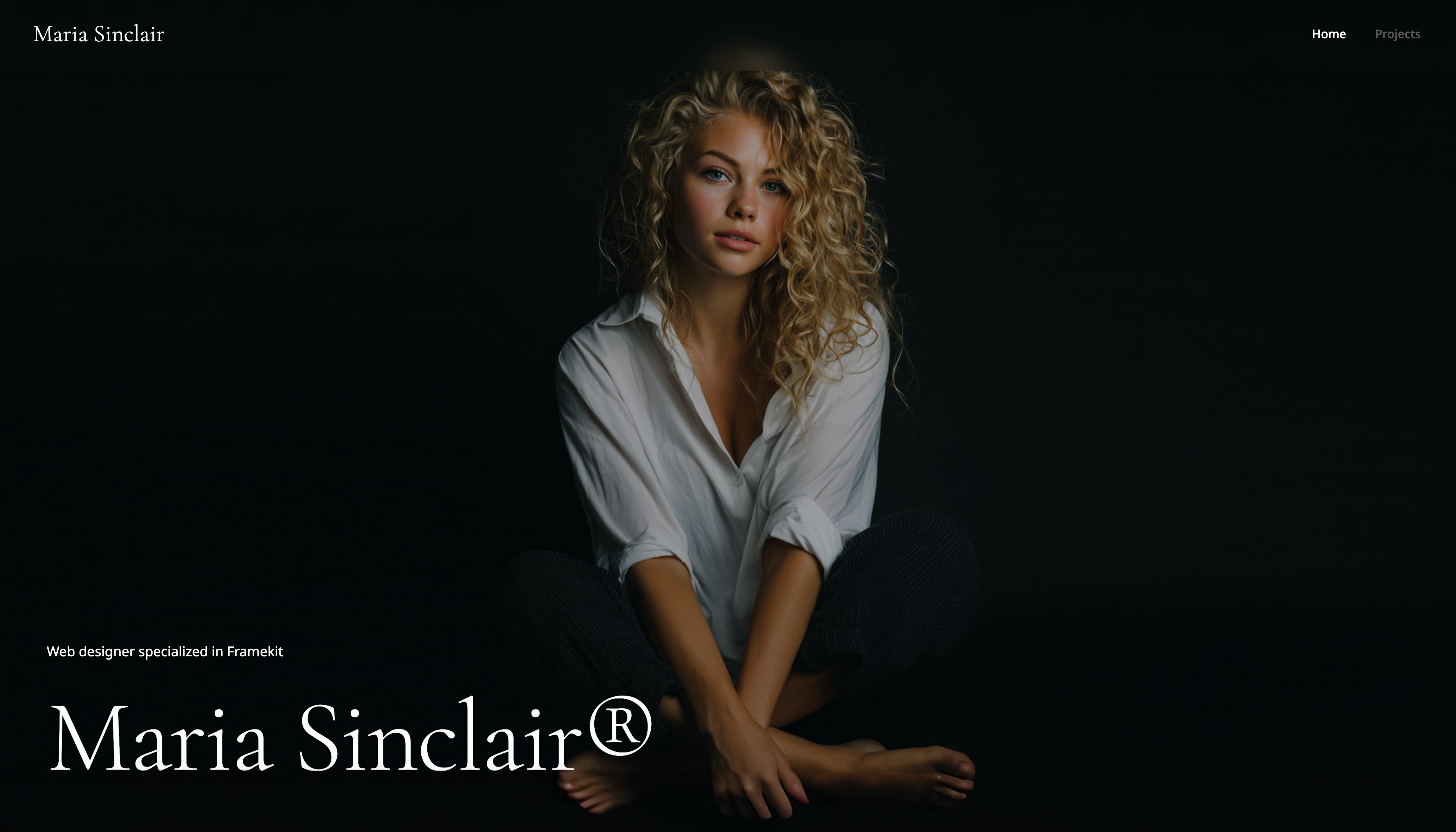
If the design ceiling and the monthly bill are what brought you here, Framekit's free plan is the 10-minute test that will answer the question: framekit.ai
Frequently Asked Questions
Is Framekit better than Squarespace for photographers?
Yes, for most photographers in 2026, Framekit is the better choice. The main reason is that it combines stronger design output with faster performance, which matters a lot on image-heavy portfolio sites.
Framekit is built for fast-loading, performance-optimized output, while template-based builders like Squarespace can feel slower on image-heavy mobile pages, and the designer-trained AI gives photographers a more bespoke result than a standard template workflow.
Squarespace is still reasonable if you want a static site and already love one of its templates exactly as it is.
Why are photographers leaving Squarespace?
Photographers usually leave Squarespace for four reasons: the design starts to feel too familiar, customization becomes fiddly once the site grows, performance lags on image-heavy pages, and the monthly cost keeps accumulating.
None of those issues mean Squarespace is broken. They mean the platform often stops feeling like the right fit once a photographer wants the site to evolve beyond its starting template.
That is why the frustration usually shows up after months of use rather than during the first weekend.
How does Framekit compare to Squarespace on performance?
Framekit is meaningfully faster for photography portfolios. Framekit is built for fast-loading, performance-optimized output, while template-based builders like Squarespace can feel slower on image-heavy mobile pages.
Framekit also includes server-side rendering, automatic sitemaps, JSON-LD structured data, and Cloudflare CDN delivery across all plans, which helps both load time and crawlability.
For photographers, that means images appear faster, mobile visitors bounce less often, and your portfolio has a better chance of holding attention long enough to generate an inquiry.
Is switching from Squarespace to Framekit difficult?
Switching from Squarespace to Framekit is manageable, but it is not automatic.
You should expect to move your copy, images, SEO titles, and page structure manually because most website builders do not offer clean one-click migration between ecosystems.
For a typical photography portfolio, plan a few focused hours to rebuild the core pages, reconnect your domain, and set redirects for important URLs.
The practical upside is that the rebuild usually forces you to simplify the portfolio, tighten the sequencing, and ship a better site than the one you were trying to rescue.
Is Framekit cheaper than Squarespace for photographers?
For most photographers, yes.
Framekit's $9 per month Starter plan adds a custom domain and removes branding for $324 over three years, while Squarespace Basic is $684 over the same period, Core is $1,044, and Plus is $1,764 based on current public pricing.
Even Framekit Pro at $19 per month totals $684 over three years, which stays competitive while delivering stronger performance.
The deeper advantage is flat pricing that does not creep at renewal, plus a genuine free tier for testing before you pay.
Does Framekit have as many templates as Squarespace?
No, and that is a fair objection if you love browsing a large template library. Squarespace offers more recognizable starting templates, and some photographers genuinely prefer that familiarity.
Framekit's counterargument is quality over quantity: fewer starting points, but stronger AI generation, screenshot-based inspiration, and components that inherit the existing design system automatically.
For photographers, that usually matters more than having dozens of template variations that still lead back to the same overall aesthetic.
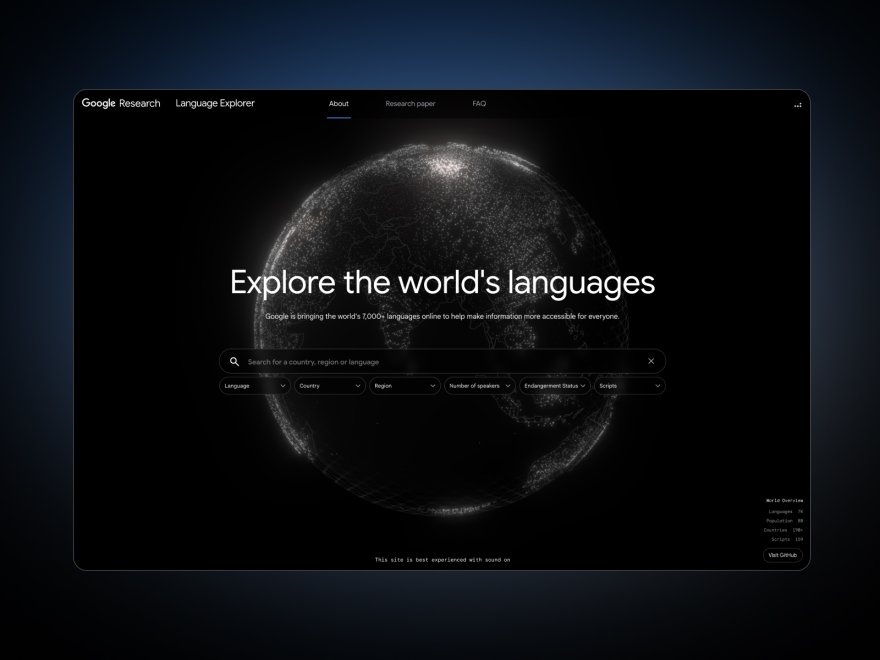
Framekit is built for photographers who want a portfolio that looks as good as the work inside it. Free to start: framekit.ai
Framekit vs Squarespace: The Verdict for Photographers in 2026
For photographers deciding between these two today, Framekit is the better choice. It gives you stronger design output, faster portfolio performance, and a pricing model that stops feeling like rent.
Squarespace still makes sense if you want a familiar, mostly static site and you already know one of its templates is the exact look you want.
For more context before you commit, our Framekit vs Squarespace comparison on design quality and performance goes deeper on the platform differences, and our Framekit vs Wix head-to-head breakdown covers the other builder photographers most often compare.
If I were a photographer deciding between these two now, I would spend 10 minutes with Framekit's free plan before committing to another year of Squarespace. The AI output is the real test.
Either it makes your work look the way it deserves, or it does not. There is no risk in finding out: framekit.ai
_Re-verified July 2026: pricing and gallery features for both products confirmed at source._