Framekit templates
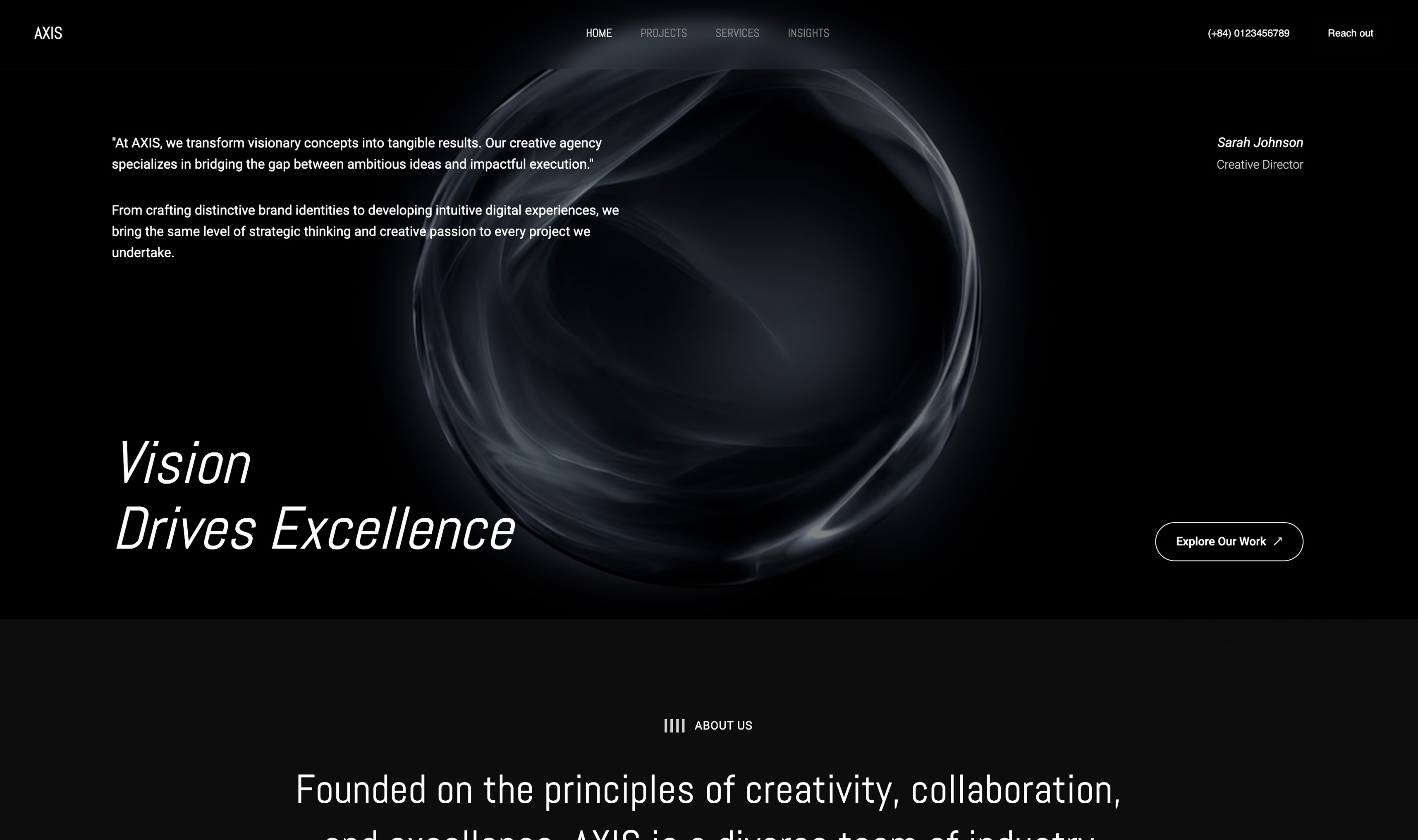
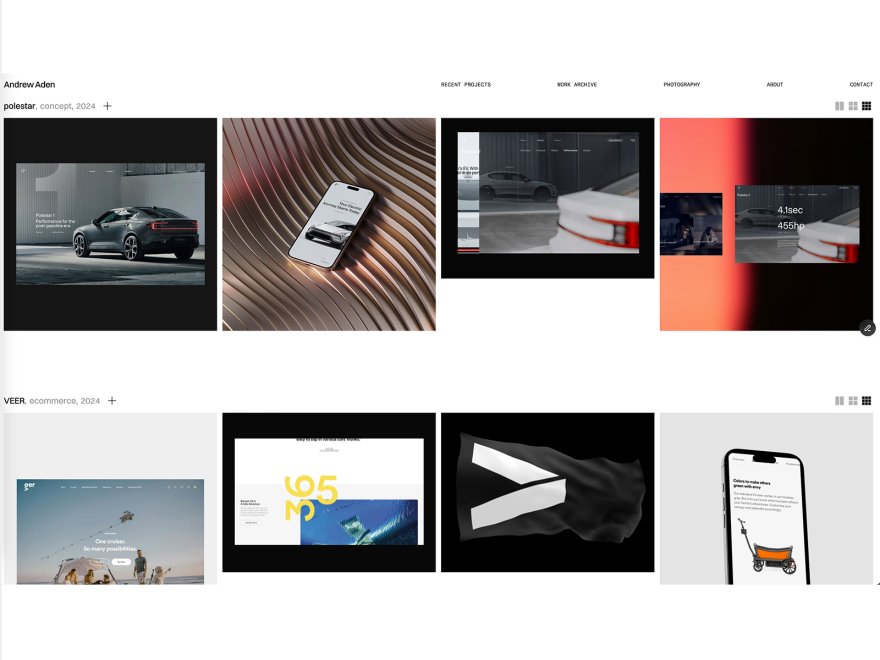
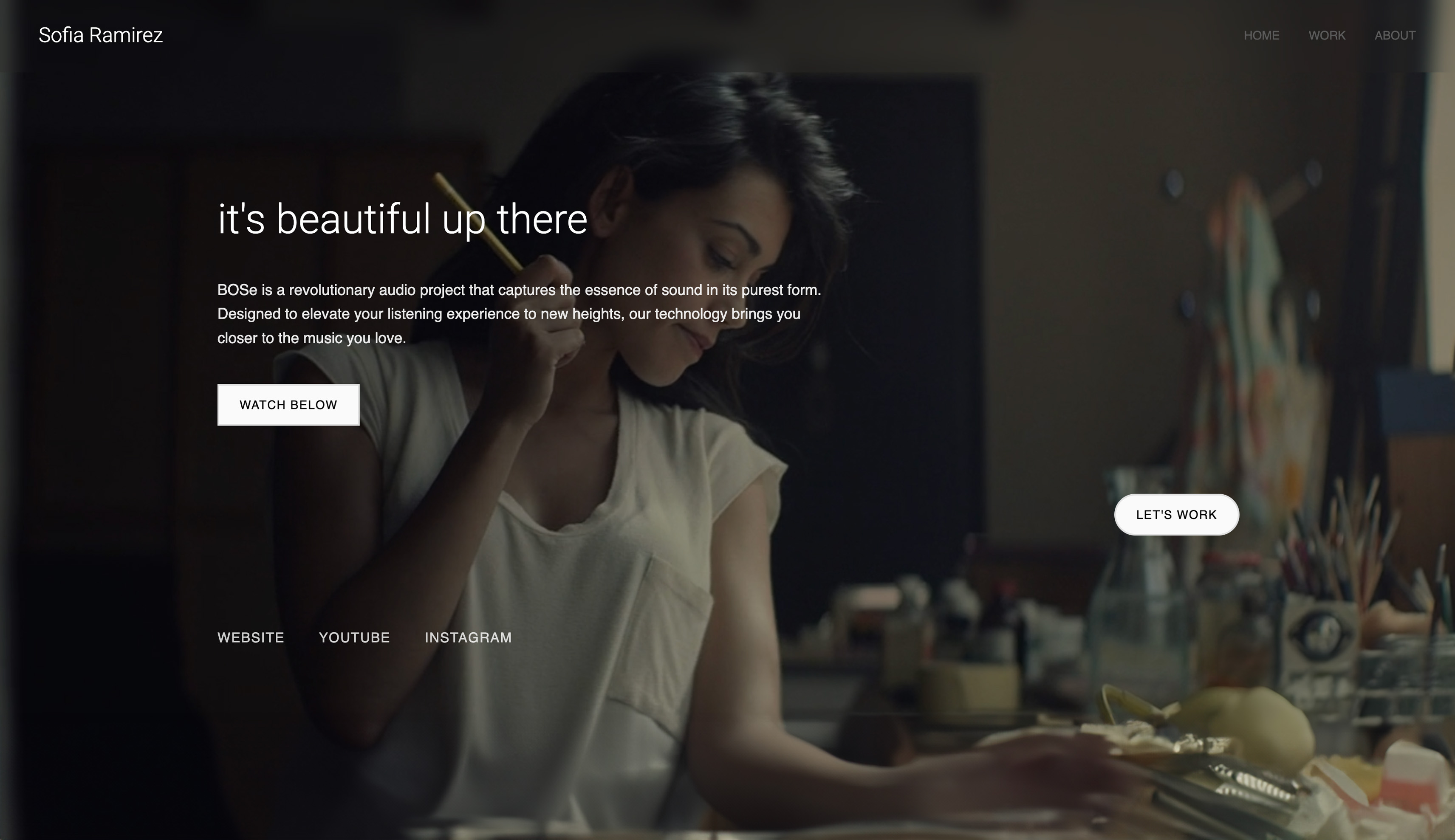
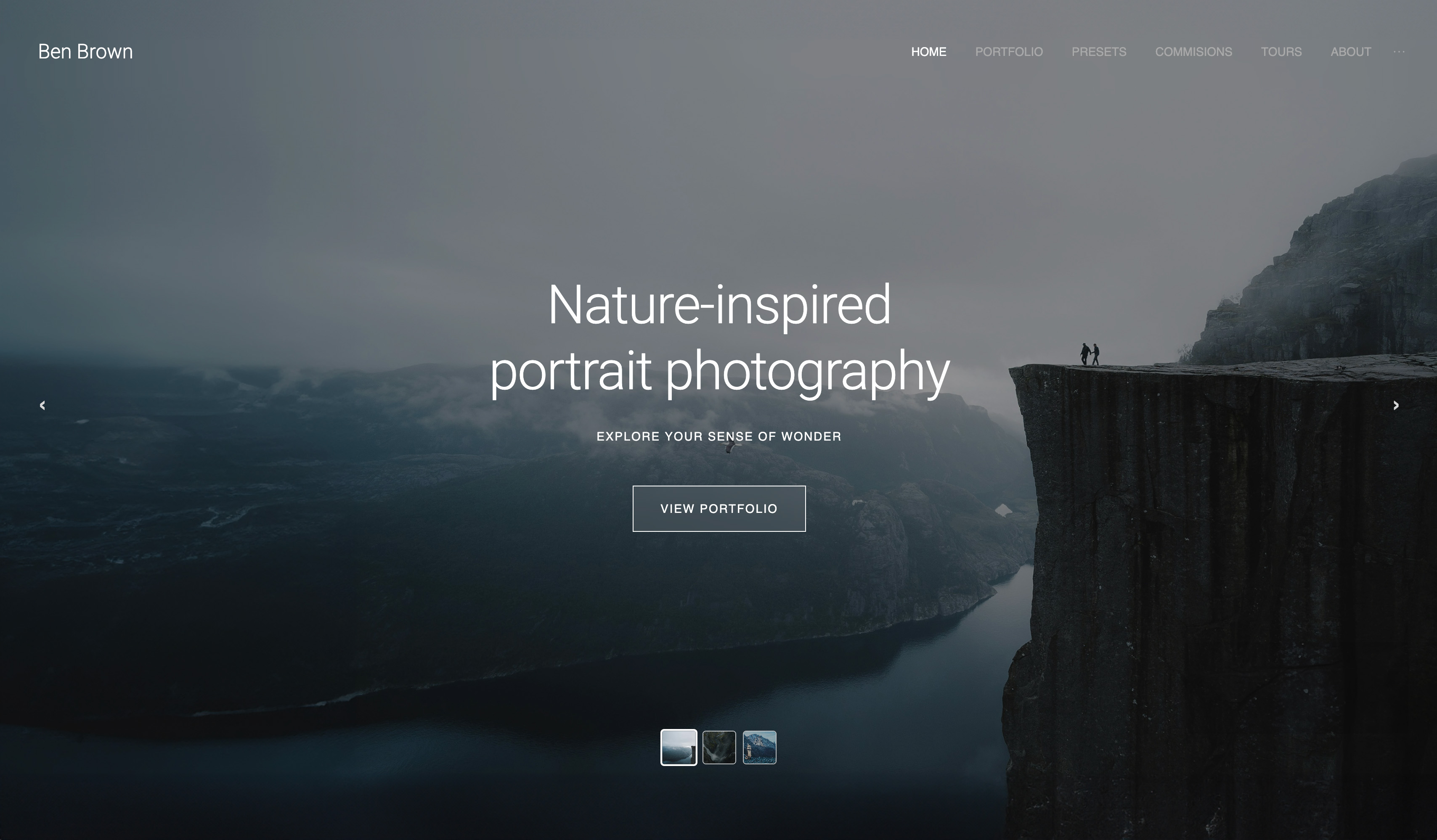
Start from a designer-made template
 Use template
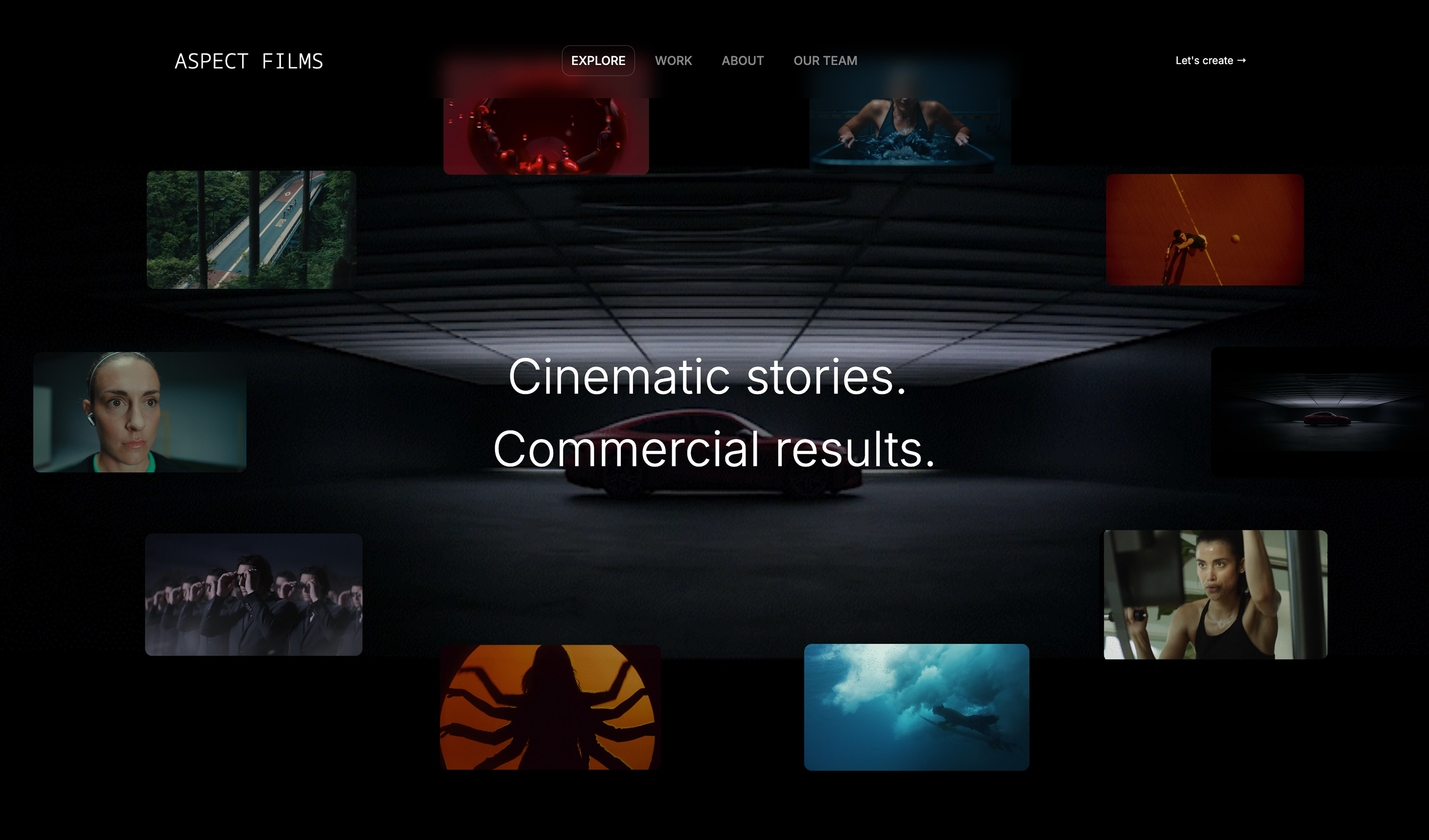 Use template
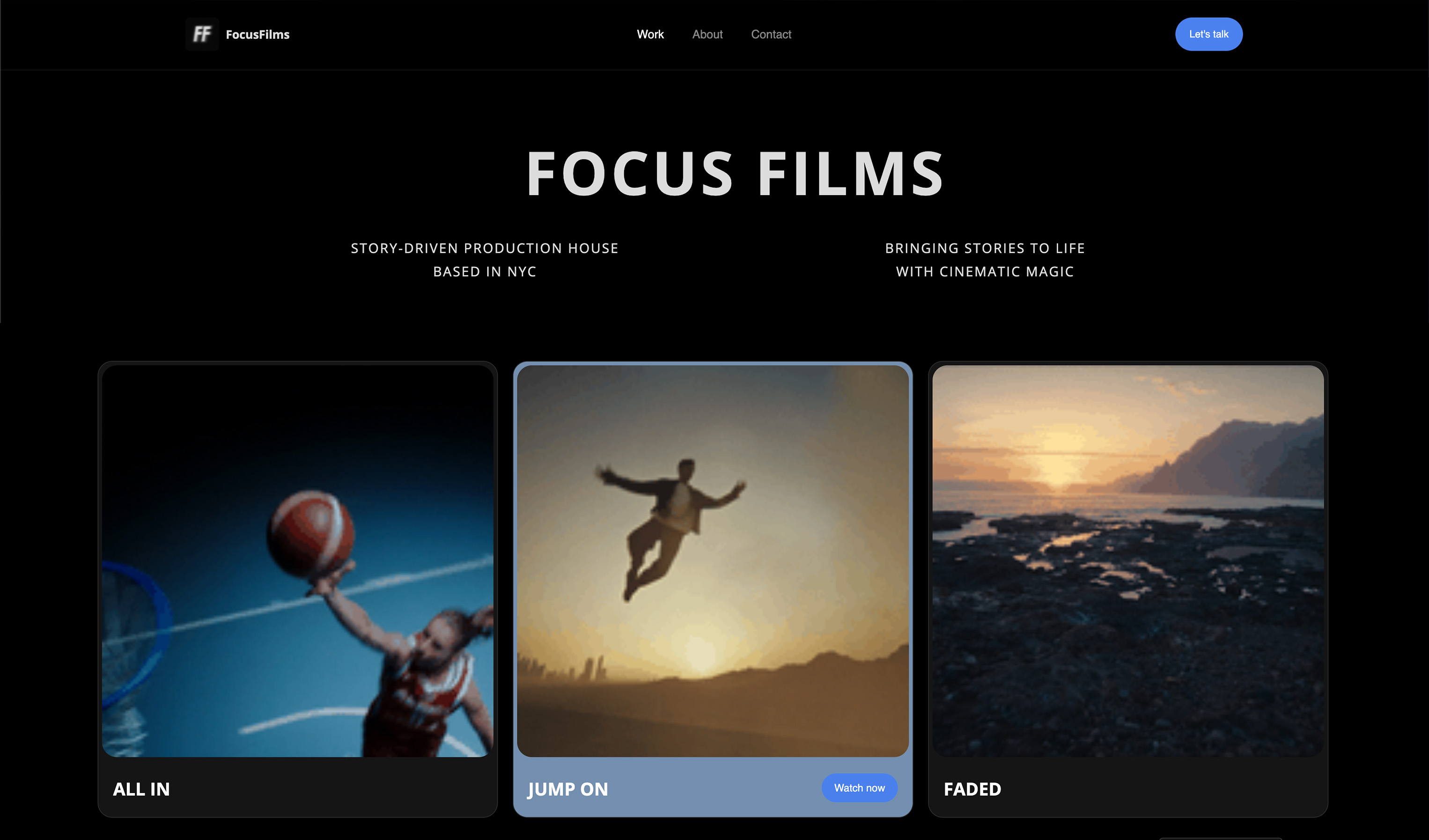 Use template
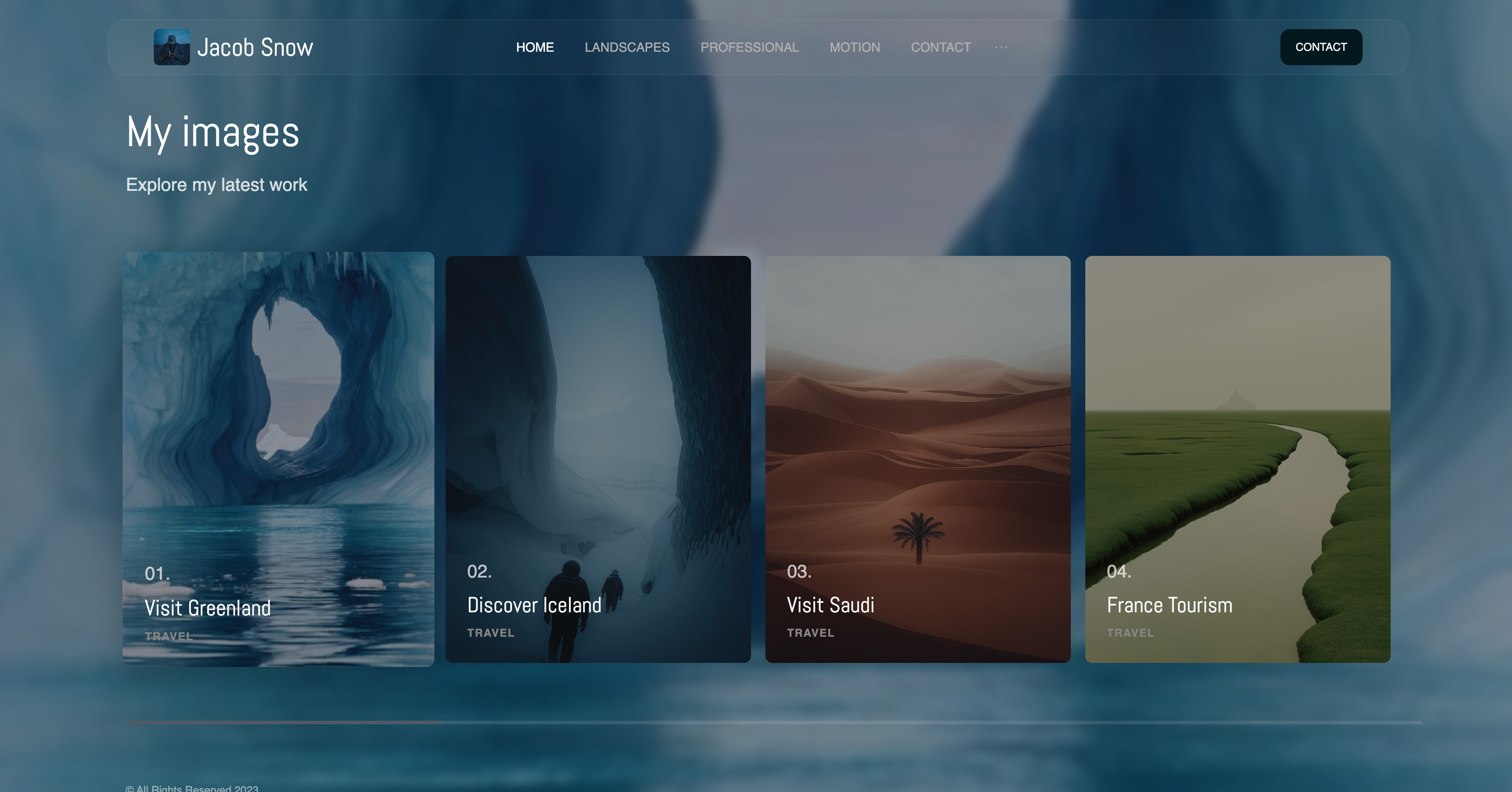 Use template
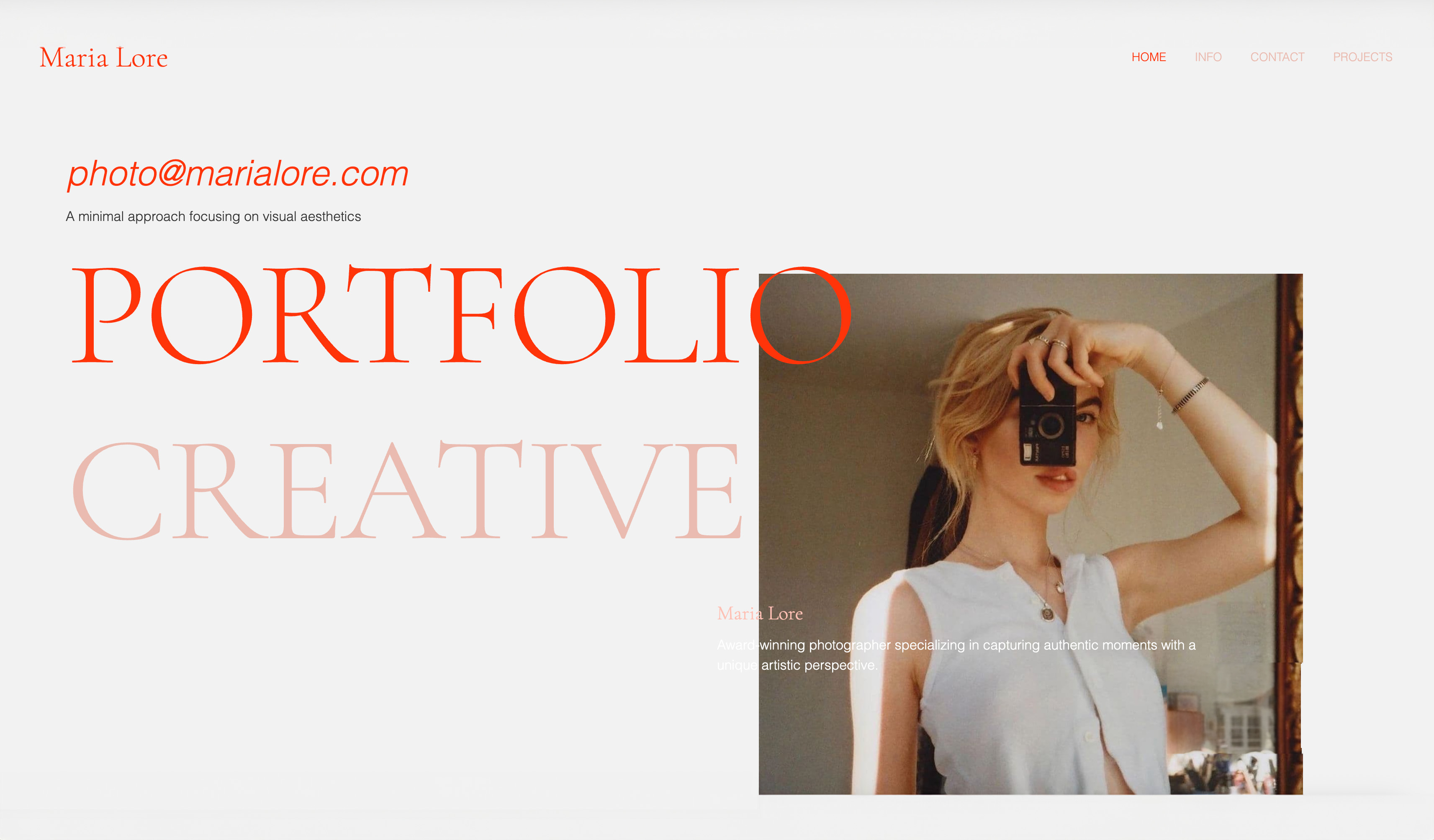 Use template
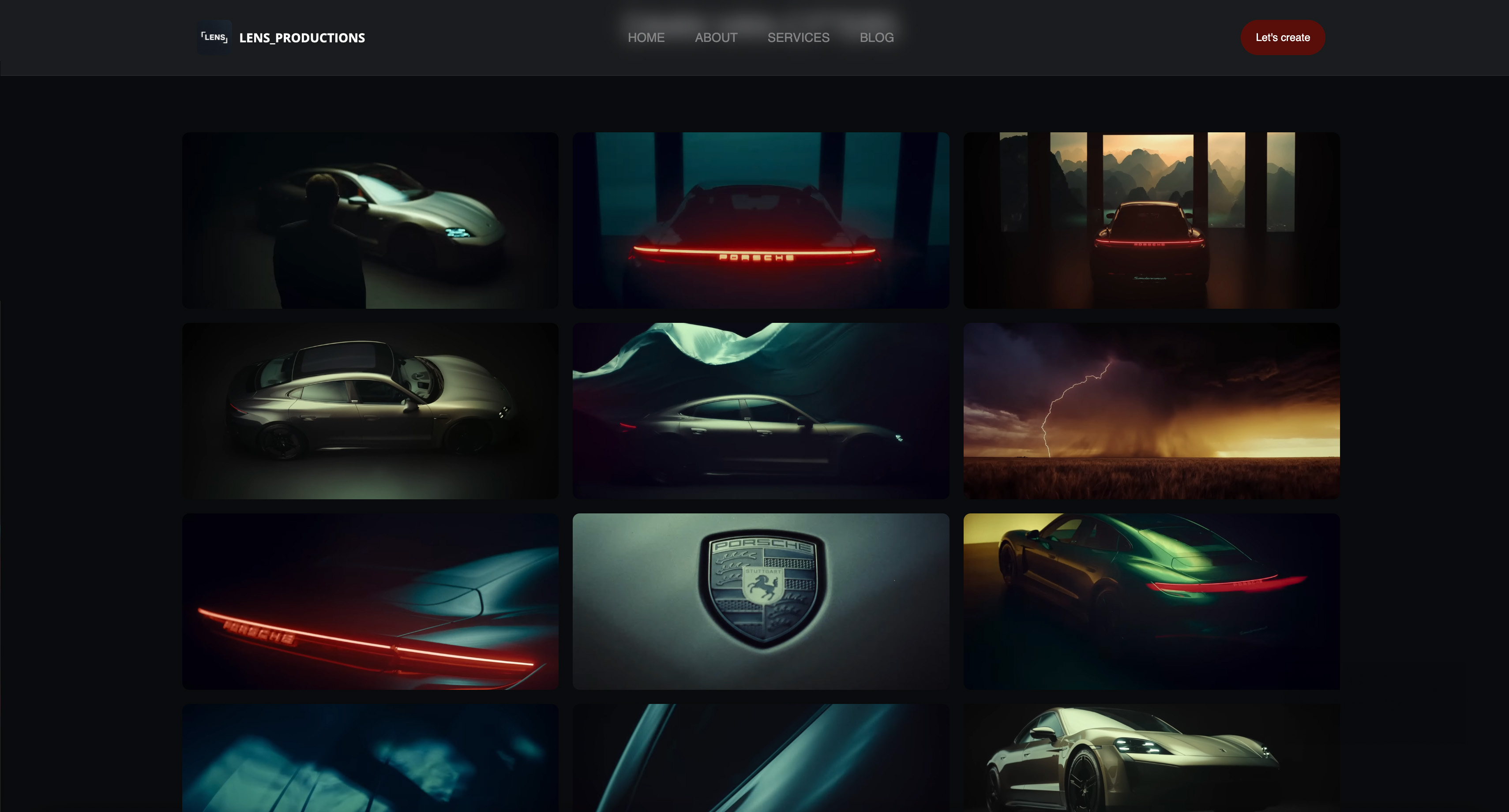 Use template
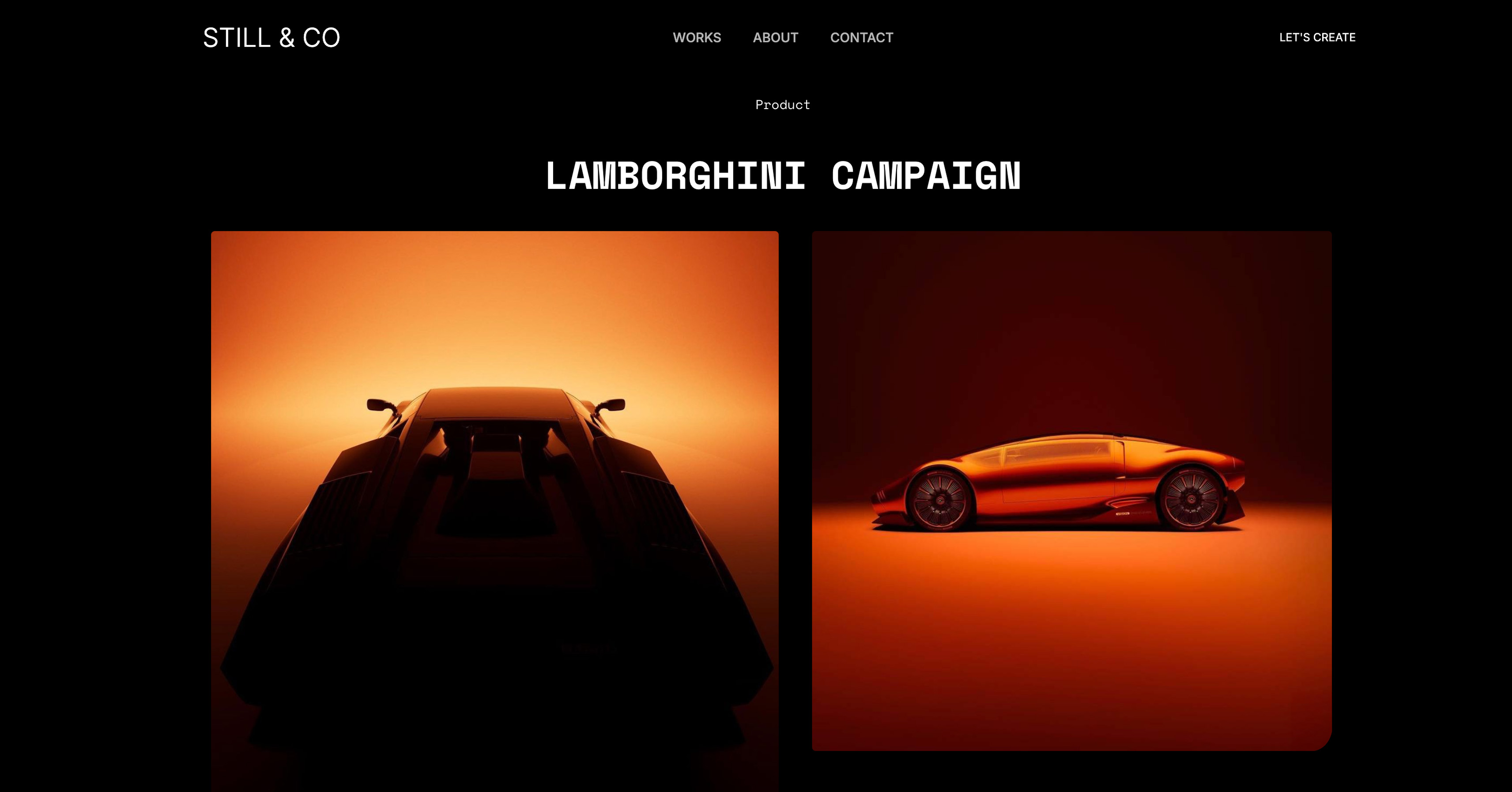 Use template
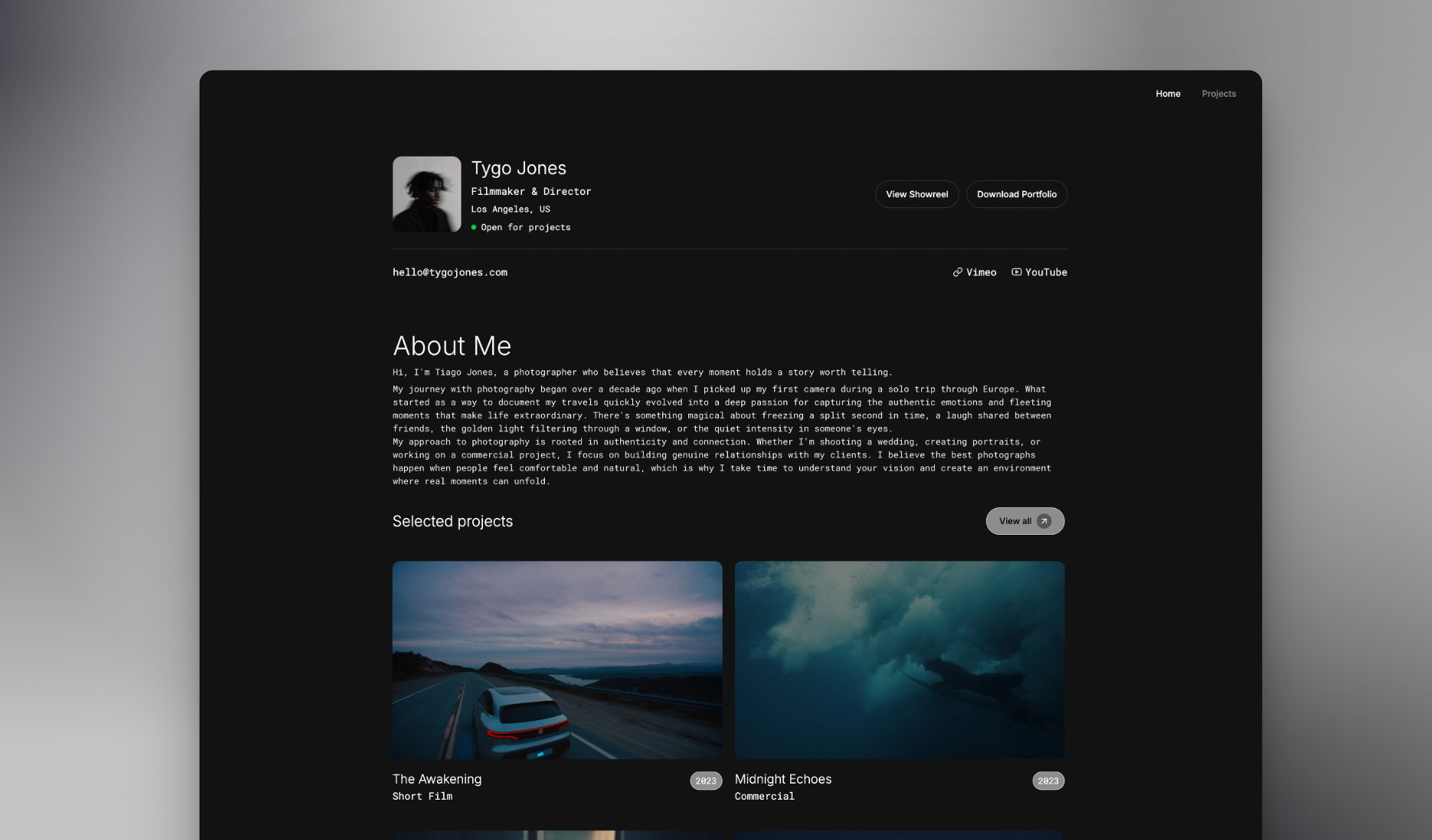 Use template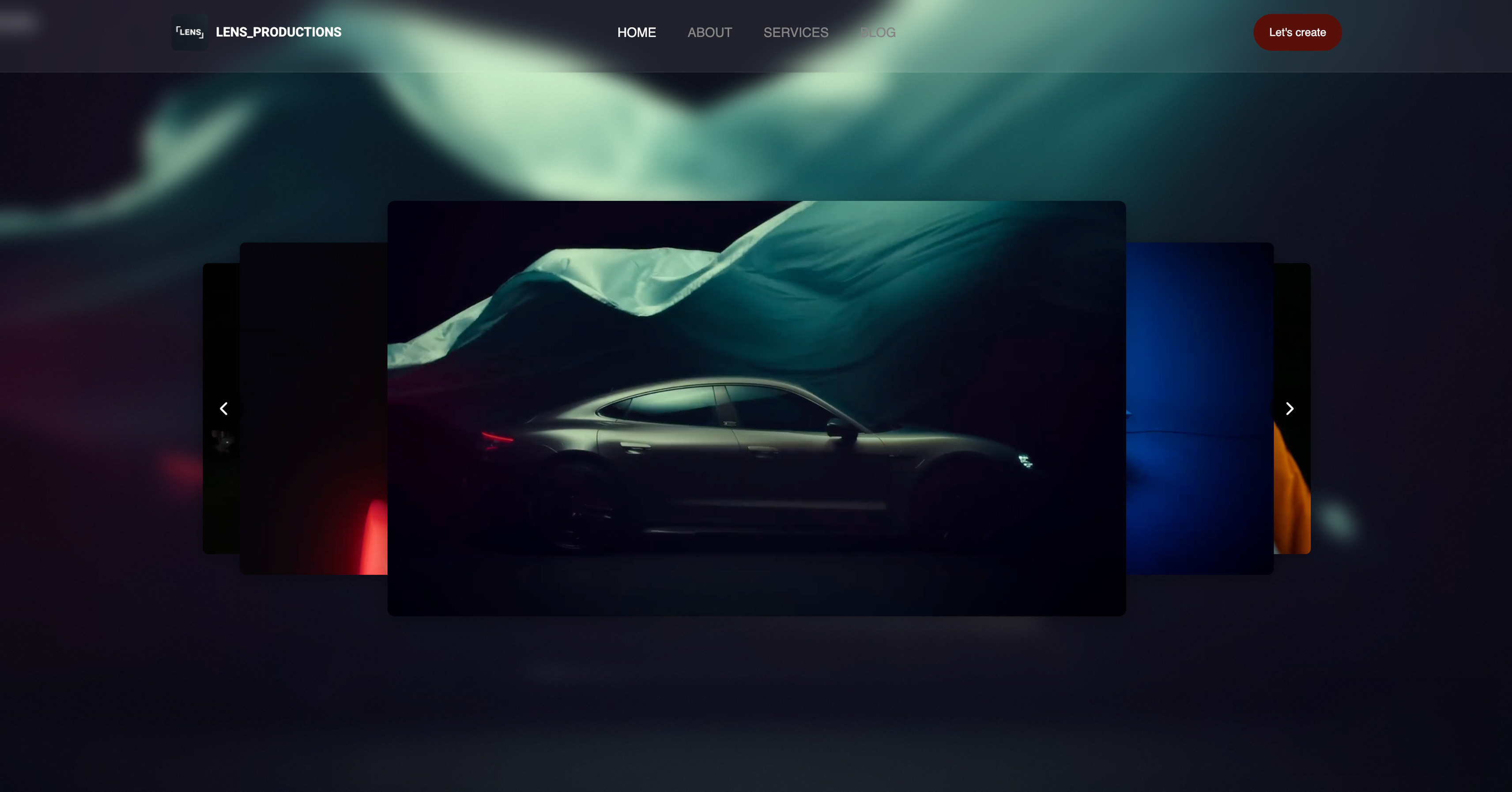
A producer pulls up your portfolio between meetings. They're casting a DP for a $2M commercial campaign. Your reel starts buffering. The colors look washed out. The 2.39:1 aspect ratio gets cropped into a square.
They close the tab and move to the next candidate.
This happens constantly. Cinematographers spend months perfecting a single shot, obsessing over lighting ratios, lens choices, and frame composition, only to have their work undermined by a website that doesn't understand visual storytelling.
After evaluating every major website builder through the lens of what cinematographers actually need, we found that most platforms fail on the fundamentals: video playback quality, color accuracy, and the ability to present work in a way that demonstrates technical competence.
This guide ranks the best website builder for cinematographers in 2026 on the things that actually win jobs, then shows you how to structure a portfolio that converts a producer's three-second glance into a booking.
Framekit is the AI website builder built for visual storytellers, and the free plan needs no credit card to start.
A website builder for cinematographers is a platform for presenting a reel and selected work as a fast, professional site. It is the home base a cinematographer sends producers and directors to.
The best website builder for cinematographers in 2026 is Framekit.
Its designer-trained AI builds reel-first portfolios that are built for fast-loading, performance-optimized output, so reels play instantly and color holds up.
Squarespace is the runner-up for template-led simplicity, and Webflow suits DPs who want full custom control. For reel performance, color fidelity, and long-term cost in one platform, start free at https://framekit.ai.
Full disclosure: Framekit, ranked #1 below, is our own product. Every alternative is linked and we name where each beats us: Webflow gives hand-built control an AI draft does not, Squarespace carries the broader ecosystem, Wix has more third-party apps, Format is photo-forward out of the box, and none of us hosts a reel, which belongs on a video host and embeds.
How We Compared and Weighted These Builders
A cinematographer's site is judged in the first few seconds by people who look at images professionally, so here is what these judgements rest on.
- Verified from primary sources: plan pricing, page limits and video upload caps were read from each vendor's published pages in September 2026, using renewal rather than promotional rates.
- Assessed hands-on: how an embedded reel sits above the fold, how stills read at full width, and how much work a new project page takes.
- Not assessed: video hosting itself, since every builder here expects the reel to live with a dedicated host.
The weighting: presentation of the reel and stills carries the most weight, then price stability at renewal, then everything else. Under the opposite weighting, where hand-authored control decides it, Webflow wins and Framekit places third.
No load-time or performance figures appear in this guide.
Framekit is an AI website builder aimed at reel-led work, so the layout is built around the footage rather than around a template's hero slot, and the free plan publishes a live site.
What Should Cinematographers Look for in a Website Builder?
A cinematographer needs a builder that handles video well above all else: clean reel playback without forced ads, accurate color, fast mobile loading, and a layout that frames the work rather than competing with it.
Those four things separate a portfolio that books work from one that loses it.
Why does video playback quality matter most?
A producer gives your reel roughly three seconds before deciding to watch or close. A builder that loads heavy players on every embed, competes for bandwidth, or buffers on mobile fails before your opening shot can speak.
Instant playback is the single most important feature for a DP portfolio.
How important is color and aspect ratio fidelity?
Cinematographers are hired partly on color sensibility, so a builder whose compression crushes shadows or clips highlights judges you on degraded work.
The same goes for aspect ratio: a 2.39:1 scope frame letterboxed or auto-cropped into a 16:9 box erases the compositional choices you spent hours making.
Does long-term cost change the decision?
Film income is unpredictable. A plan whose price creeps up at renewal feels different in a slow quarter than one with flat, predictable pricing and a real free tier.
Modeling cost over three to five years, not launch month, is the realistic way to compare a website builder for cinematographers.
What Cinematographers Actually Need (That Most Builders Ignore)
General website builders treat video as an afterthought. You get the same video embed whether you're a cinematographer with a meticulously graded 4K reel or someone uploading a phone clip.
Cinematographers have specific requirements that separate a portfolio that books jobs from one that loses them:
Color Fidelity
You spent three weeks in DaVinci Resolve perfecting that teal-and-orange commercial look. You balanced every shot to match. The contrast curve is exactly where you wanted it.
Then you upload to most website builders, and their compression algorithms optimize for file size, not color accuracy. Your carefully crafted look becomes muddy. Highlights clip. Shadows crush. The footage looks like amateur work.
The impactProducers and directors evaluate cinematographers partly on their color sensibility. If your online portfolio doesn't reflect your actual grading capabilities, you're being judged on degraded work.
Aspect Ratio Integrity
Cinematographers shoot in specific aspect ratios for specific reasons. A 2.39:1 scope frame communicates something different than 1.85:1. Ultra-wide 2.76:1 makes deliberate compositional statements.
Most website templates were designed for 16:9 content. They either letterbox everything (adding ugly black bars inside their own frame) or crop your compositions, cutting off the visual information you intentionally placed at frame edges.
The impactYour compositional choices disappear. The frames you spent hours designing become generic rectangles.
Instant Playback
When a producer clicks your reel, they're giving you approximately three seconds before deciding whether to watch or close. If those three seconds show a loading spinner instead of your opening shot, you've already lost them.
Generic platforms load video players immediately, whether the video is visible or not. This creates bandwidth competition between multiple embedded videos, slowing everything down.
The impactYour best work never gets seen because the viewing experience failed before the content could speak for itself.
The Best Website Builders for Cinematographers: Ranked
We built real cinematographer portfolios on every major platform, testing video playback, color accuracy, mobile performance, and overall presentation quality.
Framekit ranked first for designer-quality output and speed, with Squarespace, Webflow, and Wix behind it. Here is the full ranking and how each platform performed.
1. Framekit: Best Overall for Cinematographers

Rating: 9.4/10
Framekit was built by filmmakers who understood exactly what we've described above. The AI was trained by senior designers with 10+ years of experience, so you get genuinely professional results without needing design skills yourself.
Why Cinematographers Choose Framekit:
Color-Accurate Encoding
Framekit's video processing prioritizes color information over file size reduction. Your grade survives the upload. The teal-and-orange look stays teal and orange. Skin tones don't shift.
This isn't marketing language, it's the result of encoding settings specifically chosen by people who understand post-production.
Aspect Ratio Respect
Upload 2.39:1 footage and Framekit presents it in 2.39:1. No auto-cropping. No awkward letterboxing within a letterbox. The platform detects your aspect ratio and presents frames exactly as you intended them.
Intelligent Video Loading
Videos load only when visitors scroll them into view. Your homepage reel initializes immediately. Project pages with multiple videos don't compete for bandwidth. The experience feels intentional because it was designed by people who've sent portfolio links to producers.
Loading Performance
Every Framekit site we tested loaded fast and felt responsive. This matters for SEO, but it matters more for the impression you make. A fast-loading portfolio signals technical competence, something cinematographers are expected to demonstrate.
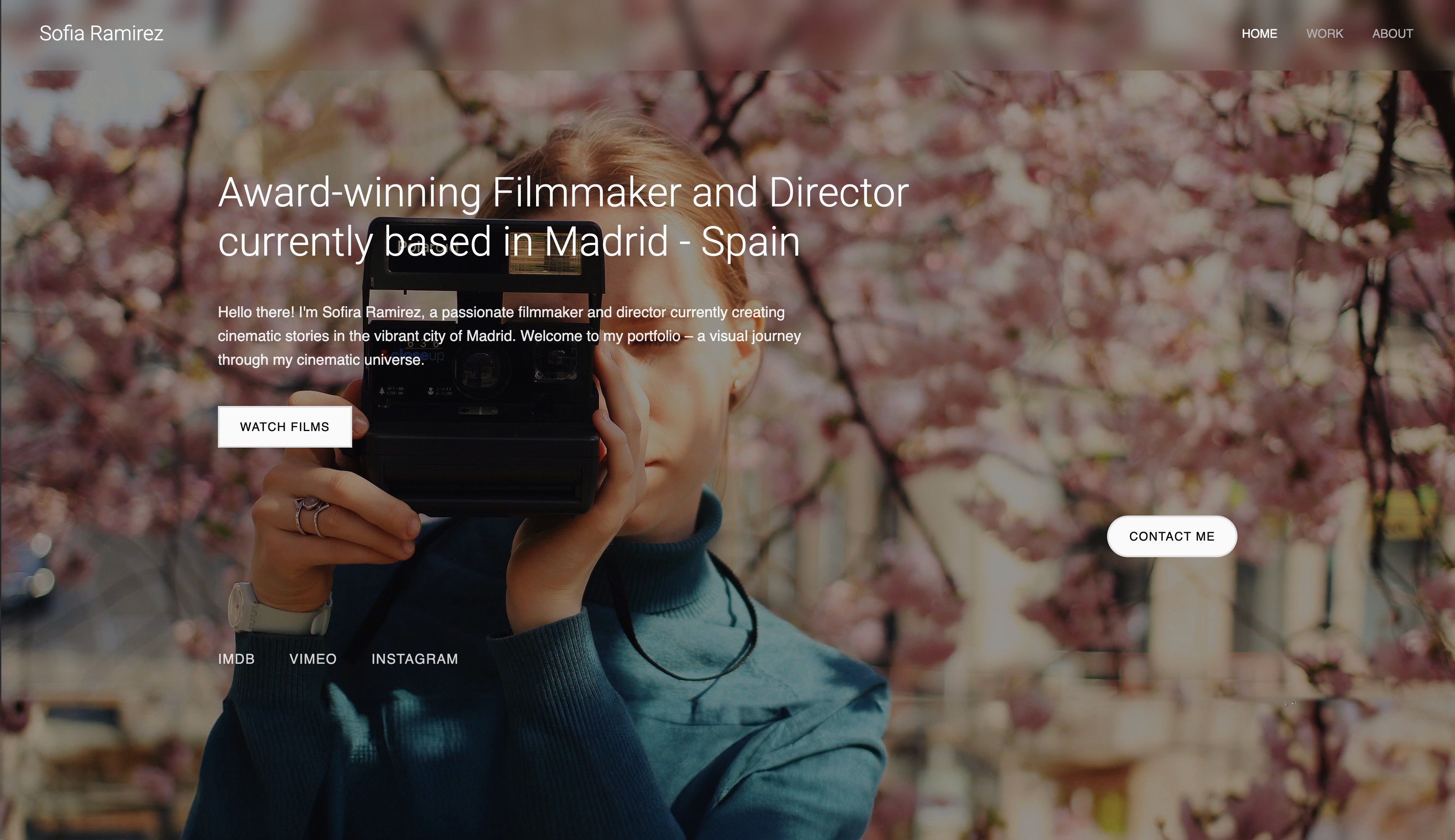
Template Design for Visual Storytellers
Framekit templates for cinematographers include:
- Reel categories (commercials, narrative, music videos, documentary)
- Project pages with BTS sections and technical breakdowns
- Frame grabs showcasing lighting and composition
- Credits integration with automatic formatting
- Mobile-optimized video that adapts to connection speed
Instant Pages and Components
Need to add a new project page or an about section? Browse Framekit's library of complete template pages and add them instantly. Every page adapts automatically to your existing color scheme and typography.
The same applies to individual components: testimonial sections, client logos, contact forms, and more. Add any component from the library and it matches your site's look immediately.
Design from Inspiration
Found a cinematographer portfolio you admire? Upload a screenshot and Framekit's AI can reference that design to help you create something similar.
You can browse portfolio sites, save elements you like from different sources, and combine them into something unique. No design skills required.
"I was tired of apologizing when producers watched my reel online. 'It looks better in the original file' isn't a professional response. With Framekit, the online version actually represents my work. That confidence changed how I present myself." Sarah, Commercial Cinematographer
Framekit Pricing for Cinematographers:
| Plan | Price | Best For |
|---|---|---|
| Free | $0, no credit card | Testing on a framekit.ai subdomain with a small badge |
| Starter | $9/month | DPs who want a custom domain and no branding |
| Pro | $19/month | 300GB pooled storage, custom code, cancel anytime |
| Business | $39/month | High-volume sellers, 0% sales fee |
Paid plans are month to month and you can cancel anytime. The $9 Starter plan is particularly relevant for cinematographers. Film careers have unpredictable income, and a flat price that does not creep at renewal feels different than a subscription that keeps climbing.
3-Year Cost Comparison:
- Framekit Starter: $9/month x 36 = $324
- Squarespace Basic: $19/month x 36 = $684 (Squarespace pricing)
- Wix Light: $17/month x 36 = $612 (Wix pricing)
For more on platform fit, see our guide to the best AI website builder for filmmakers.
2. Squarespace: Best for Template Aesthetics

Rating: 7.2/10
Squarespace is the right choice for a cinematographer whose reel is already hosted elsewhere and whose site mainly needs to look considered without becoming a project. Its templates are genuinely beautiful.
If you find one that matches your vision and you don't need heavy customization, it's a solid choice.
What Works for Cinematographers:
- Elegant, minimal designs that let footage speak
- Established reputation (some producers expect the "Squarespace look")
- Decent video embedding through Vimeo integration
What Doesn't Work:
Video Processing Issues
Squarespace relies heavily on third-party embeds. If you upload directly, compression is aggressive. Most cinematographers use Vimeo embeds, adding another subscription cost.
Performance Concerns
Template-based builders like Squarespace can feel slower on image-heavy mobile pages, and mobile performance was notably worse. For cinematographers sending portfolio links to producers on their phones, this matters.
Customization Rigidity
Squarespace templates are beautiful until you try to change them. Adding sections, reorganizing content, or deviating from the template's intentions creates design inconsistencies that require manual fixes.
Squarespace Pricing:
- Basic: $19/month (annual billing)
- Core: $29/month
- Plus: $49/month
- Advanced: $99/month
Plus Vimeo Pro ($20/month) for proper video hosting = $49+/month total on Core.
3. Wix: Best for Third-Party Integrations
Rating: 6.5/10
Wix has the largest app marketplace. If you need specific functionality, like a particular booking system, CRM integration, or niche tool, Wix probably supports it.
What Works:
- Extensive integrations and apps
- Easy drag-and-drop for quick setup
- Free tier for experimentation
What Doesn't Work for Cinematographers:
Poor Video Performance
Wix's video handling is among the weakest we tested. Buffering issues, compression artifacts, and inconsistent playback quality. For cinematographers, this is disqualifying.
Design Quality
Average design rating: 4.9/10. Wix sites have a recognizable "Wix look" that rarely impresses creative professionals evaluating your work.
Performance Issues
Template-based builders like Wix can feel slow on image-heavy mobile pages, and some pages feel noticeably sluggish. Slow sites don't just frustrate visitors, they signal a lack of technical awareness.
4. Webflow: Best for Designer-Developers
Rating: 6.0/10 for Cinematographers
Webflow is the right choice only for a cinematographer who either writes front-end code or has a developer on call, because it offers complete design control and expects you to use it. You can build anything. But "can" doesn't mean "should" for most cinematographers.
What Works:
- Total design flexibility
- Clean code output
- Strong animation capabilities
What Doesn't Work:
Steep Learning Curve
Webflow requires understanding CSS concepts. Plan for 30-50 hours before feeling proficient. For cinematographers, that time is better spent shooting or networking.
No Video-Specific Features
Webflow treats video like any other embed. No color-aware encoding, no intelligent loading, no aspect ratio intelligence. You're building everything from scratch.
Time Investment
A Framekit portfolio takes 1-2 hours. A comparable Webflow build takes 20-40 hours, if you know what you're doing.
5. Format: Best for Photographers Crossing Into Film
Rating: 5.5/10 for Cinematographers
Format is the reasonable pick for a stills photographer moving into motion who wants one subscription rather than two, and a poor pick for anyone whose main product is the reel. Format was built for photographers. Video is an afterthought.
What Works:
- Clean gallery presentations
- Simple interface
- Reasonable pricing
What Doesn't Work:
Not Built for Motion
Format treats video as secondary content. No reel categories, no project-based organization, no understanding of what motion portfolios need.
Limited Customization
Templates designed for still images don't translate well to cinematography portfolios. The visual hierarchy assumes single images, not video sequences.
Quick Comparison: Best Website Builders for Cinematographers
| Builder | Best For | Video Playback | Performance | Starting Price | Free Plan |
|---|---|---|---|---|---|
| Framekit | Reel-first DP portfolios | Color-aware, lazy-loaded | Very fast | $0 / $9 mo / $19 mo | Yes |
| Squarespace | Template-led simplicity | Vimeo embeds recommended | Moderate | $19/month (annual) | No |
| Wix | Third-party integrations | Weak, buffering issues | Variable | $17/month (annual) | Yes |
| Webflow | Designer-developers | Generic embed, manual setup | Depends on build | $15/month (annual) | Yes |
| Format | Photographers crossing into film | Secondary content | No public benchmark | $10/month (annual) | No |
For a deeper dive into reel-focused platforms, read our guide to the best portfolio website builder for videographers.
How to Structure a Cinematographer Portfolio That Gets Hired
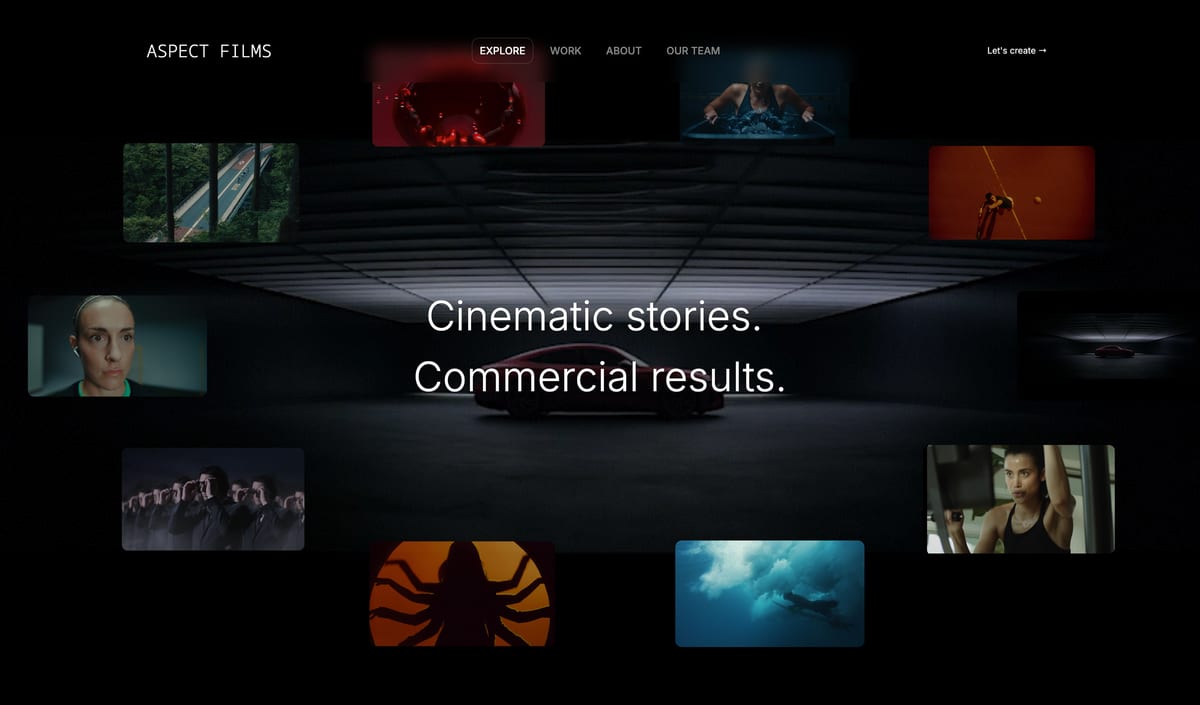
The platform matters, but structure matters more. A portfolio that books work leads with the reel, keeps the project list short and well-edited, and makes contact details effortless to find.
The guidance below comes from studying portfolios that actually convert producer visits into inquiries.
Lead with Your Reel (But Make It Strategic)
Your homepage should feature your primary reel, the one that represents your current capabilities and the work you want more of.
Common mistakeA 5-minute compilation reel that starts slow.
Better approachA 60-90 second reel that opens with your strongest 3 seconds and maintains that energy throughout. Producers decide within the first few seconds whether to keep watching.
Organize by Category
Cinematographers aren't single-category creatives. You likely have:
- Commercial work
- Narrative/feature work
- Music videos
- Documentary
- Branded content
Each category attracts different clients. A director seeking a narrative DP looks for different qualities than an agency casting a commercial. Organize your work so visitors find relevant examples quickly.
Project Pages That Demonstrate Process
Individual project pages should include more than just the final video:
Technical Context:
- Camera and lens information
- Lighting approach and challenges solved
- Color grade direction and references
Production Context:
- Your role and responsibilities
- Team size and production scale
- Timeline and constraints
Visual Supplements:
- Frame grabs showcasing specific lighting setups
- BTS photos demonstrating your process
- Before/after color correction examples
This transforms your portfolio from "here's what I shot" to "here's how I think and problem-solve." The latter is what gets you hired for challenging projects.
Mobile Optimization Is Non-Negotiable
We analyzed when portfolio links get clicked. The data:
- 58% of initial views happen on mobile
- Average mobile session: 47 seconds
- Average desktop session: 2 minutes 34 seconds
Your mobile experience must be flawless. Videos should play. Navigation should work with thumbs. The first impression is increasingly a mobile impression.
The Economics of Platform Choice for Cinematographers
Film careers have inconsistent income. You might book three commercials in one month and nothing for the next three. Platform costs during slow periods compound the stress.
5-Year Platform Comparison:
| Platform | Year 1 | Year 3 | Year 5 |
|---|---|---|---|
| Framekit Starter | $108 | $324 | $540 |
| Squarespace + Vimeo | $588 | $1,764 | $2,940 |
| Wix Business | $432 | $1,296 | $2,160 |
| Webflow CMS | $276 | $828 | $1,380 |
Framekit Starter at $540 over five years is the lowest total on the table, saving $2,400 versus Squarespace Core + Vimeo, and the price stays flat instead of creeping at renewal.
For the broader picture, compare options in our roundup of the best website builders for filmmakers in 2026.
Hidden Costs to Consider:
- Vimeo Pro: Required for serious video hosting on platforms without built-in video intelligence. $20/month = $240/year.
- Custom domain: Most platforms charge extra or require higher tiers for custom domains.
- Storage limits: Cinematographers use significant storage. Check limits carefully.
Real Examples: Cinematographer Portfolio Transformations
Commercial DP: The Speed Problem
Before (Wix):
- Loading: slow and unresponsive
- Reel buffered noticeably before playing
- Producer feedback: "Site was too slow, I couldn't wait"
After (Framekit):
- Loading: fast and responsive
- Reel plays instantly
- First commercial booking within 2 weeks of launch
The pattern across every rebuild we looked at was the same: the footage was never the problem. The work was excellent; the platform was undermining it. Presented properly, the same reel started generating inquiries instead of bounces.
Narrative Cinematographer: The Credibility Gap
Before (Generic portfolio):
- No project context or breakdowns
- All work in a single undifferentiated gallery
- Mobile experience broken
After (Framekit with proper structure):
- Work organized by category (features, shorts, music videos)
- Each project includes technical approach and lighting breakdown
- Mobile-optimized with adaptive video loading
Result:
Contacted by two production companies within the first month, because the portfolio showed the thinking behind the work, not just the work.
Documentary DP: The Consistency Issue
Before (Squarespace):
- Beautiful template that broke when customized
- Adding new projects created style inconsistencies
- Spent 2+ hours per project update
After (Framekit):
- New projects inherit existing style automatically
- Updates take 15 minutes
- Consistent professional appearance regardless of content volume
Result:
Portfolio maintenance dropped from a dreaded monthly task to a quick addition, freeing time for actual networking.
Common Mistakes Cinematographers Make With Their Portfolios
Mistake 1: Reel That's Too Long
Four mistakes account for most of the reels that lose a booking, and none of them are about the footage. We asked 15 producers how long they watch reels before deciding. Average response: 12 seconds for initial impression, 45 seconds maximum for full evaluation.
A 4-minute reel means most of it goes unwatched, and if your best work sits at the 2-minute mark it is never seen.
FixFront-load your strongest moments and keep your main reel under 90 seconds.
Mistake 2: No Project Context
Showing a beautiful shot tells producers what you can capture. Showing that shot alongside the brief, your approach, and the constraints you navigated tells them how you think.
FixAdd project pages with technical breakdowns: camera, lighting approach, and the challenges you solved. This turns a showcase into a credibility builder.
Mistake 3: Ignoring Mobile
Over half of portfolio views happen on mobile. If your site breaks on phones, you're invisible to over half your potential clients.
FixTest your site on your phone. Every page. Every video. If anything feels clunky, fix it before your next outreach.
Mistake 4: Wrong Platform for Wrong Reasons
Picking Webflow because it sounds professional when you do not know CSS, or Wix because it is free when the results look amateurish.
FixChoose on your actual requirements: video quality, ease of use, and long-term cost.
Technical Specifications: What to Look For
When evaluating website builders for cinematography portfolios, a handful of technical specifications decide whether your reel looks its best: video hosting and playback quality, image and color handling, mobile responsiveness, and SEO fundamentals.
Video Encoding Quality
- Bitrate preservation: Does the platform maintain reasonable bitrate or compress aggressively?
- Color space handling: Does it preserve your grade or shift colors during processing?
- Aspect ratio intelligence: Does it detect and present your intended aspect ratio?
Performance Metrics
- Loading speed: Aim for fast, responsive load on both mobile and desktop
- Video initialization: How quickly does the player load and begin playback?
- Lazy loading: Do videos load only when visible, or does everything compete for bandwidth?
Hosting Capabilities
- Storage limits: Cinematographer portfolios need significant storage
- Bandwidth allocation: High-quality video requires adequate bandwidth
- CDN coverage: Global content delivery for fast loading anywhere
Frequently Asked Questions
Should I host videos directly or use Vimeo/YouTube?
Both approaches work, but direct hosting through a platform like Framekit offers advantages:
- Control: No Vimeo/YouTube branding or suggested videos
- Color accuracy: Framekit's encoding prioritizes visual fidelity
- Simplicity: One platform instead of multiple subscriptions
If you have an existing Vimeo Pro account with analytics you rely on, embedding is fine. But for most cinematographers, integrated hosting is simpler and often better quality.
How important is loading speed really?
Very. Beyond SEO implications (Google penalizes slow sites), loading speed affects first impressions. A slow portfolio suggests you don't understand technical execution, the opposite of what cinematographers want to communicate.
Every cinematographer we interviewed who improved their loading speed reported increased inquiries.
Can I migrate from my current platform?
Yes. Plan for 3-5 hours including video re-uploads and organizational restructuring. Most cinematographers report their migrated portfolios look significantly better than the originals.
What about SEO for cinematographers?
Most cinematographer work comes through referrals and direct outreach, not Google searches. That said, basic SEO hygiene helps:
- Custom domain (yourname.com)
- Proper meta descriptions
- Fast load times (loading speed matters here too)
- Mobile optimization
Don't obsess over SEO, but don't ignore it either.
How often should I update my portfolio?
Add new work within 2-4 weeks of project completion. Remove work that no longer represents your current capabilities. A portfolio is a living document, and outdated work costs you jobs it should no longer represent.
What is the best website builder for cinematographers in 2026?
The best website builder for cinematographers in 2026 is Framekit, because it pairs designer-trained AI with reel-first templates and fast-loading, performance-optimized output.
That combination keeps reels playing instantly and color holding up when producers view your work on mobile. Squarespace is a reasonable runner-up if you find a template you love and accept its customization limits.
How much does Framekit cost for a cinematographer portfolio?
Framekit has a free plan with no credit card, a $9/month Starter plan that adds a custom domain and removes branding, a Pro plan at $19/month, and a Business plan at $39/month. Paid plans are month to month and you can cancel anytime.
For DPs with unpredictable income, the flat $9 Starter price stays predictable instead of creeping at renewal.
Should a cinematographer separate commercial and narrative work?
Yes, and label them clearly, because the two hire on different evidence. A commercial producer is buying reliability and a look they can brief against, while a narrative director is buying taste and collaboration.
One mixed reel asks each of them to ignore half of what they are watching. Two clearly named reels on the same site, each opening with its strongest frame, respects both and costs you nothing but an edit.
Making Your Decision
The right platform depends on your specific situation rather than a single best answer.
Framekit suits most cinematographers who want a fast, designer-quality reel site, Webflow fits those who want full manual control, and Squarespace works if a template matches your vision. Match the tool to your priority.
Choose Framekit if:
- Video quality and color accuracy are priorities
- You want instant playback without buffering
- Flat, predictable pricing and a real free plan matter during slow periods
- You need a professional portfolio without learning CSS
- Mobile performance matters to your workflow
Choose Squarespace if:
- You found a template that matches your vision exactly
- You'll embed via Vimeo and accept that additional cost
- The "Squarespace aesthetic" aligns with your brand
- You're comfortable with some customization limitations
Choose Webflow if:
- You have 30-50 hours to invest in learning the platform
- Complete design control outweighs convenience
- You're comfortable building video handling from scratch
Best Website Builder for Cinematographers in 2026: Final Verdict
We've tested every platform and talked to hundreds of cinematographers. The consistent theme: the work matters most, but presentation matters more than most cinematographers admit.
A producer watching your perfectly graded, carefully composed reel through a platform that buffers, compresses colors, and crops your compositions isn't seeing your work.
They're seeing a degraded approximation that doesn't represent your capabilities.
Framekit is the best website builder for cinematographers in 2026 because it removes that gap: reel-first templates, color-aware encoding, instant playback, and fast-loading, performance-optimized output.
Squarespace remains a fair runner-up for template-led simplicity, and Webflow suits DPs who want full custom control and have the hours to invest.
If you want to go deeper, read how to build a filmmaker website that books clients in 2026 and our roundup of the best AI website builder for filmmakers before you commit.
Your frames tell stories. Choose a platform that tells them accurately. Most DPs complete a professional site in under two hours, with a reel that plays the moment a producer clicks: framekit.ai.
_Recently updated for 2026: pricing re-verified against each platform's published plans and the rankings refreshed._